Three simple modes
Light Painting, Timelapse, and Photo Capture gave beginners a clear place to start.

The original app
Succeeded by LightPaint 2.0, available now
Light painting without the learning curve.
The original Light Paint App took the most joyful part of long-exposure photography and made it immediate. Pick a profile, point the camera, move a light, and watch the image appear. No photography degree, no setup maze, no account required.

Version 1.0 feature reference
The controls and workflows available in the original app.
Light Painting, Timelapse, and Photo Capture gave beginners a clear place to start.
The app handled exposure decisions so the person holding the light could focus on creating.
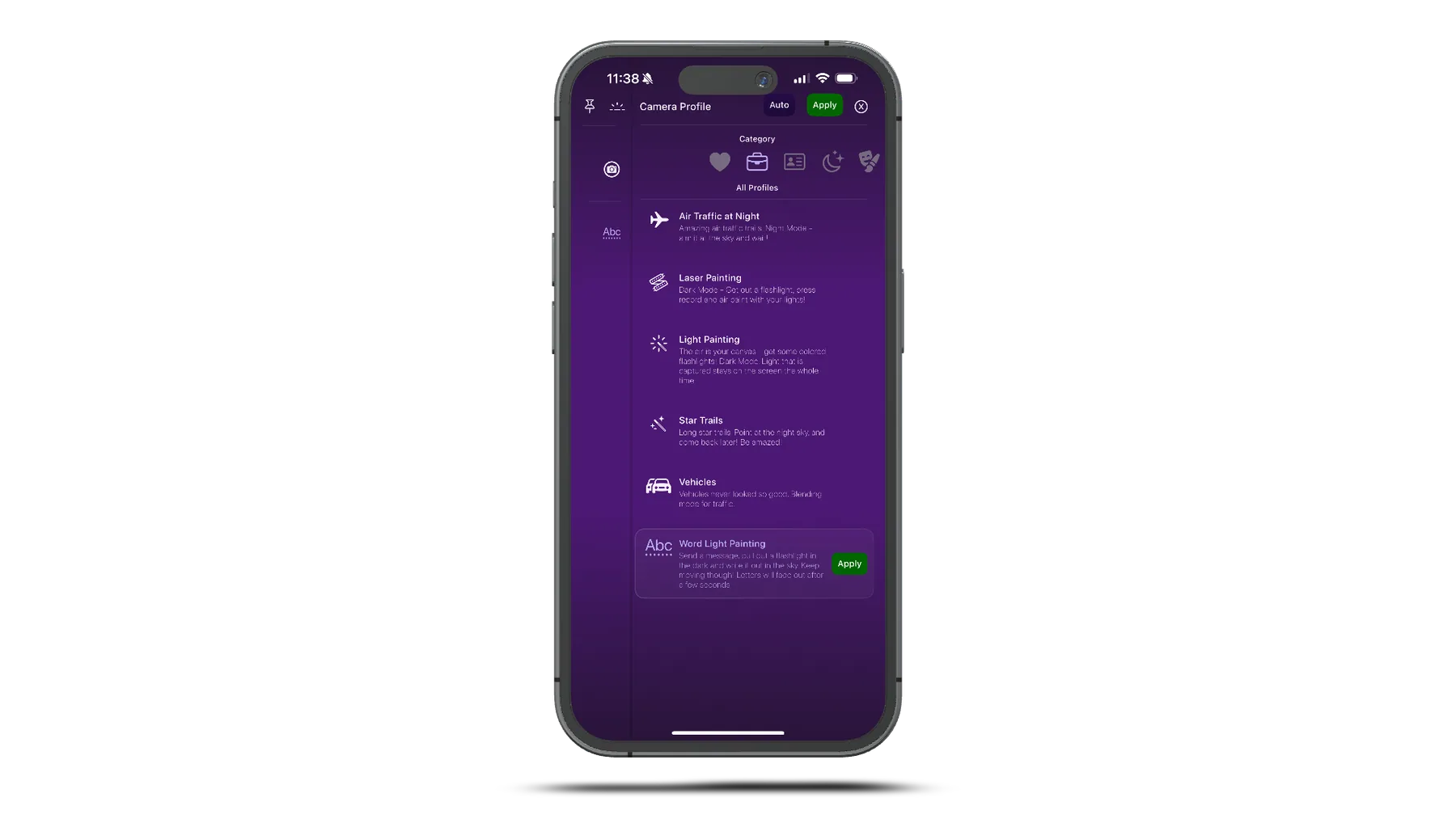
Starting points for words, vehicles, star trails, lasers, air traffic, and free-form light art.
See the painting build while it happens instead of waiting until the exposure is over.
Large, readable controls and fast switching built for dark locations and cold hands.
The core promise that carried forward into LightPaint 2.0: open the app and make something.
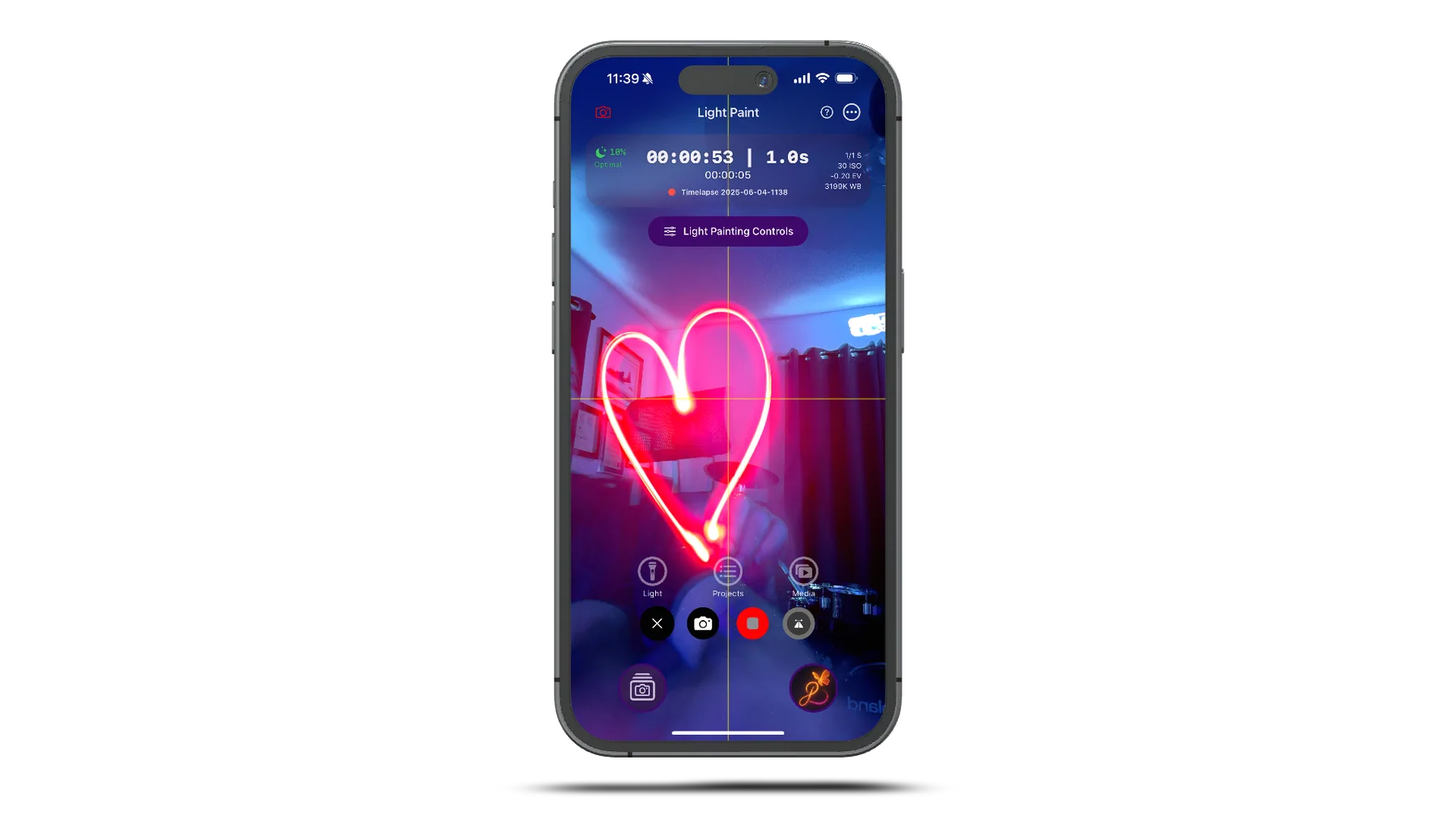
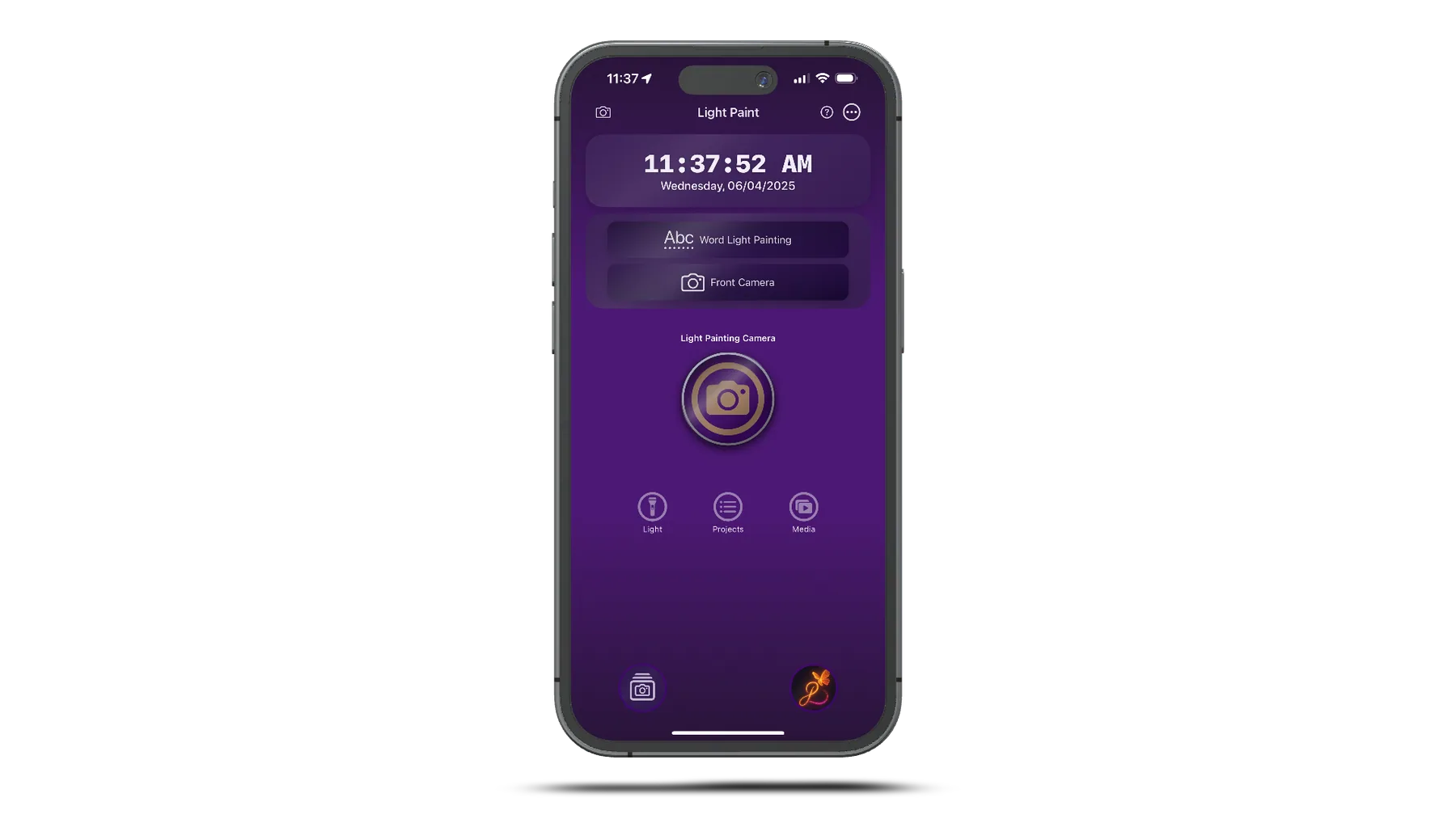
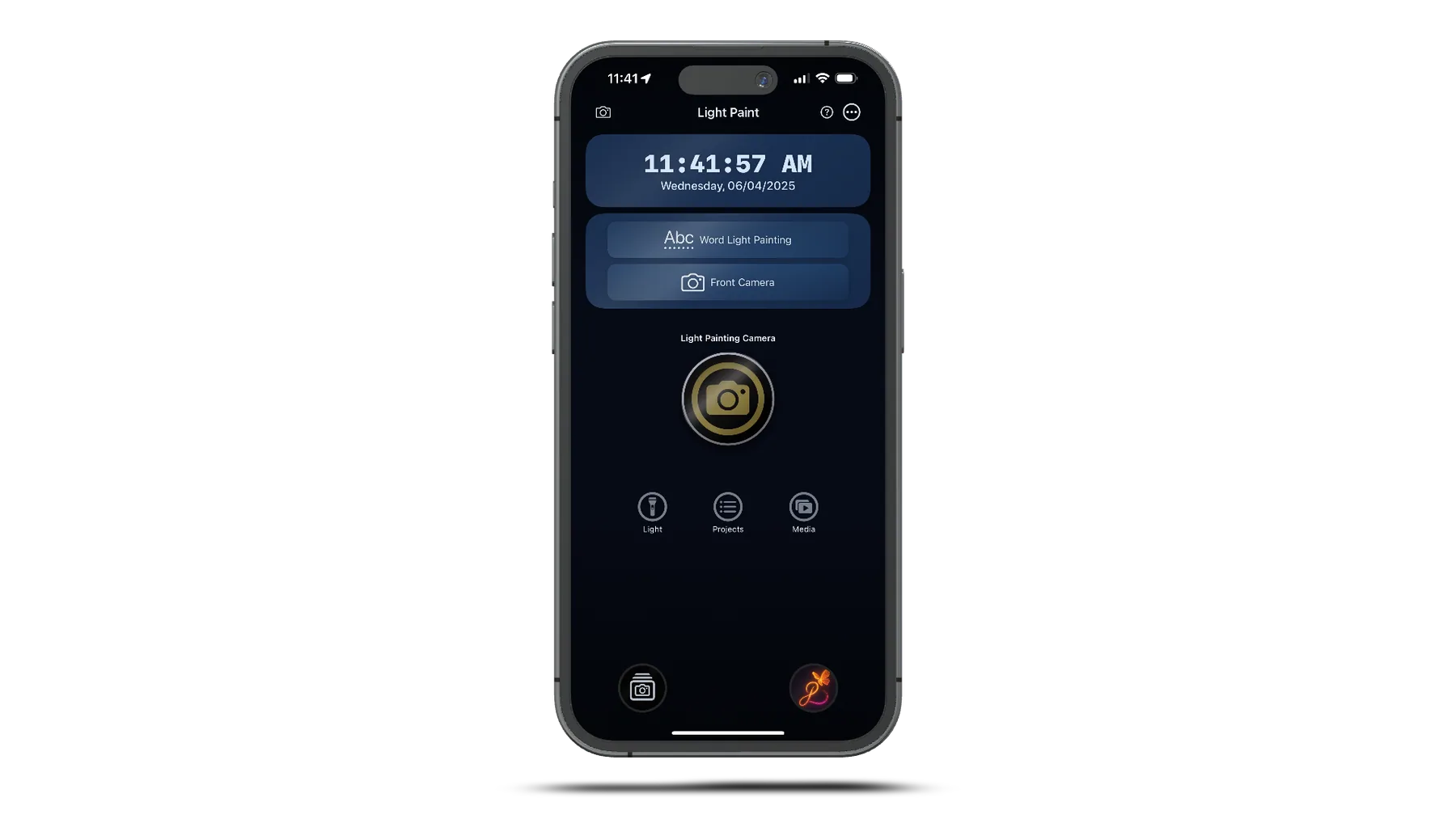
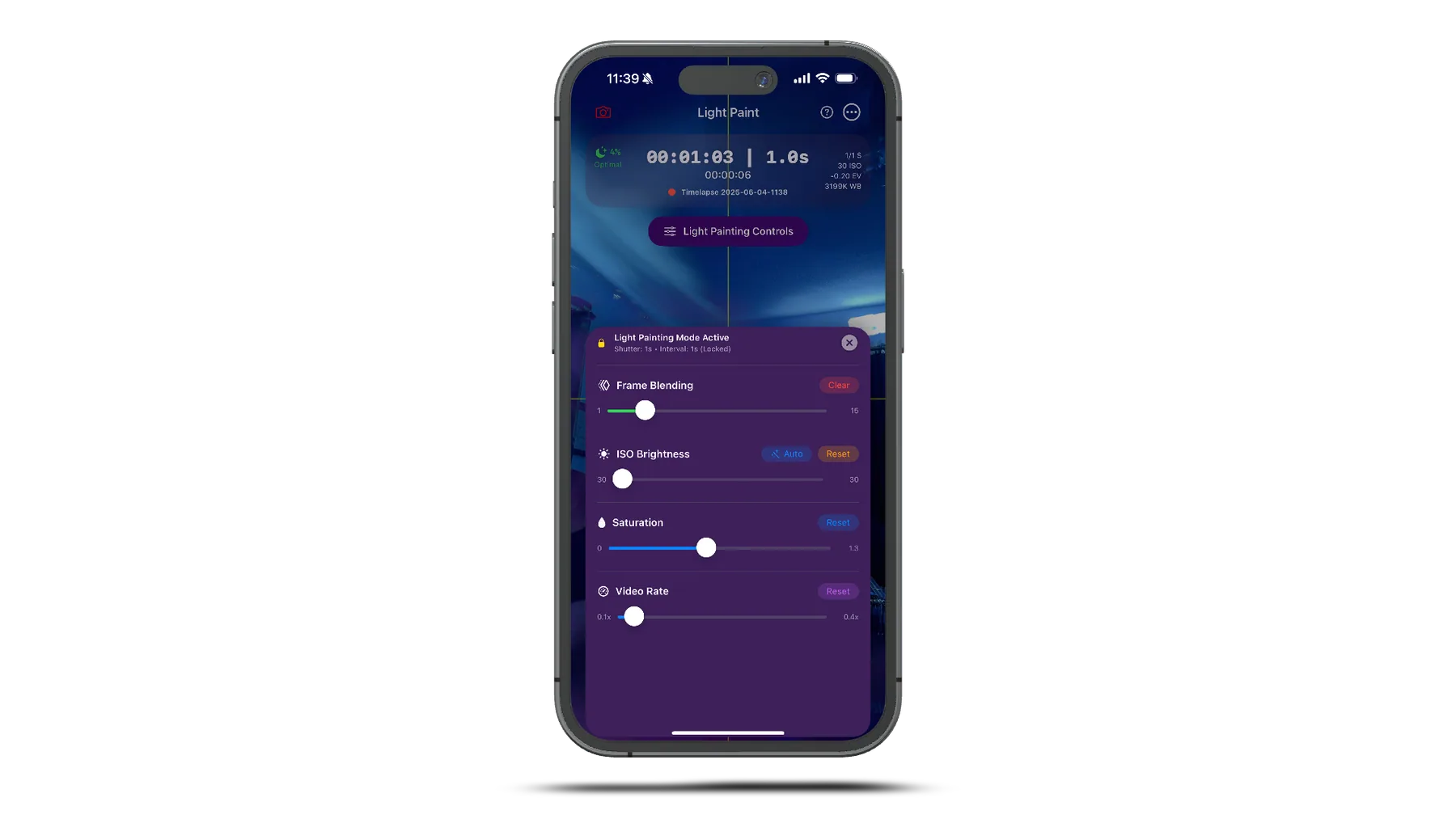
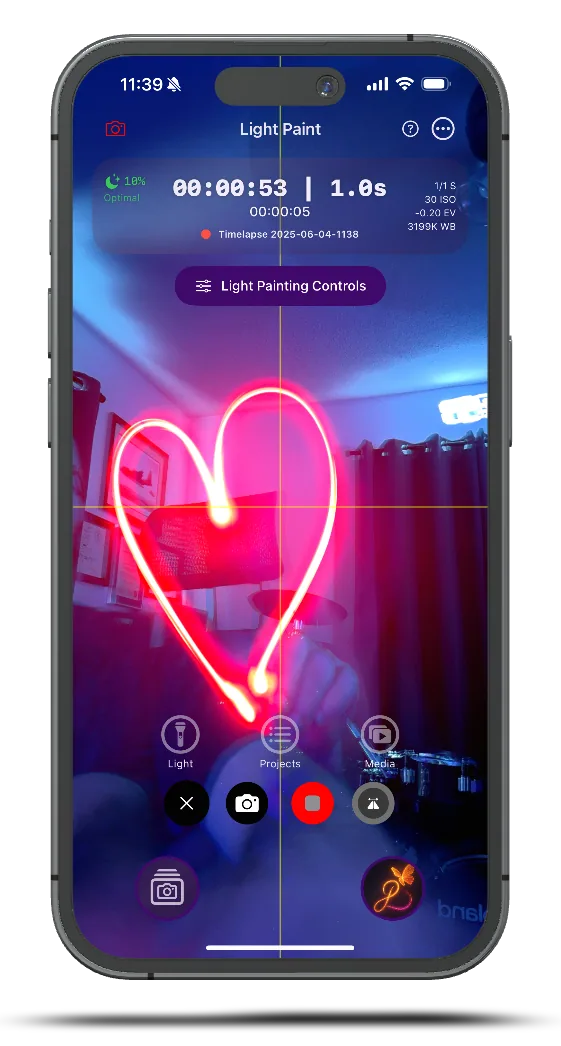
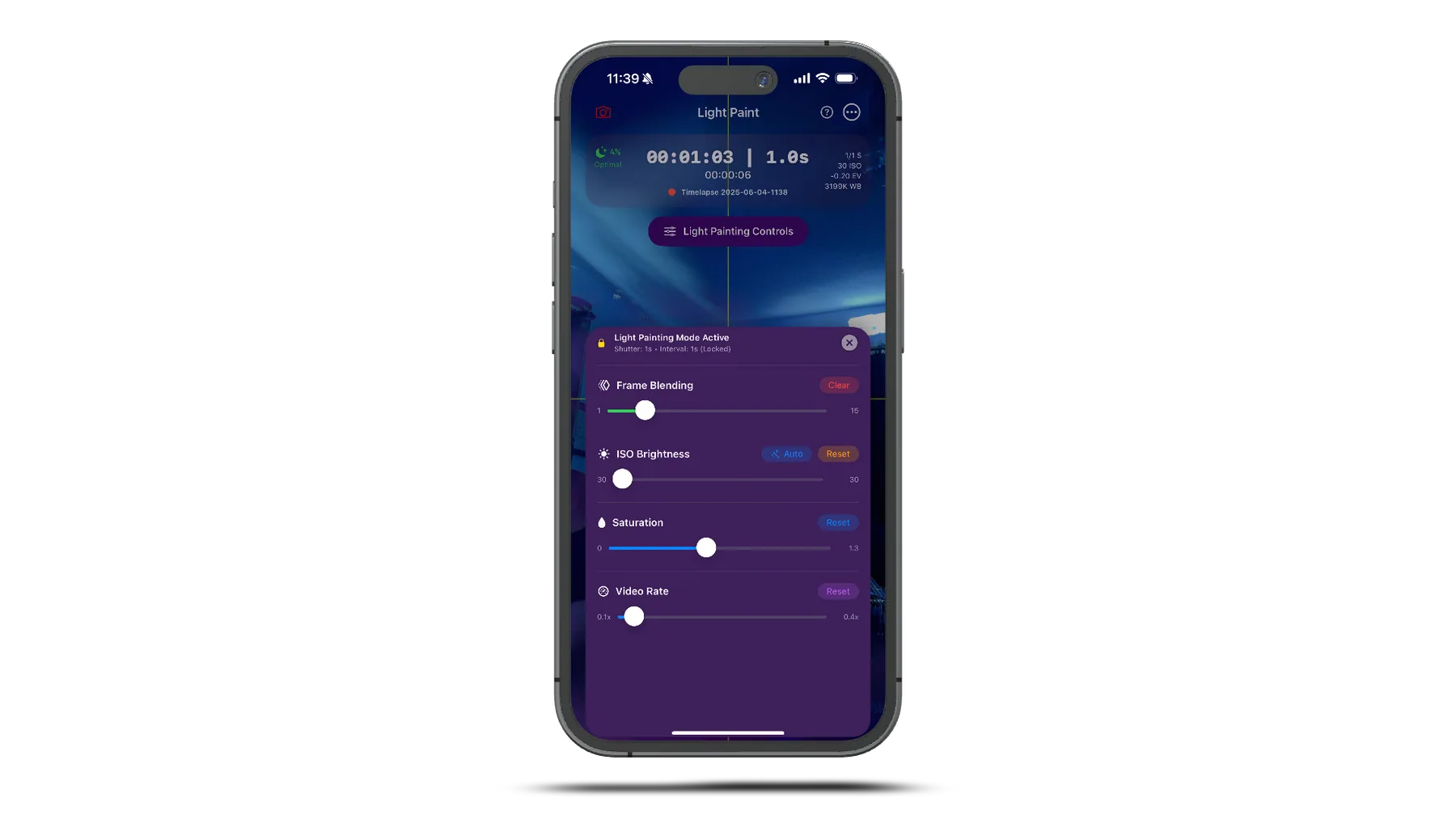
Version 1.0 screenshots
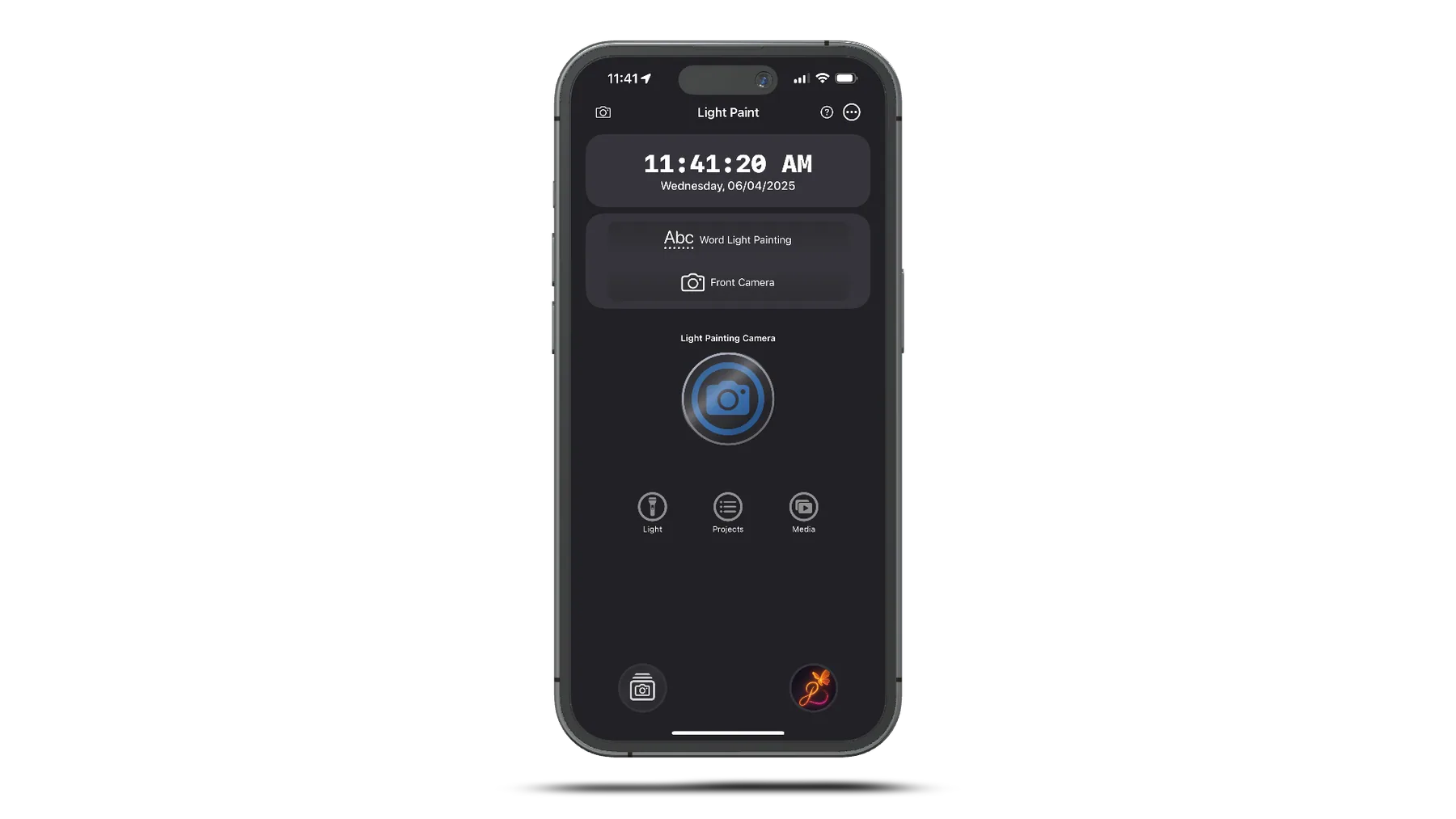
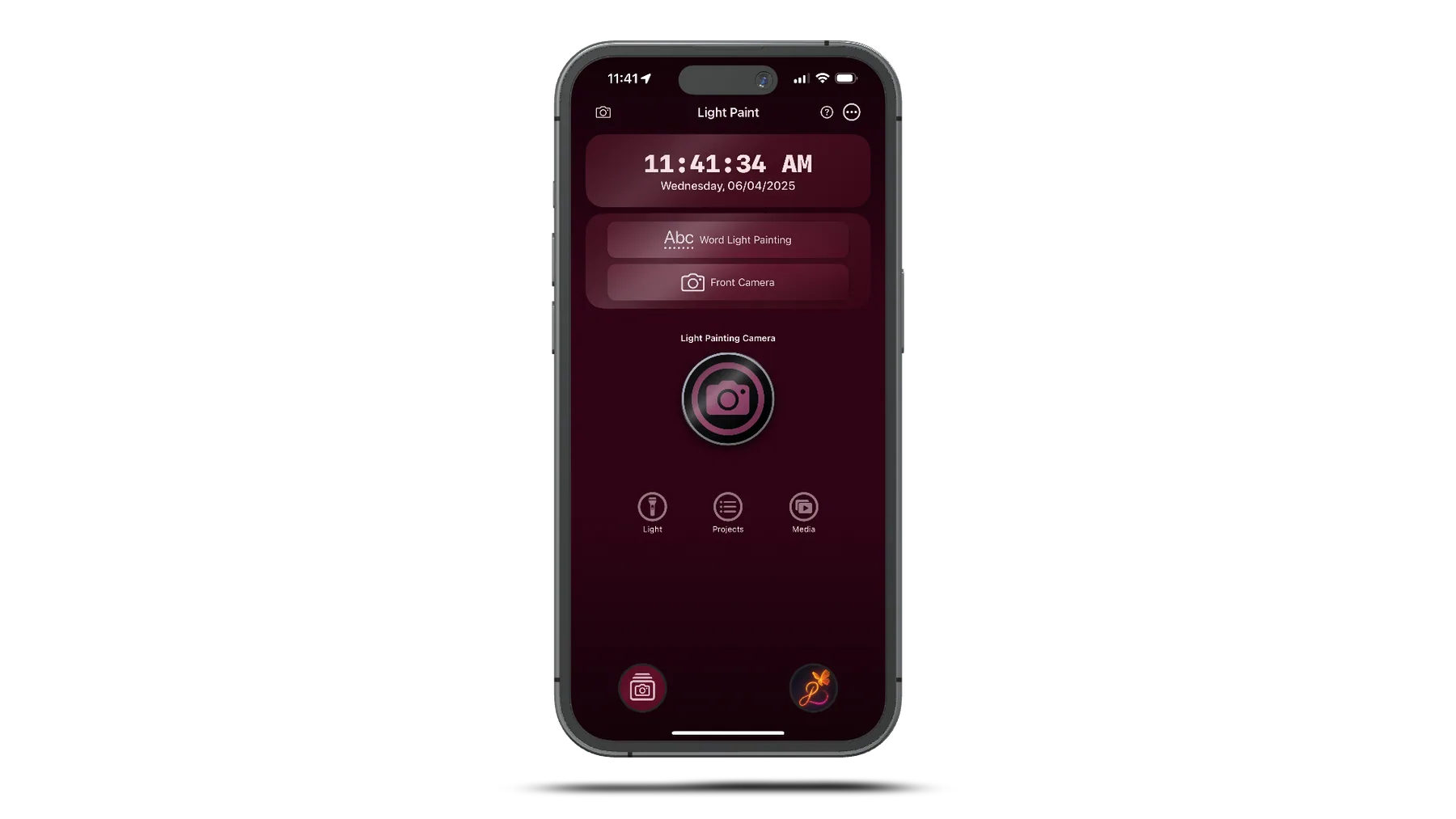
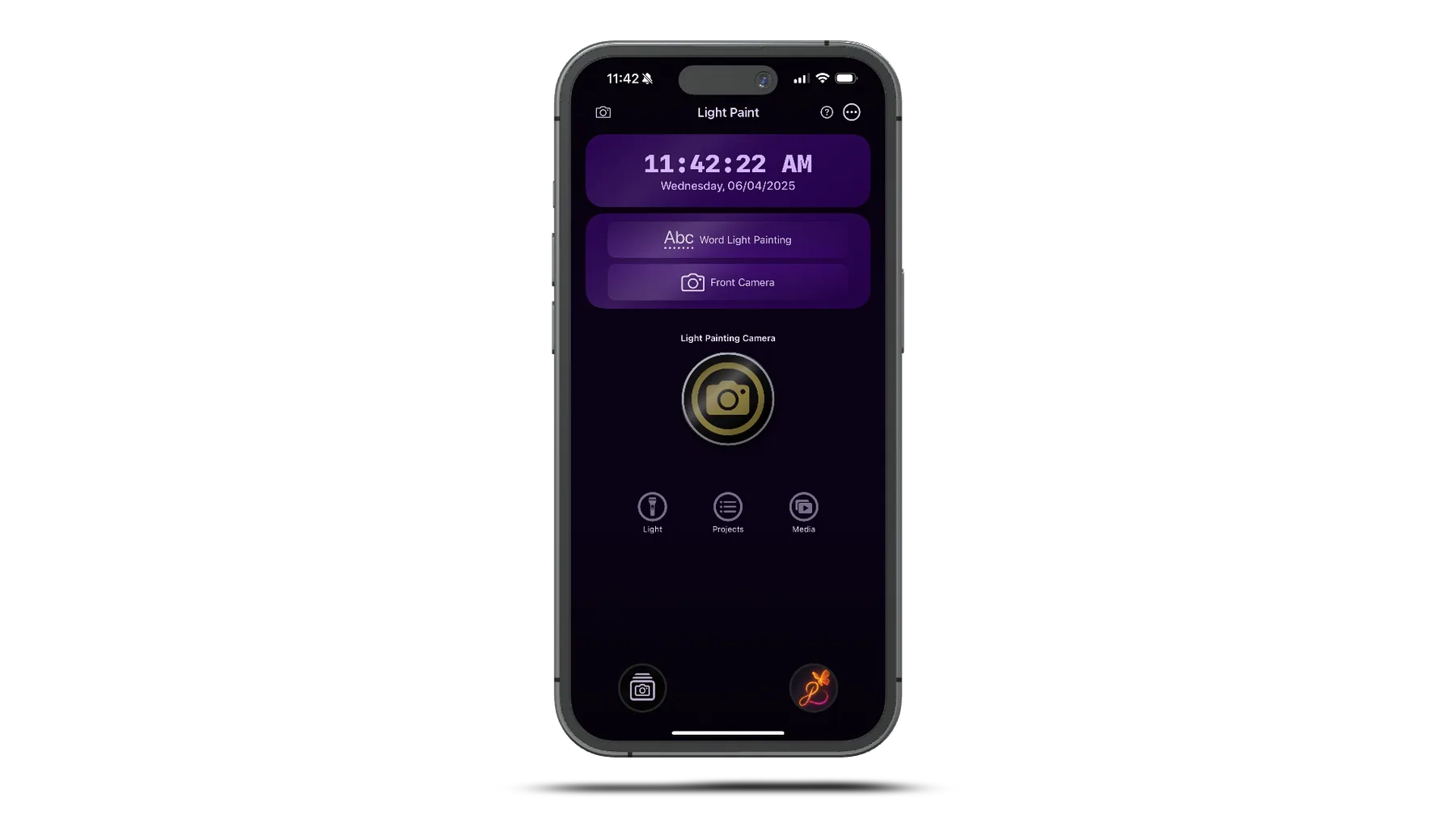
Open any image to inspect the original interface or field result at full resolution.
Open the guide library, field tools, videos, release notes, and legal documents for version 1.0.