Dual-camera capture
Run the front and back cameras together on supported hardware.
ShutterSpeed Apps presents
Make the dark your canvas.
LightPaint 2.0 is on the App Store now. Open the camera without an account, watch every trail appear live, and grow from a first light painting into a complete creative workflow.
One app. Any scale.
Let children discover what light can draw. Build something fearless in the street. Then take the same live camera system into a full production. LightPaint grows with the idea.
Same app · same camera · more room
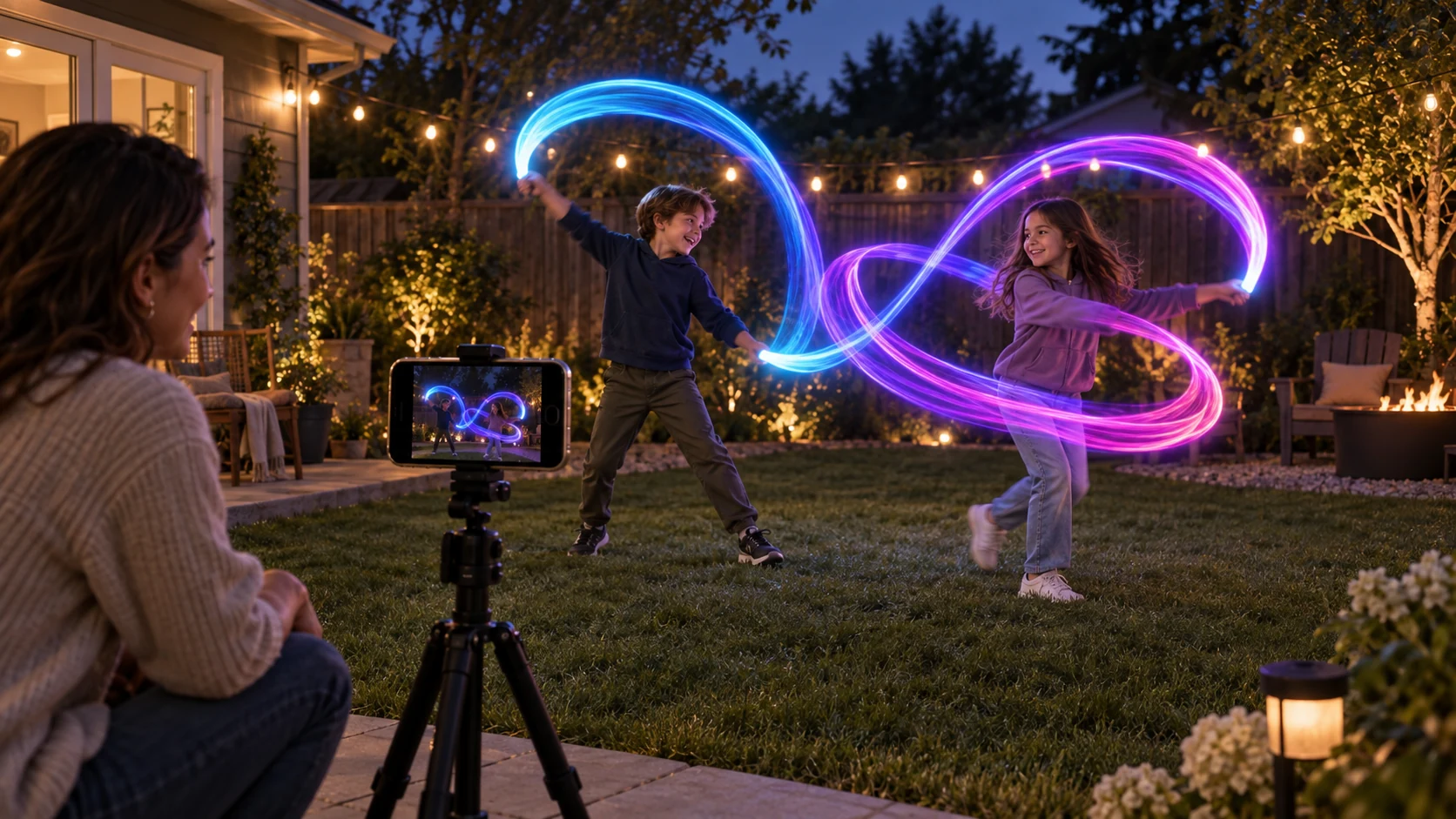
A phone, a tripod, and something that makes light.
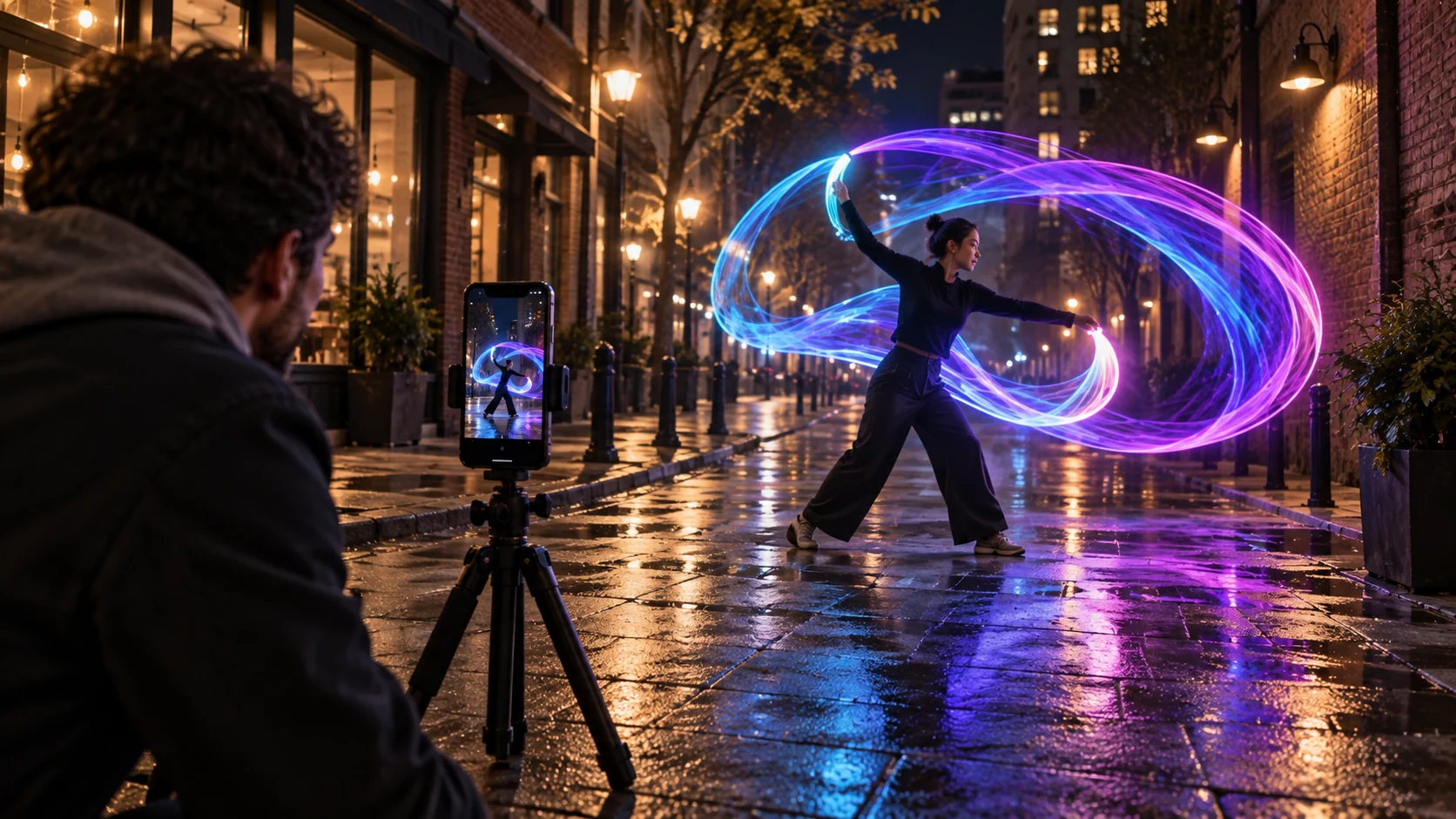
The same live camera becomes a bigger canvas.
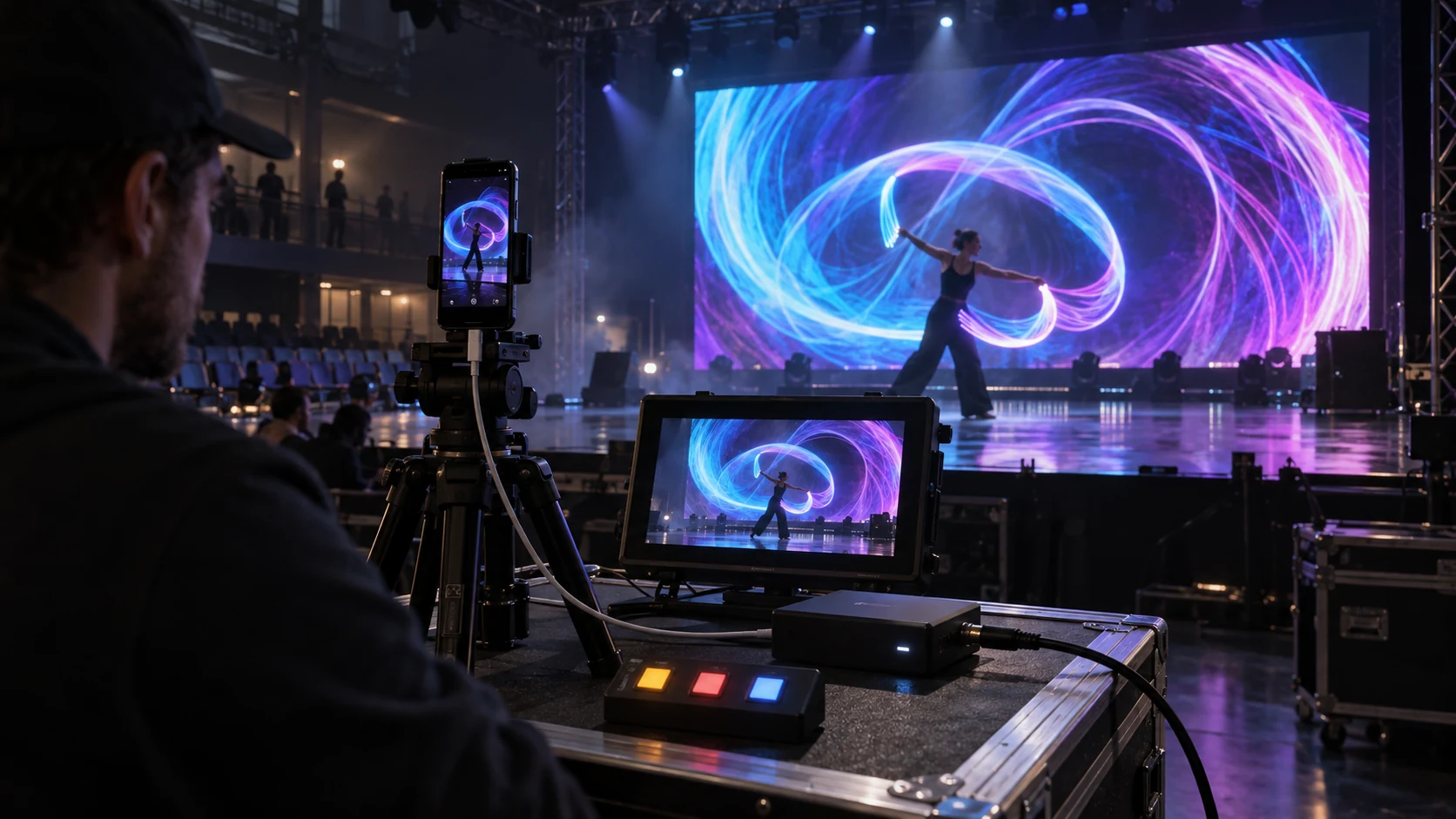
One camera feeding the performer, operator monitor, show controls, and full LED wall.
Shoot Simulator · Play With the Possibilities
A light, a little motion, and the night as your canvas. Watch words and shapes build up in one glowing exposure.
A Road. A Night Sky. A Shot Waiting to Happen.
Words, the shoot date, a heart, and a star. Rewind and press the red button to watch the light draw.
Place Search: Open-Meteo / GeoNames. Custom coordinates use local mean solar time.
Creative ridge. Model this location to load its geographic skyline.
Drag or Use Arrow Keys to Aim · Double-Tap to Reframe · Pinch or +/− to Zoom · Click the View to Use Scroll Zoom
Sunlight follows your location and date. Star motion follows latitude and time. Weather, traffic, aircraft, and foreground use your scene settings.
Local Time: America/New_York, including daylight saving time.
Terrain: Creative scenery. Choose Model This Location to load a geographic skyline.
Solar Calculation: NOAA · Keep the same seed to replay your scene.
Make the scene yours. Choose a location, set the weather, and see what the light can do.
Plan a Real ShootAvailable now
These are the screens in the app today: capture, profiles, scene guidance, editing, and the finished image.
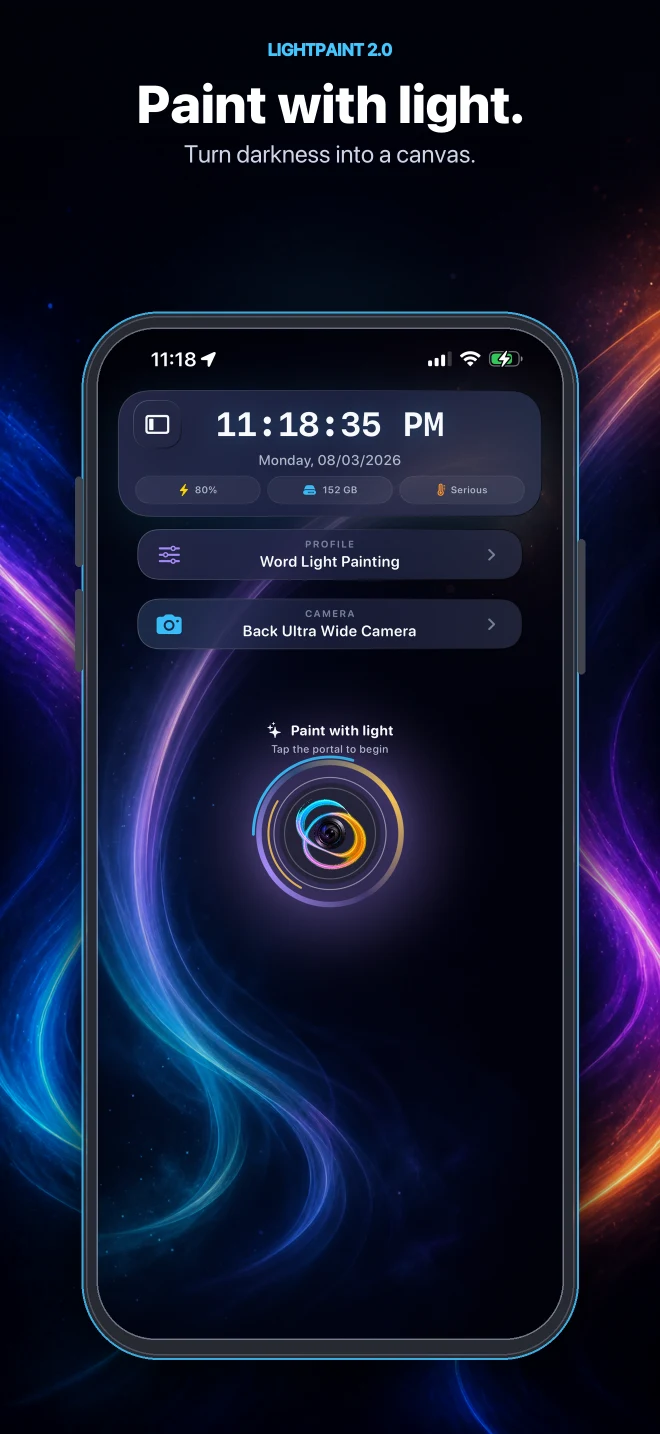
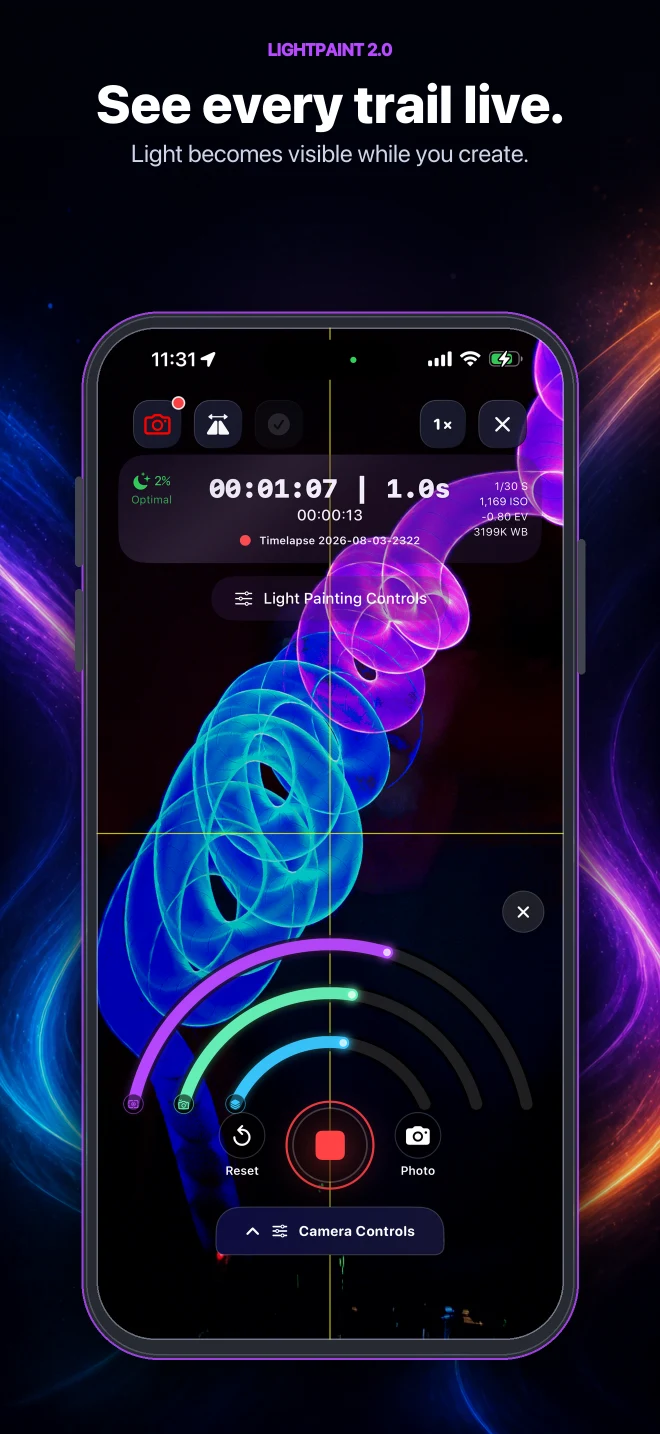
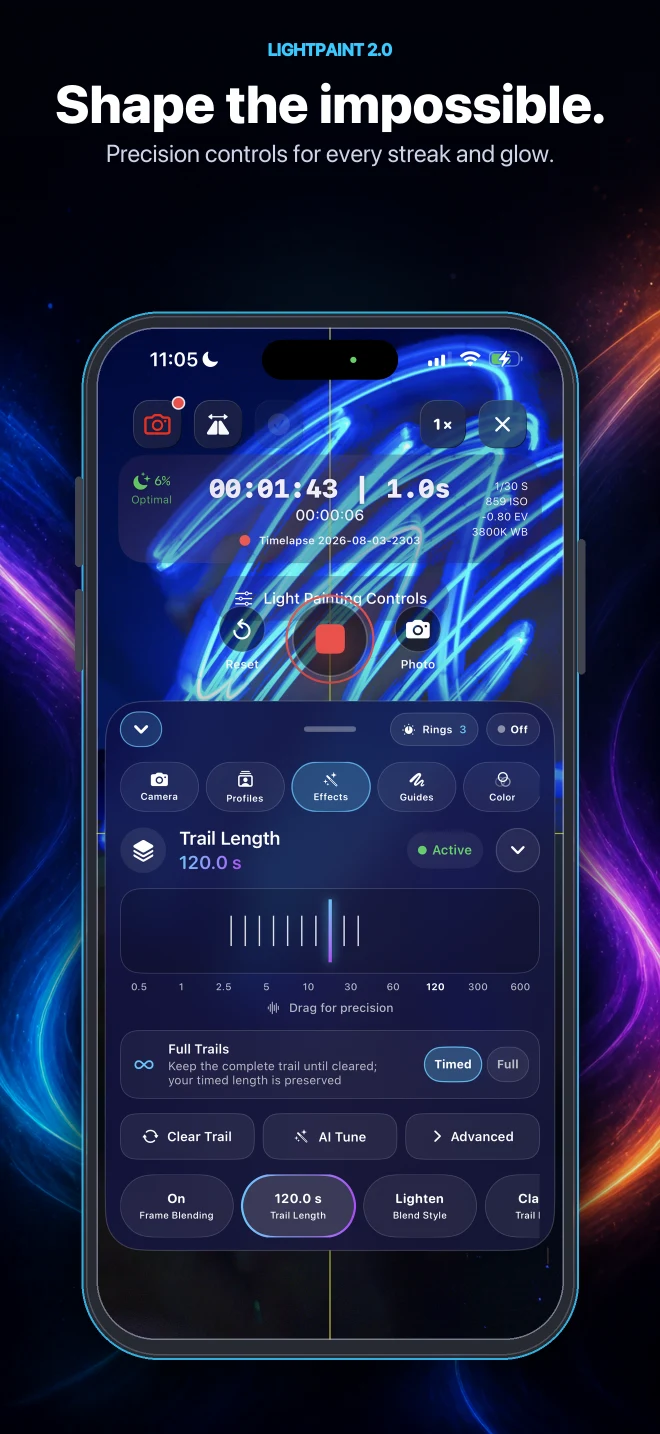
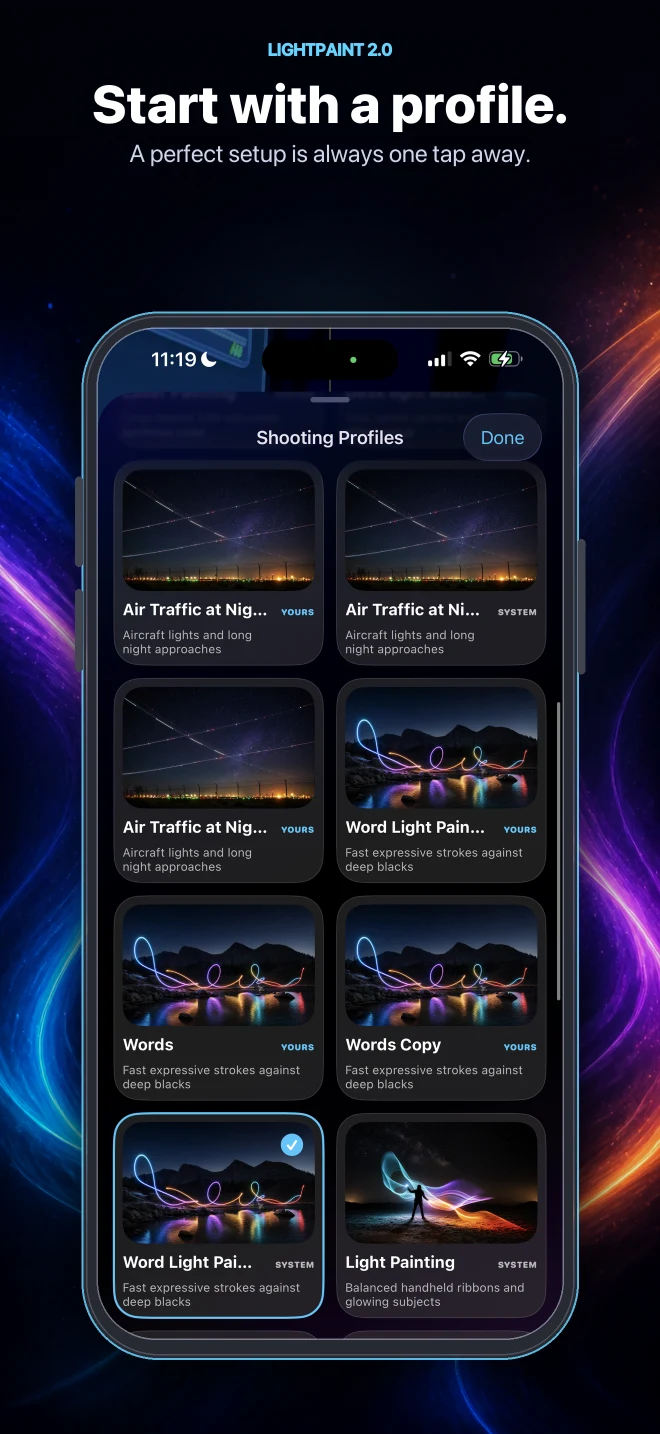
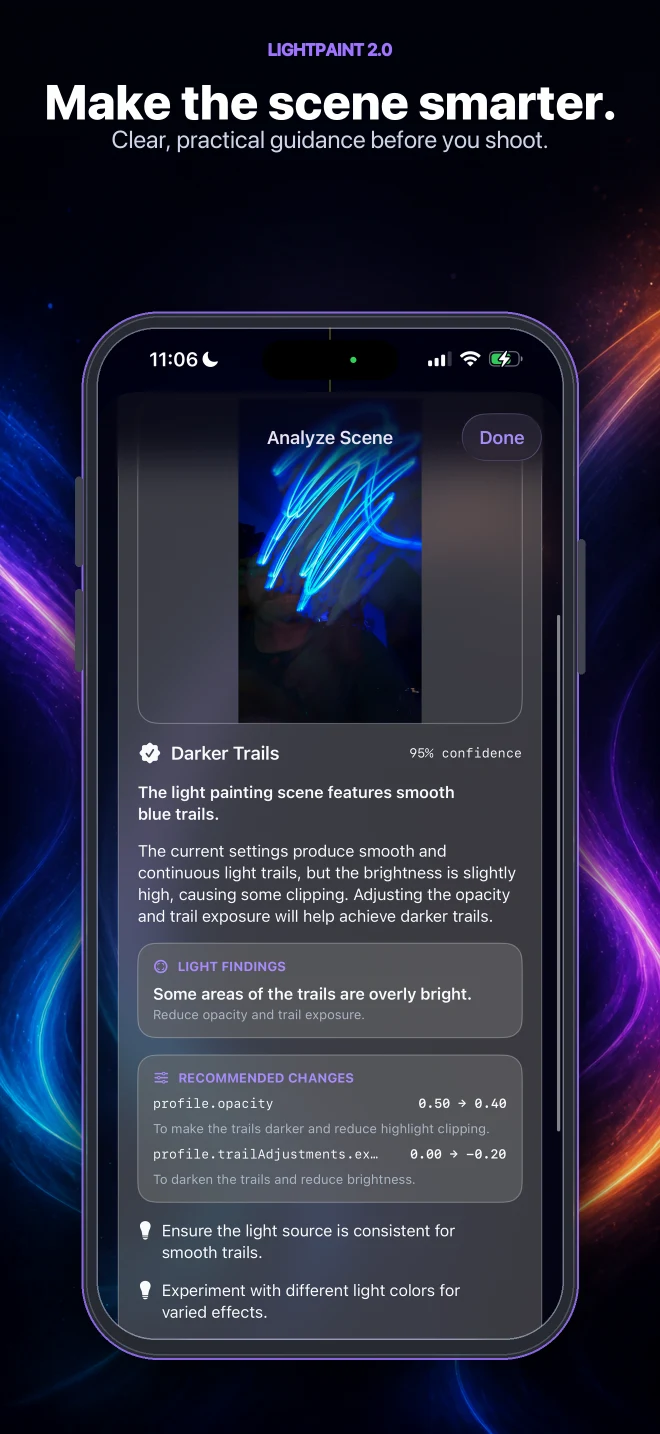
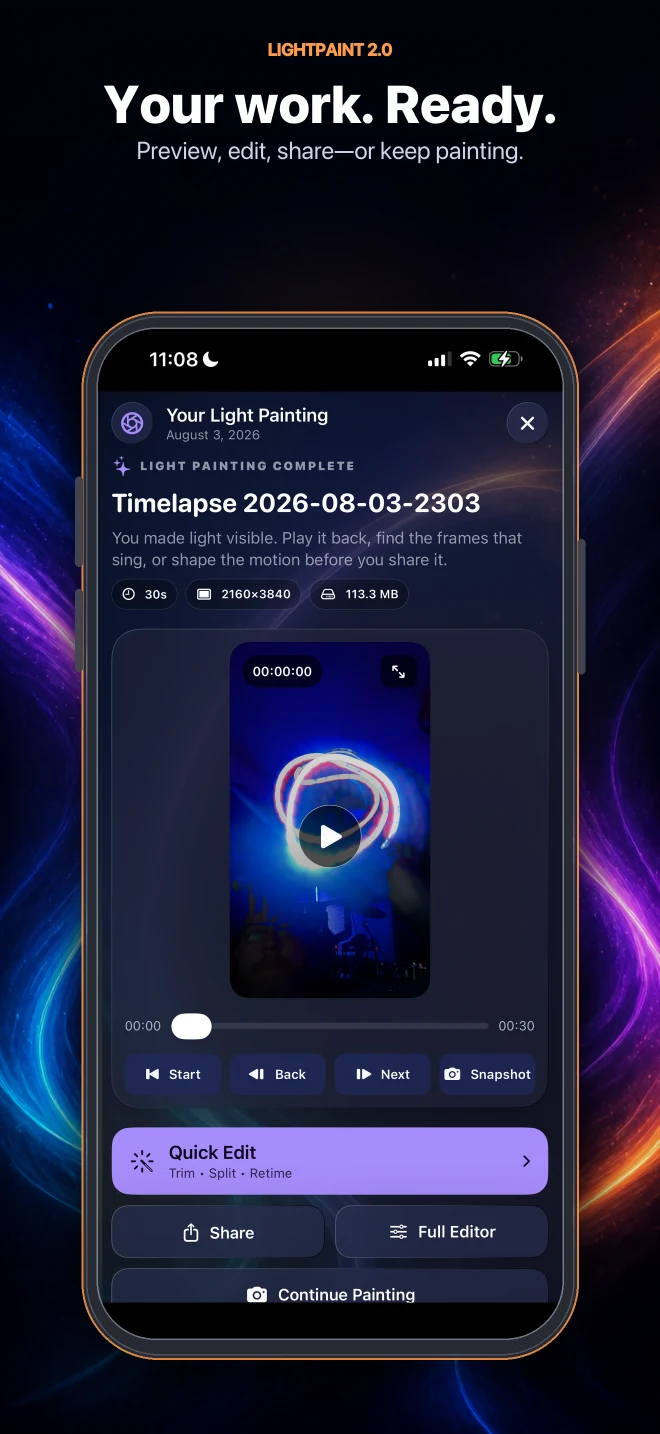
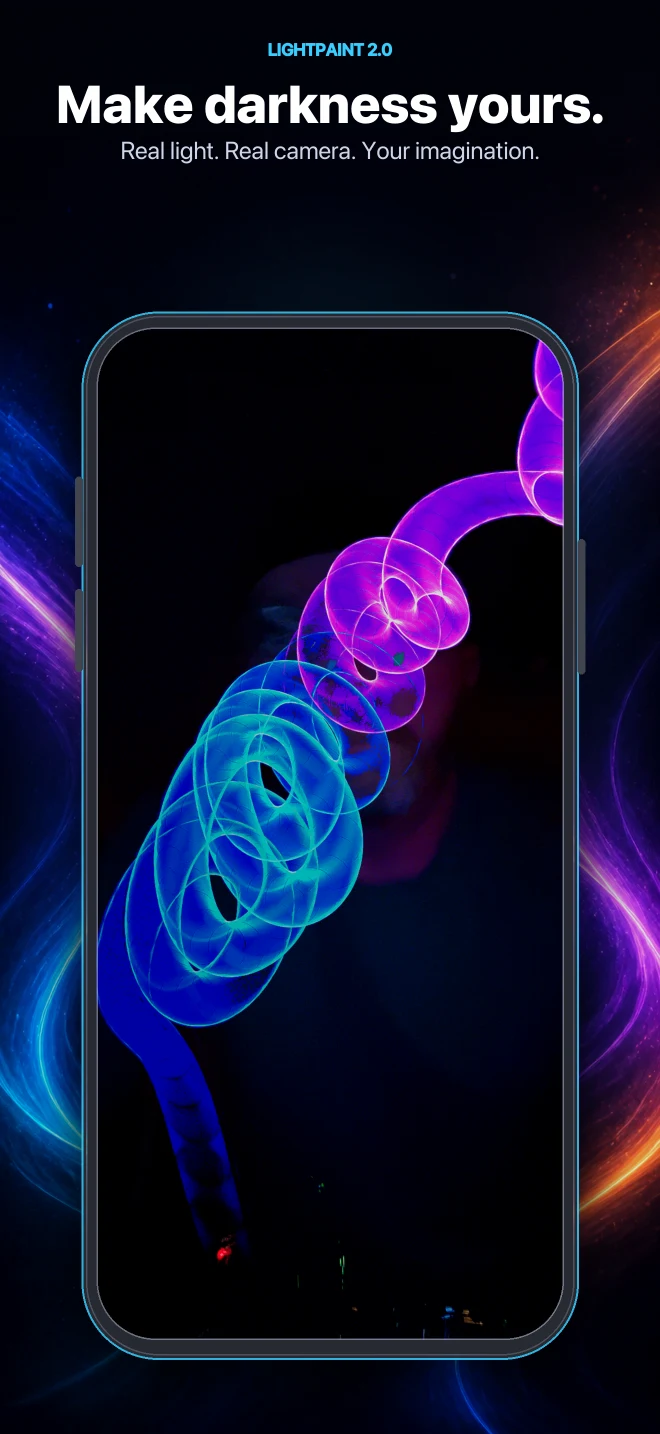
Capture, control, and export
The current app includes camera profiles, Apple Watch control, scene analysis, music, editing, export, and a moderated community.
Run the front and back cameras together on supported hardware.
Control the camera from your wrist without disturbing the shot.
Get a camera profile tuned to the scene in front of you.
An in-house SoulBox catalog you can safely use in exported videos.
Every shared photo and video is reviewed before publication.
Guides, help, and legal content are native, cached, and available offline.
 Pro feature
LightPaint external storage
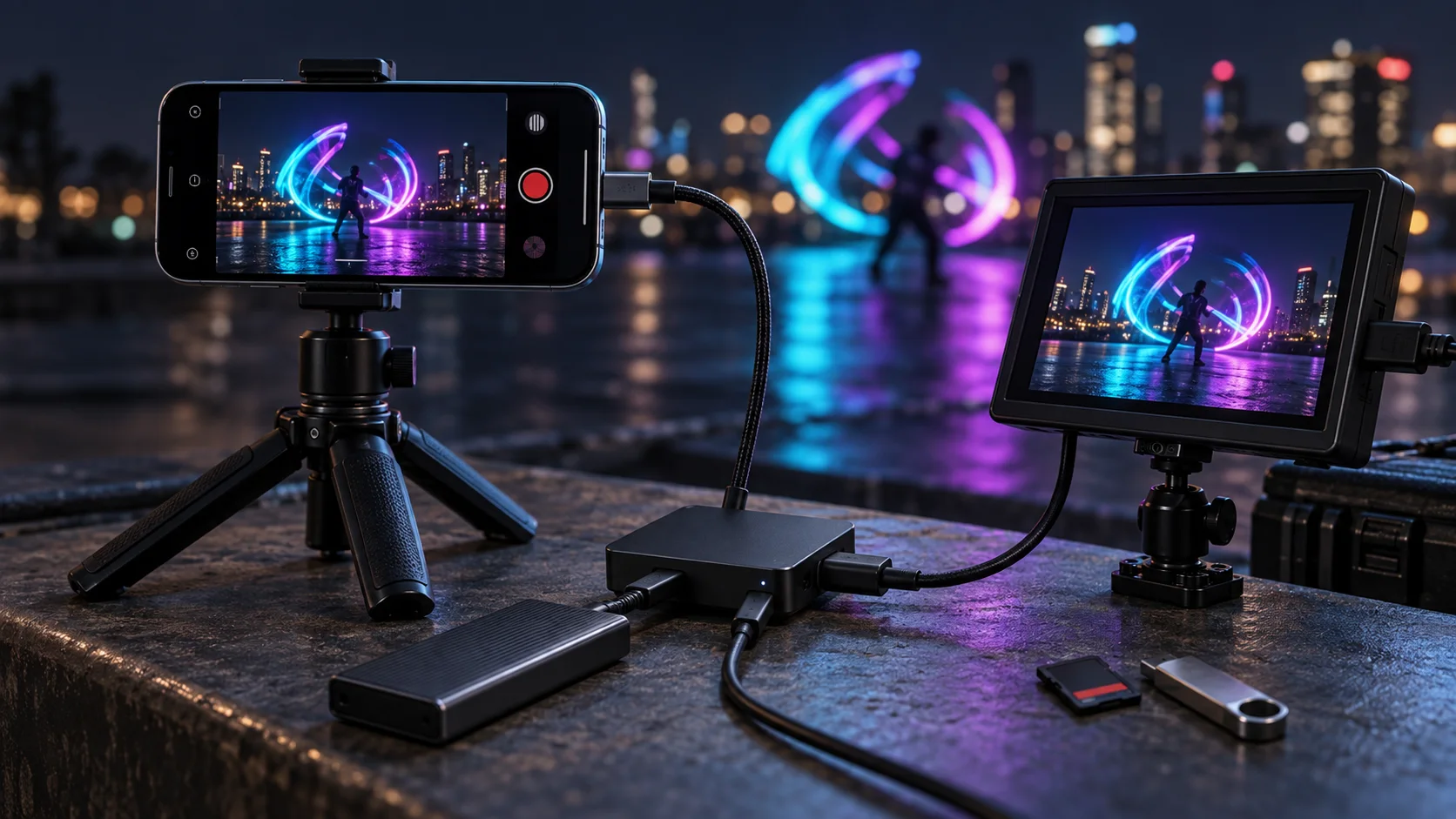
LightPaint Pro can write media to compatible USB drives, memory cards, SSDs, and hard drives. Add a USB-C PD powered hub to keep external storage and HDMI output running together.
Feature guides
Learning, camera, music, media, editing, and display—each guide covers the actual controls, workflow, limits, and output options.
Learning Studio
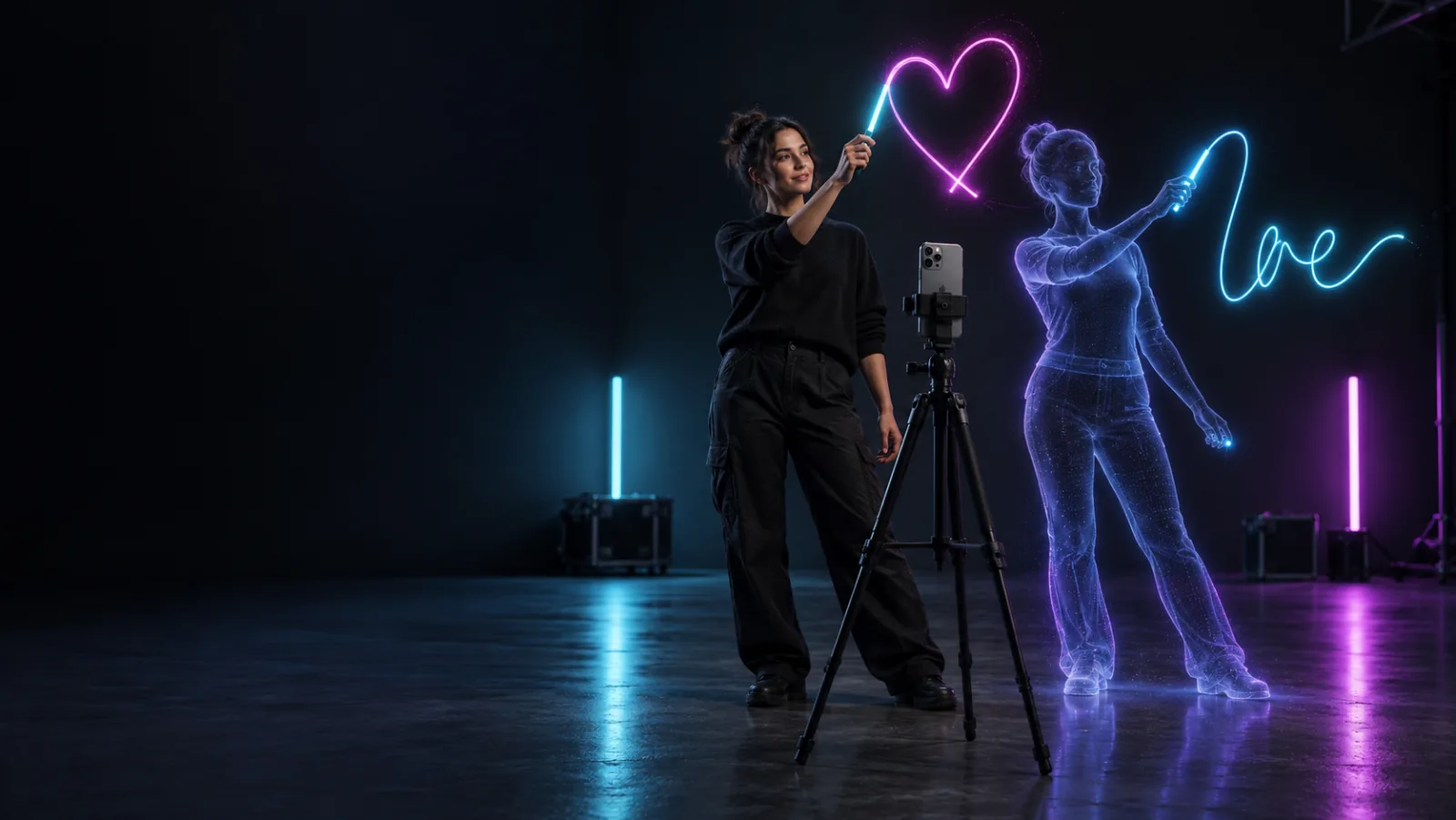
Learn light painting with an interactive 3D guide, real-scene lighting, guided shapes, custom words, motion capture, and camera-ready profiles.
Camera & Auto Tune
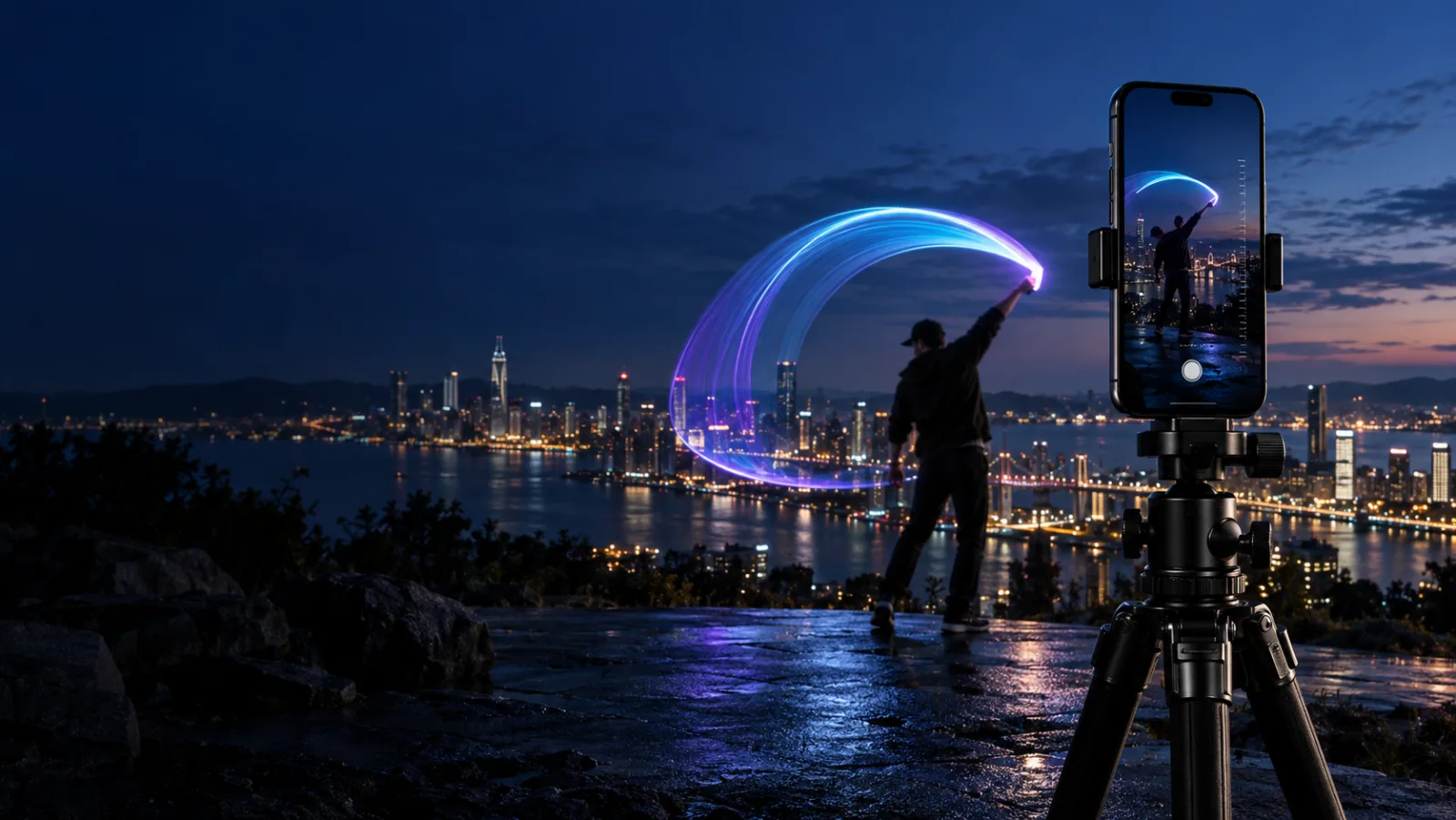
Master LightPaint Auto Tune, manual shutter and ISO, digital EV, Frame Blender, trail controls, and reusable light painting camera profiles.
Music
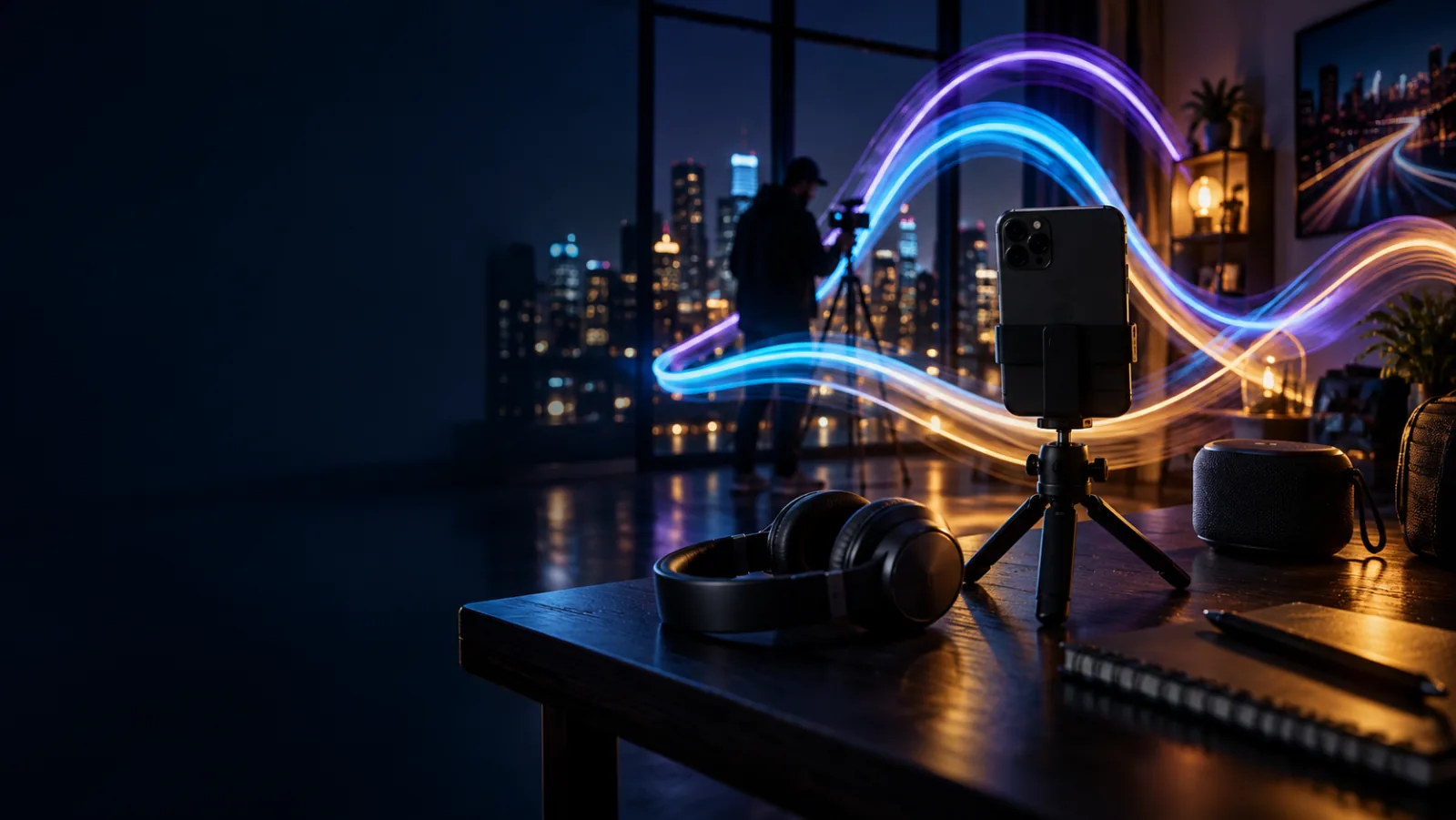
Explore LightPaint’s growing royalty-free music catalog, in-camera playback, playlists, lyrics, visualizers, favorites, and Apple Music listening.
External Storage
LightPaint Pro writes media to compatible USB-C drives, memory cards, SSDs, and hard drives, with simultaneous storage and HDMI through a powered hub.
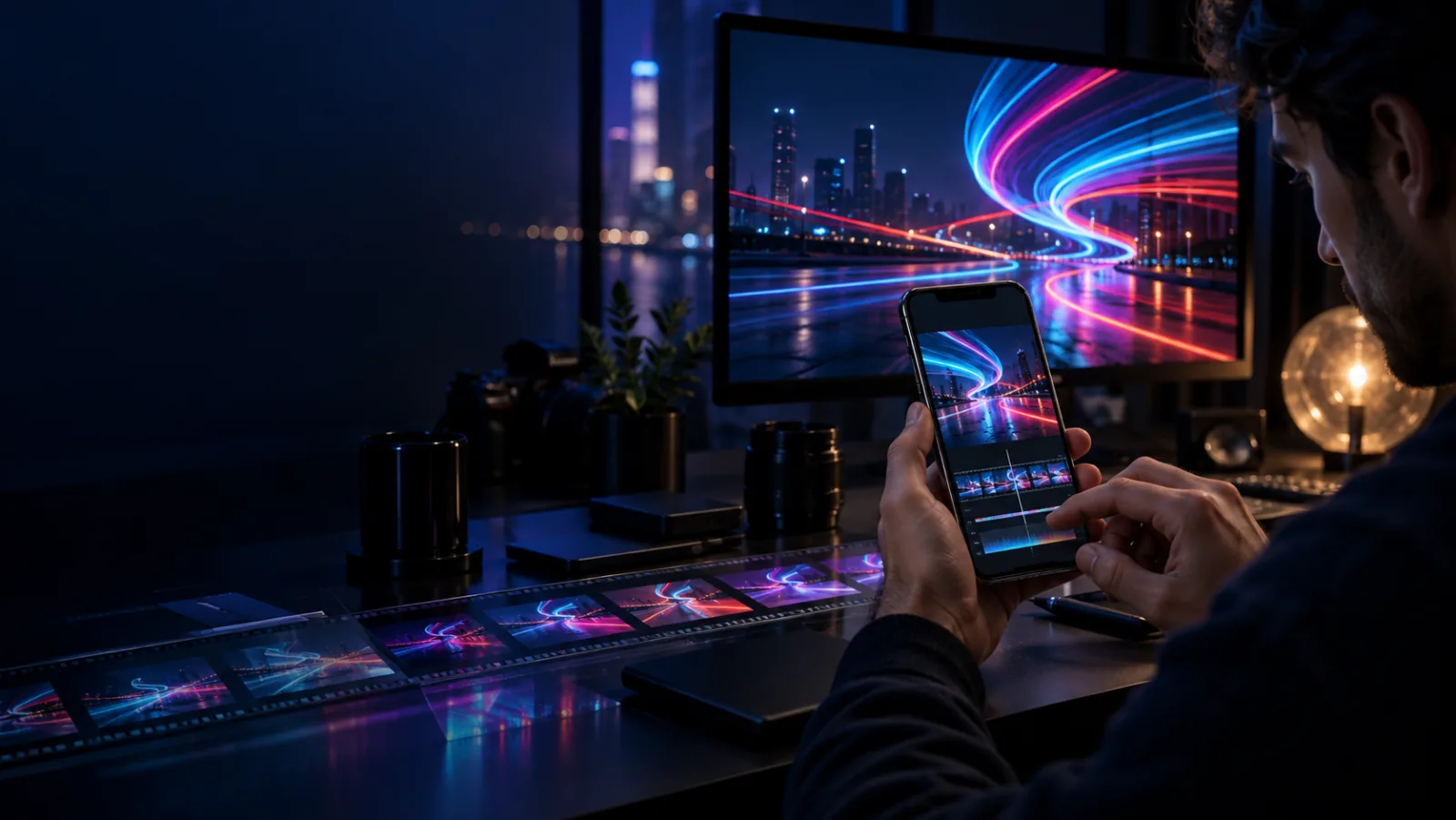
Video Editor
Edit LightPaint videos with a layered timeline, trim and speed tools, titles, color, LUTs, transitions, cleared music, and flexible 4K export.
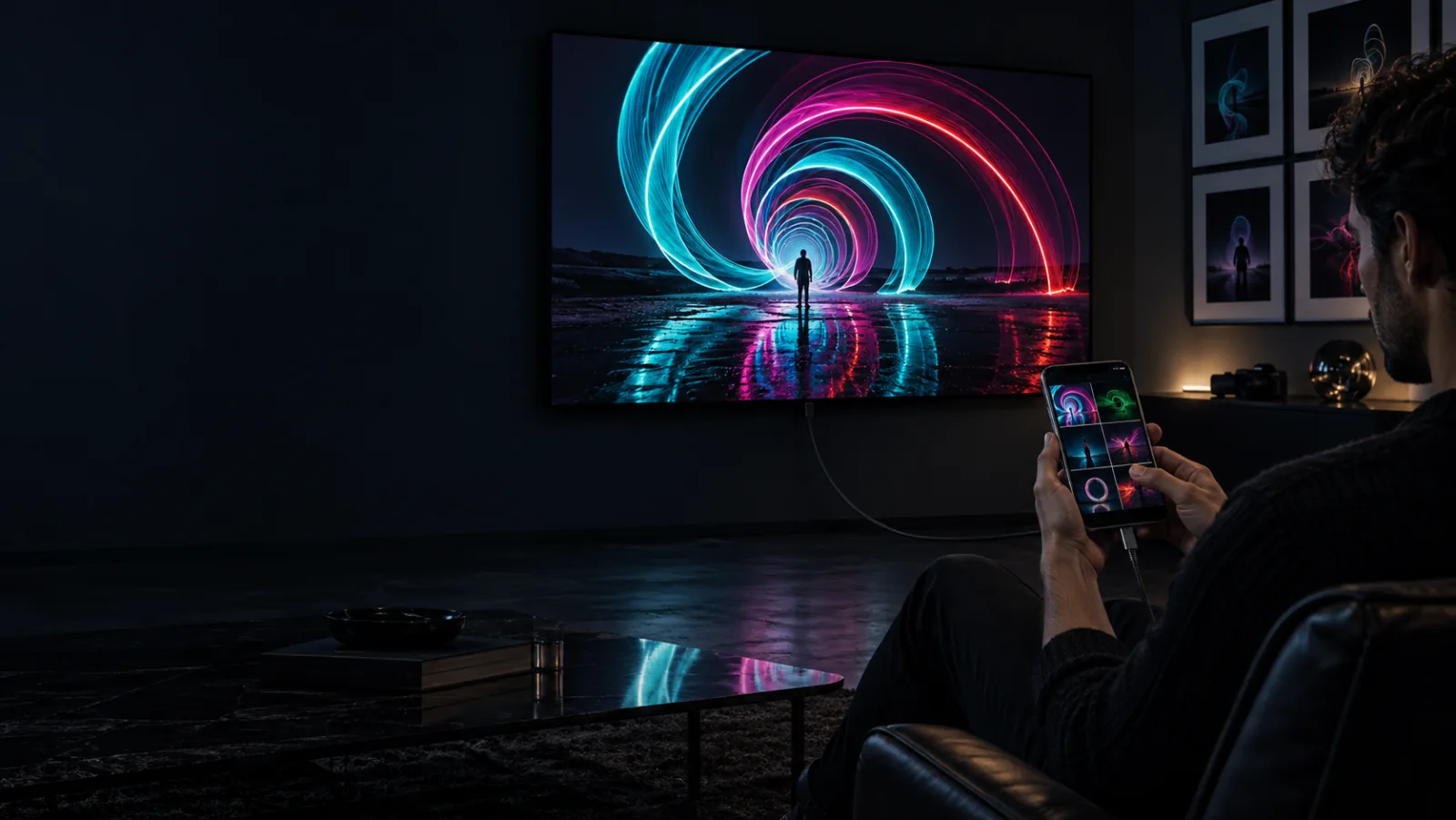
Media Gallery
Explore the LightPaint media gallery with albums, projects, favorites, bookmarks, video frame grabs, automatic Moment movies, and HDMI display.
From field monitor to full production
Connect LightPaint to a field monitor, projector, capture card, television, or LED wall. The cable carries the finished camera picture—not a mirror of the controls on your phone.
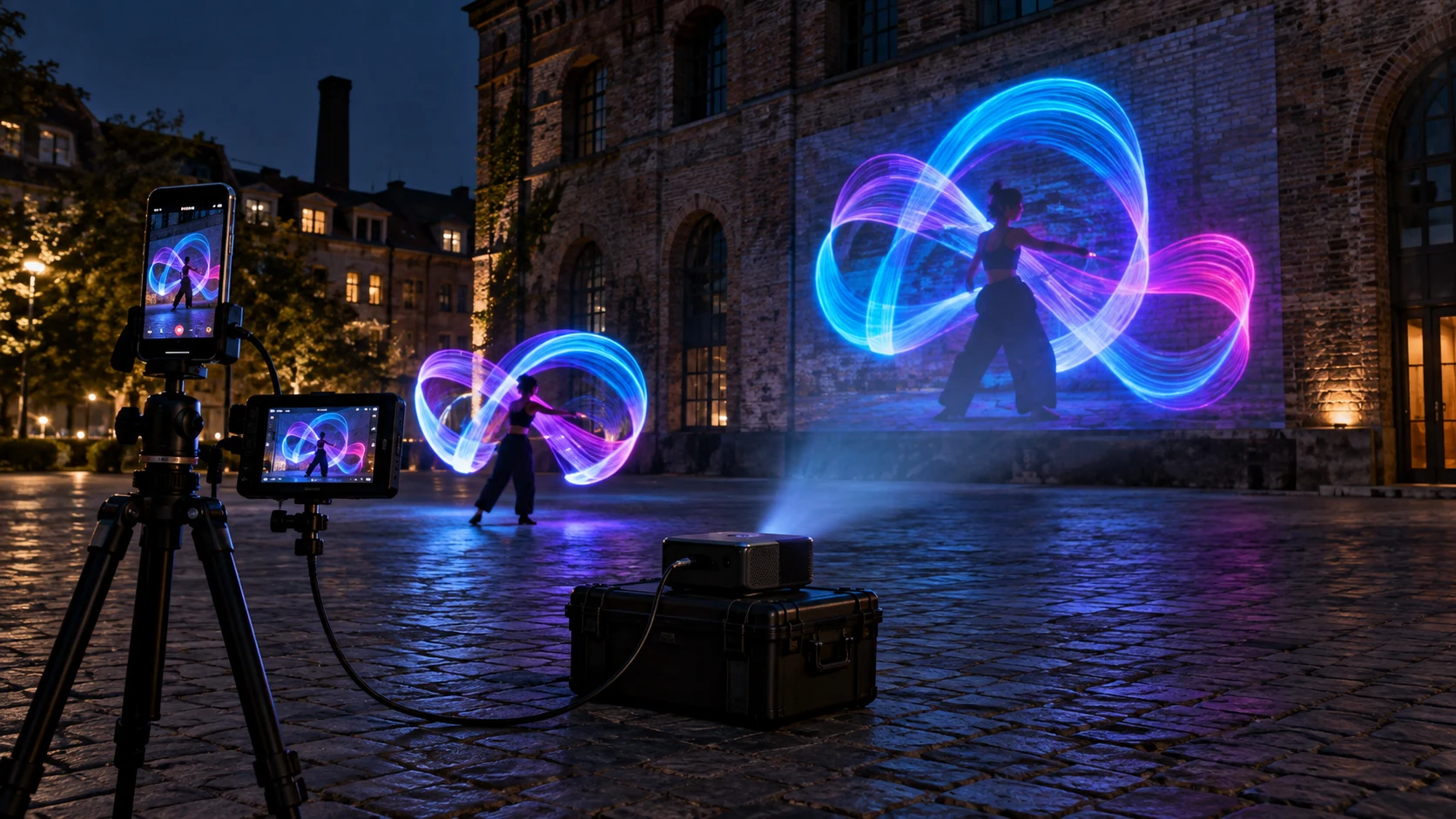
See the portable setup, field-monitor presets, projection workflow, and exactly what Free and Pro include.
Free output · Pro clean outputShow Mode, blackout, freeze, alignment tools, your logo, every Pro feature, and commercial display rights.
One annual license · everything includedThe original promise remains
Every camera feature that shipped in 1.0 remains free in 2.0. The new Pro tier covers genuinely new capabilities—clean native-resolution export, custom engine tuning, dual-camera capture, Watch control, cross-device sync, and community publishing. Production Display sits above Pro for people running the external output in paid work.
View the 1.0 archive