Frequently Asked Questions
The questions support answers most often.
Field note 01
Getting started
What is LightPaint? A long-exposure camera for iPhone. It captures light trails as you draw them, records timelapses, and takes single frames, with the result building up live on screen while you work.
How is it different from TimeLapsed? Both are ours. LightPaint is built around light painting and long exposure — the trail engine, the blend modes and the light-painting profiles are the centre of the app. TimeLapsed is built around timelapse capture and its rendering workflow. They share a lot of camera code and a music library, and many people use both.
Do I need to know photography? No. Pick a profile and it sets ISO, shutter, white balance and trail behaviour for you, and each control has an Auto button. The manual controls are there when you want them, not in the way when you do not.
Field note 02
Features and usage
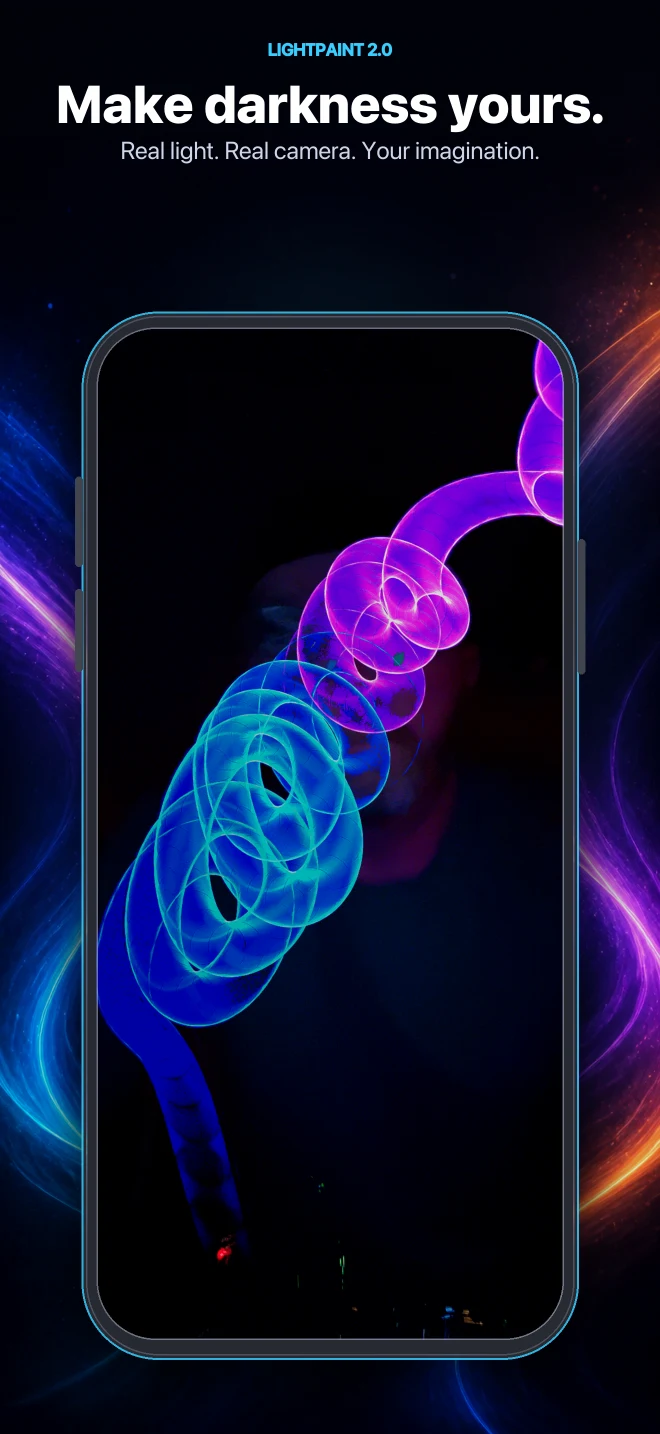
What is light painting? Photography where the exposure stays open long enough for a moving light to draw into the frame. Instead of freezing a moment, you record everything that happened during it — so a torch waved in the dark becomes a line, and a spinning light becomes a circle.
What equipment do I need? An iPhone, a light, and something to keep the phone still. Your phone's own torch and a stack of books will get you a real light painting tonight. Coloured torches, LED wands, RGB strips and a tripod are the natural next purchases.
How do timelapses work? Pick a timelapse profile, frame the shot, lock the phone down and record. The profile sets the interval between frames, and the app shows elapsed time, frame count and the estimated video length while it runs. When you stop, it renders the frames into video and saves it.
Can I share to social media? Yes. Export to your photo library and share from there, or share directly out of the app to Instagram, TikTok, Messages or anywhere else that accepts photos and video. You can also publish to the LightPaint community feed inside the app.
Field note 03
Camera and light painting
Why is the screen white when I open the camera? There is too much light for the settings the profile is using. Light-painting profiles expect near-darkness and a long shutter, so in a lit room they overexpose immediately. Turn the lights off, or lower the ISO and shutter until the preview looks right.
Why does the preview look laggy and soft? Because it is showing you a long exposure. At shutter speeds measured in seconds, each frame takes that long to arrive, so the preview updates slowly and any movement smears — including movement of the phone. That smear is the effect working, not a fault. If you want a crisp, responsive preview, use a shorter shutter.
What is the ambient light warning? The camera measures how bright your surroundings are and warns you when there is too much light for good trails. Under 10% is optimal, up to 30% is fine, and above 50% you should expect a washed-out result.
What is the best environment? As dark as you can find. An unlit room with the curtains shut, or open ground away from street lighting. Darkness does more for a light painting than any setting in the app.
Which camera should I use? The main wide camera by default. Ultra wide gives you more room for large movements and lets you work closer to the phone. Telephoto is the least useful here — it needs more light than the others and narrows the space you have to paint in.
What light sources work best? Small, directional and controllable. LED torches give clean lines, LED strips and wands draw wide ribbons, and coloured or RGB lights are what make a shot look deliberate. Brighter is not always better — a very bright light in a very dark room burns out to white and loses its colour.
Any tips for my first attempt? Find a dark room. Use one light. Press record and move it slowly to draw a circle. Try writing your name. If it comes out too bright, move faster or lower the ISO.
How do I save battery? Start fully charged, turn the screen brightness down, close other apps, and use airplane mode if you do not need a connection. Long sessions warm the phone up and drain it quickly, so bring a power bank for anything over half an hour. Recording stops on its own when the battery gets low.
Field note 04
Accounts, subscription and AI
Do I need an account? Not to take pictures. You need one to sync profiles across devices, to post to the community feed, and to open a support request. Sign in with Apple or Google — there is no password to create.
Is there a subscription? Some features are part of a paid subscription, and the app tells you which before anything asks you to pay. What is included in your current plan is shown in the app.
How do the AI features work? Point the camera at a scene and ask for an analysis, and you get a suggested camera profile for it — clamped to what your device can actually do, so it never proposes a setting your iPhone cannot reach. AI features run on credits. Free accounts get a one-time starter allowance to try them; subscribers get an allowance that renews. The app shows what you have left.
What is the community feed? A place inside the app to publish a shot and see what other people made, with reactions and comments. Posting is optional and separate from your camera roll. Everything published is moderated, and anything can be reported.
Can I use LightPaint Music in videos I publish? Yes. Every track in the library is ours, made in-house, and you are free to use it in anything you make — including monetised and commercial work. See the "About This Music" notice in the app for the detail.
Field note 05
Getting help
Something is broken. How do I reach a person? Open support from inside the app. Your app version, build, device and iOS version are attached automatically, which is what support would otherwise have to ask you for. You can attach a screenshot and the camera profile that misbehaved, and you get replies in the same thread.
Field note 06
Technical
Which iPhones are supported? iPhone 11 or newer, running iOS 16 or later. iPhone only — there is no iPad version. Newer models handle 4K recording, long sessions and every effect at once more comfortably; on an iPhone 11 or 12, prefer 1080p for long recordings and close other apps first.
How much storage does it need? The app itself is small, but captures are not — a long timelapse writes a frame at a time and a 4K render needs room to work. Keep at least a gigabyte free, and more before a long session. If an export fails, free space is the first thing to check.
Where do I get it? On the App Store, as Light Paint - Timelapse Camera.