Show Mode
Hold the last good picture when the camera view closes or the app is interrupted, so the audience never sees an operator screen.
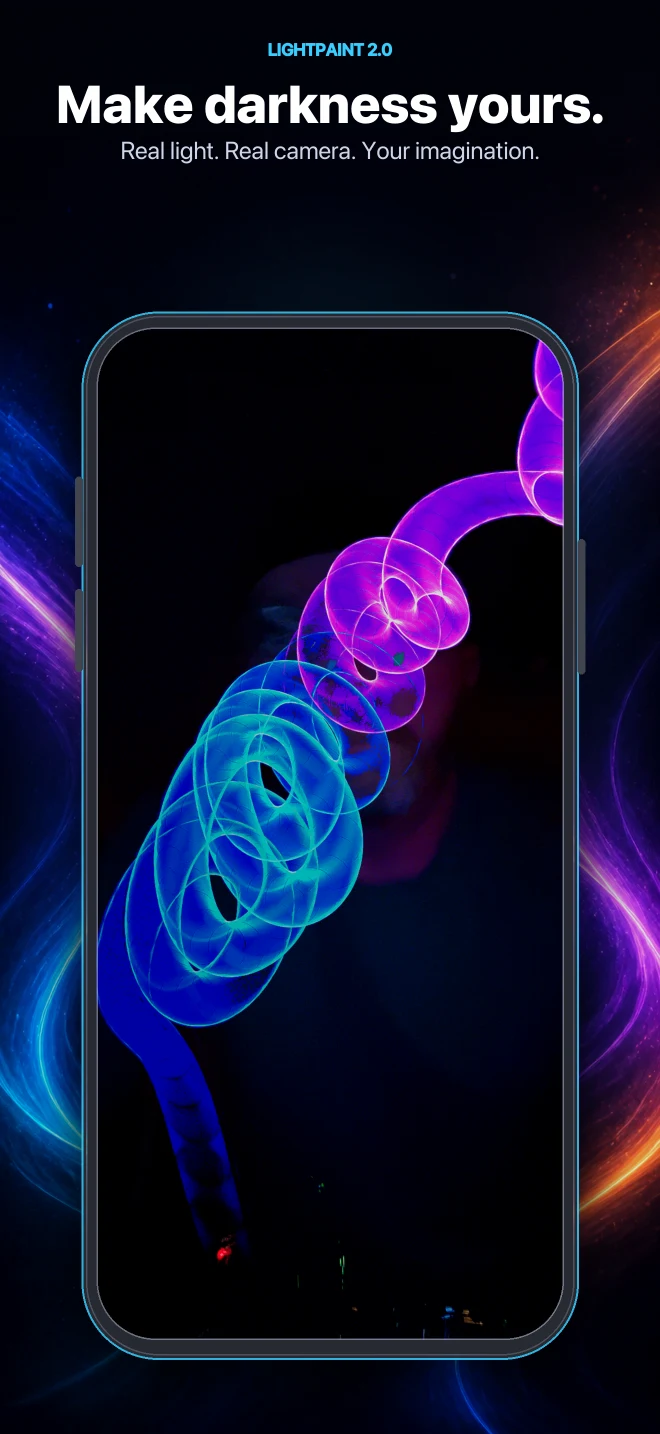
Production Display
Production Display turns LightPaint into a show-safe source for paid events, installations, broadcasts, client work, LED walls, projectors, and screens. One annual license includes every Pro feature and the rights to use the live output commercially.
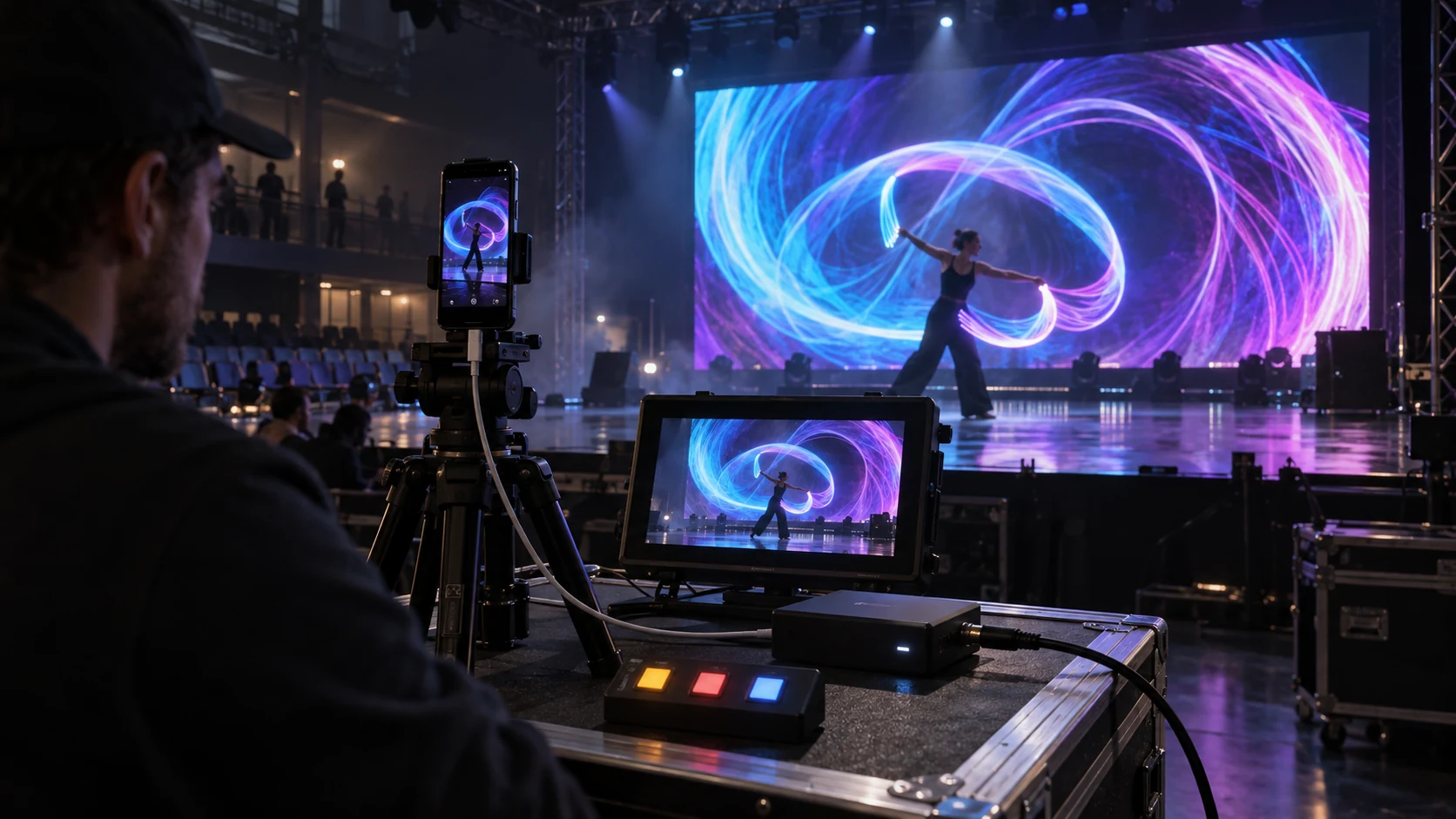
iPhone camera
USB-C / HDMI
Show-safe controls
LED wall / screen
Built for the moment the doors open
Production Display adds the controls a live output needs after it stops being a casual monitor and becomes part of a paid room, broadcast, installation, or client delivery.
Hold the last good picture when the camera view closes or the app is interrupted, so the audience never sees an operator screen.
Fade the output to black or hold the current frame from the phone without stopping the camera or the recording.
Send color bars and pluge, an 11-step gray ramp, or a focus and keystone chart to line up the display before doors open.
Replace ShutterSpeed branding with a transparent PNG of your own, with position, scale, and opacity controls.
Simple licensing
The output destination does not decide the tier. Branding, resolution, production tools, and whether the work is commercial do.
Output anywhere
Clean personal output
$399 / year · commercial
Production Display replaces a Pro plan rather than sitting beside it. The App Store shows the current price in your own currency before purchase.
Questions
Use Production Display when the live output is part of paid commercial work: a paid event or installation, a broadcast, a commercial production, or a client deliverable.
Yes. The annual Production Display license includes every LightPaint Pro feature. It is one license for the app, the production tools, and commercial display rights—not an add-on beside Pro.
Yes. Production Display can place your transparent PNG on the external output and lets you control its placement, size, and opacity.
Show Mode is designed to hold the last good picture on the display instead of exposing the phone interface or dropping the feed.
LightPaint display system