TimeLapsed Videos
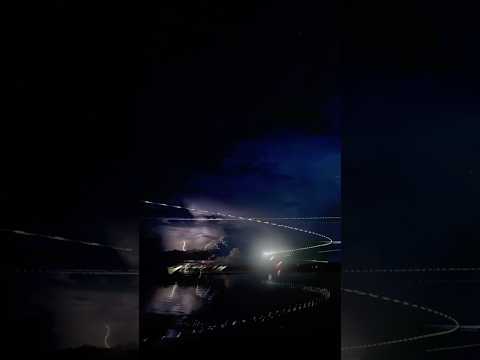
Watch TimeLapsed field demonstrations of comet trails, star motion, drone light painting, and experimental iPhone captures.
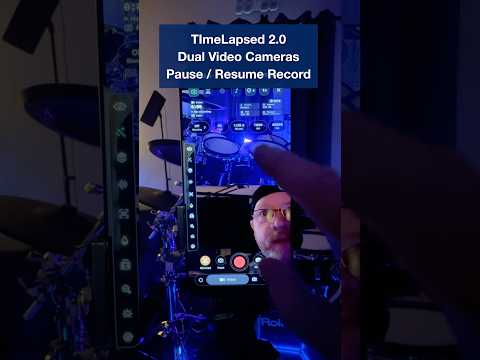
TimeLapsed · Short · 9:16
TimeLapsed 2.0 Video Blender - Turn any video into star trails, long shutter
1 / 9
In previous versions of TimeLapsed app, the camera was the only way to capture a star Trail but we decided to rethink this using other cameras is great for like action cameras, or any camera that can capture a decent night photo and a sequence and possibly even make a movie for it you can then plug your SD card directly into USB-C, but the converter or just AirDrop it from another source into your photo library and then share it with TimeLapsed and it will import it directly to your gallery
Open on YouTubeTimeLapsed Field Notes
Newest First · 9




Take the app with you
Download TimeLapsed.
Capture on iPhone, iPad or a compatible Android phone. Apple Watch controls are available with the iOS app.


Available now on Google Play.
Scan With an iPhone or iPad to Open the App Store.