TimeLapsed 2.0
TimeLapsed 1.0 app icon

The original app

Preserved, supported, and still on the App Store

TimeLapsed 1.0

The iPhone camera that made time visible.

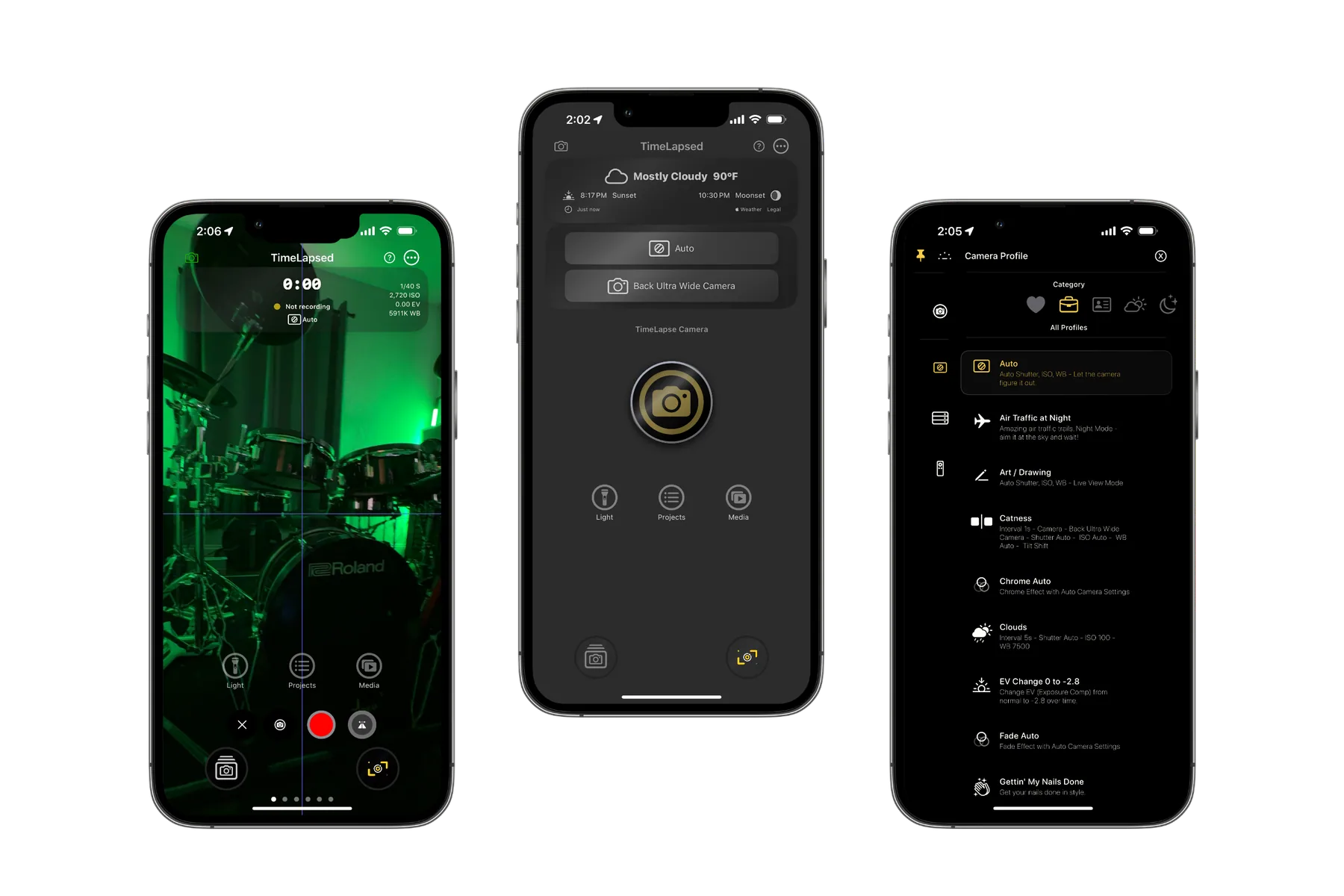
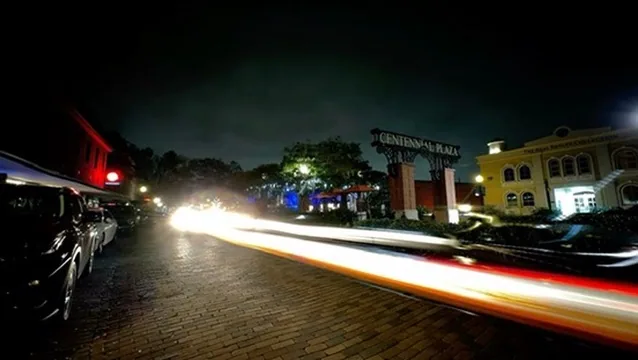
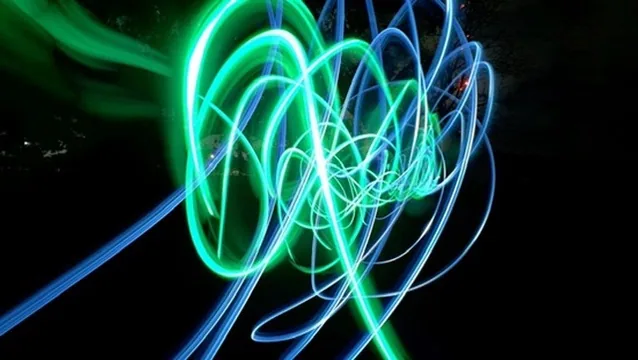
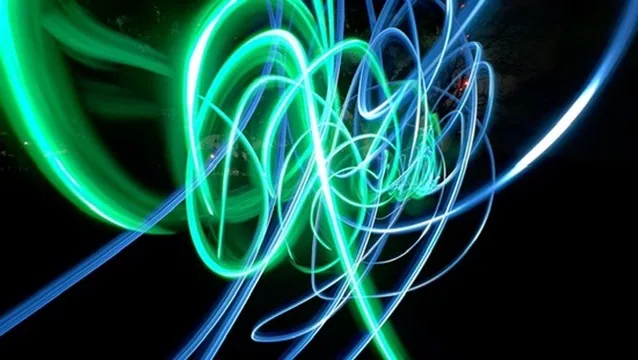
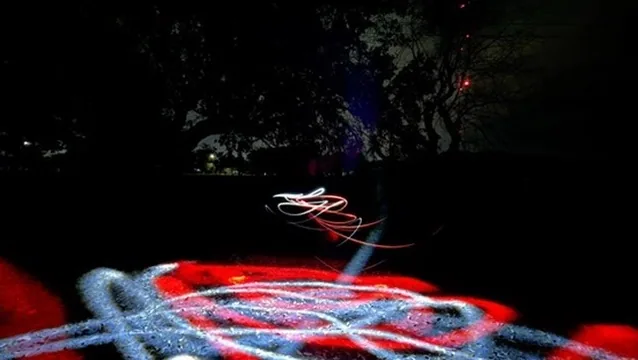
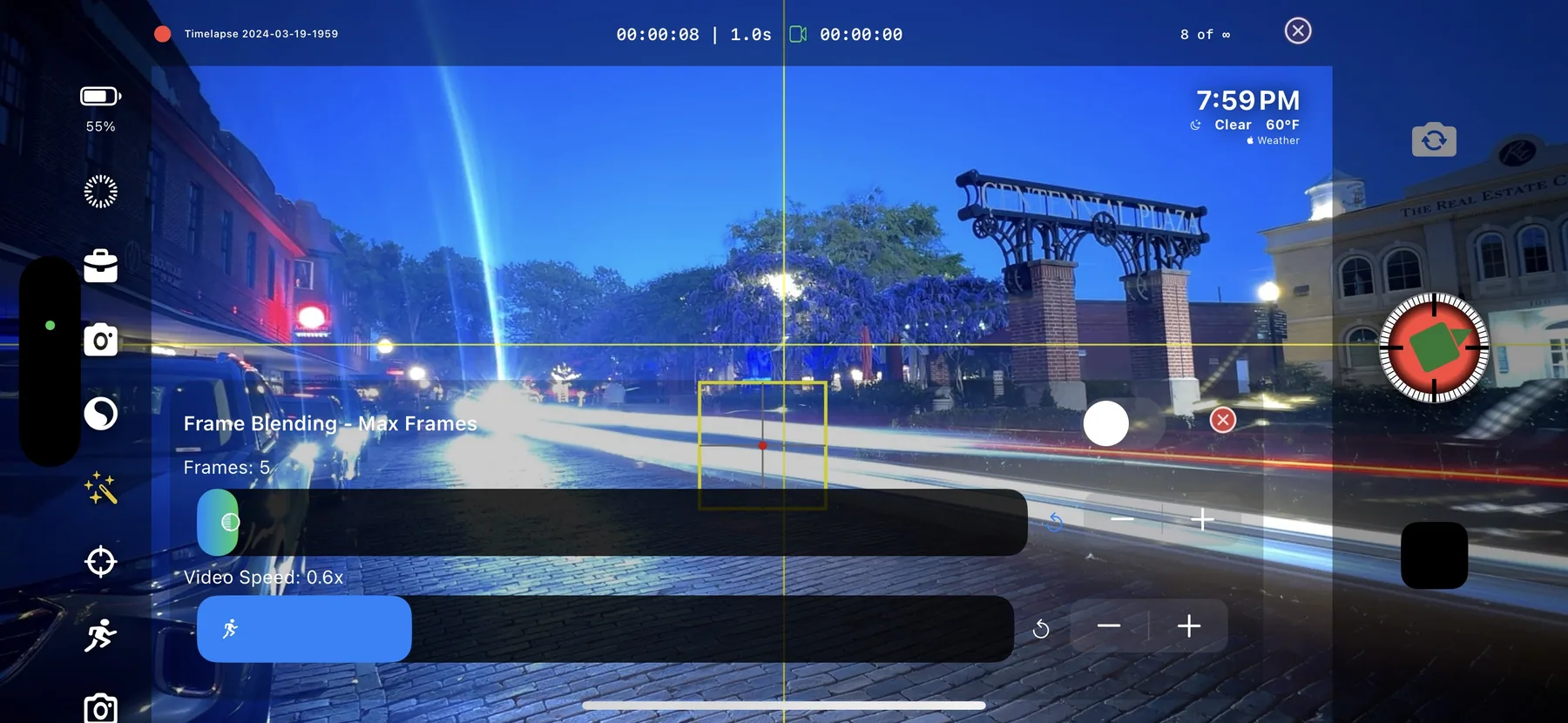
TimeLapsed began as an unapologetically deep timelapse and light-painting camera. It put manual exposure, compositing, rendering, profiles, automation, Siri, Apple Watch control, and field-planning tools into one app for people who wanted more than a start button.

TimeLapsed 1.0 product screens

What version 1.0 could do

This is where the story started.

These controls, experiments, and field tools are the foundation the new app grows from.

Two complete interfaces

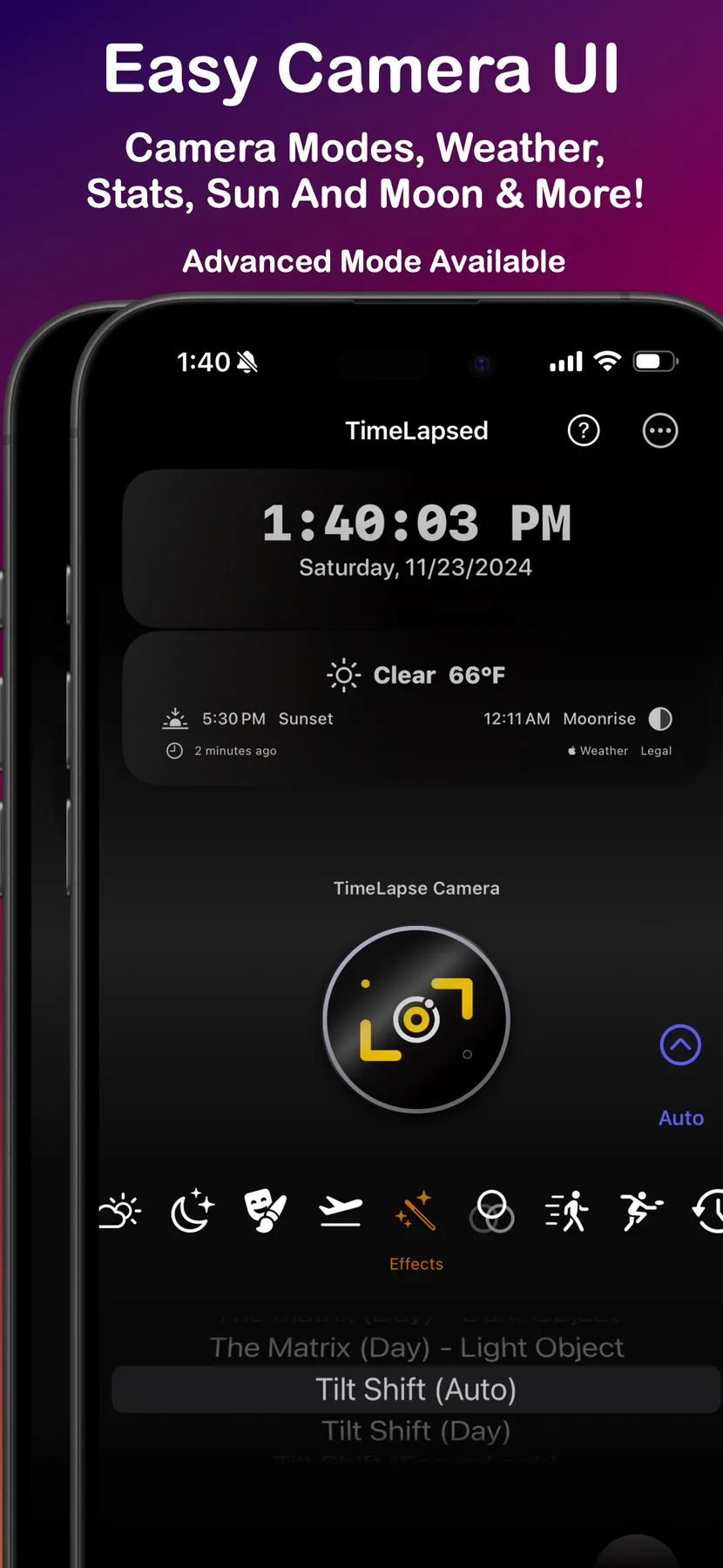
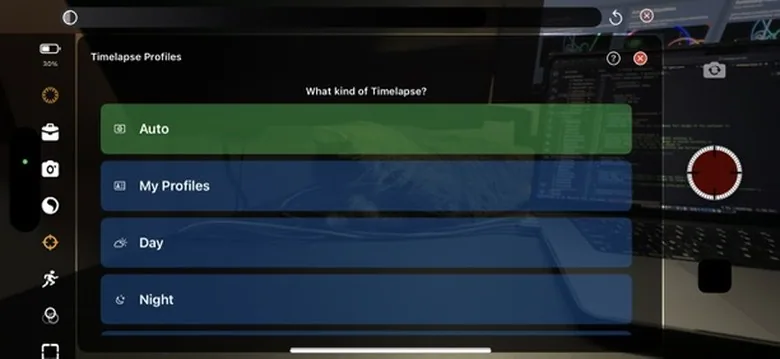
Easy Mode for getting the shot quickly; Advanced Mode for photographers who wanted every control.

Professional camera control

Manual ISO, shutter, focus, white balance, lens choice, exposure lock, and live monitoring.

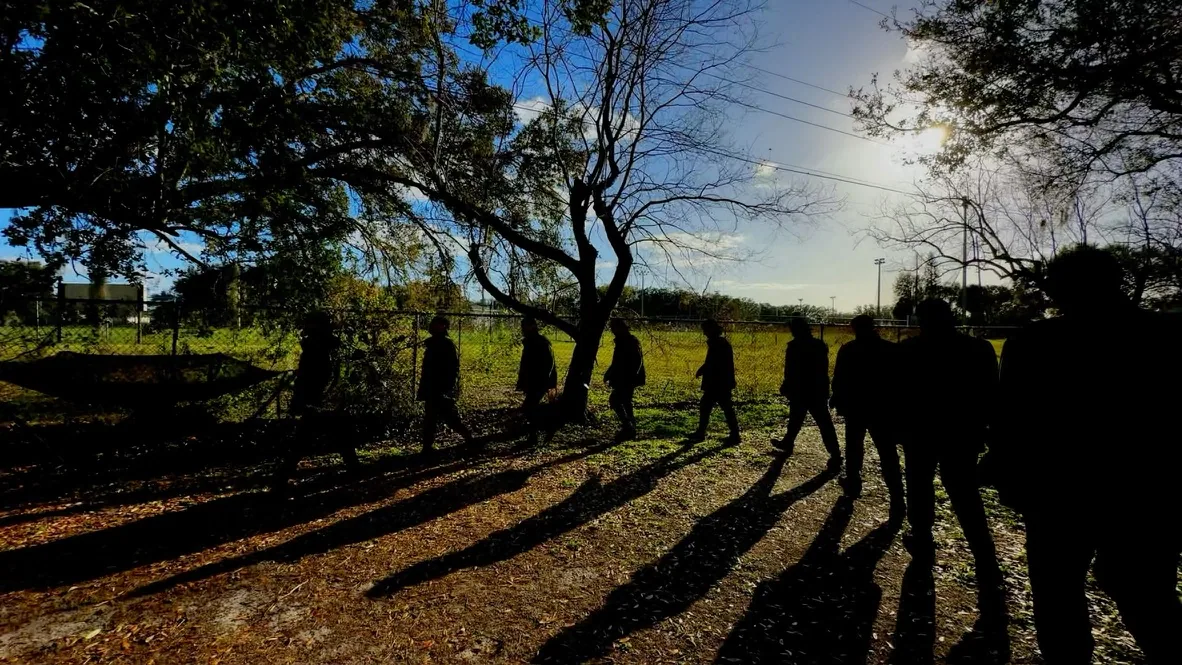
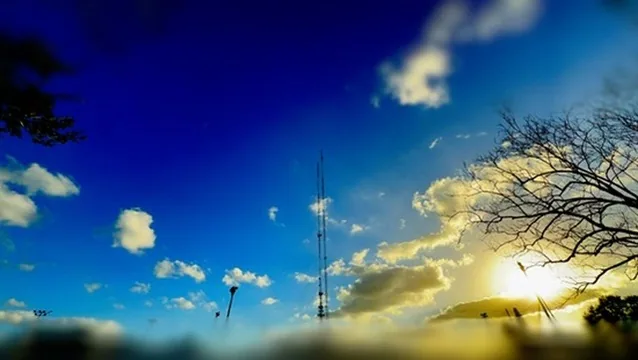
Timelapse from capture to export

Intervals, frame management, timeline editing, filters, rendering, and multiple export formats.

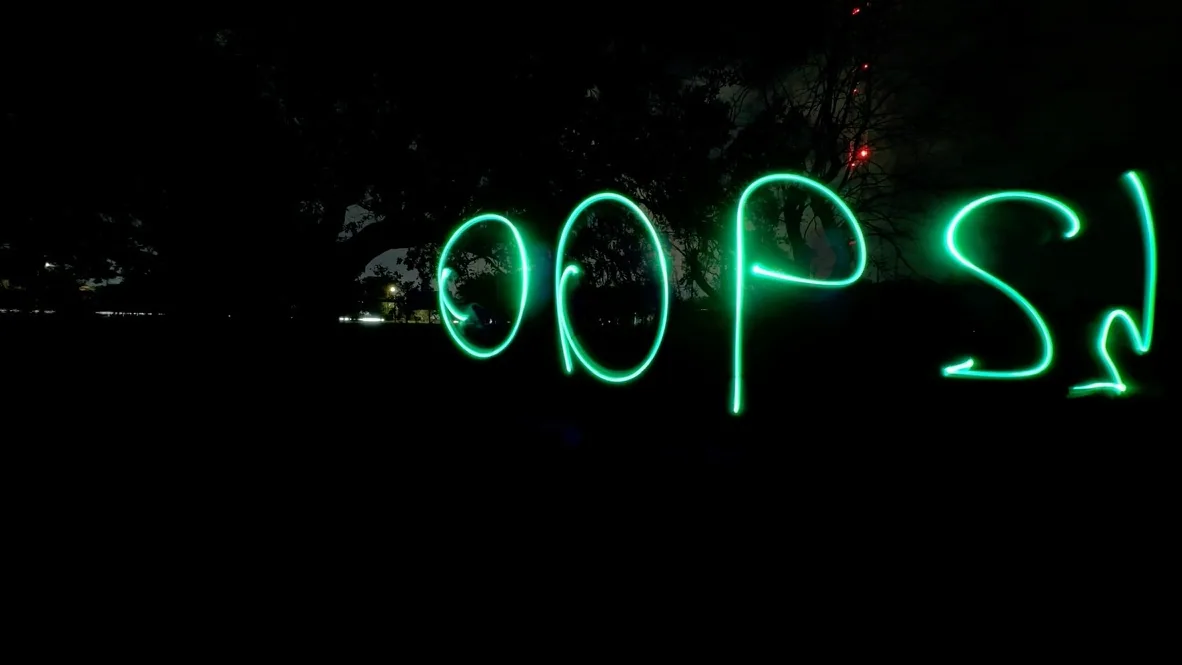
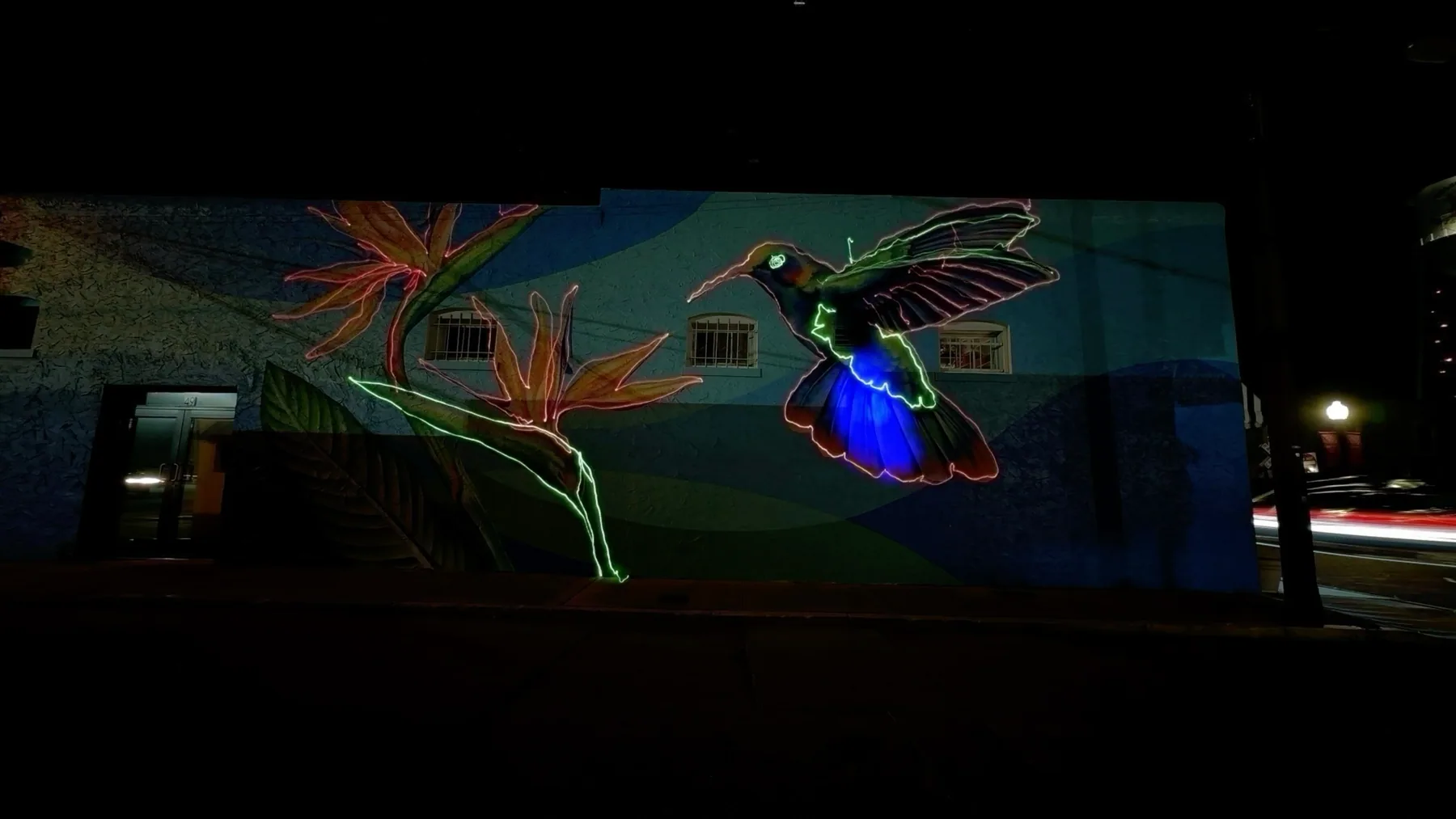
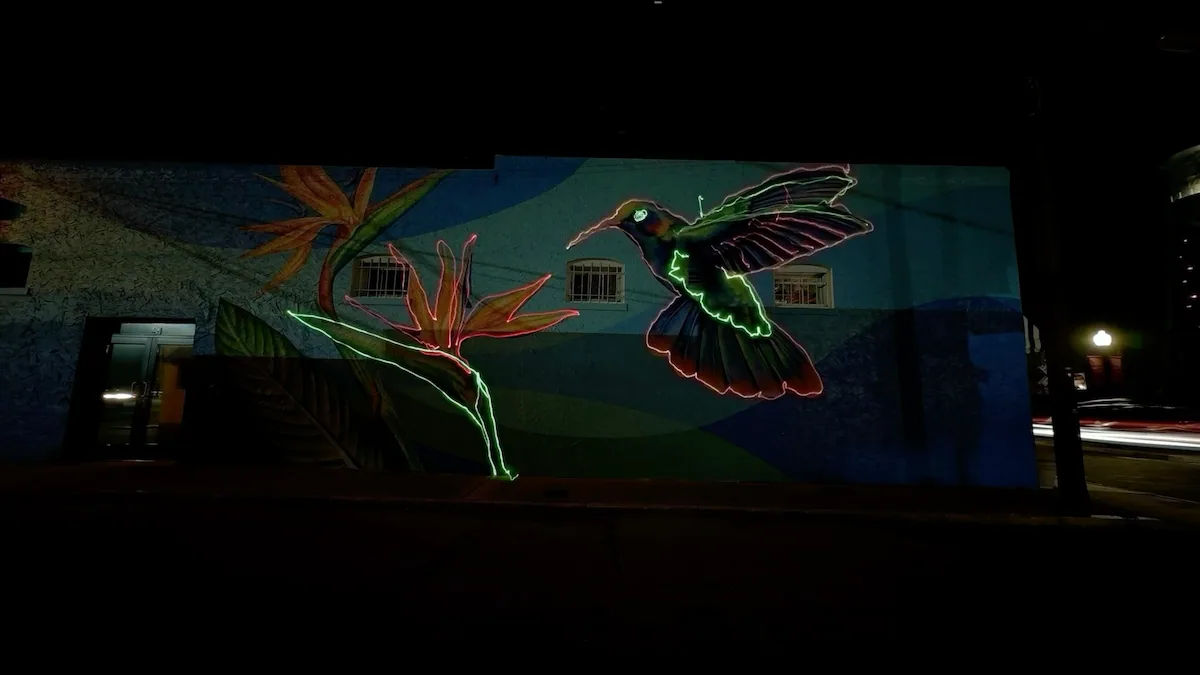
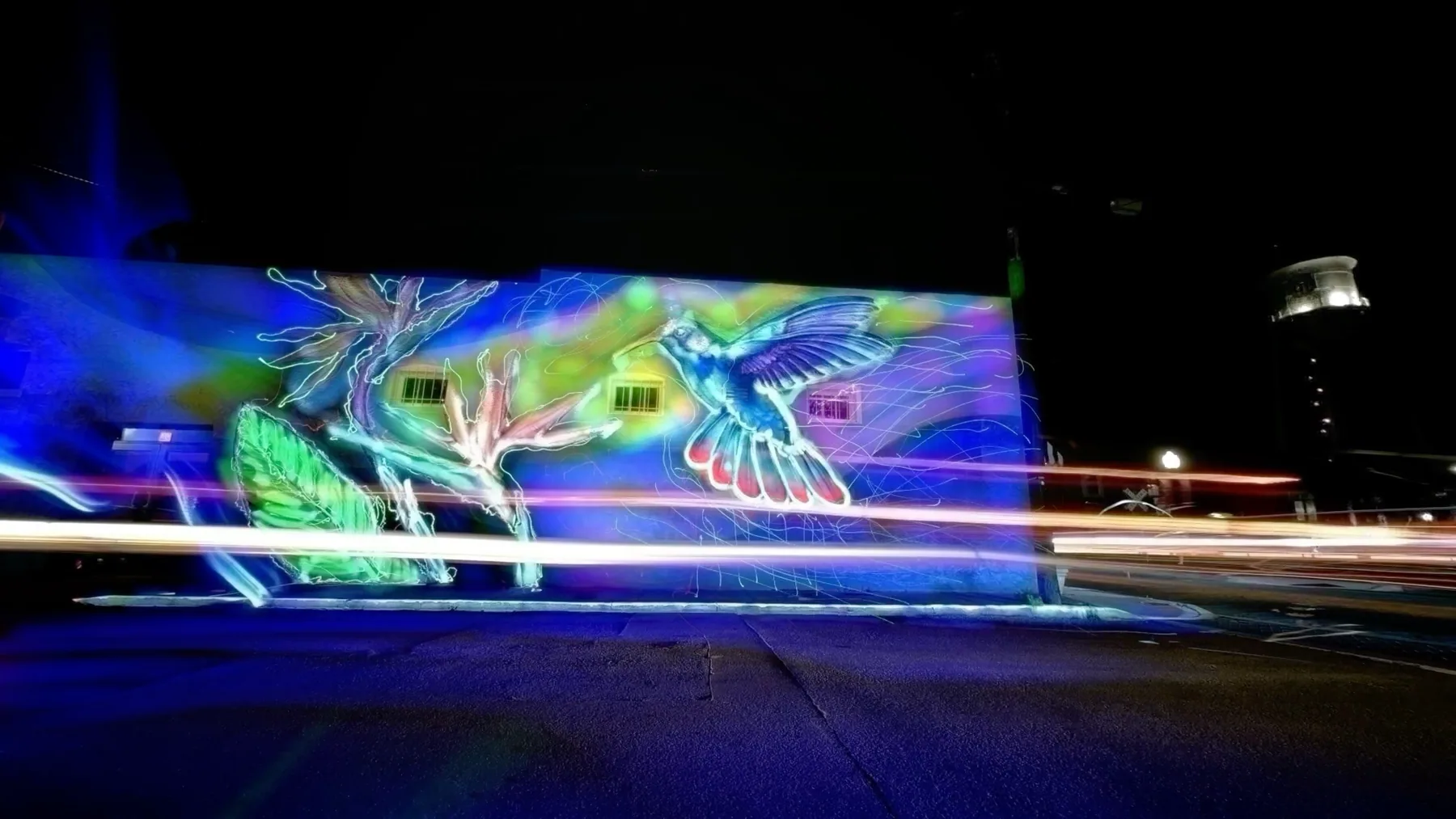
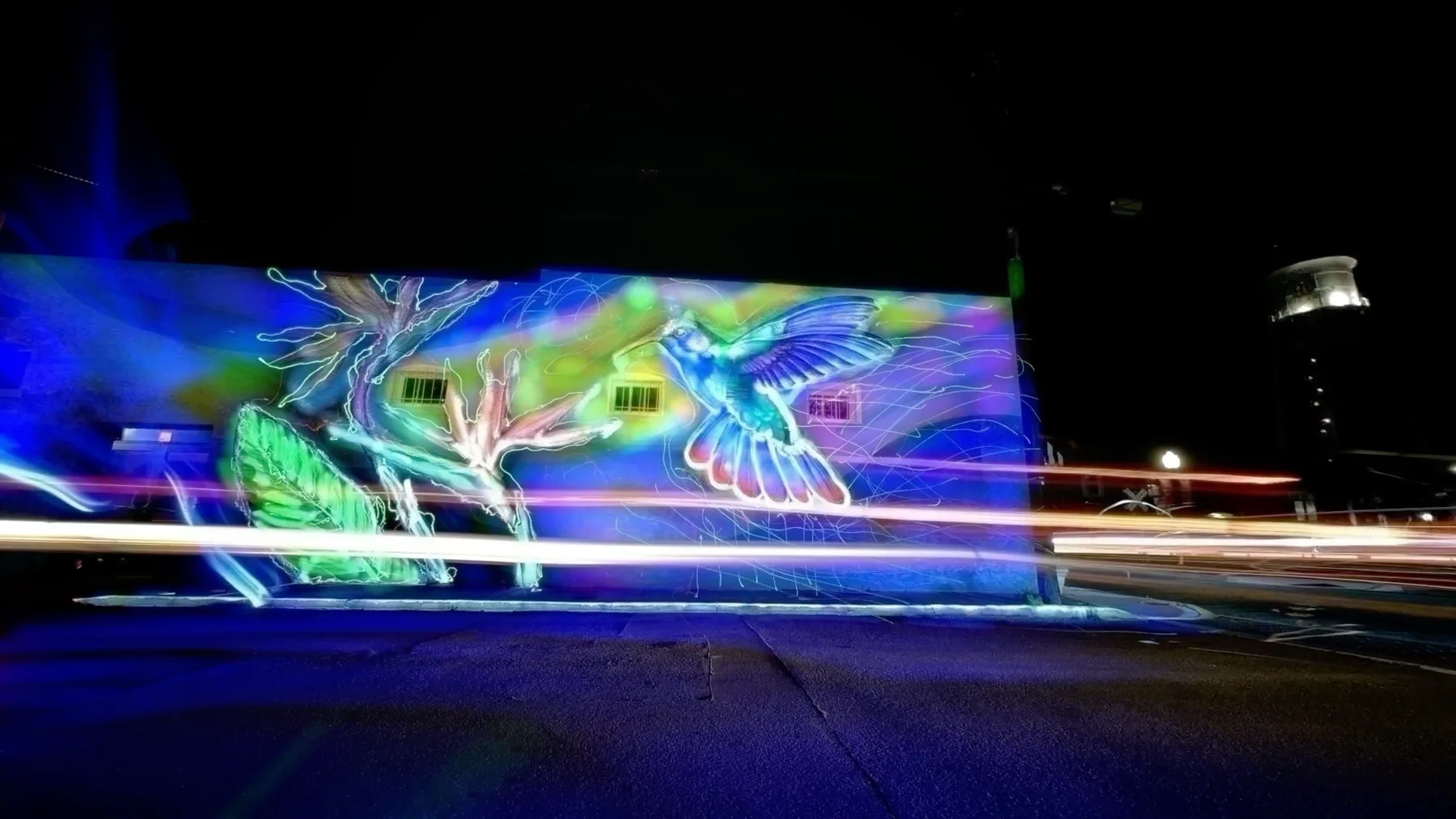
Light painting and star trails

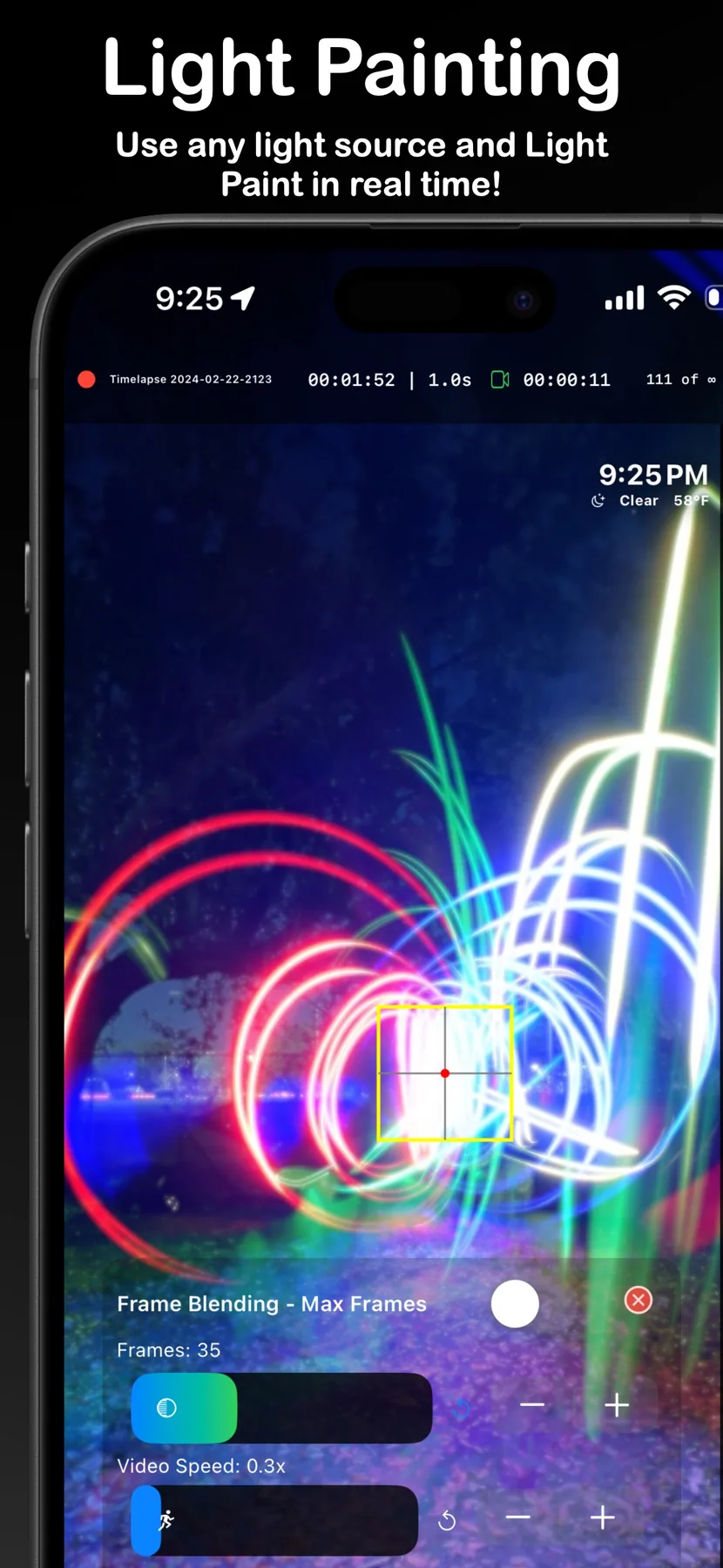
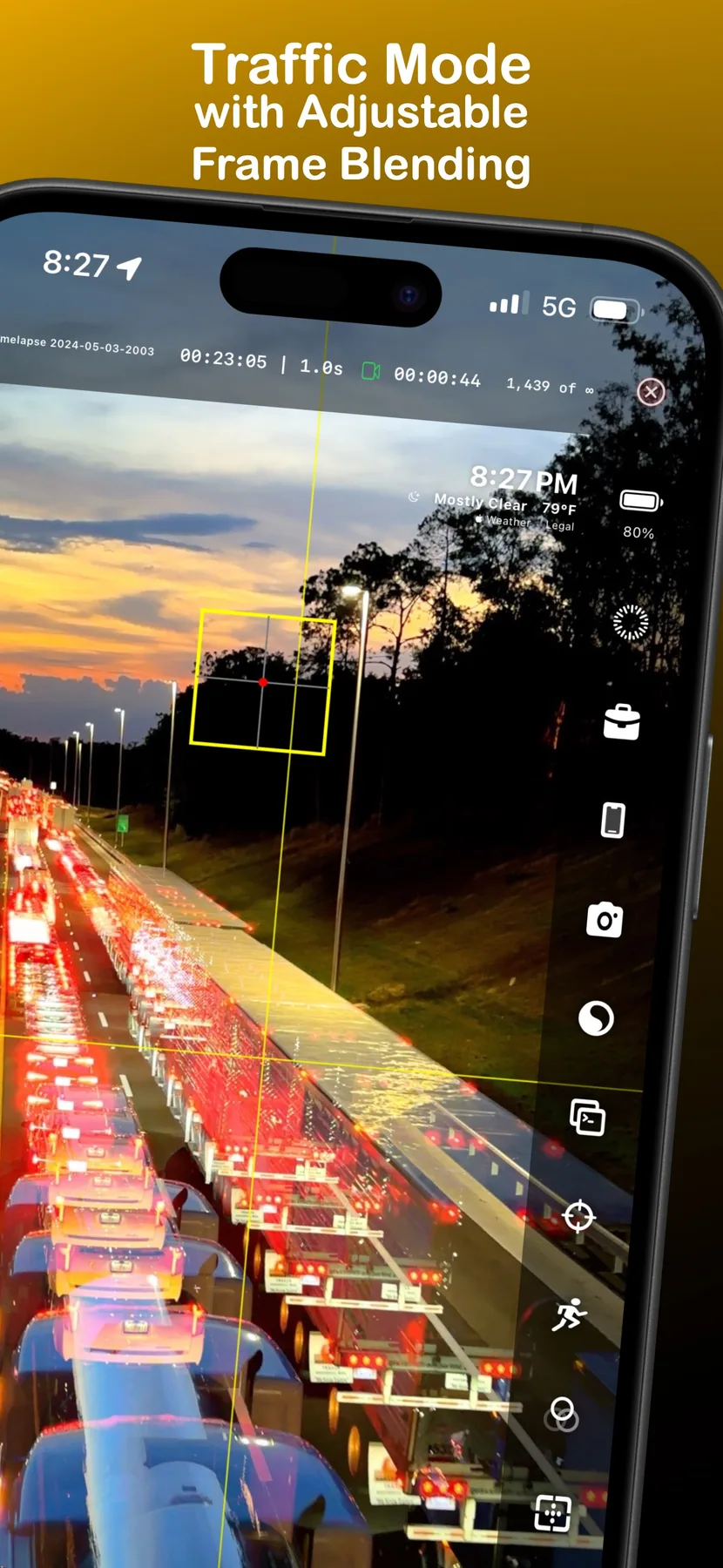
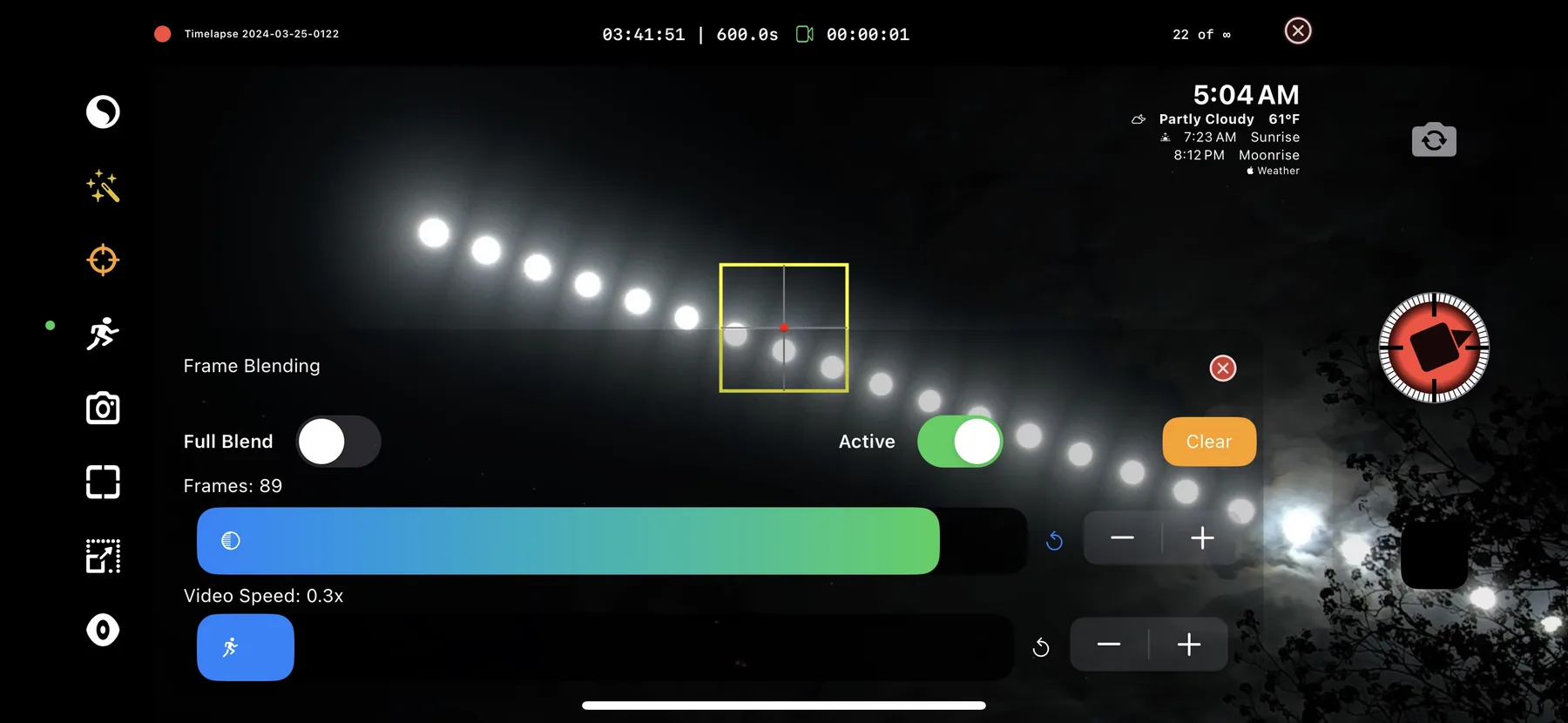
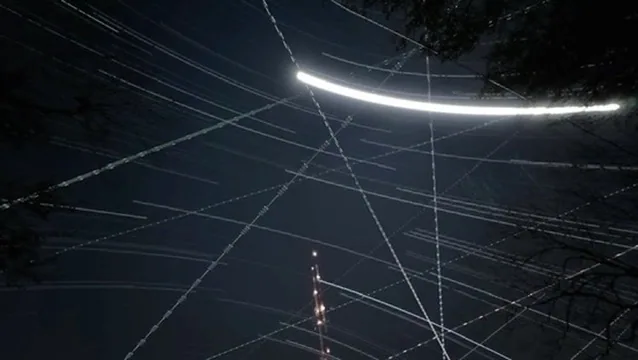
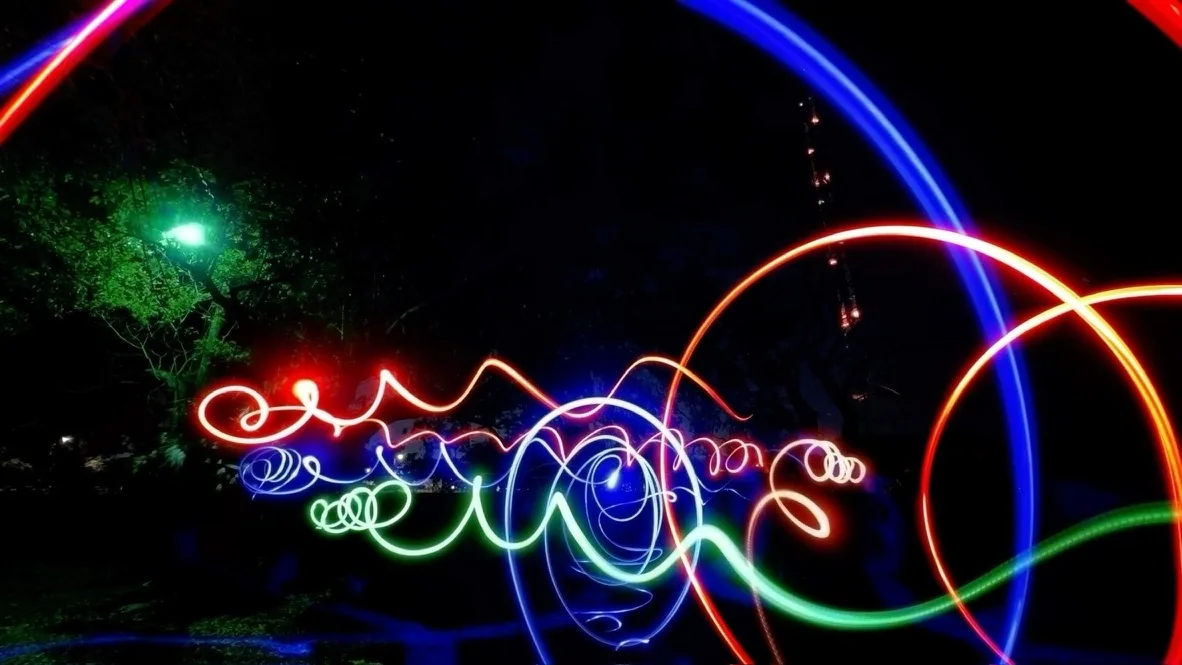
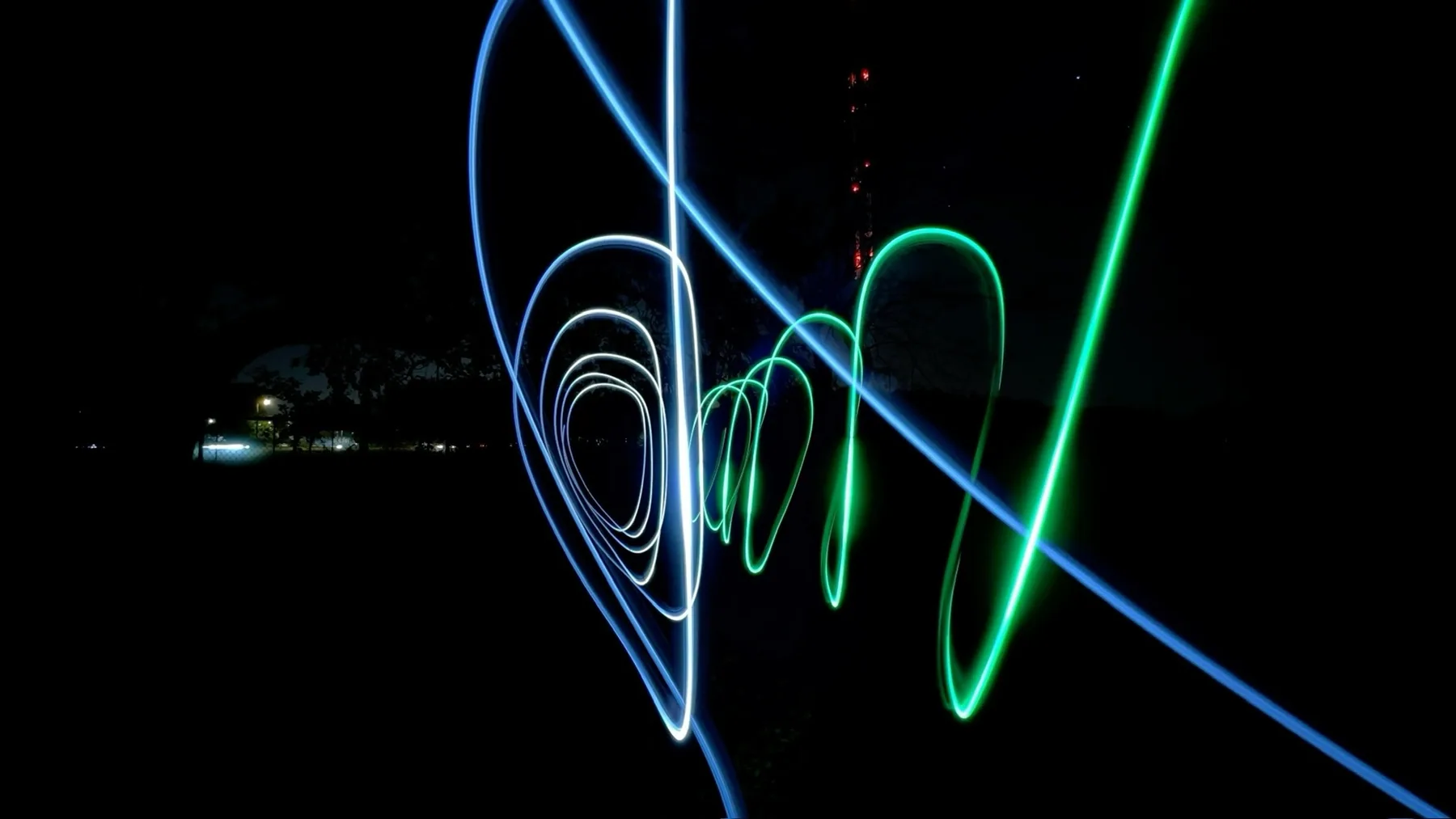
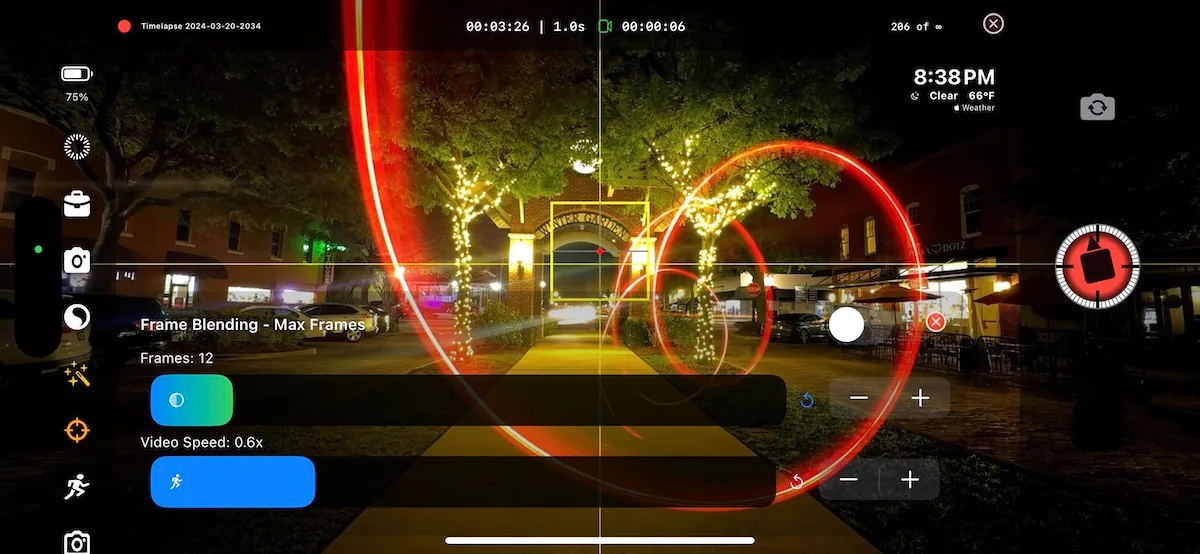
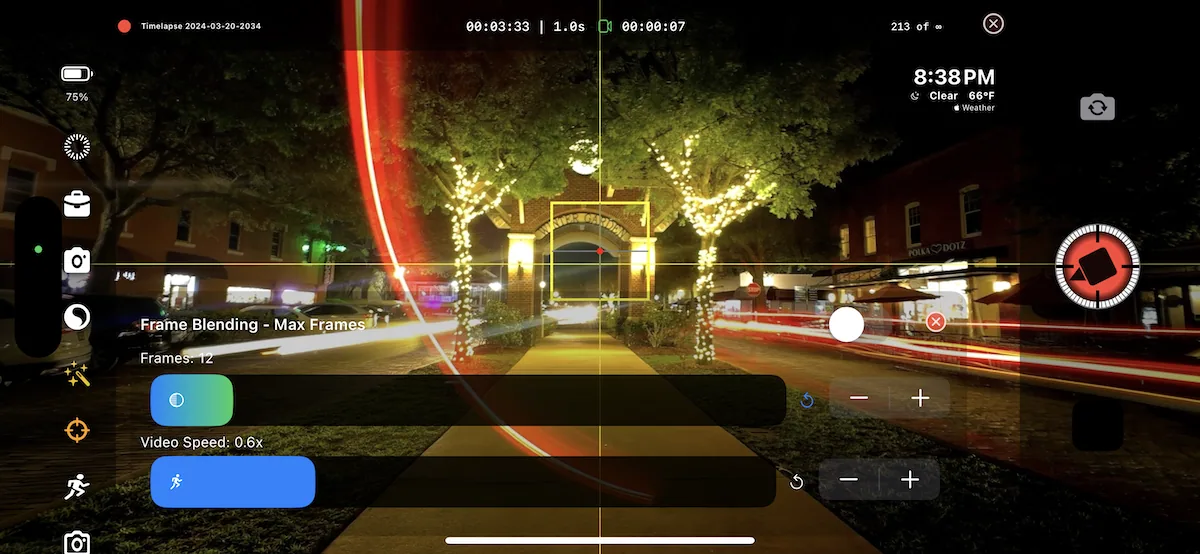
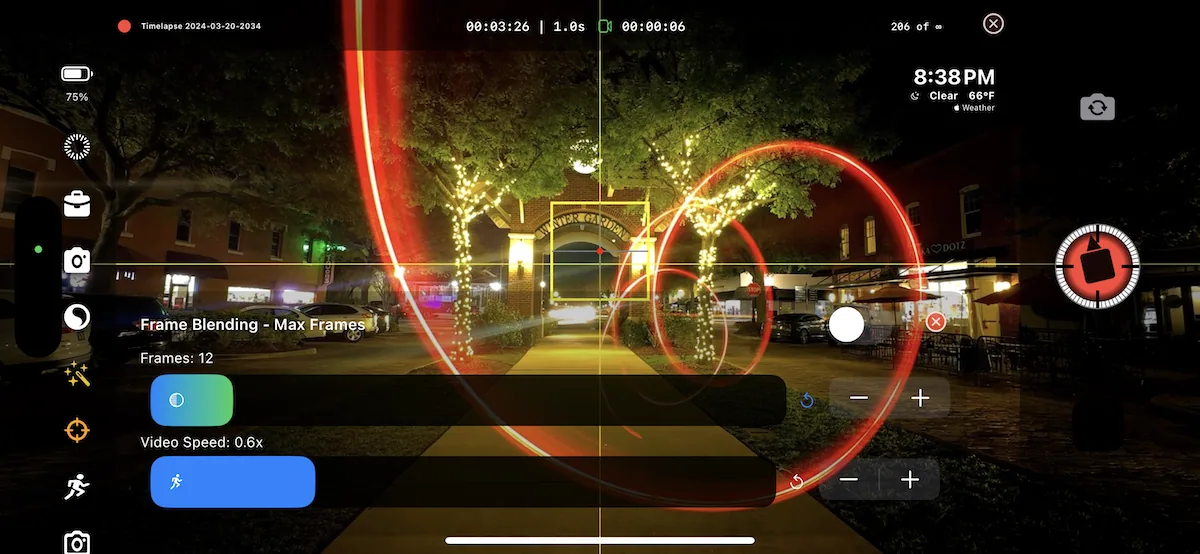
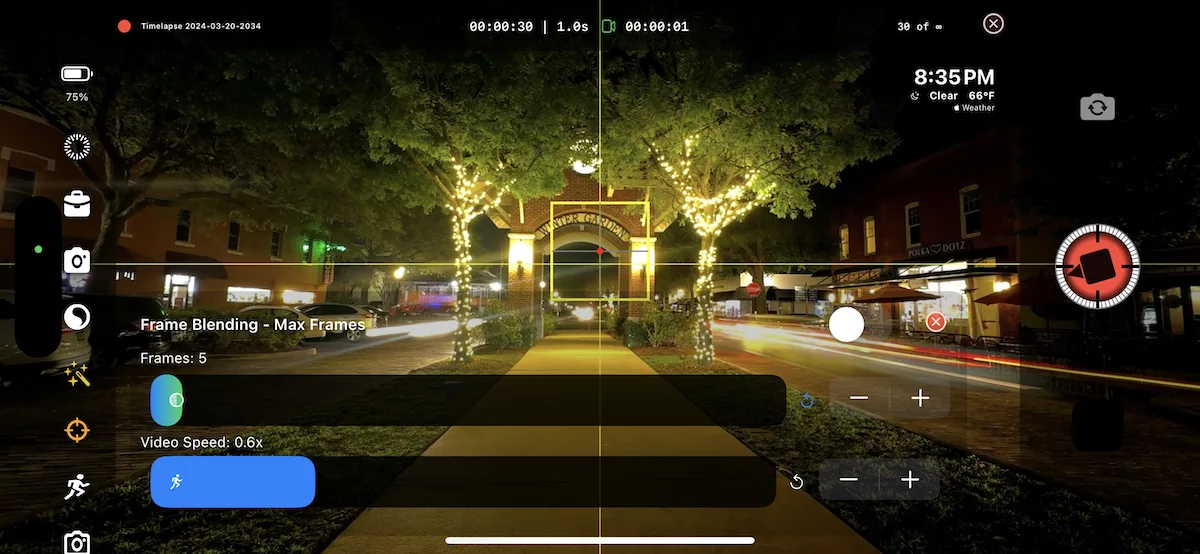
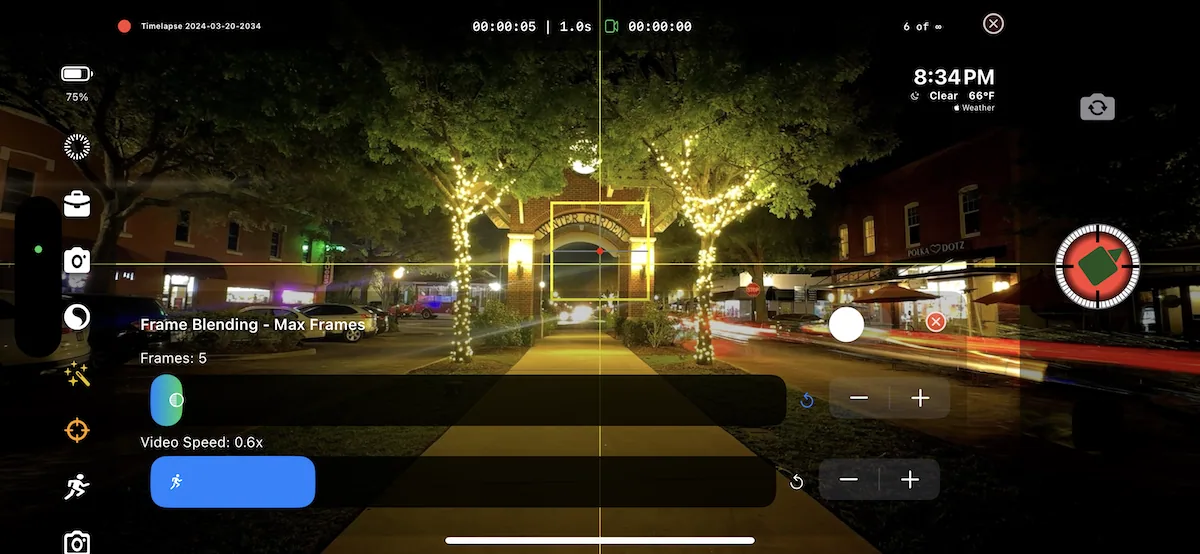
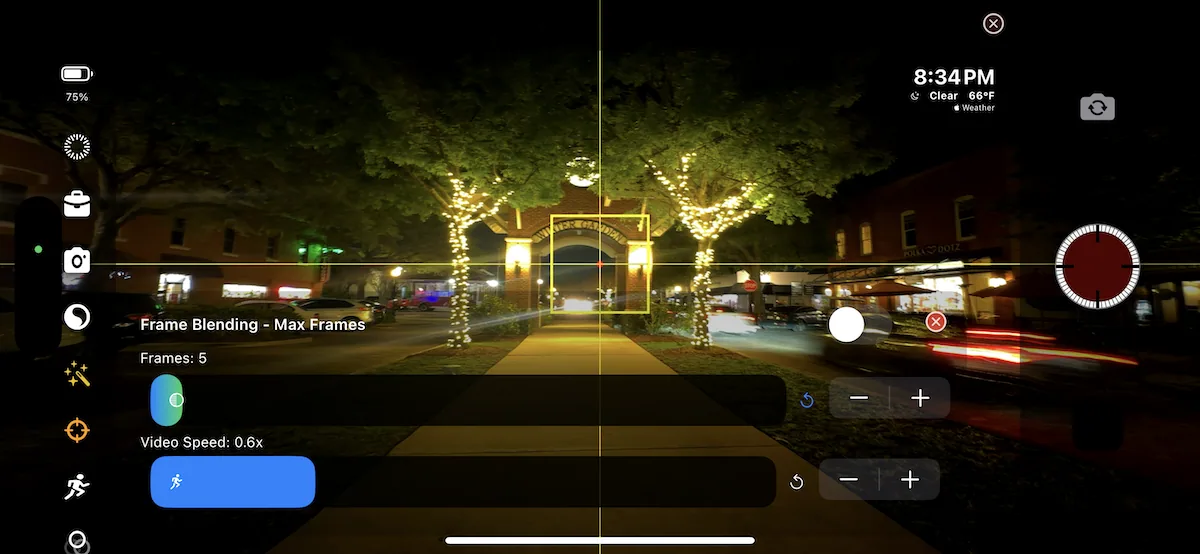
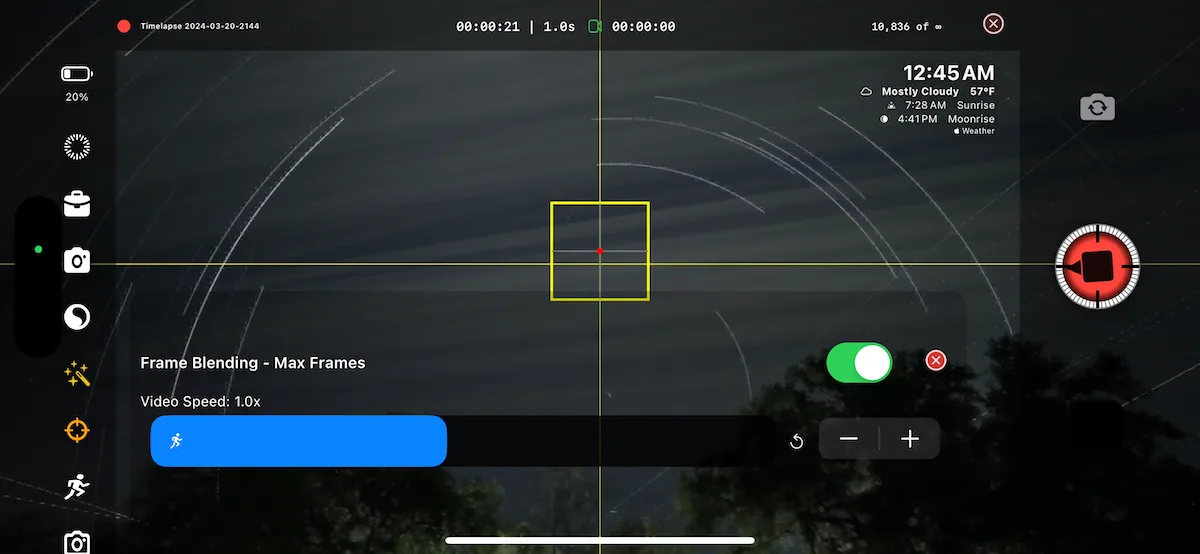
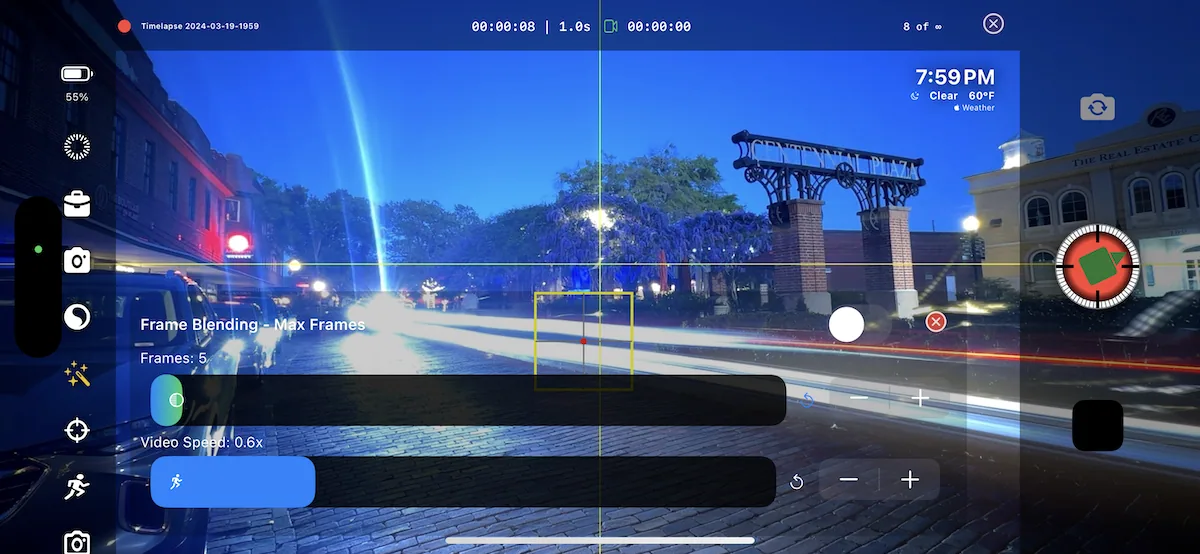
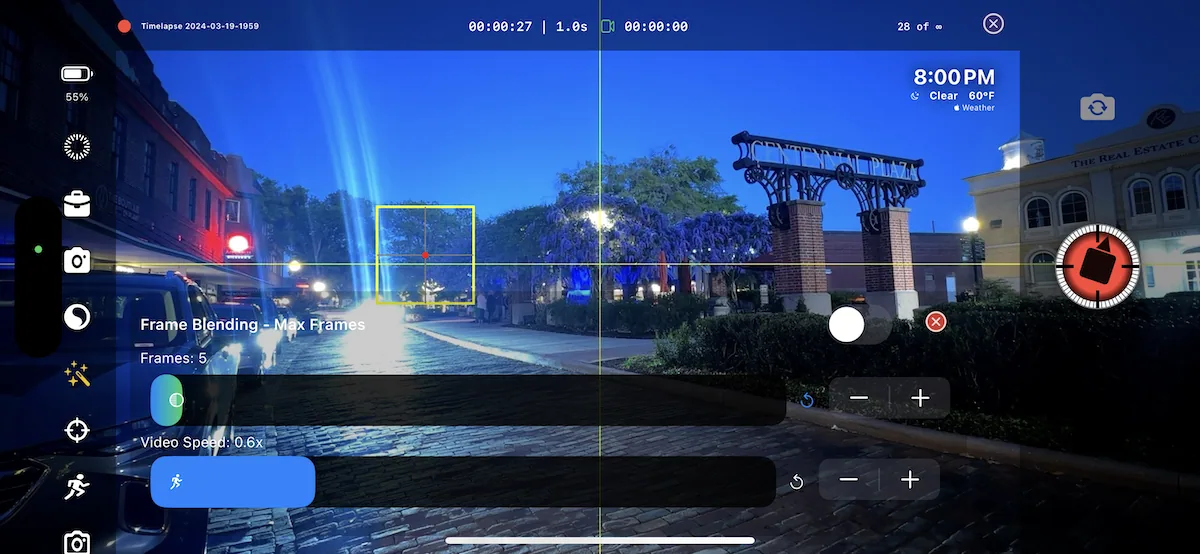
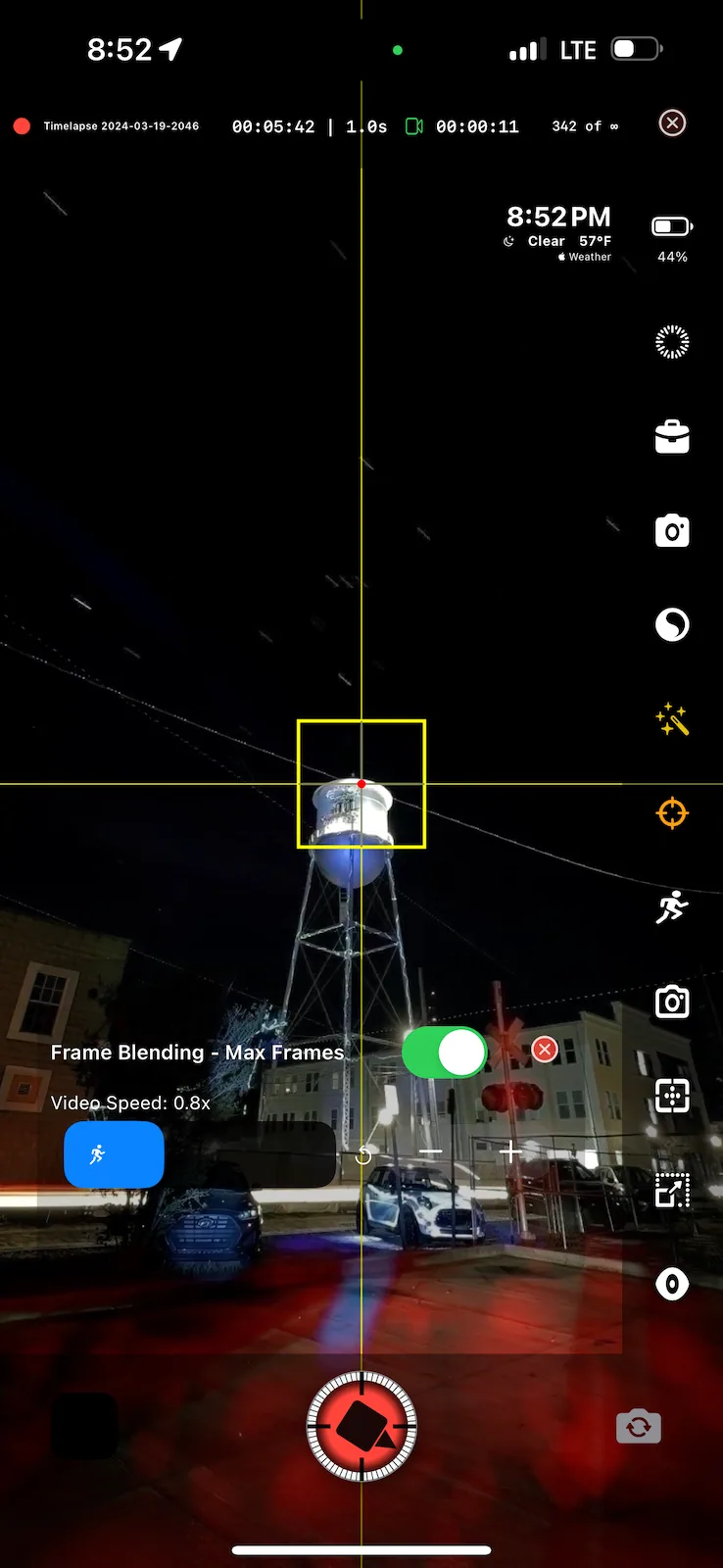
Live frame blending, Comet Mode, vehicle trails, star trails, and more than twenty-five blending modes.

Plan before the shutter

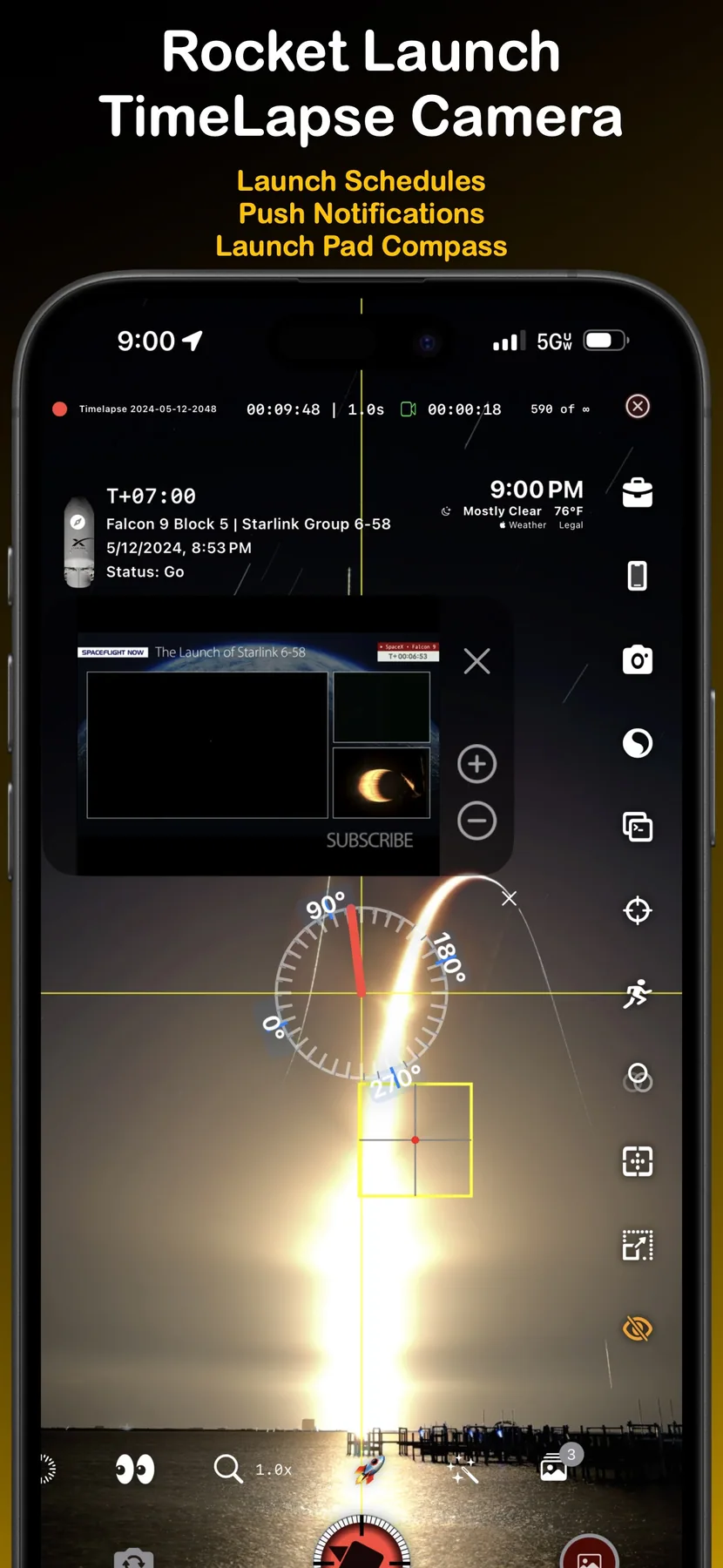
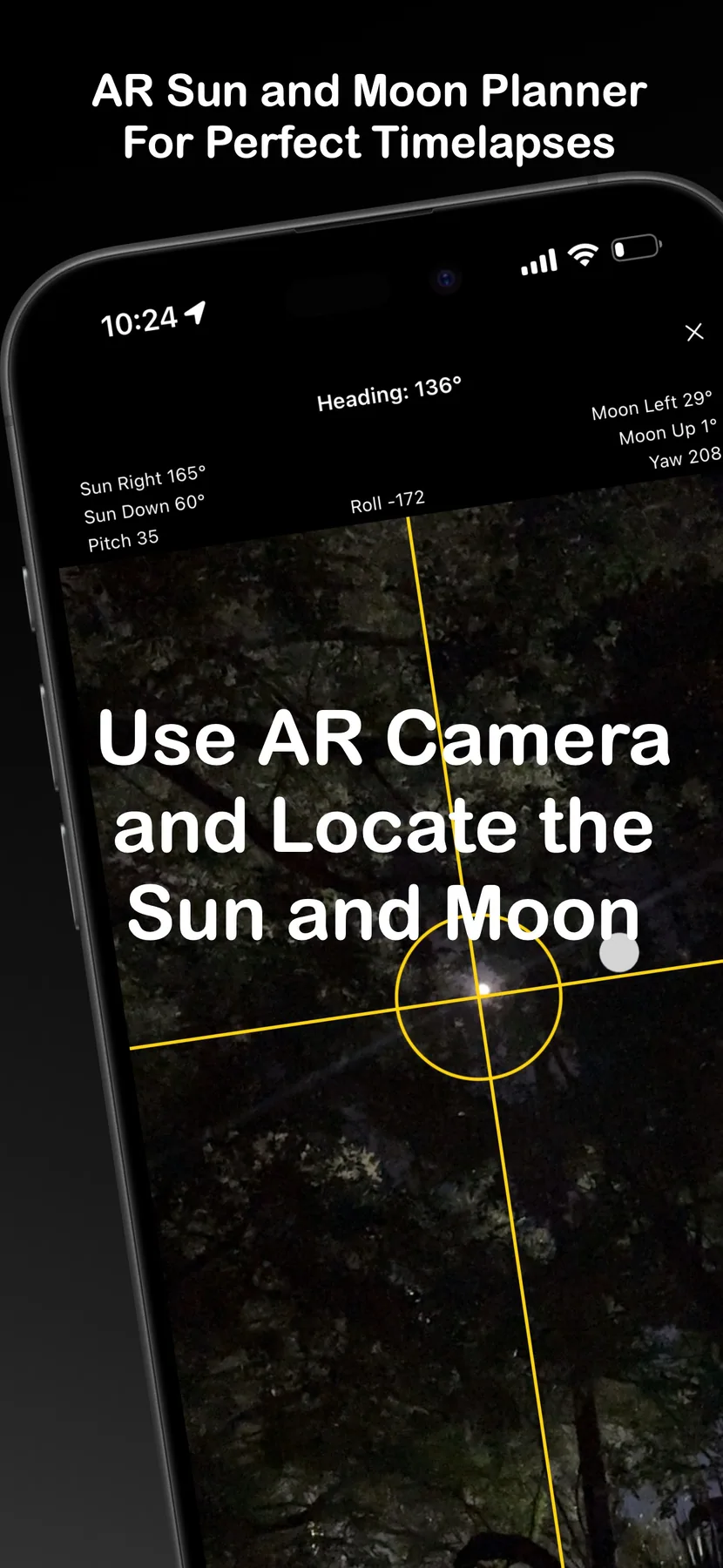
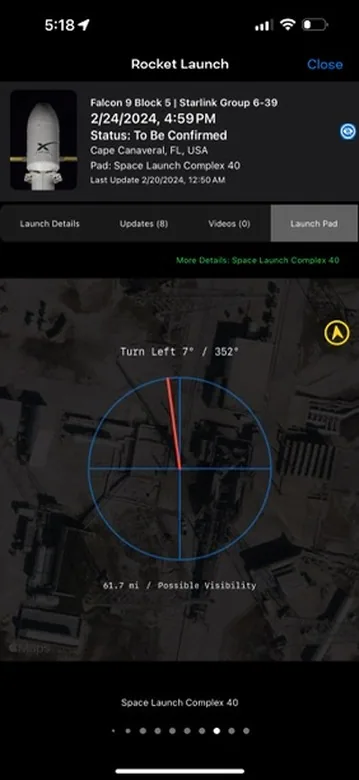
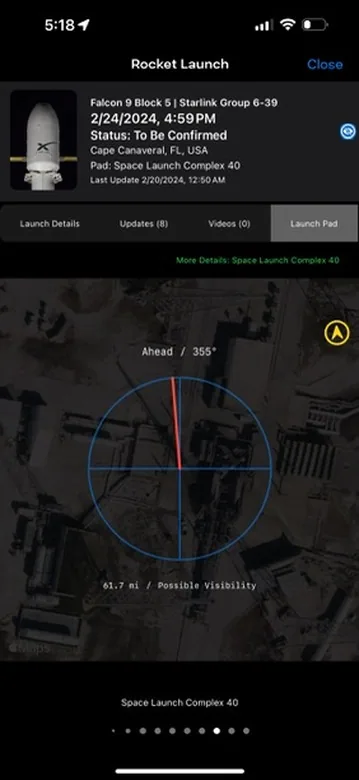
Timelapse calculators, photography locations, weather, Sun and Moon AR, flight radar, and rocket tracking.

Control without touching the phone

More than fifty Siri commands, Apple Watch control, automation, and remote workflows.

The original interface

The screens people learned TimeLapsed on.

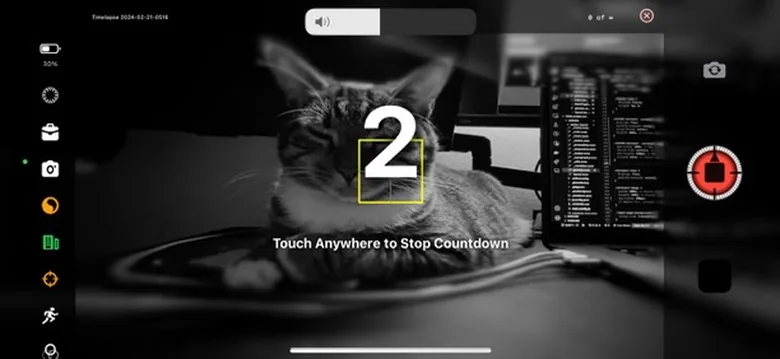
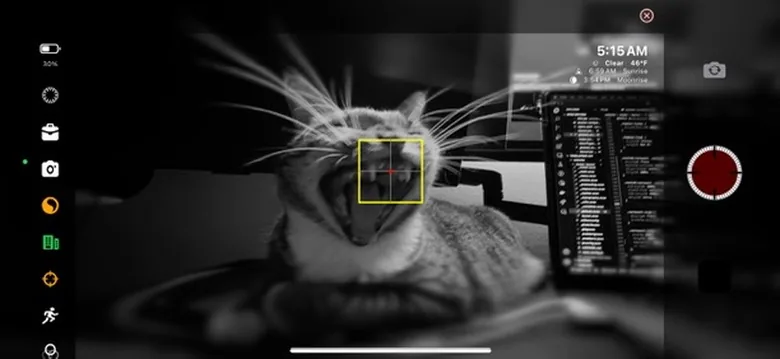
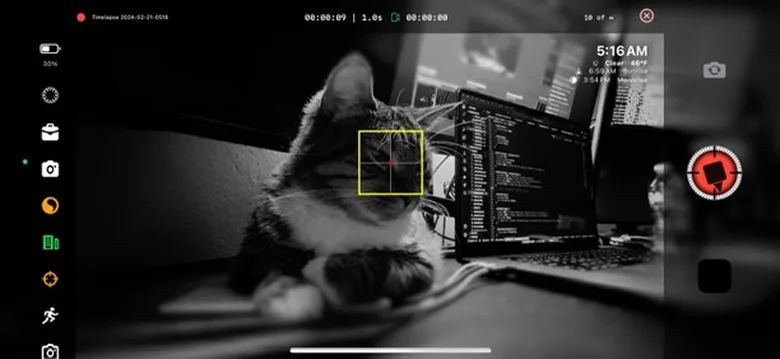
The original 1.0 screens and field examples, collected here at useful resolution.
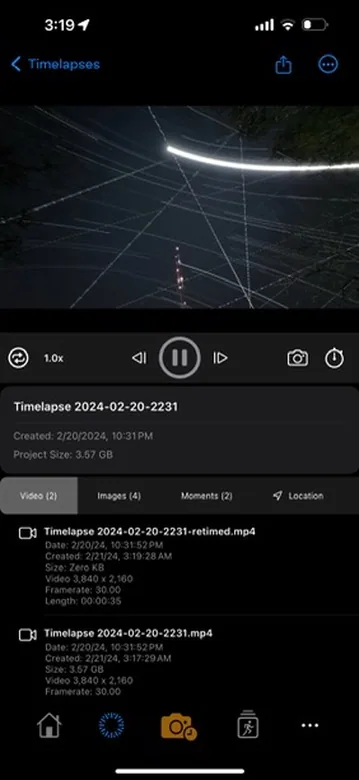
TimeLapsed 1.0 manual camera controls
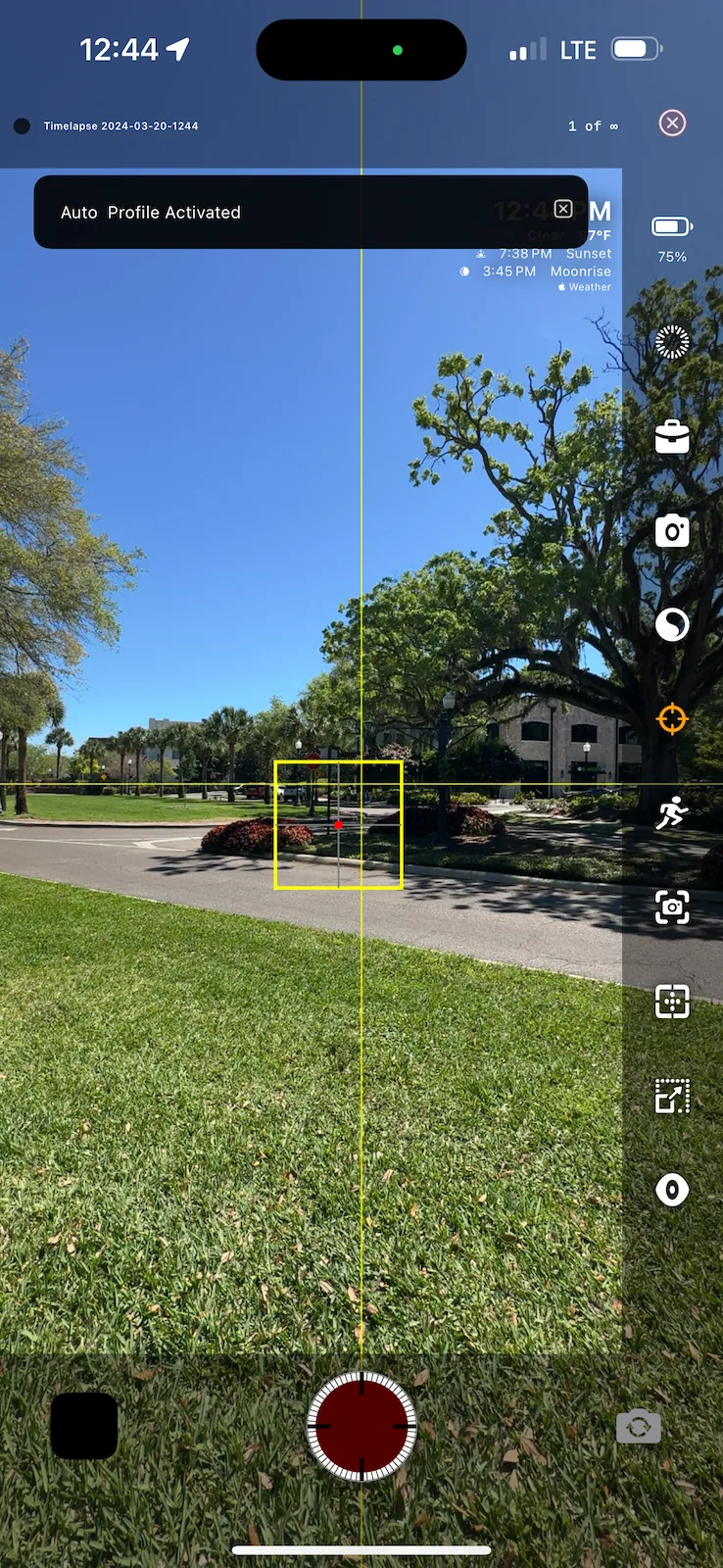
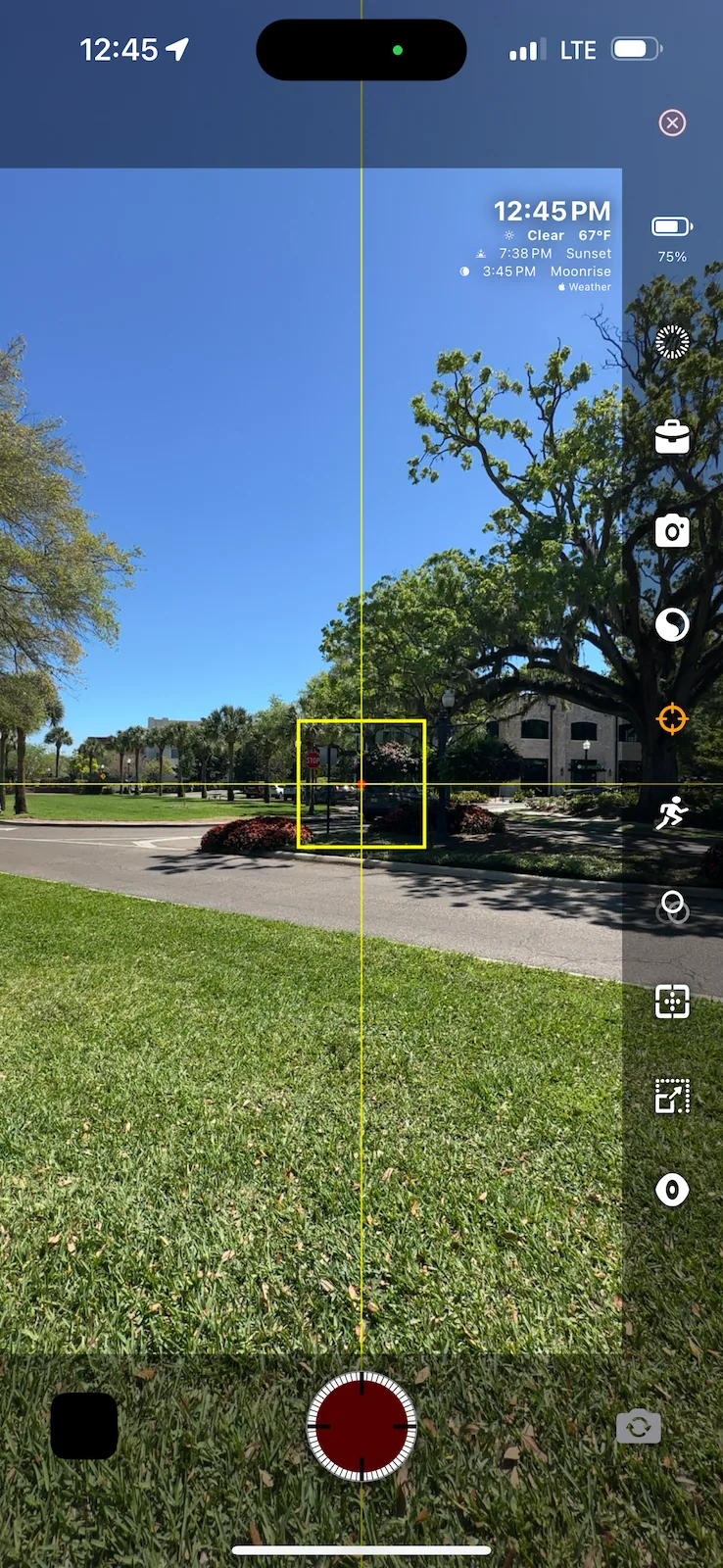
01TimeLapsed 1.0 manual camera controls
TimeLapsed 1.0 light painting mode
02TimeLapsed 1.0 light painting mode
TimeLapsed 1.0 timeline editor
03TimeLapsed 1.0 timeline editor
TimeLapsed 1.0 interval settings
04TimeLapsed 1.0 interval settings
TimeLapsed 1.0 filter gallery
05TimeLapsed 1.0 filter gallery
TimeLapsed 1.0 export options
06TimeLapsed 1.0 export options
TimeLapsed 1.0 capture interface
07TimeLapsed 1.0 capture interface
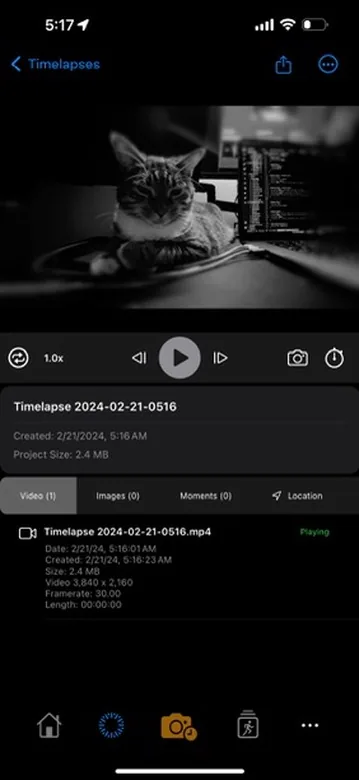
TimeLapsed 1.0 project tools
08TimeLapsed 1.0 project tools
TimeLapsed 1.0 creative controls
09TimeLapsed 1.0 creative controls
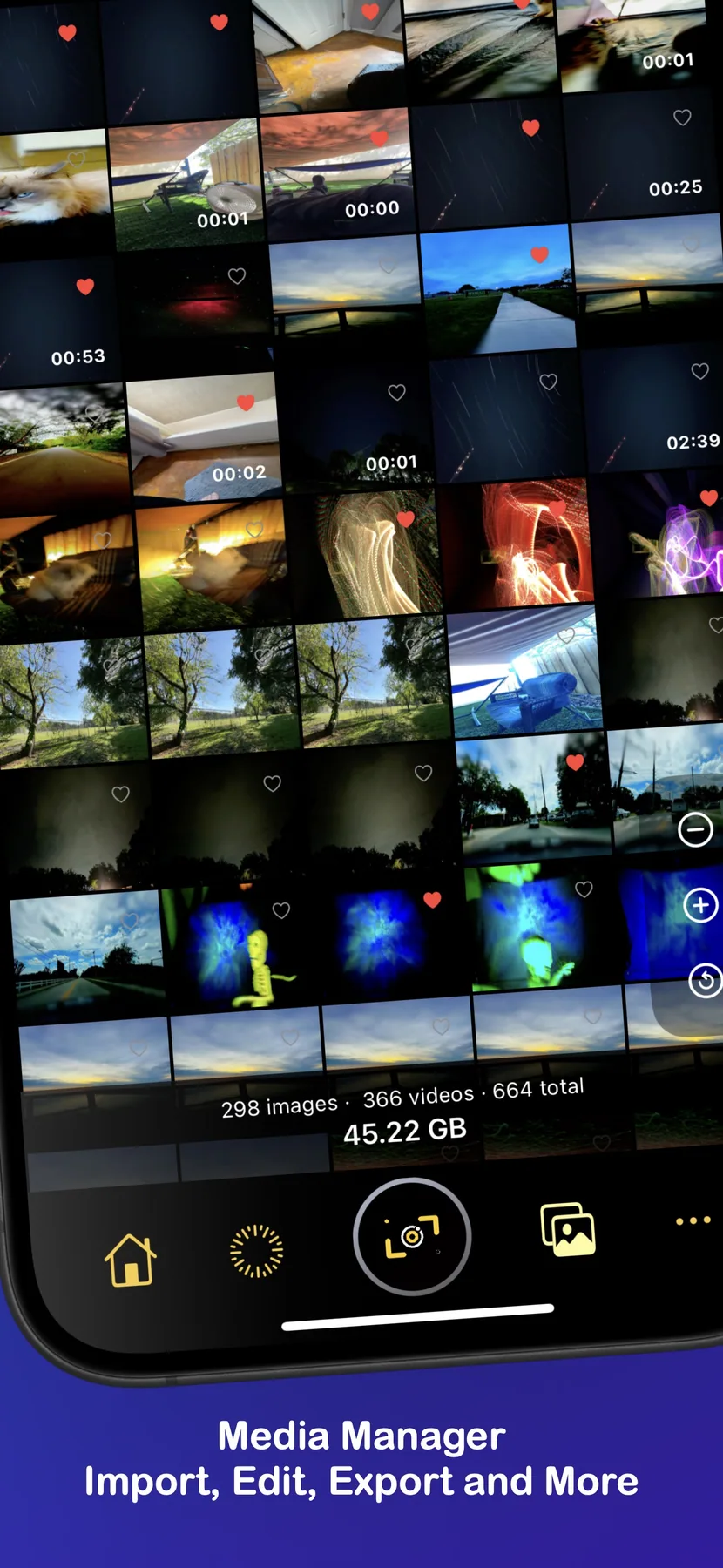
TimeLapsed 1.0 media workflow
10TimeLapsed 1.0 media workflow
Open the complete screenshot archive92 more
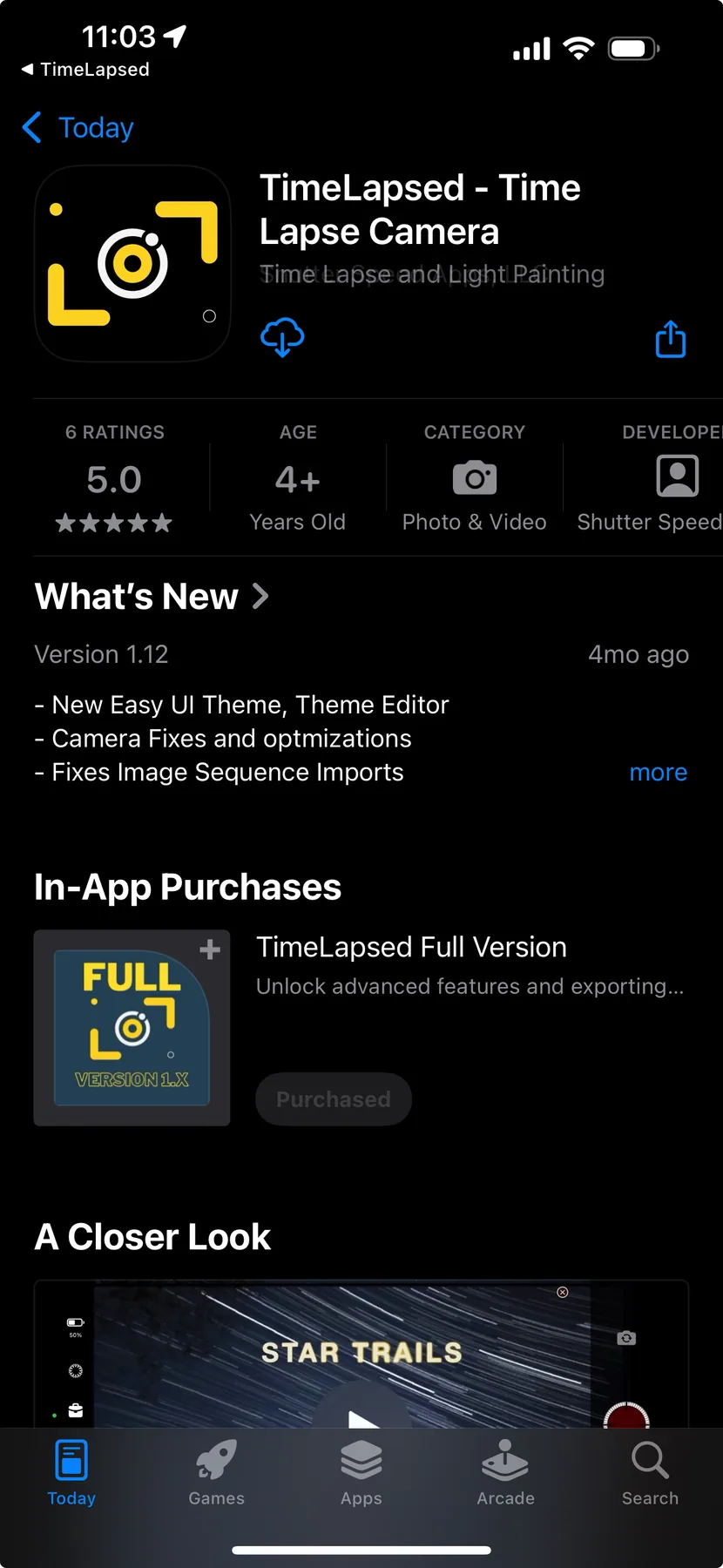
TimeLapsed 1.0 App Store listing
11TimeLapsed 1.0 App Store listing
Original TimeLapsed App Store screen 1
12Original TimeLapsed App Store screen 1
Original TimeLapsed App Store screen 2
13Original TimeLapsed App Store screen 2
Original TimeLapsed App Store screen 3
14Original TimeLapsed App Store screen 3
Original TimeLapsed App Store screen 4
15Original TimeLapsed App Store screen 4
Original TimeLapsed App Store screen 5
16Original TimeLapsed App Store screen 5
Original TimeLapsed App Store screen 6
17Original TimeLapsed App Store screen 6
Original TimeLapsed App Store screen 7
18Original TimeLapsed App Store screen 7
Original TimeLapsed App Store screen 8
19Original TimeLapsed App Store screen 8
Original TimeLapsed App Store screen 9
20Original TimeLapsed App Store screen 9
Original TimeLapsed App Store screen 10
21Original TimeLapsed App Store screen 10
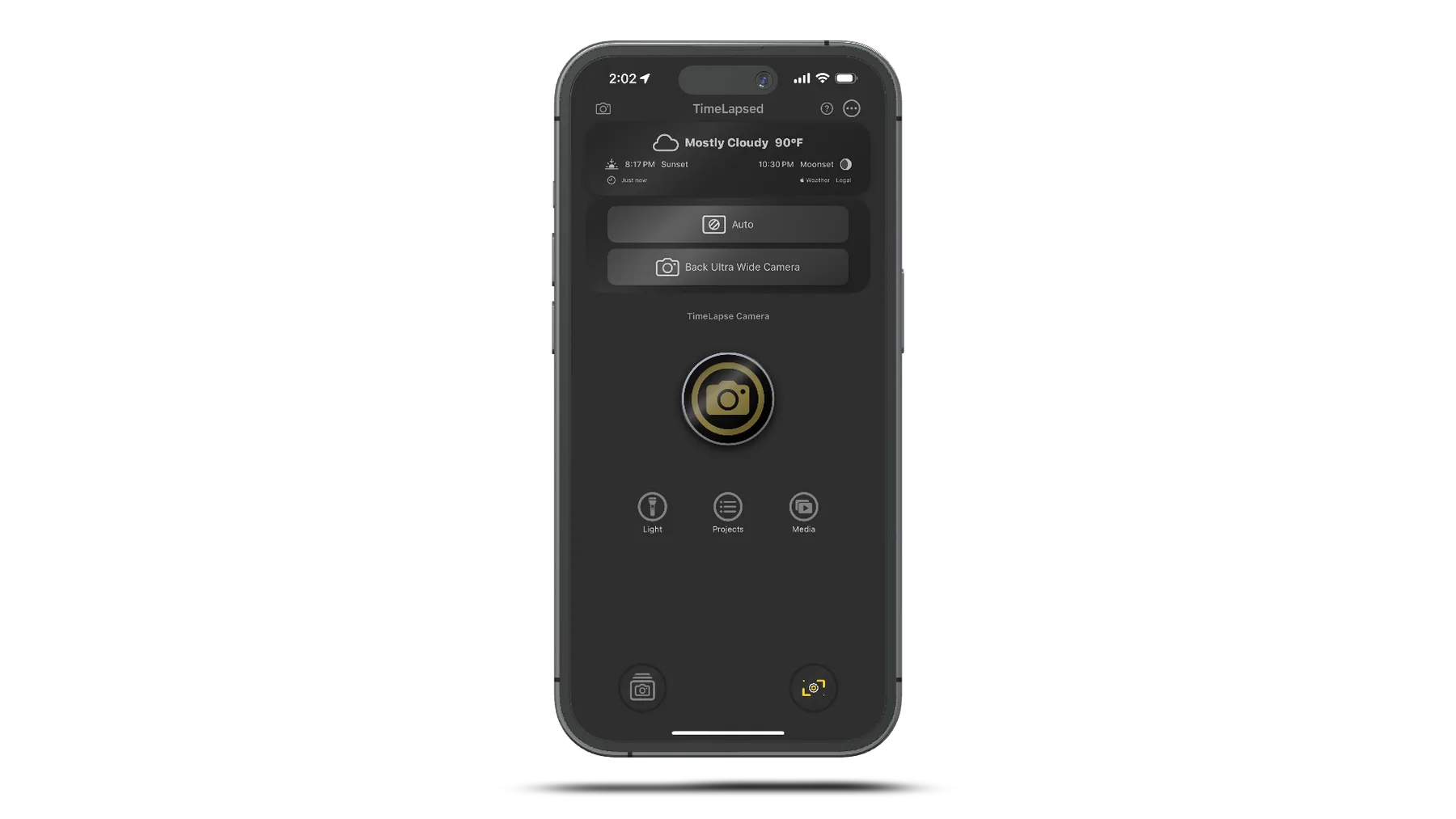
Original TimeLapsed interface 1
22Original TimeLapsed interface 1
Original TimeLapsed interface 2
23Original TimeLapsed interface 2
Original TimeLapsed interface 3
24Original TimeLapsed interface 3
Original TimeLapsed interface 4
25Original TimeLapsed interface 4
Original TimeLapsed interface 5
26Original TimeLapsed interface 5
Original TimeLapsed interface 6
27Original TimeLapsed interface 6
Original TimeLapsed interface 7
28Original TimeLapsed interface 7
Original TimeLapsed interface 8
29Original TimeLapsed interface 8
Original TimeLapsed interface 9
30Original TimeLapsed interface 9
Original TimeLapsed interface 10
31Original TimeLapsed interface 10
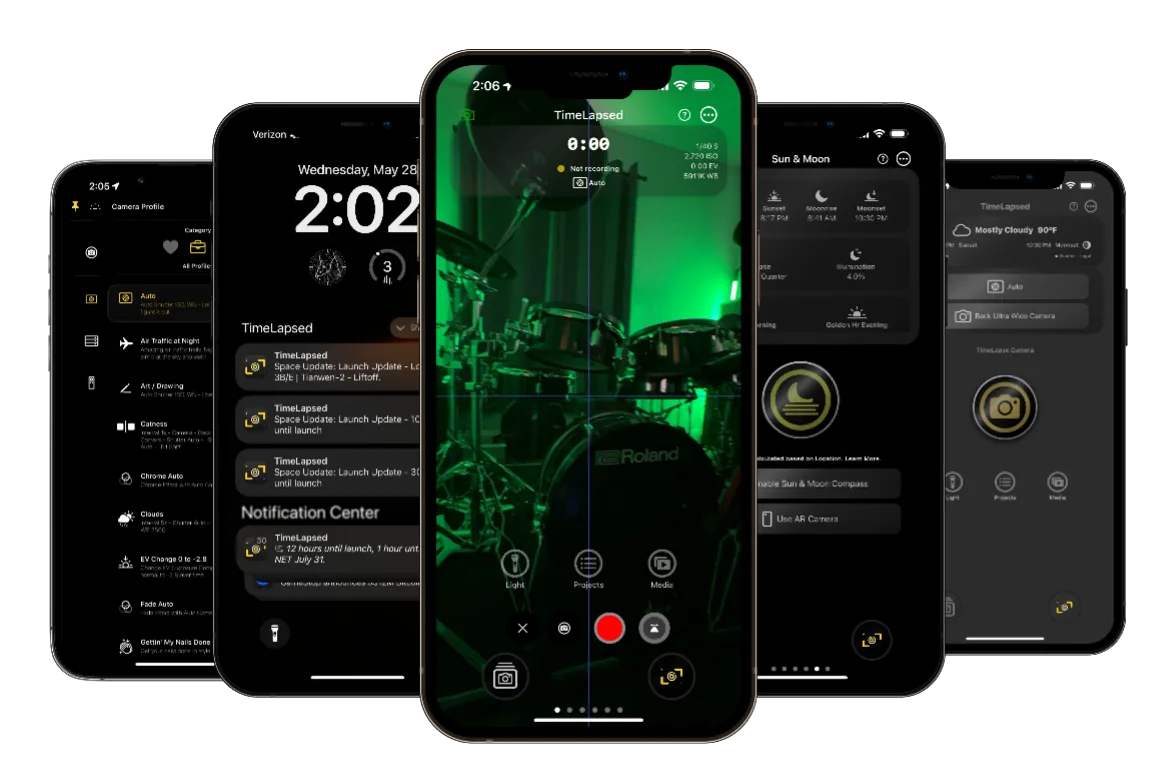
Five original TimeLapsed app views
32Five original TimeLapsed app views
TimeLapsed professional camera controls
33TimeLapsed professional camera controls
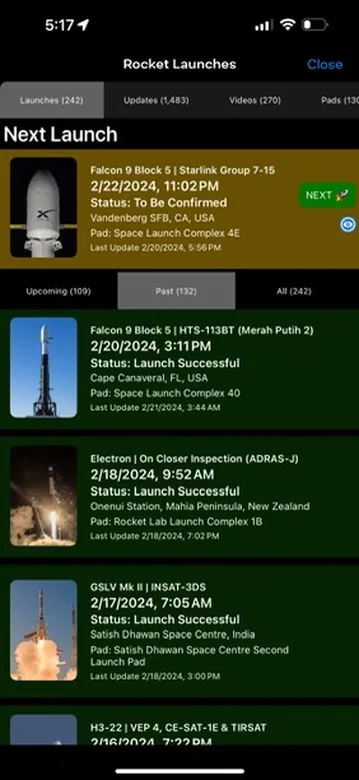
TimeLapsed rocket and star-trail tracking
34TimeLapsed rocket and star-trail tracking
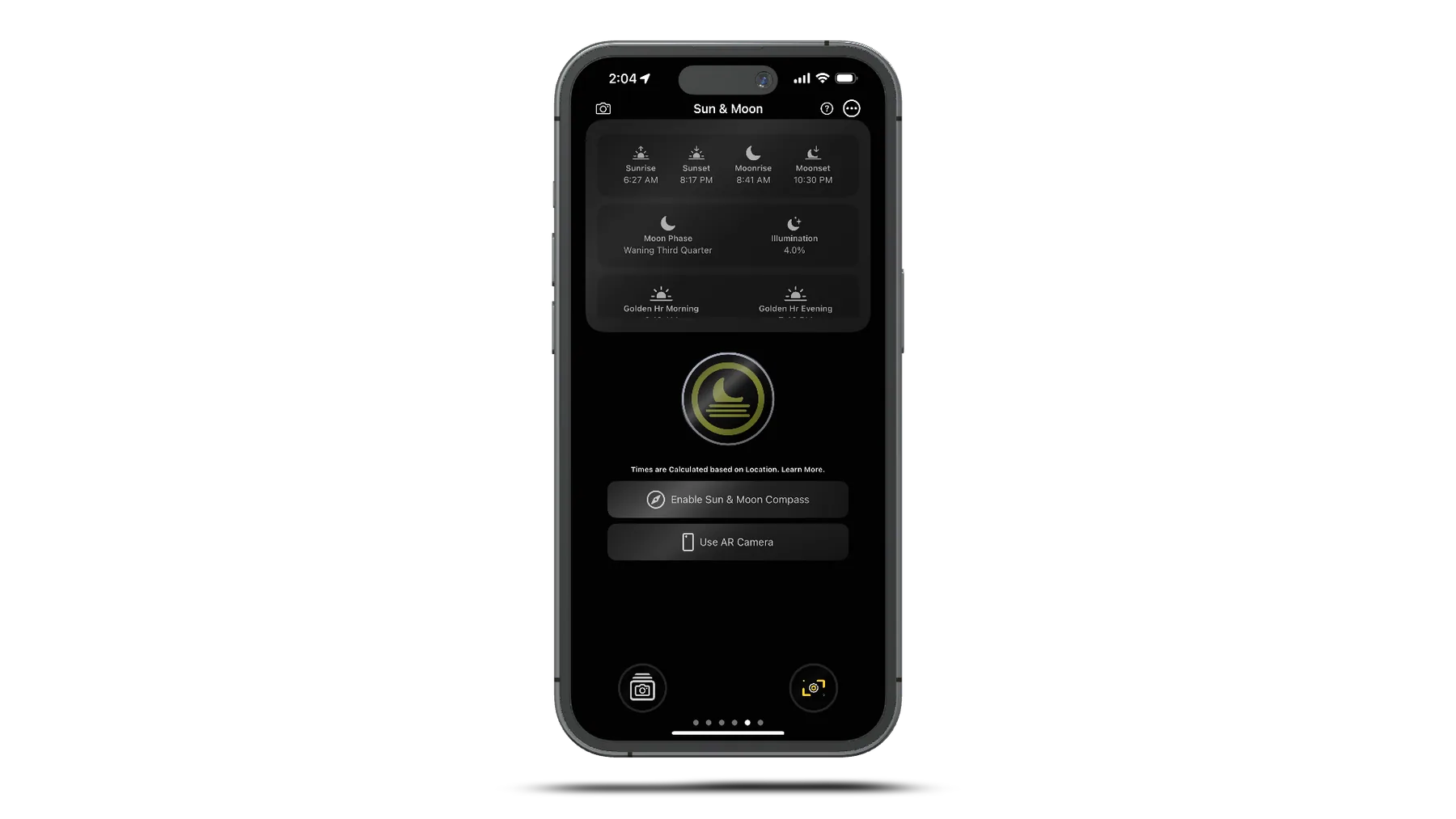
TimeLapsed Sun and Moon augmented reality
35TimeLapsed Sun and Moon augmented reality
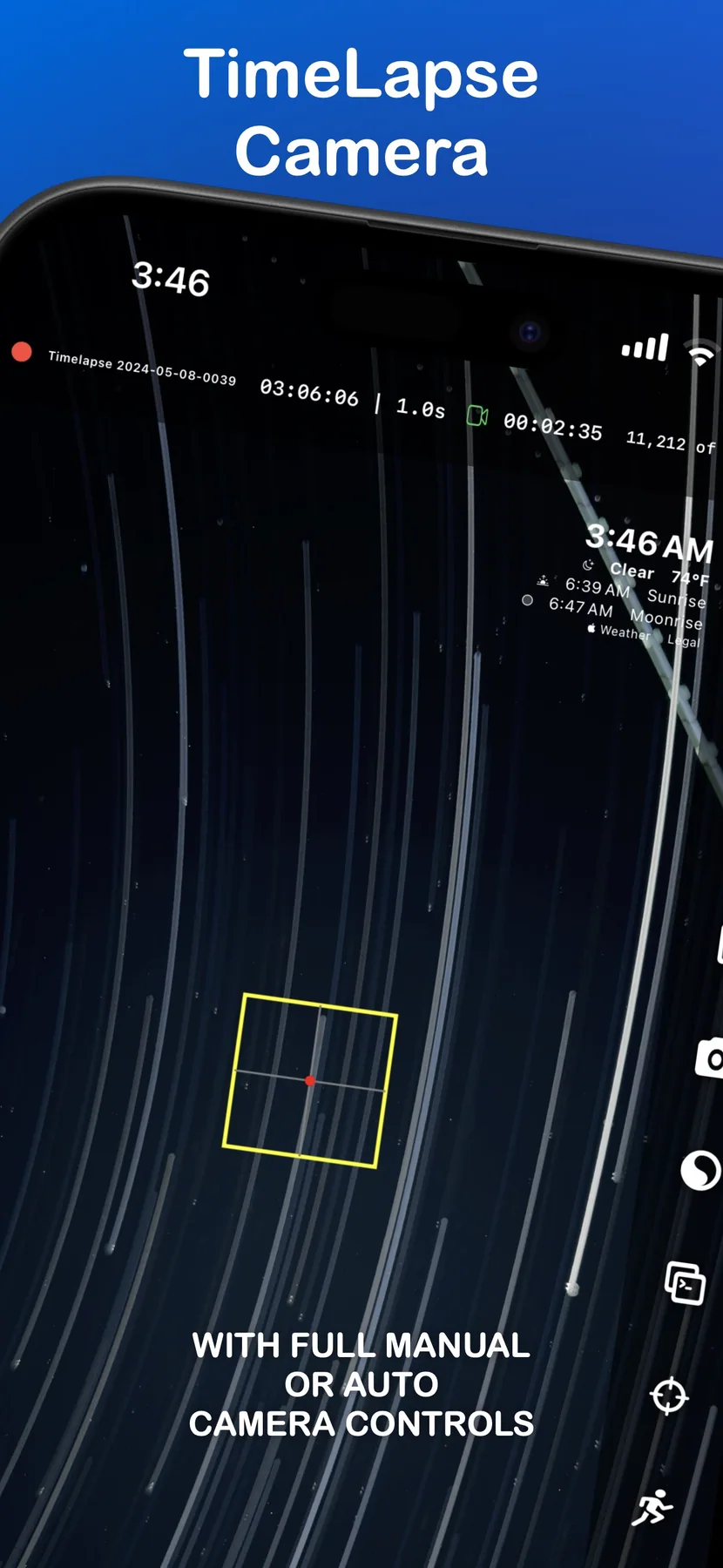
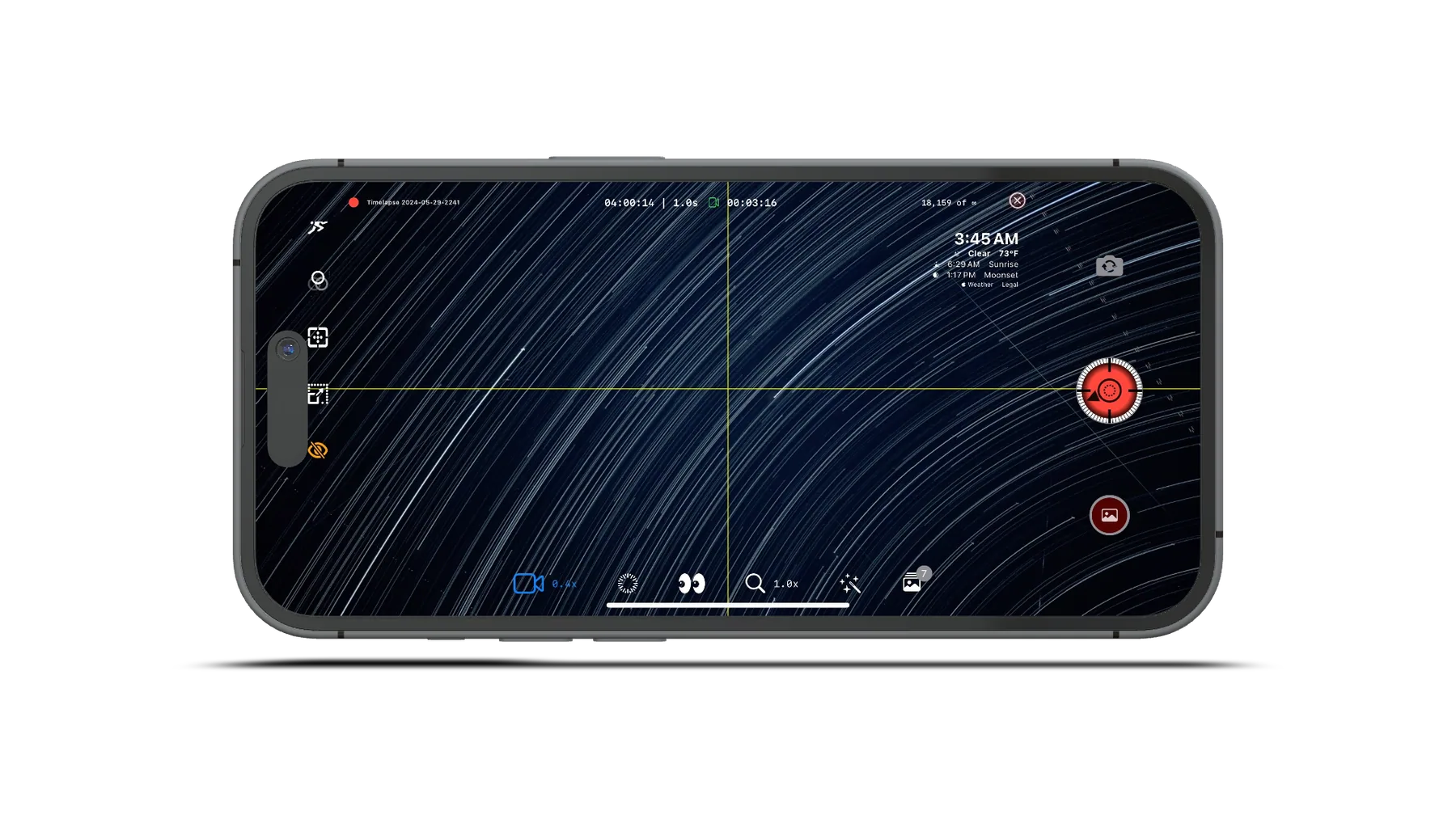
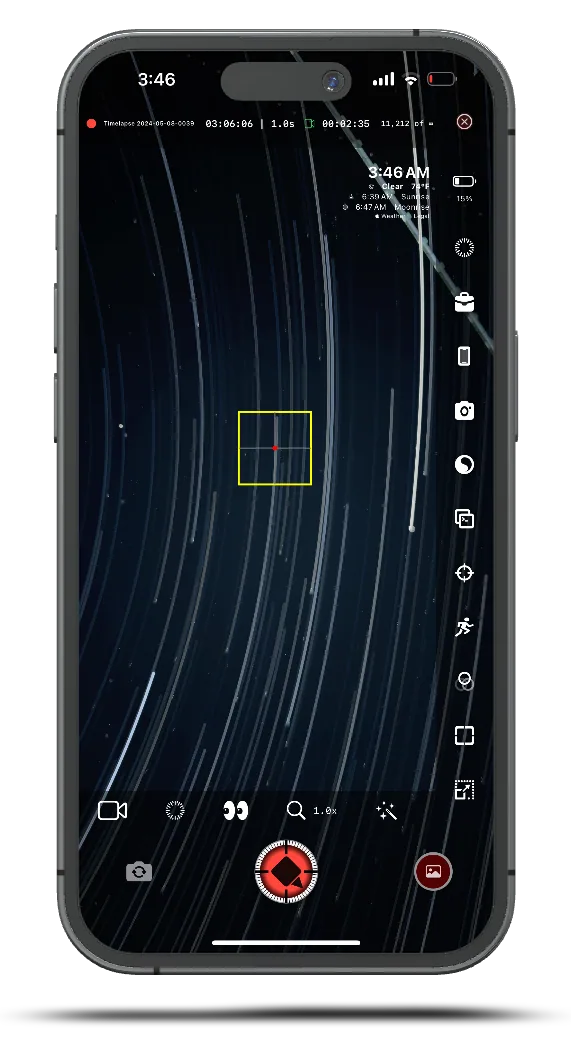
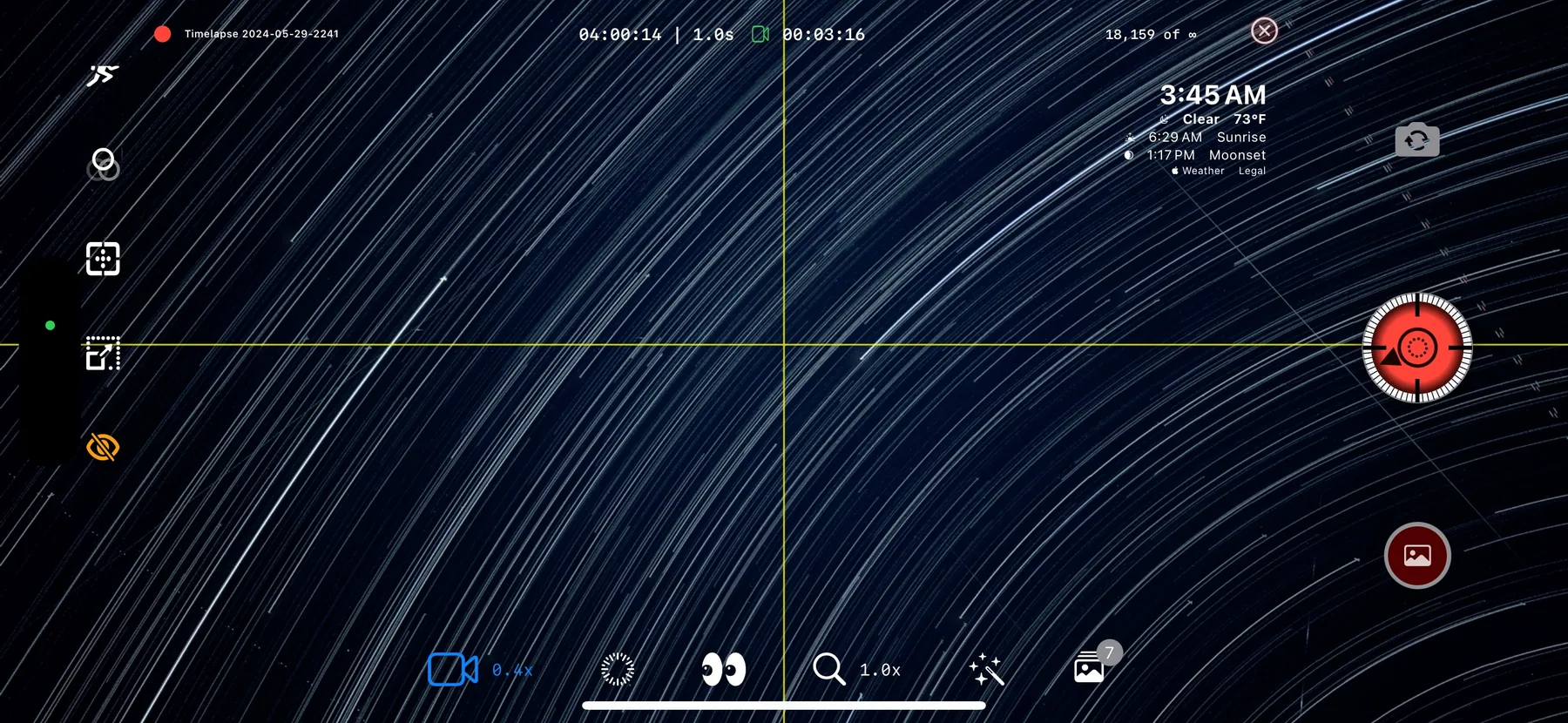
TimeLapsed star-trail camera interface
36TimeLapsed star-trail camera interface
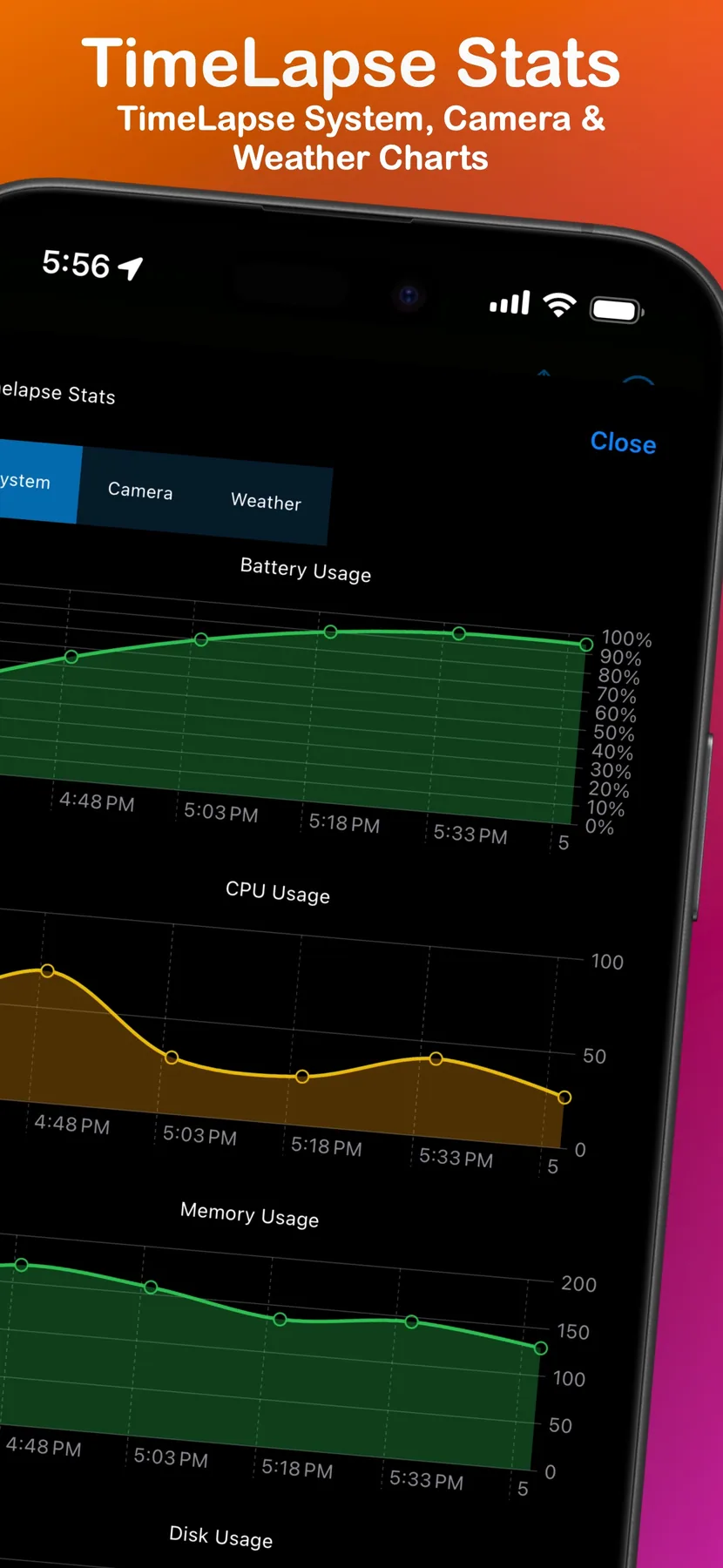
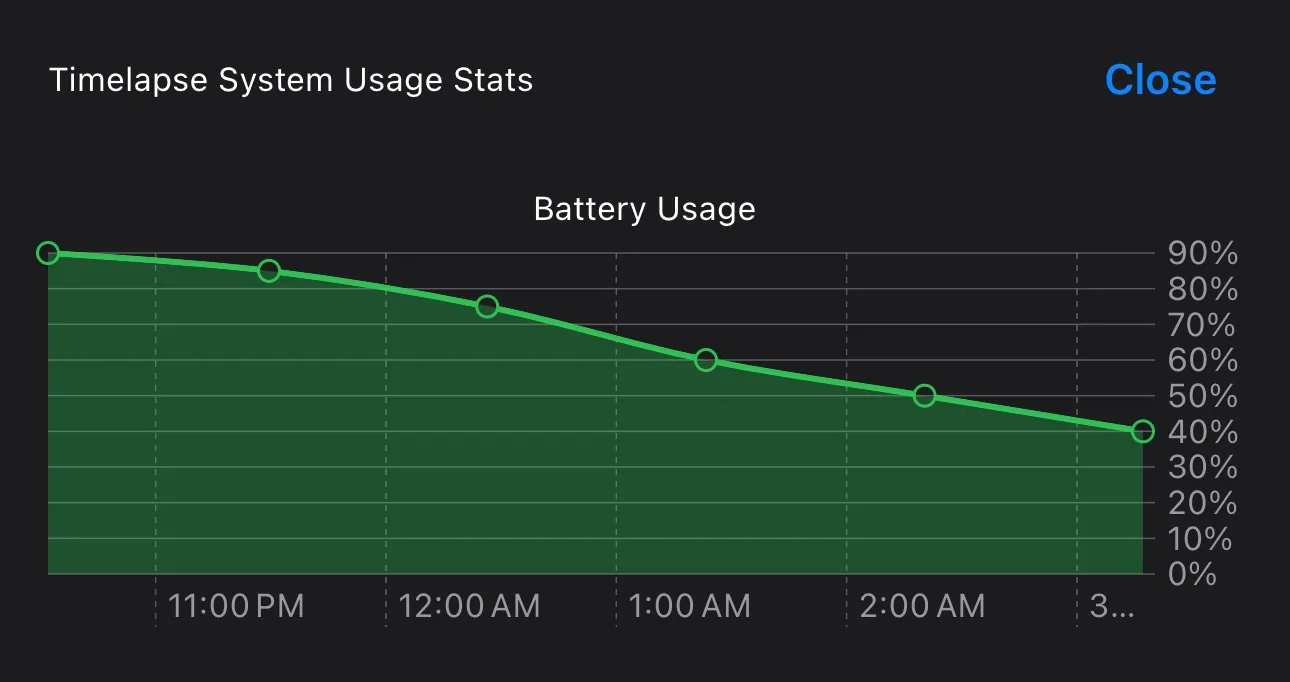
TimeLapsed long-session battery statistics
37TimeLapsed long-session battery statistics
TimeLapsed launch and flight planning
38TimeLapsed launch and flight planning
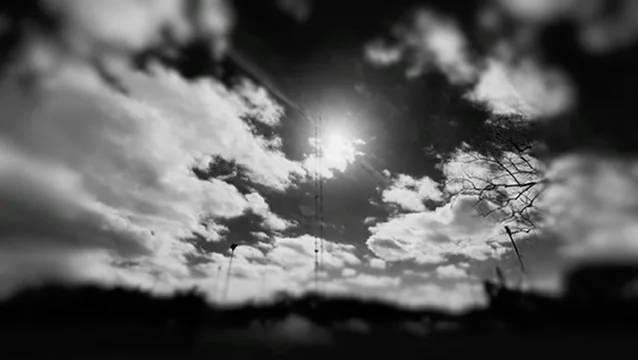
Star trails captured with TimeLapsed
39Star trails captured with TimeLapsed
TimeLapsed star-trail field example
40TimeLapsed star-trail field example
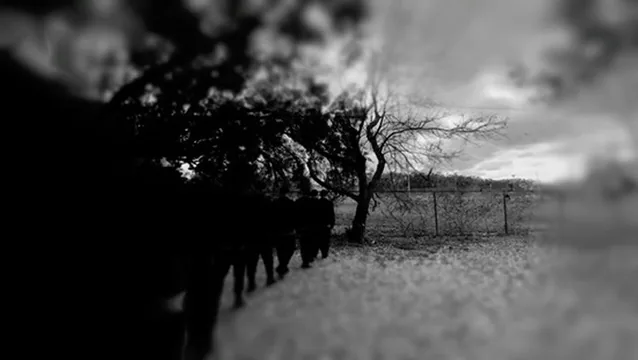
TimeLapsed night-sky field example
41TimeLapsed night-sky field example
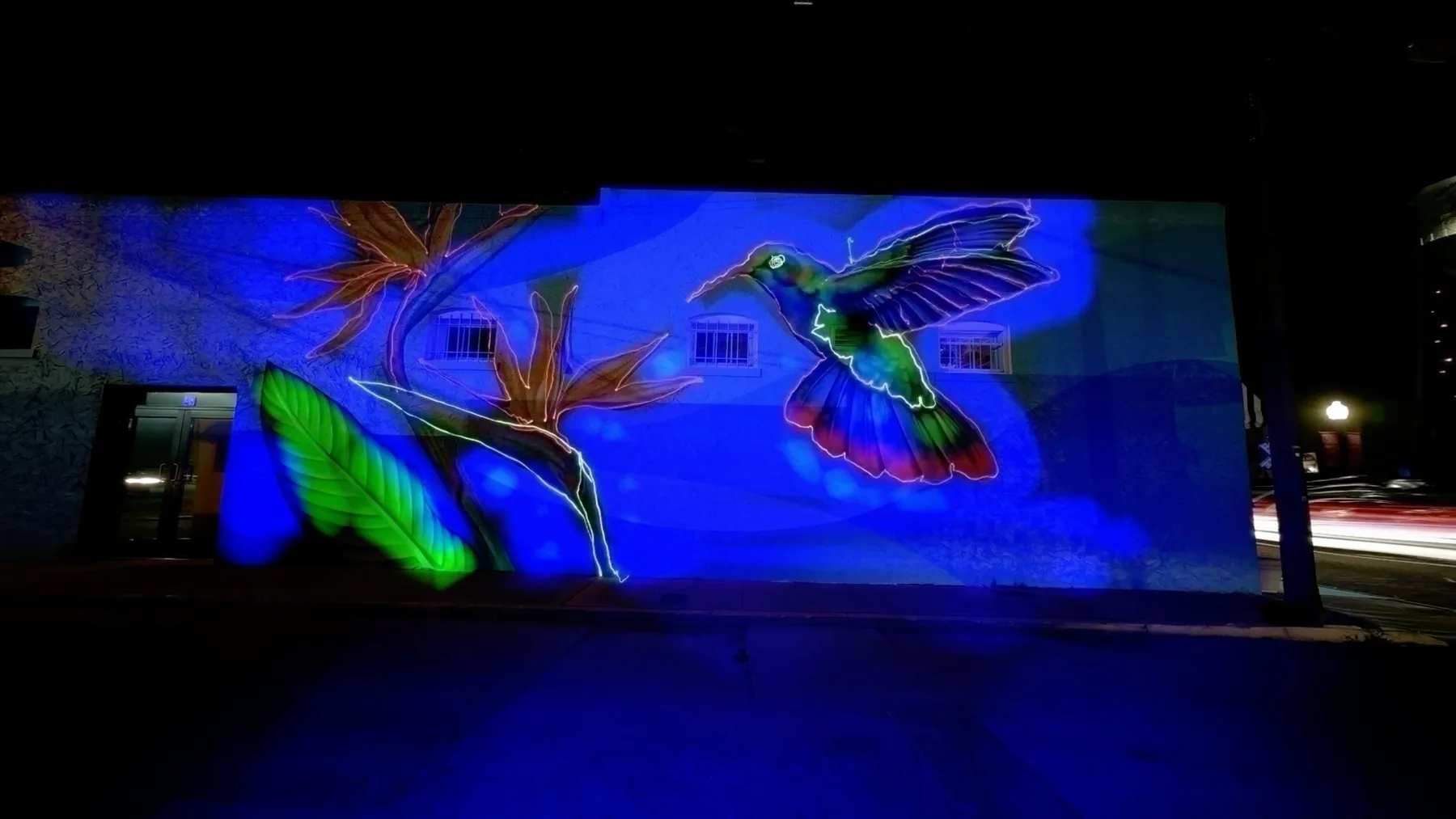
Light painting made with TimeLapsed
42Light painting made with TimeLapsed
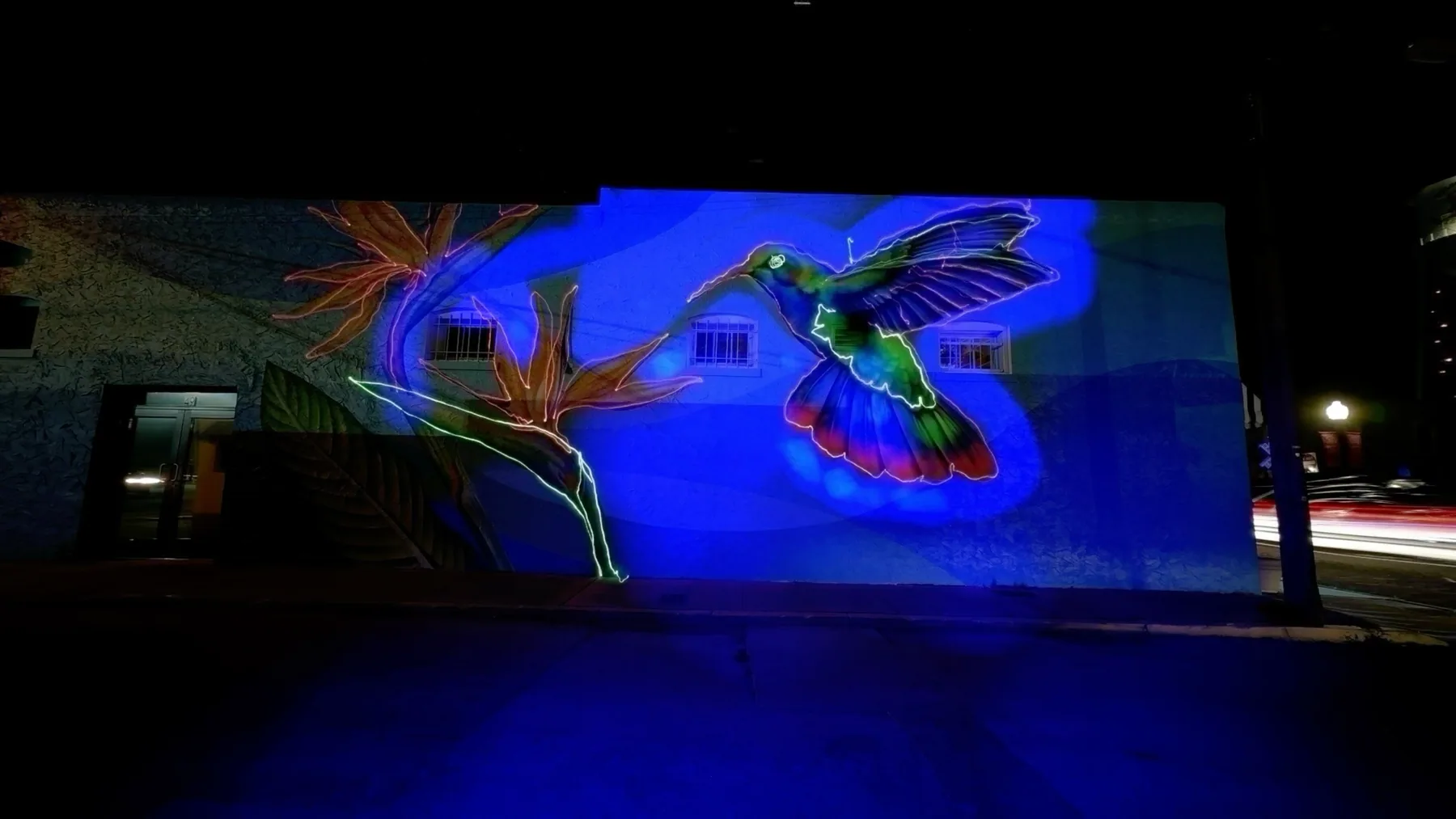
Second light painting made with TimeLapsed
43Second light painting made with TimeLapsed
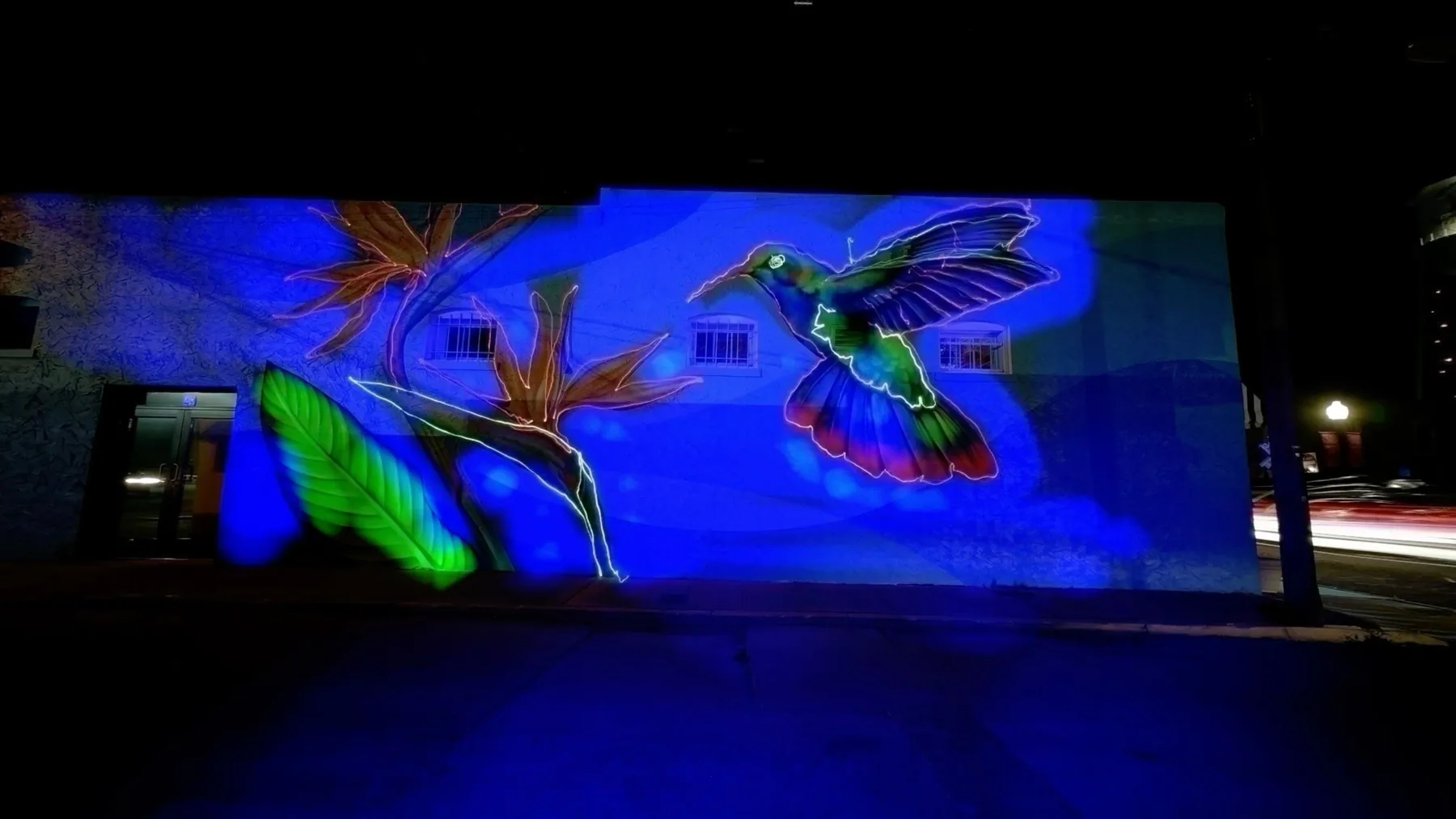
Bird light painting made with TimeLapsed
44Bird light painting made with TimeLapsed
Spiral light painting made with TimeLapsed
45Spiral light painting made with TimeLapsed
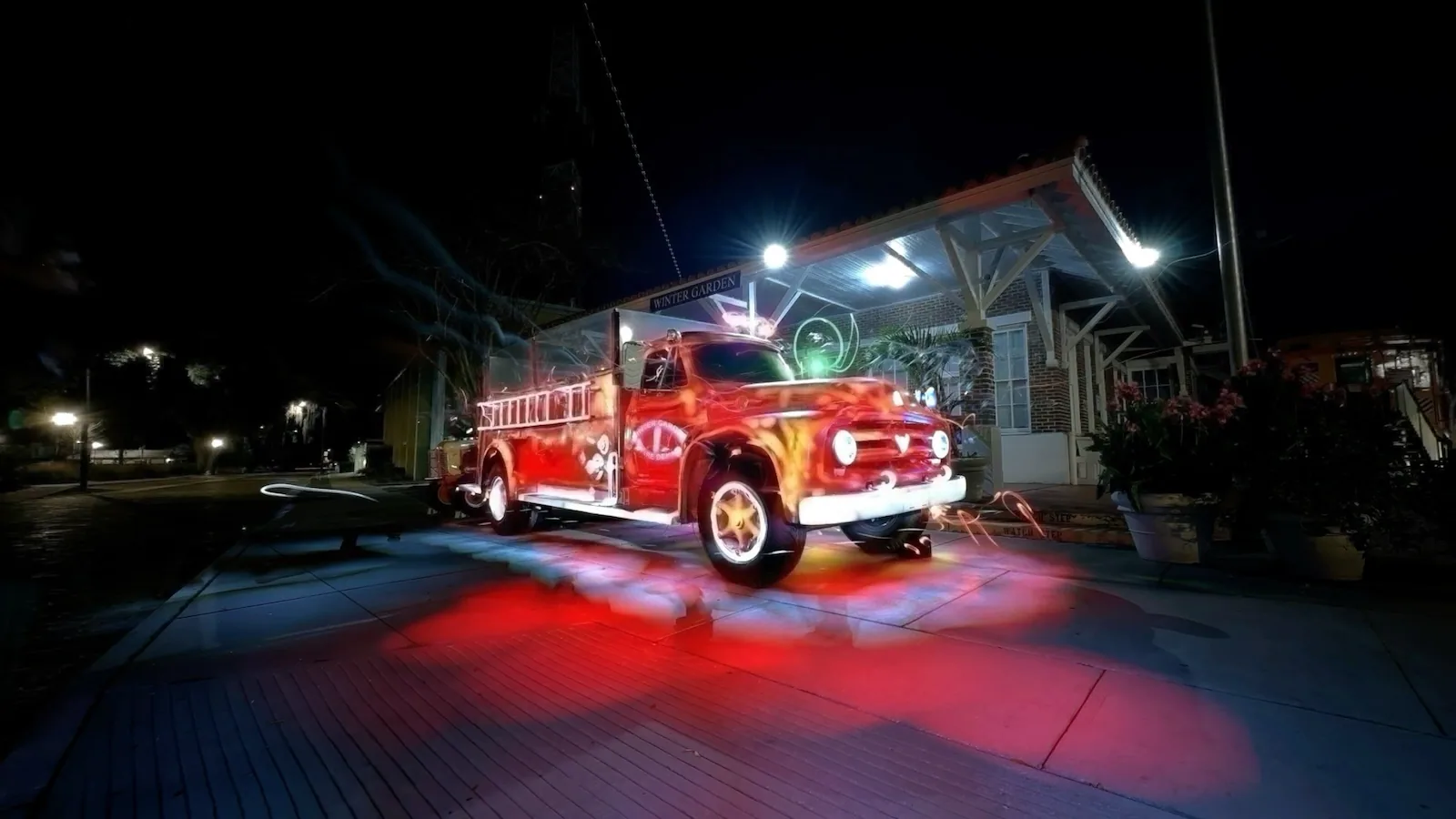
Firetruck light-trail field example
46Firetruck light-trail field example
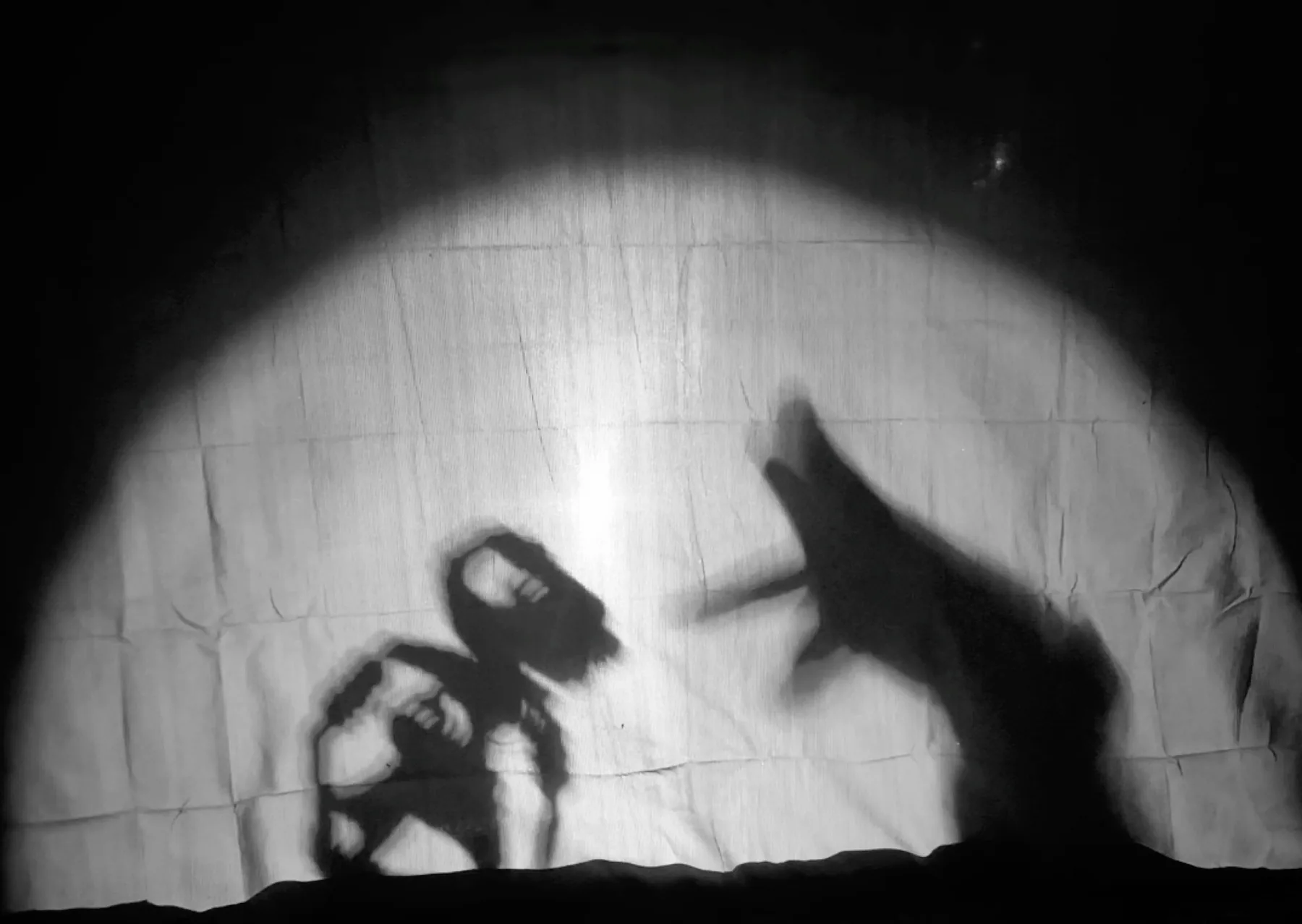
Shadow-puppetry timelapse example
47Shadow-puppetry timelapse example
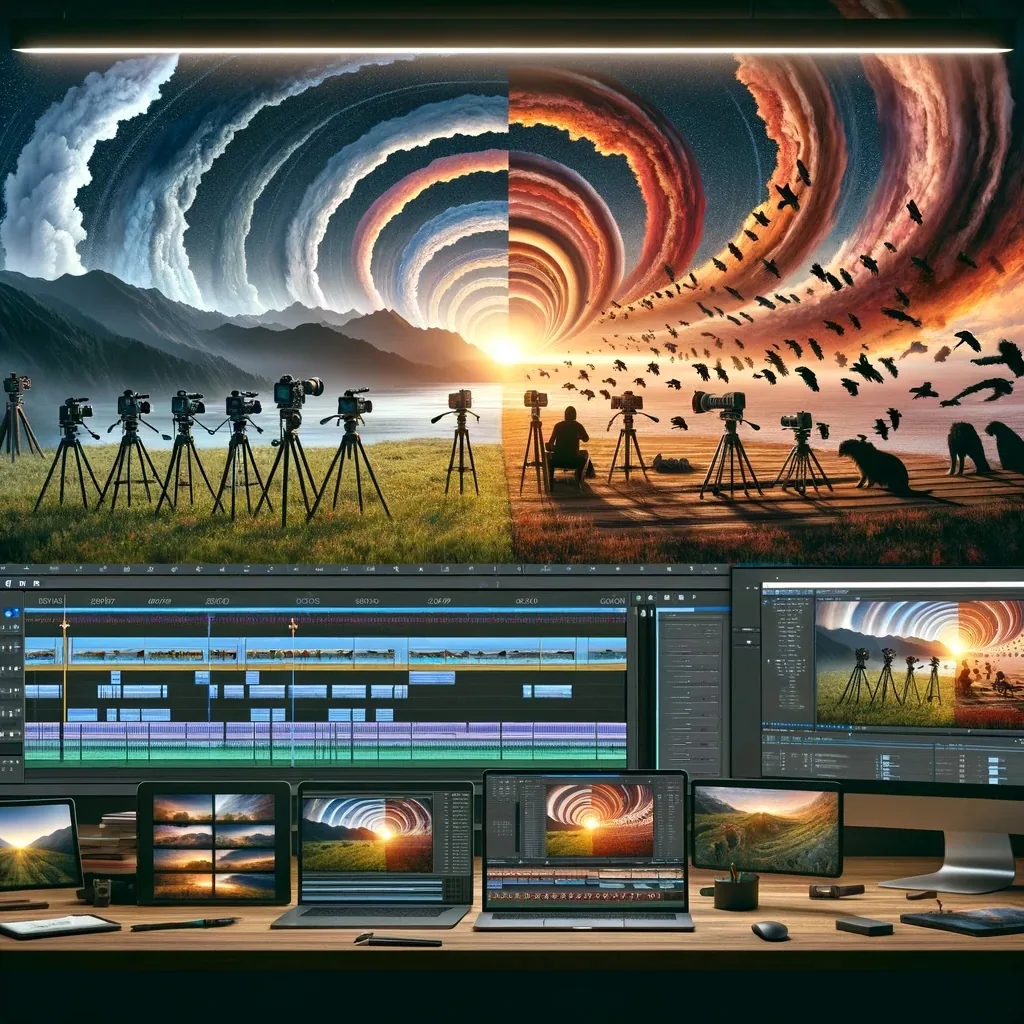
Composing an iPhone timelapse
48Composing an iPhone timelapse
Timelapse field equipment
49Timelapse field equipment
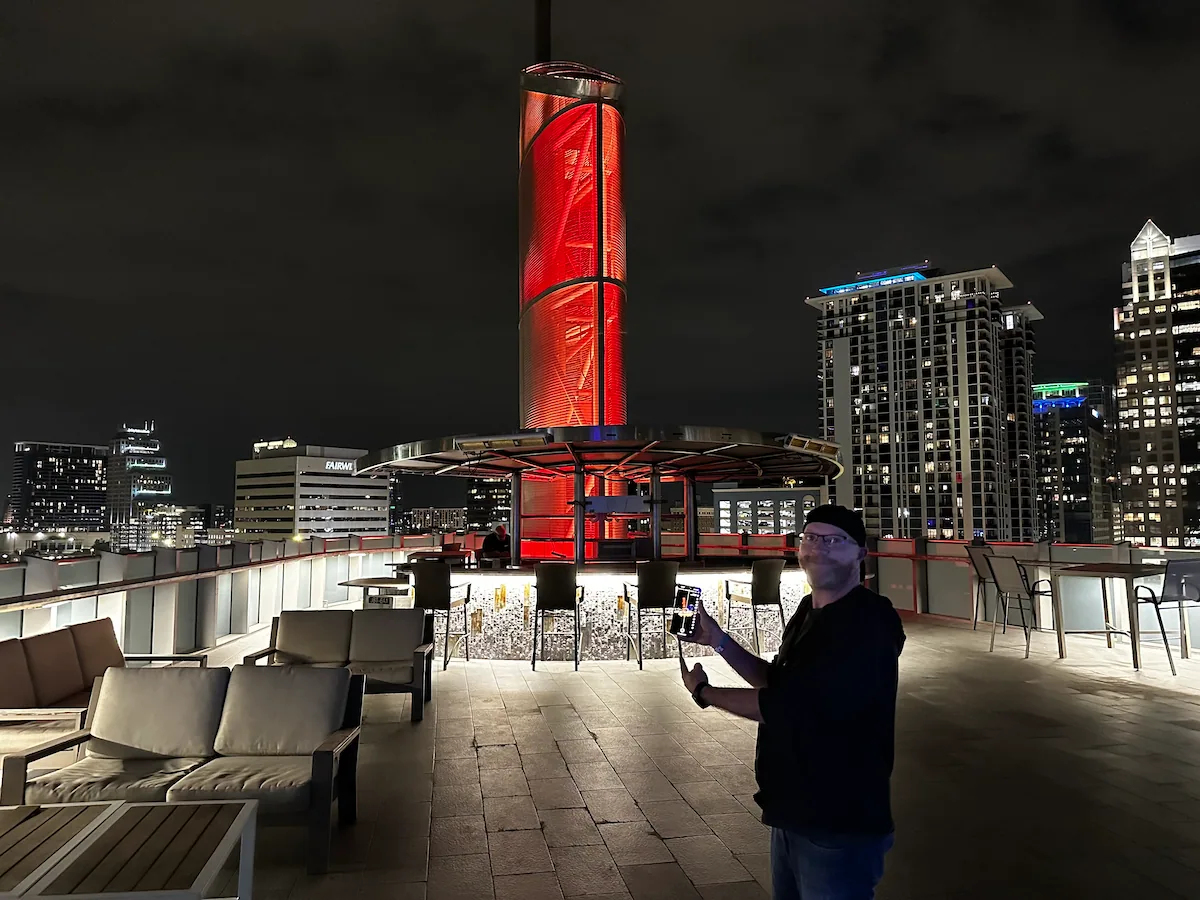
TimeLapsed night capture in the field
50TimeLapsed night capture in the field
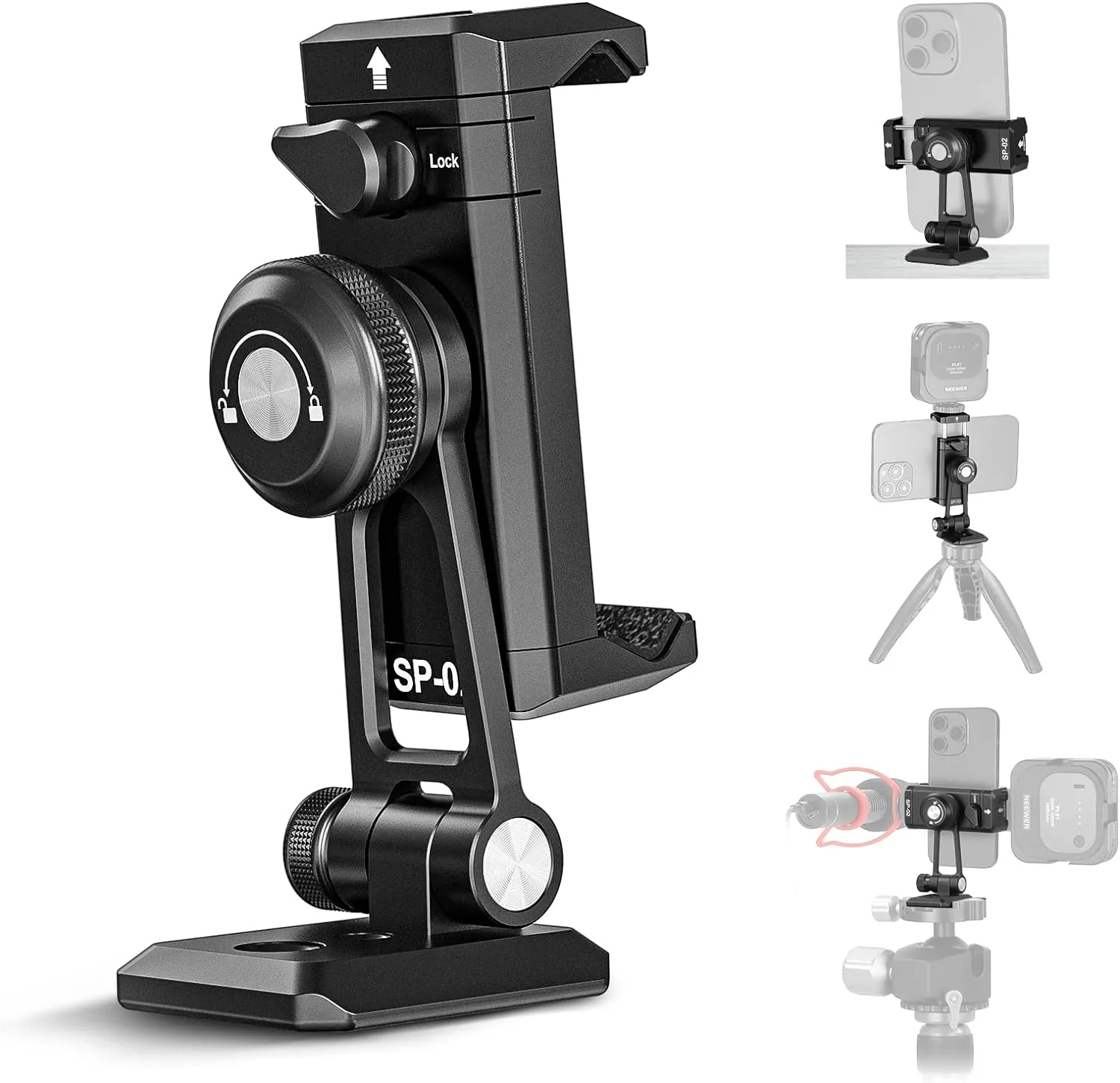
iPhone tripod holder used with TimeLapsed
51iPhone tripod holder used with TimeLapsed
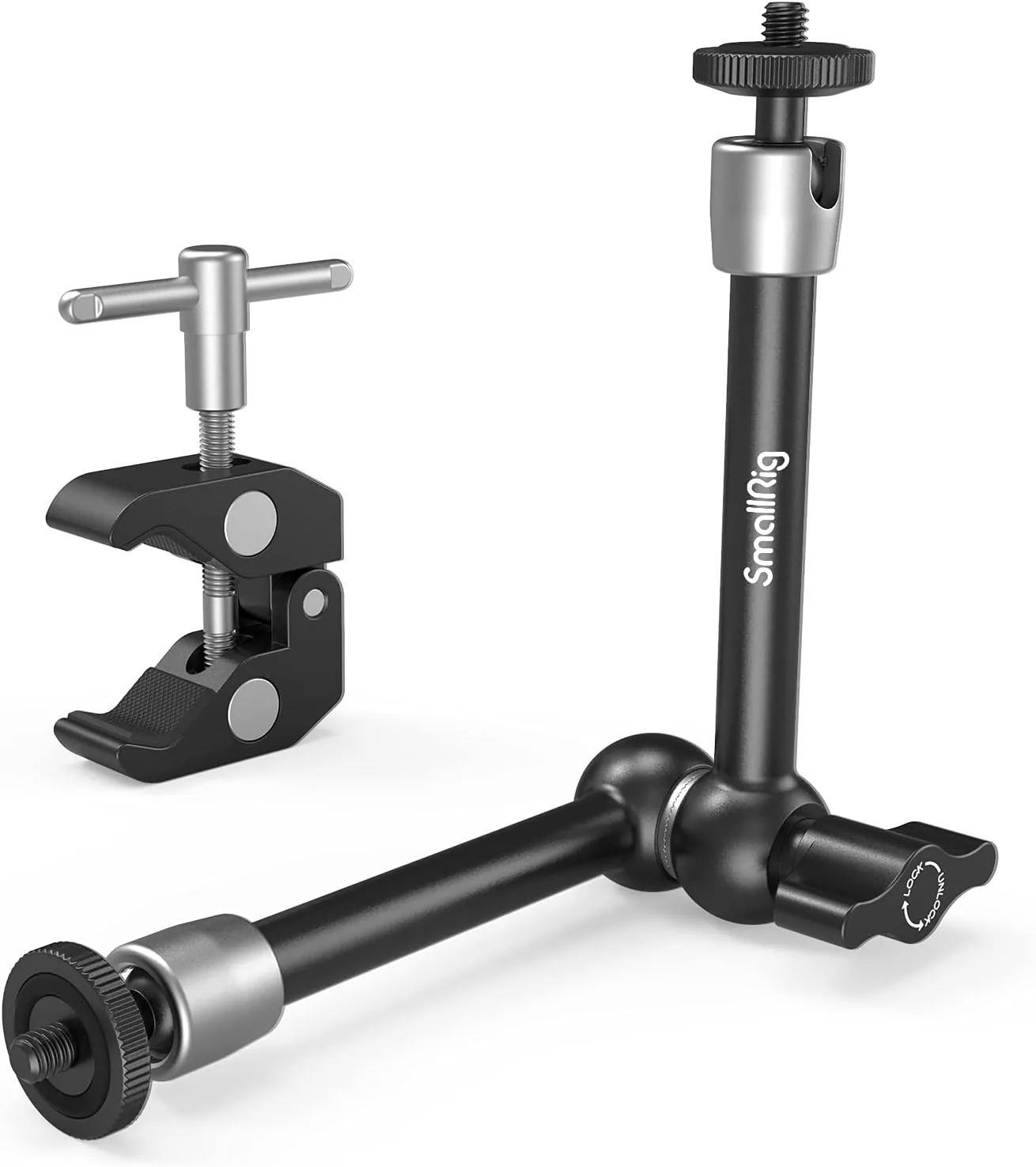
Articulating camera arm used with TimeLapsed
52Articulating camera arm used with TimeLapsed
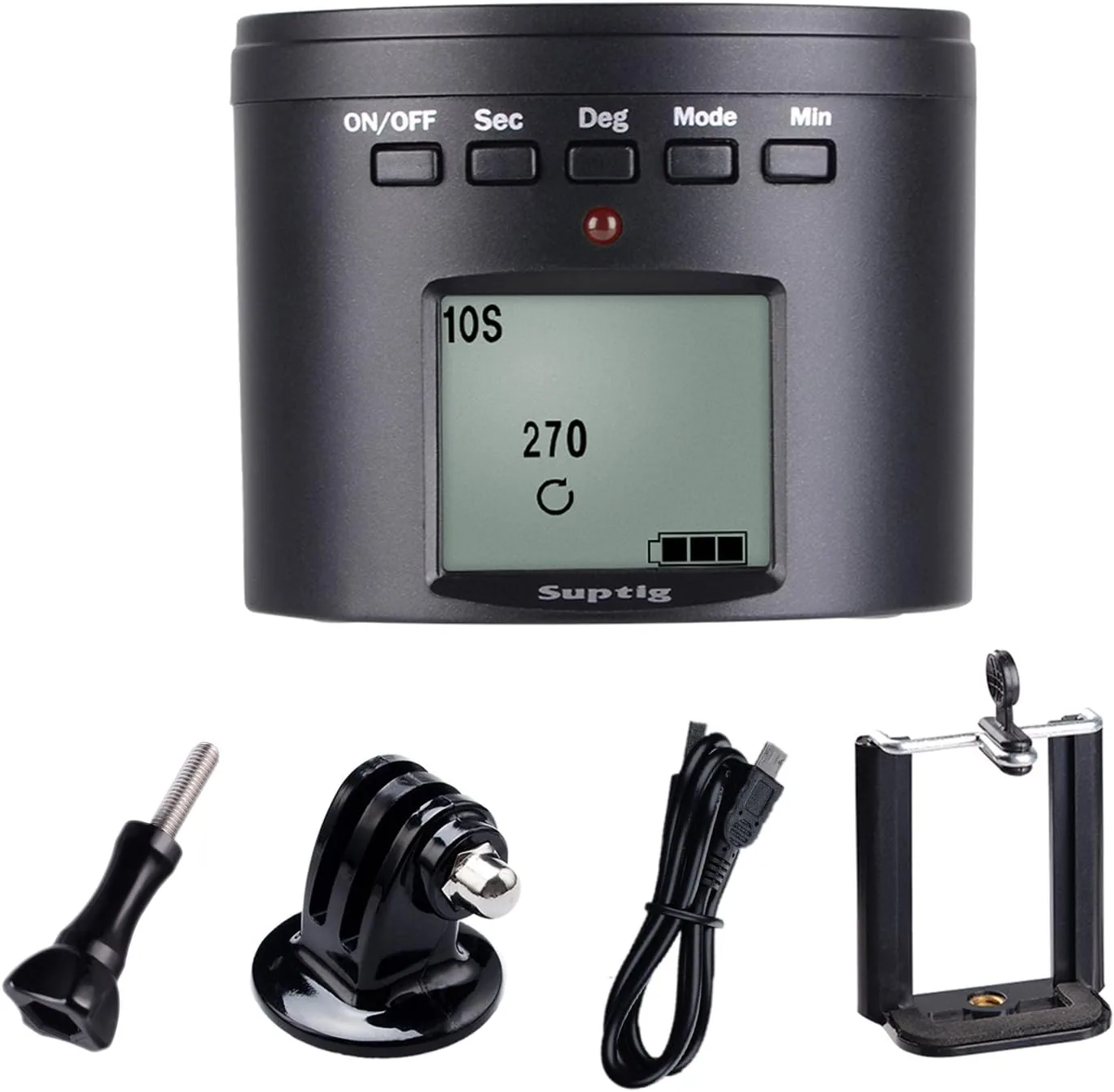
Motorized camera rotator used with TimeLapsed
53Motorized camera rotator used with TimeLapsed
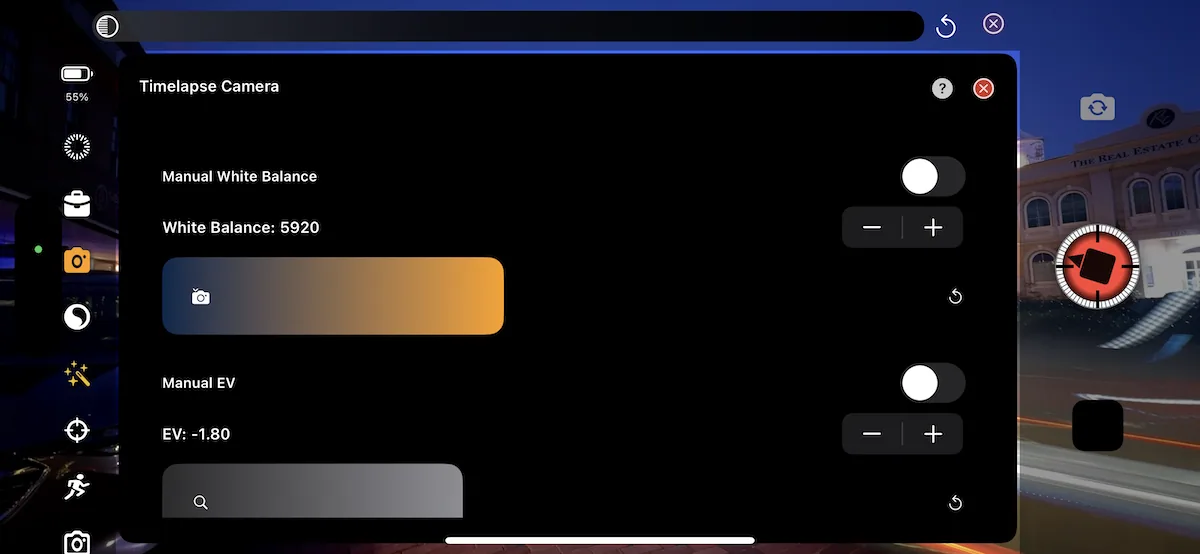
TimeLapsed color controls
54TimeLapsed color controls
TimeLapsed light painting guide screen 1
55TimeLapsed light painting guide screen 1
TimeLapsed light painting guide screen 2
56TimeLapsed light painting guide screen 2
TimeLapsed light painting guide screen 3
57TimeLapsed light painting guide screen 3
TimeLapsed light painting guide screen 4
58TimeLapsed light painting guide screen 4
TimeLapsed light painting guide screen 5
59TimeLapsed light painting guide screen 5
TimeLapsed light painting guide screen 6
60TimeLapsed light painting guide screen 6
TimeLapsed light painting guide screen 7
61TimeLapsed light painting guide screen 7
TimeLapsed light painting guide screen 8
62TimeLapsed light painting guide screen 8
TimeLapsed light painting guide screen 9
63TimeLapsed light painting guide screen 9
TimeLapsed light painting guide screen 10
64TimeLapsed light painting guide screen 10
TimeLapsed light painting guide screen 11
65TimeLapsed light painting guide screen 11
TimeLapsed star trails capture
66TimeLapsed star trails capture
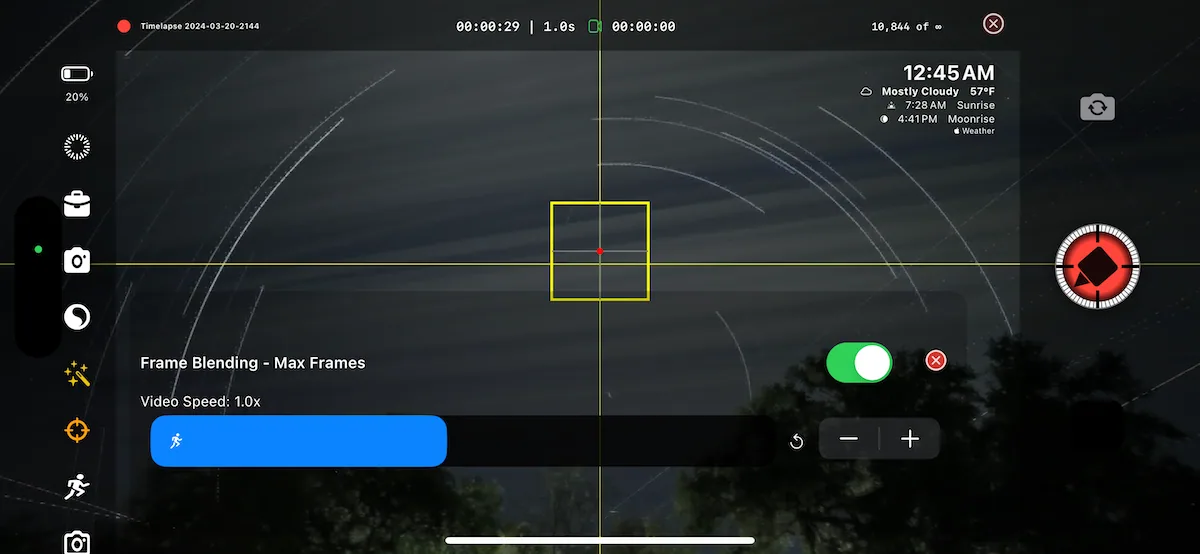
TimeLapsed star trails controls
67TimeLapsed star trails controls
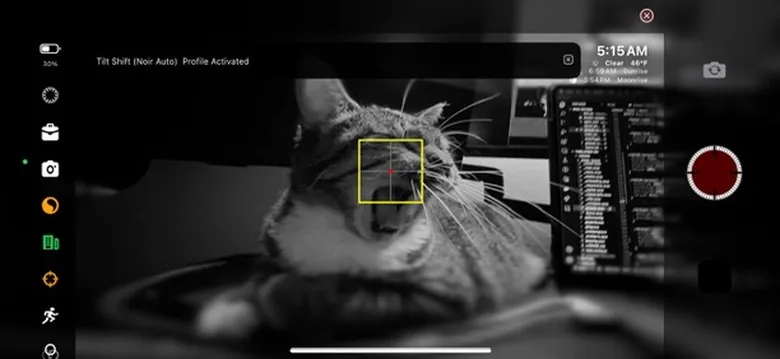
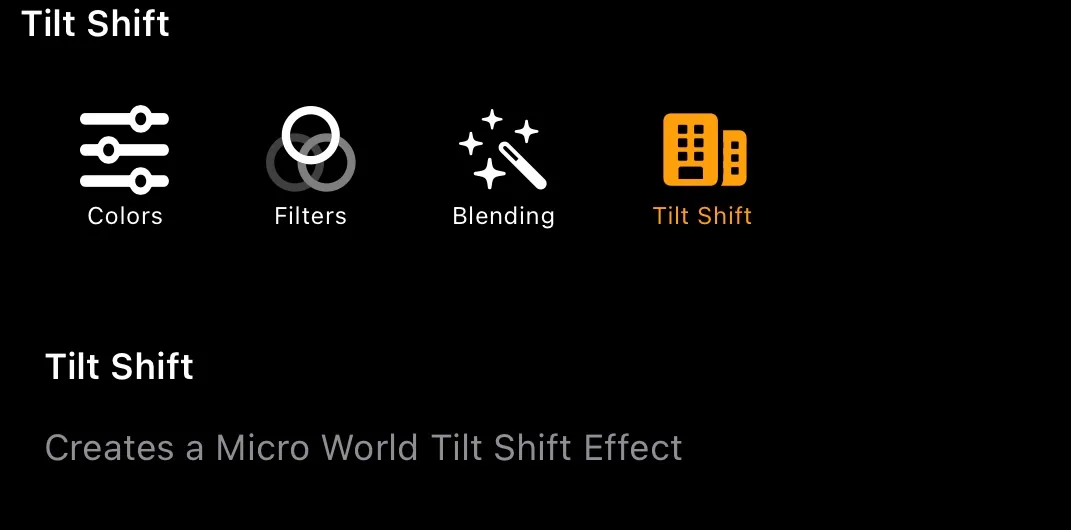
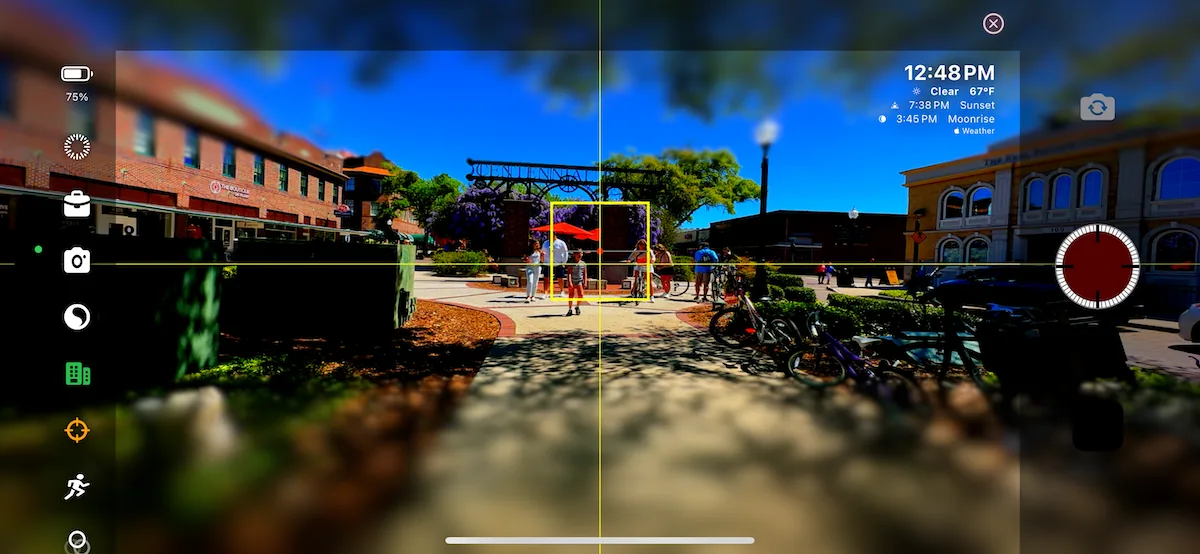
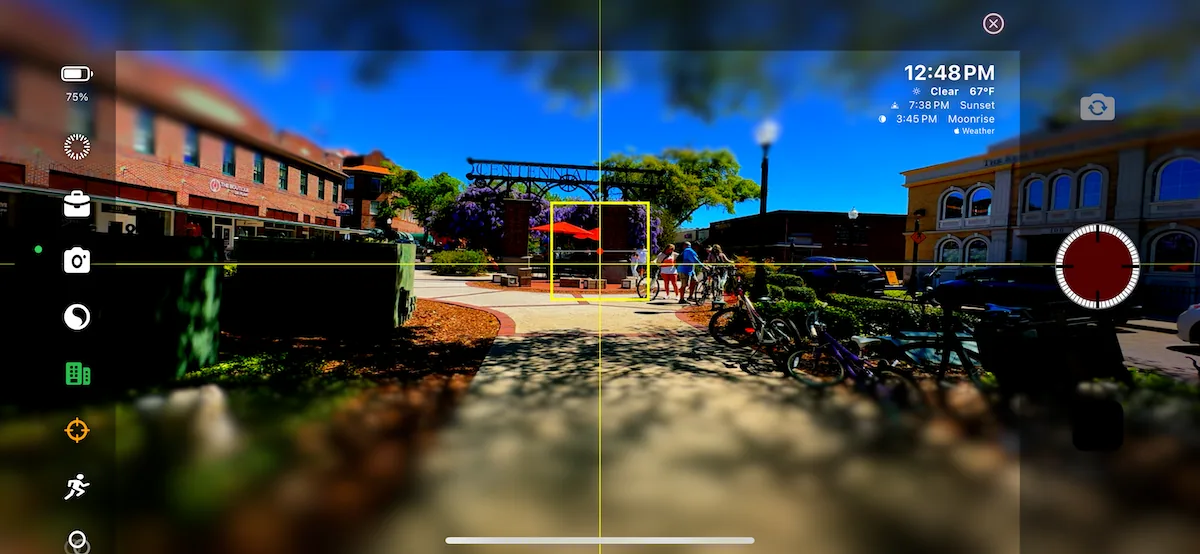
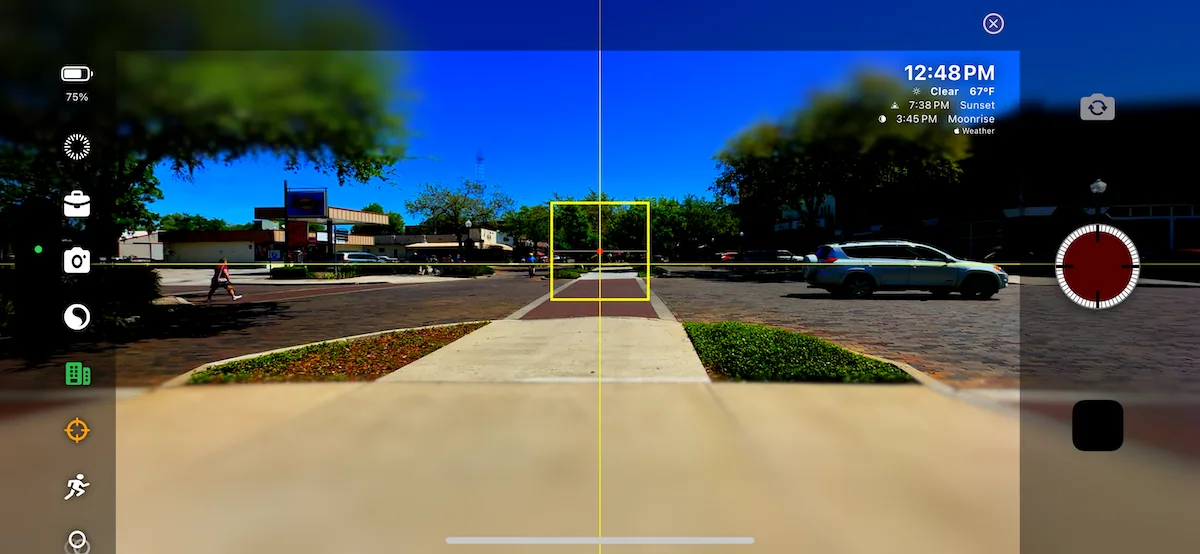
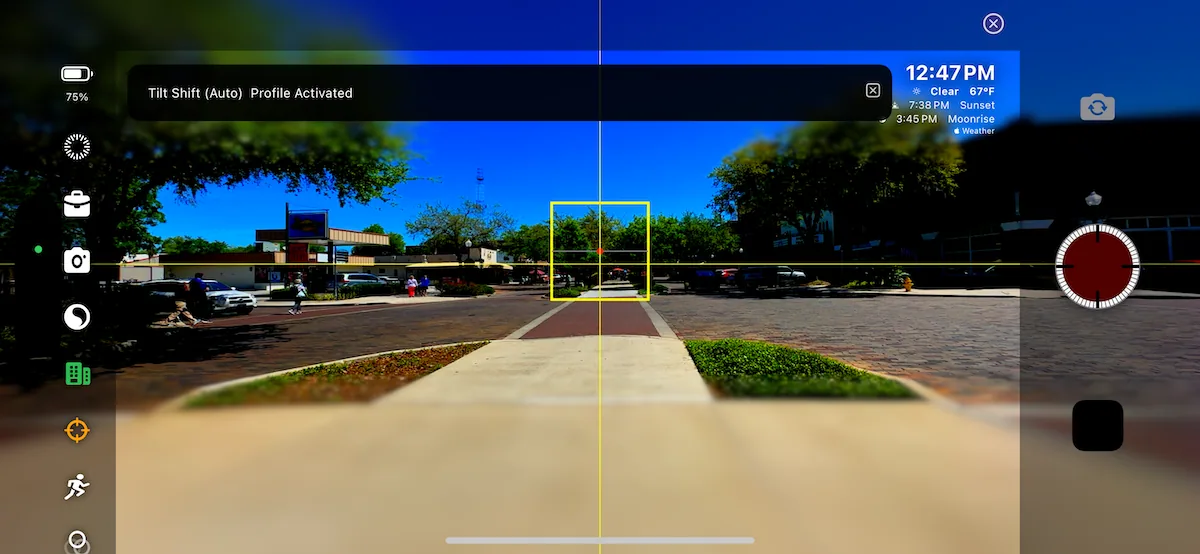
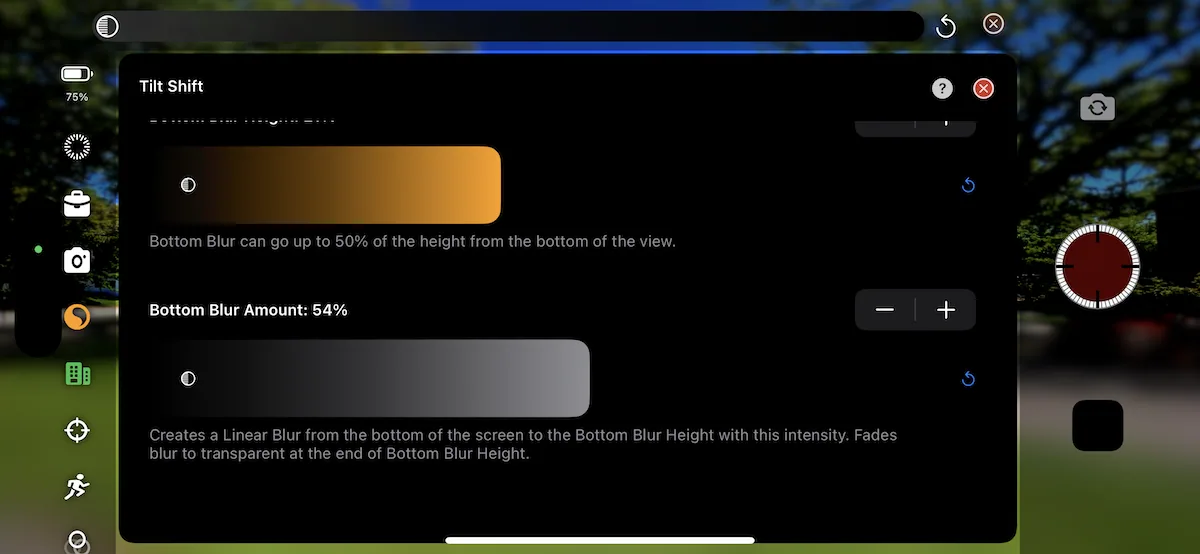
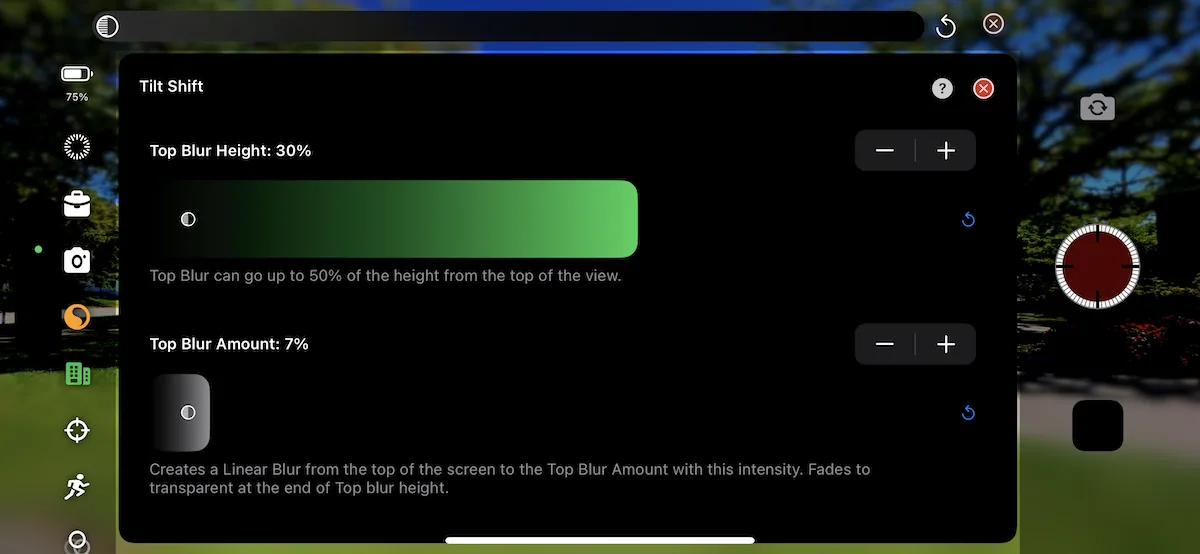
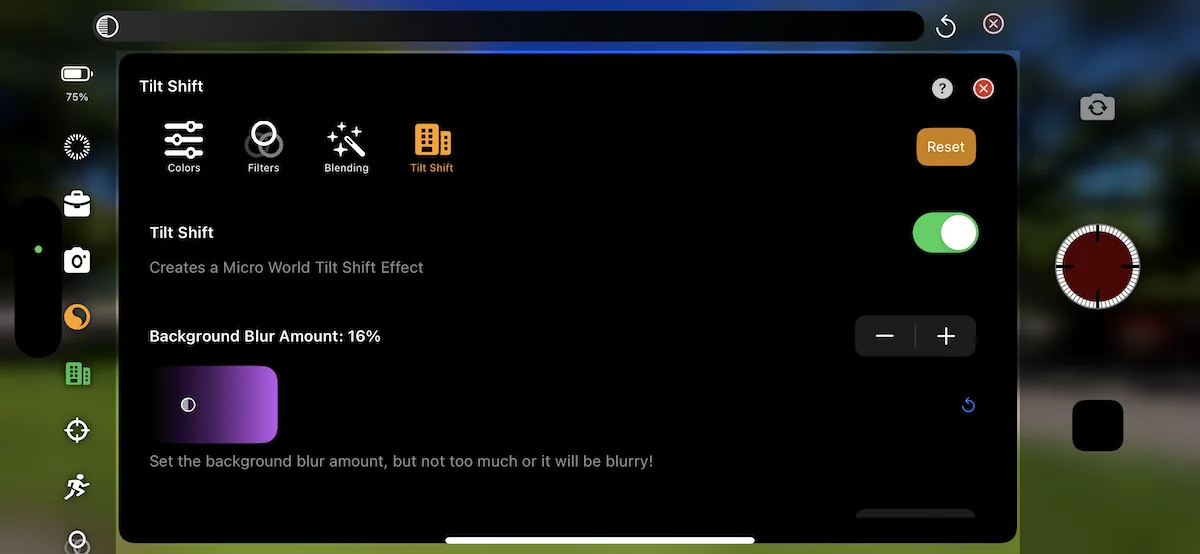
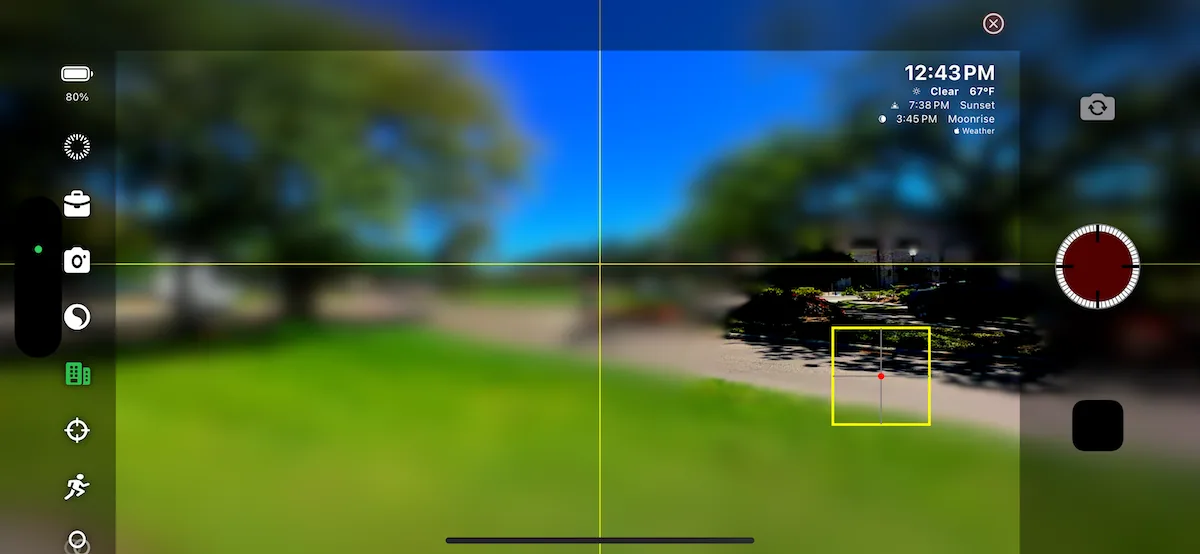
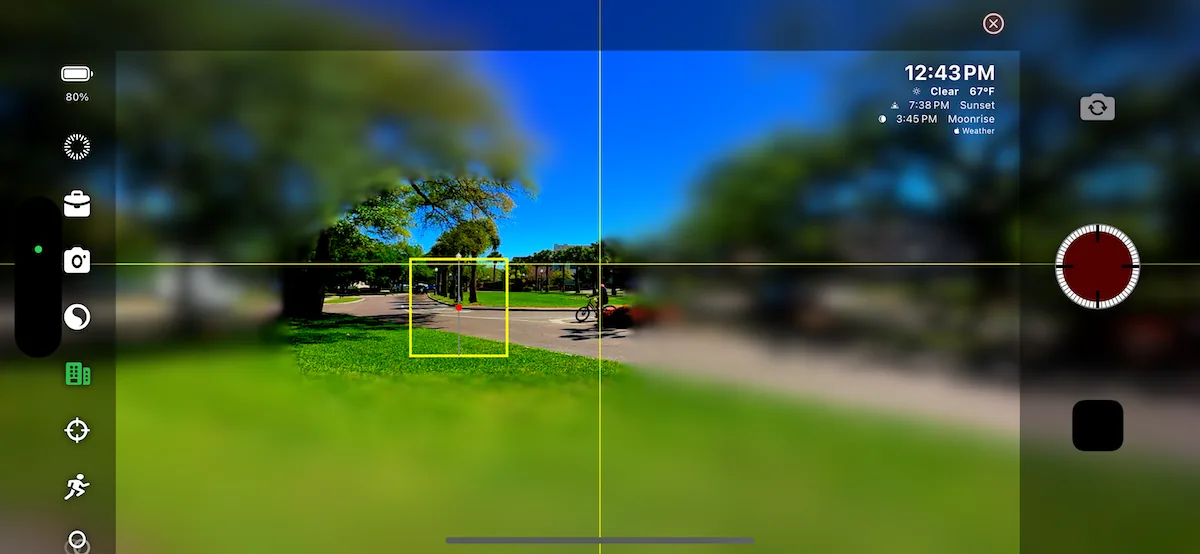
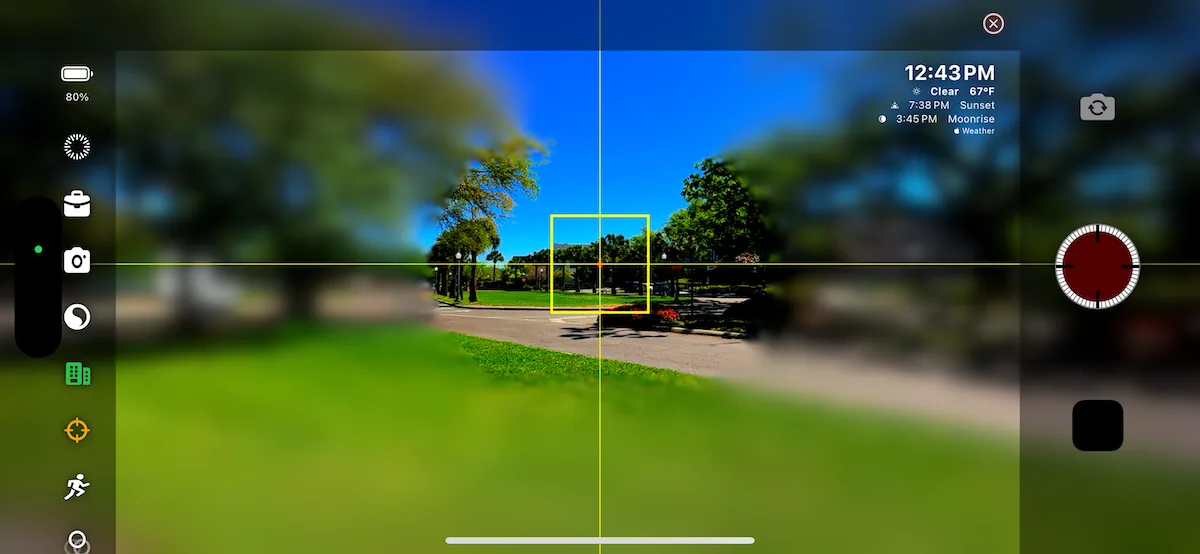
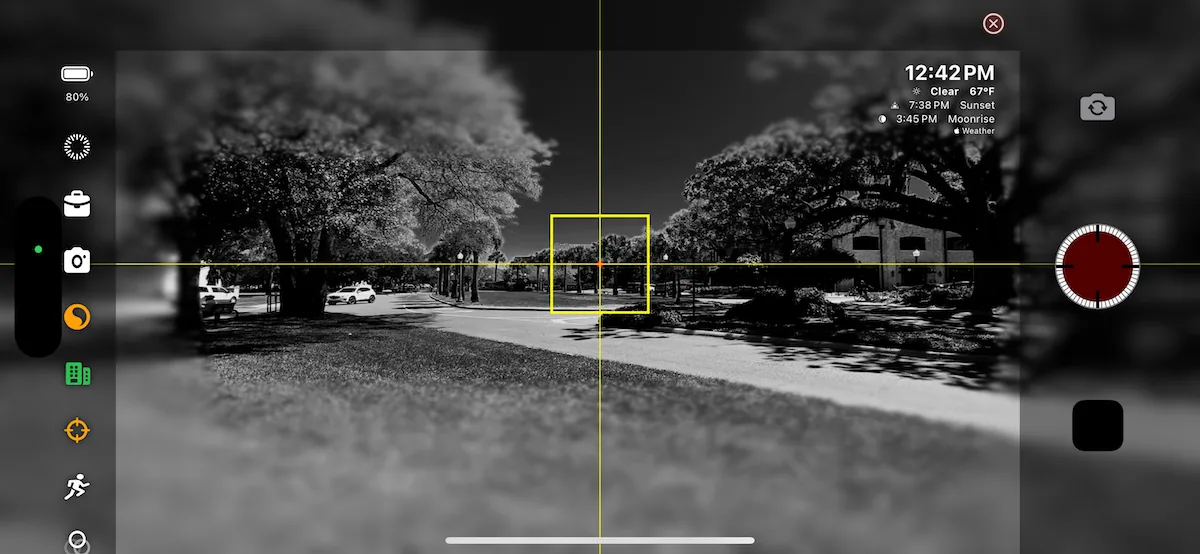
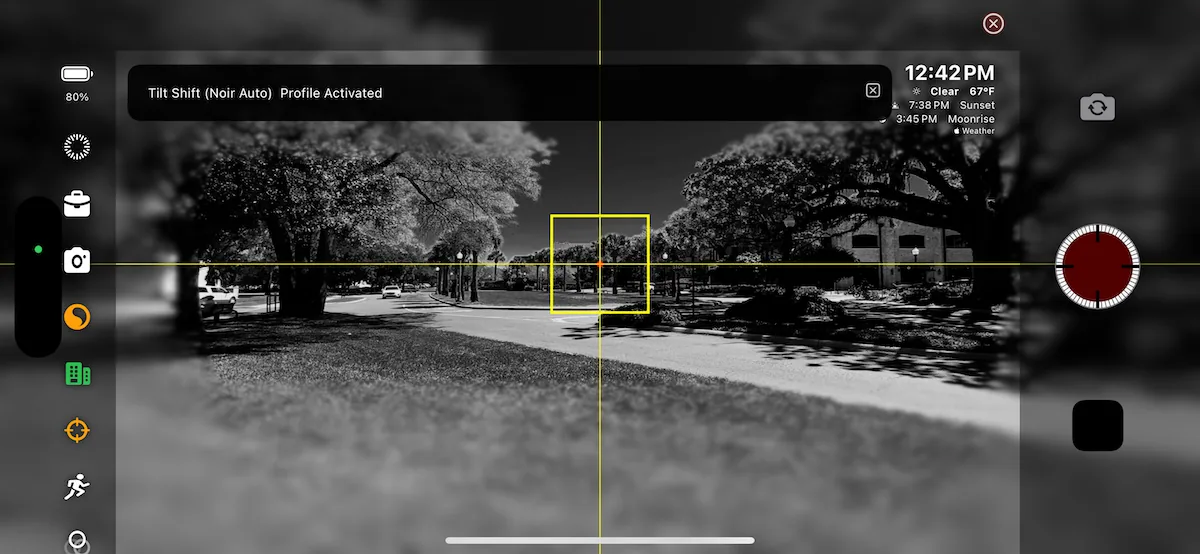
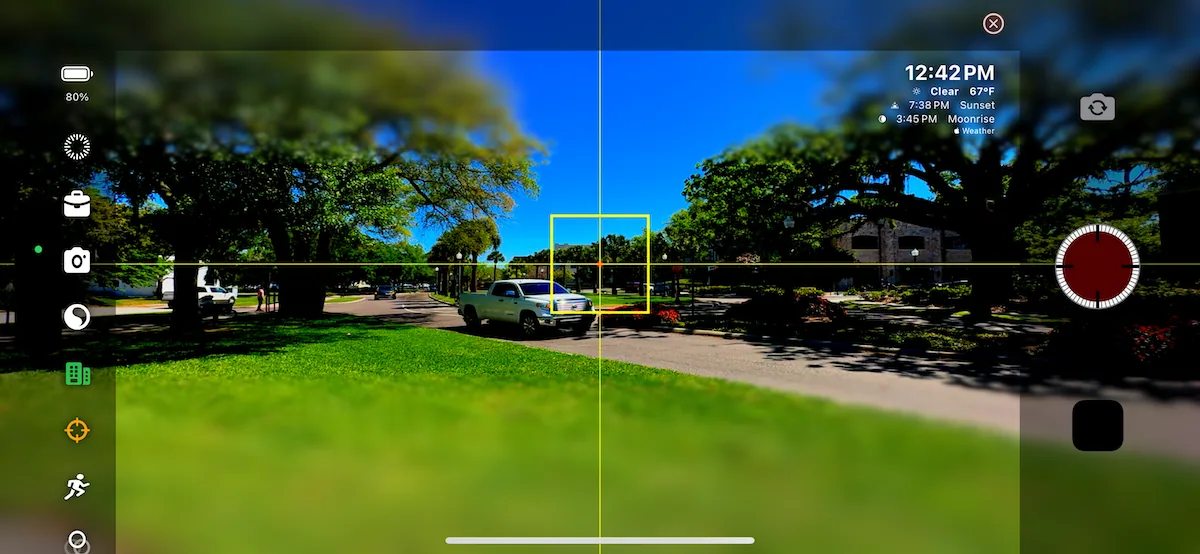
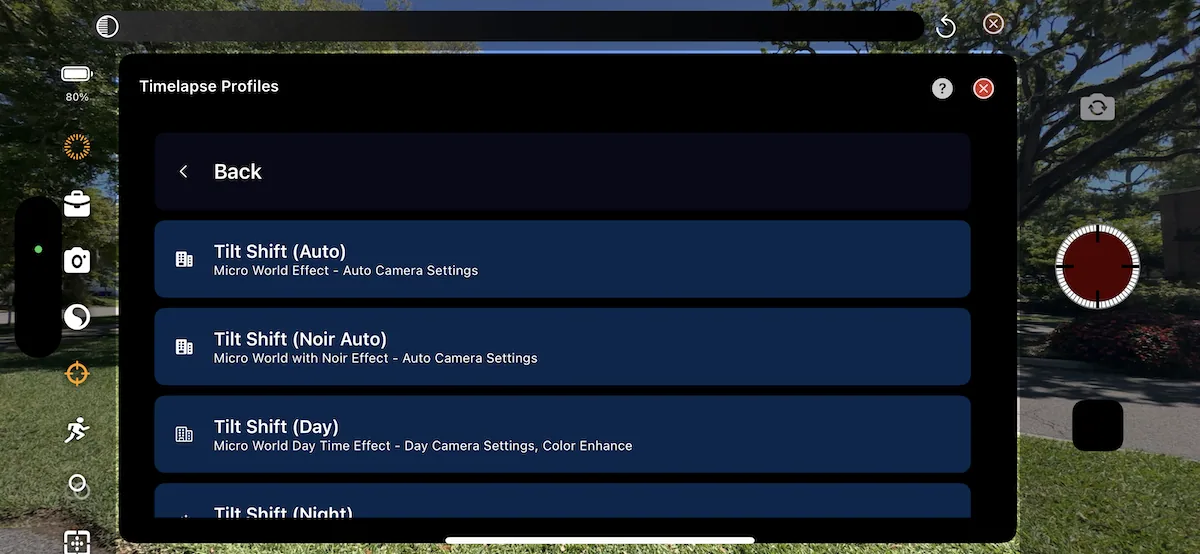
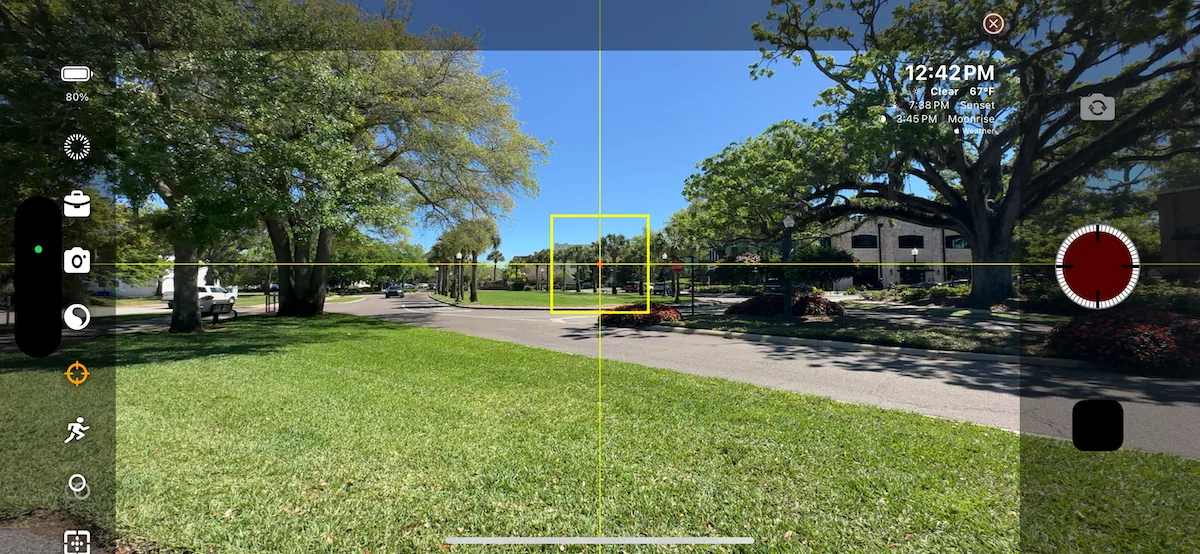
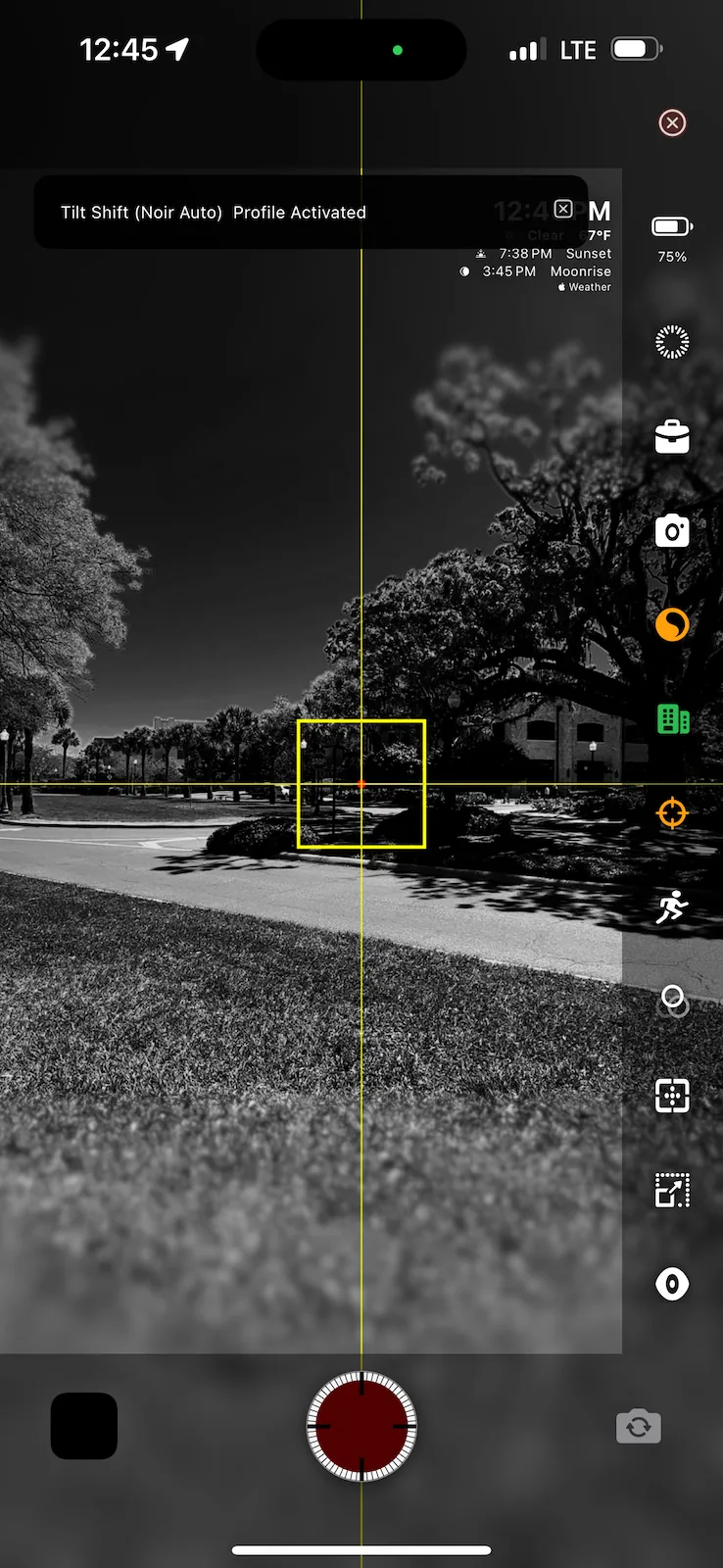
TimeLapsed tilt-shift guide icon
68TimeLapsed tilt-shift guide icon
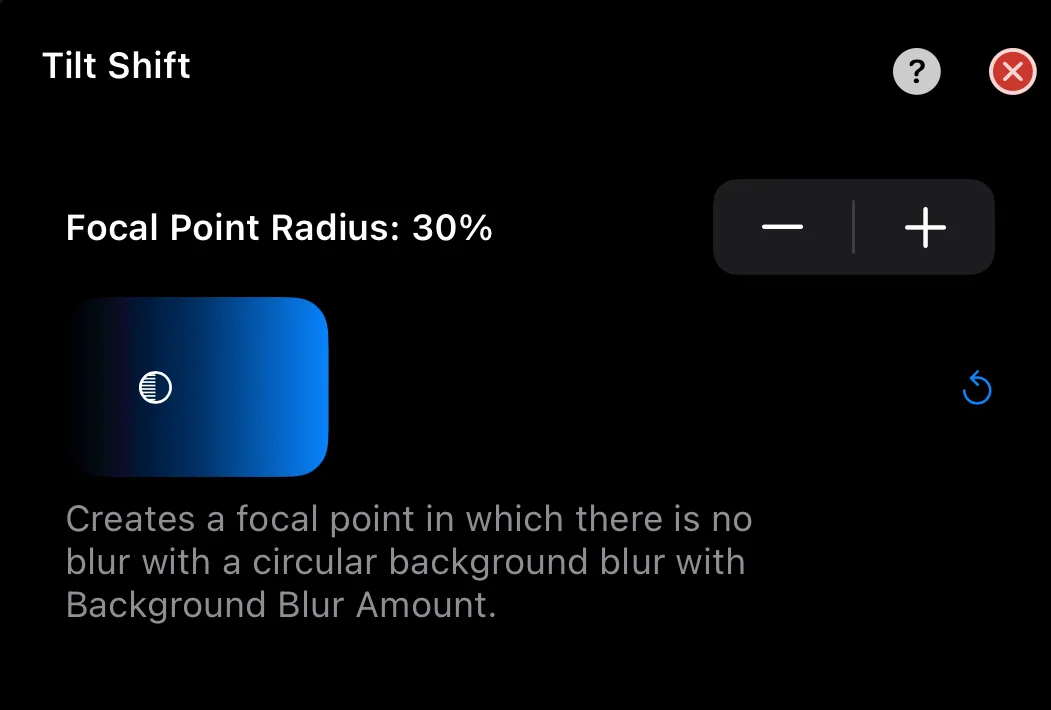
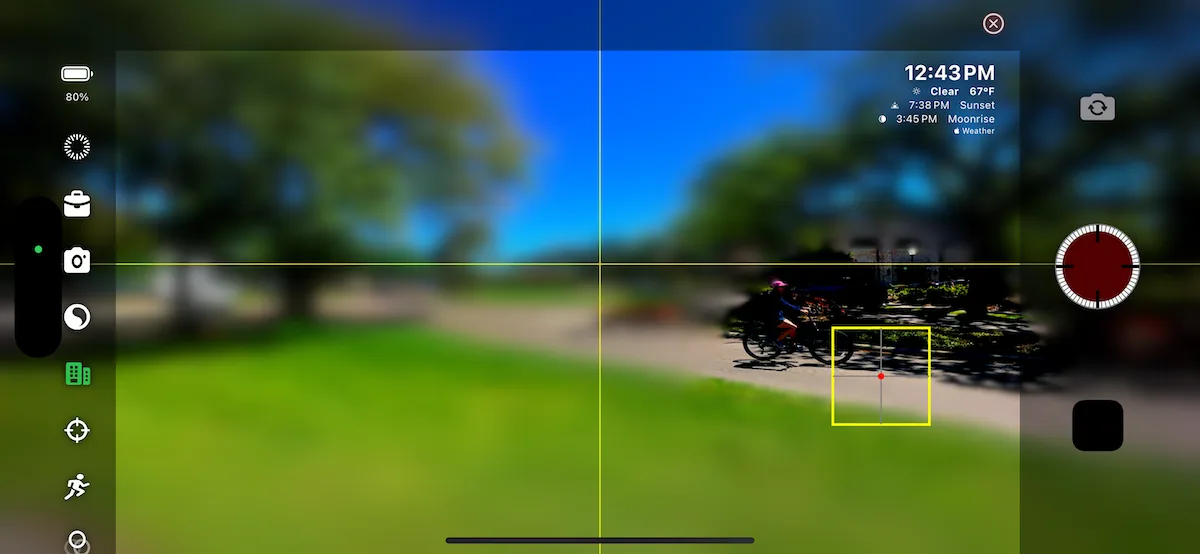
TimeLapsed tilt-shift focal point guide
69TimeLapsed tilt-shift focal point guide
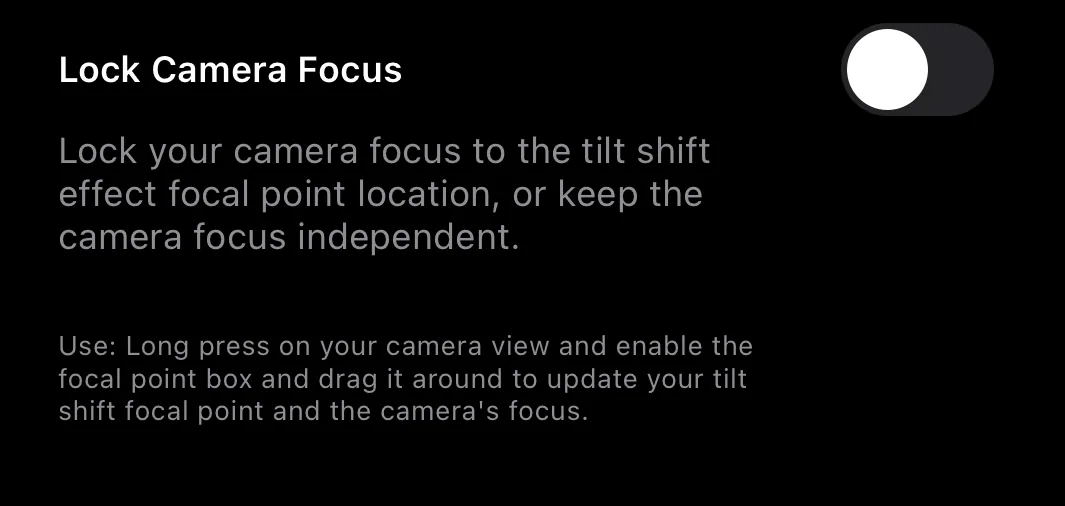
TimeLapsed tilt-shift focal point lock
70TimeLapsed tilt-shift focal point lock
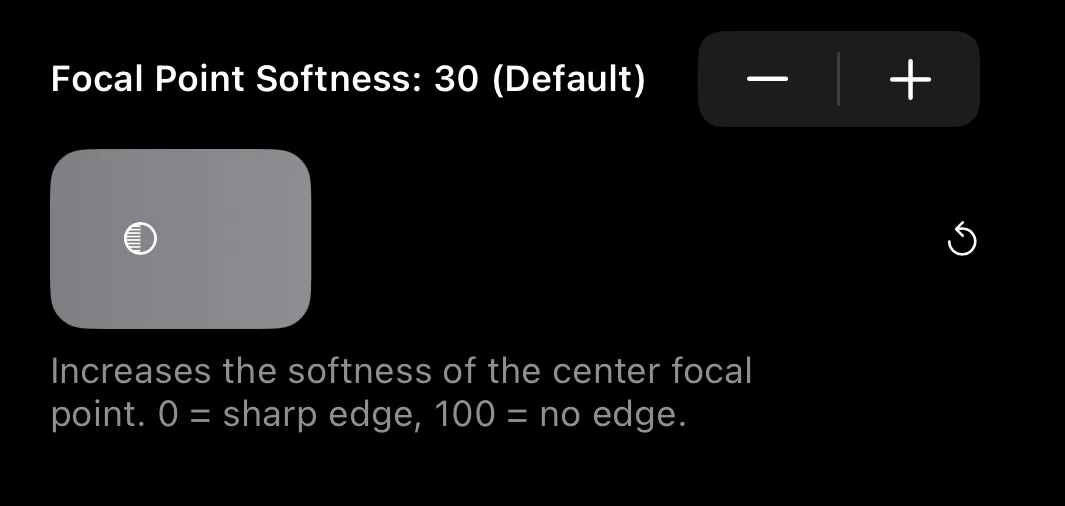
TimeLapsed tilt-shift softness control
71TimeLapsed tilt-shift softness control
TimeLapsed tilt-shift guide screen 1
72TimeLapsed tilt-shift guide screen 1
TimeLapsed tilt-shift guide screen 2
73TimeLapsed tilt-shift guide screen 2
TimeLapsed tilt-shift guide screen 3
74TimeLapsed tilt-shift guide screen 3
TimeLapsed tilt-shift guide screen 4
75TimeLapsed tilt-shift guide screen 4
TimeLapsed tilt-shift guide screen 5
76TimeLapsed tilt-shift guide screen 5
TimeLapsed tilt-shift guide screen 6
77TimeLapsed tilt-shift guide screen 6
TimeLapsed tilt-shift guide screen 7
78TimeLapsed tilt-shift guide screen 7
TimeLapsed tilt-shift guide screen 8
79TimeLapsed tilt-shift guide screen 8
TimeLapsed tilt-shift guide screen 9
80TimeLapsed tilt-shift guide screen 9
TimeLapsed tilt-shift guide screen 10
81TimeLapsed tilt-shift guide screen 10
TimeLapsed tilt-shift guide screen 11
82TimeLapsed tilt-shift guide screen 11
TimeLapsed tilt-shift guide screen 12
83TimeLapsed tilt-shift guide screen 12
TimeLapsed tilt-shift guide screen 13
84TimeLapsed tilt-shift guide screen 13
TimeLapsed tilt-shift guide screen 14
85TimeLapsed tilt-shift guide screen 14
TimeLapsed tilt-shift guide screen 15
86TimeLapsed tilt-shift guide screen 15
TimeLapsed tilt-shift guide screen 16
87TimeLapsed tilt-shift guide screen 16
TimeLapsed tilt-shift guide screen 17
88TimeLapsed tilt-shift guide screen 17
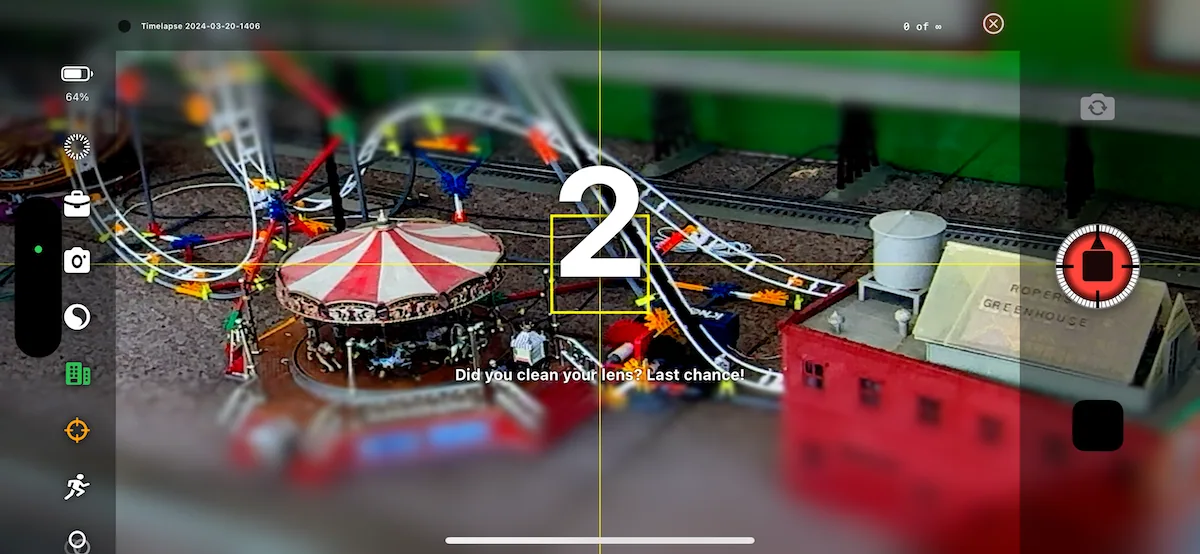
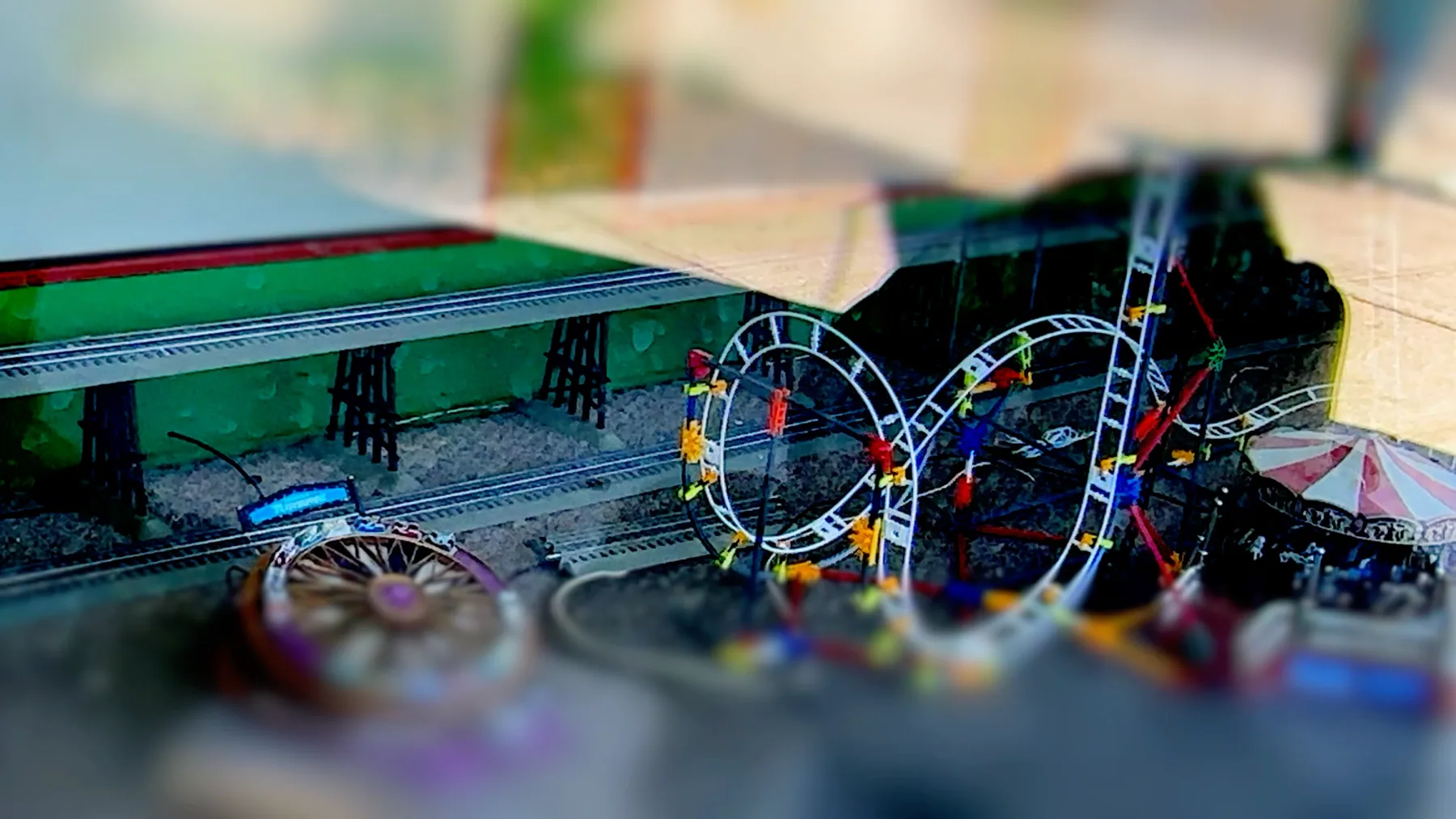
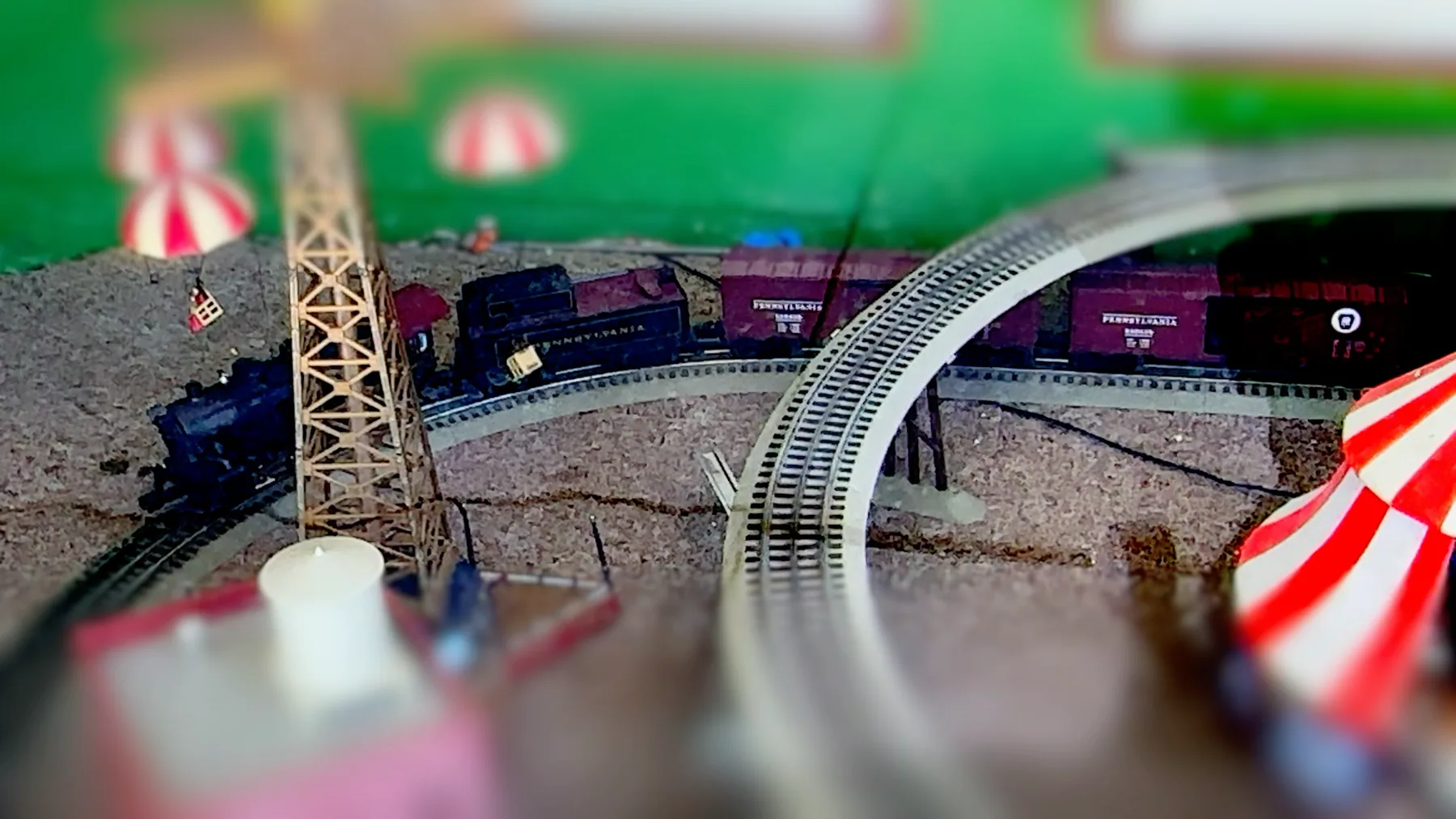
TimeLapsed tilt-shift train example 1
89TimeLapsed tilt-shift train example 1
TimeLapsed tilt-shift train example 2
90TimeLapsed tilt-shift train example 2
TimeLapsed tilt-shift train example 3
91TimeLapsed tilt-shift train example 3
TimeLapsed tilt-shift train example 4
92TimeLapsed tilt-shift train example 4
TimeLapsed tilt-shift train example 5
93TimeLapsed tilt-shift train example 5
TimeLapsed tilt-shift train example 6
94TimeLapsed tilt-shift train example 6
TimeLapsed vehicle light trail example 1
95TimeLapsed vehicle light trail example 1
TimeLapsed vehicle light trail example 2
96TimeLapsed vehicle light trail example 2
TimeLapsed portrait star-trail example
97TimeLapsed portrait star-trail example
TimeLapsed portrait tilt-shift example 1
98TimeLapsed portrait tilt-shift example 1
TimeLapsed portrait tilt-shift example 2
99TimeLapsed portrait tilt-shift example 2
TimeLapsed portrait tilt-shift example 3
100TimeLapsed portrait tilt-shift example 3
TimeLapsed portrait tilt-shift example 4
101TimeLapsed portrait tilt-shift example 4
TimeLapsed portrait tilt-shift example 5
102TimeLapsed portrait tilt-shift example 5

Every original page still has a home.
Guides, videos, release notes, legal documents, and deep links remain available for the people who still use them.
TimeLapsed 1.0 History · ShutterSpeed Apps