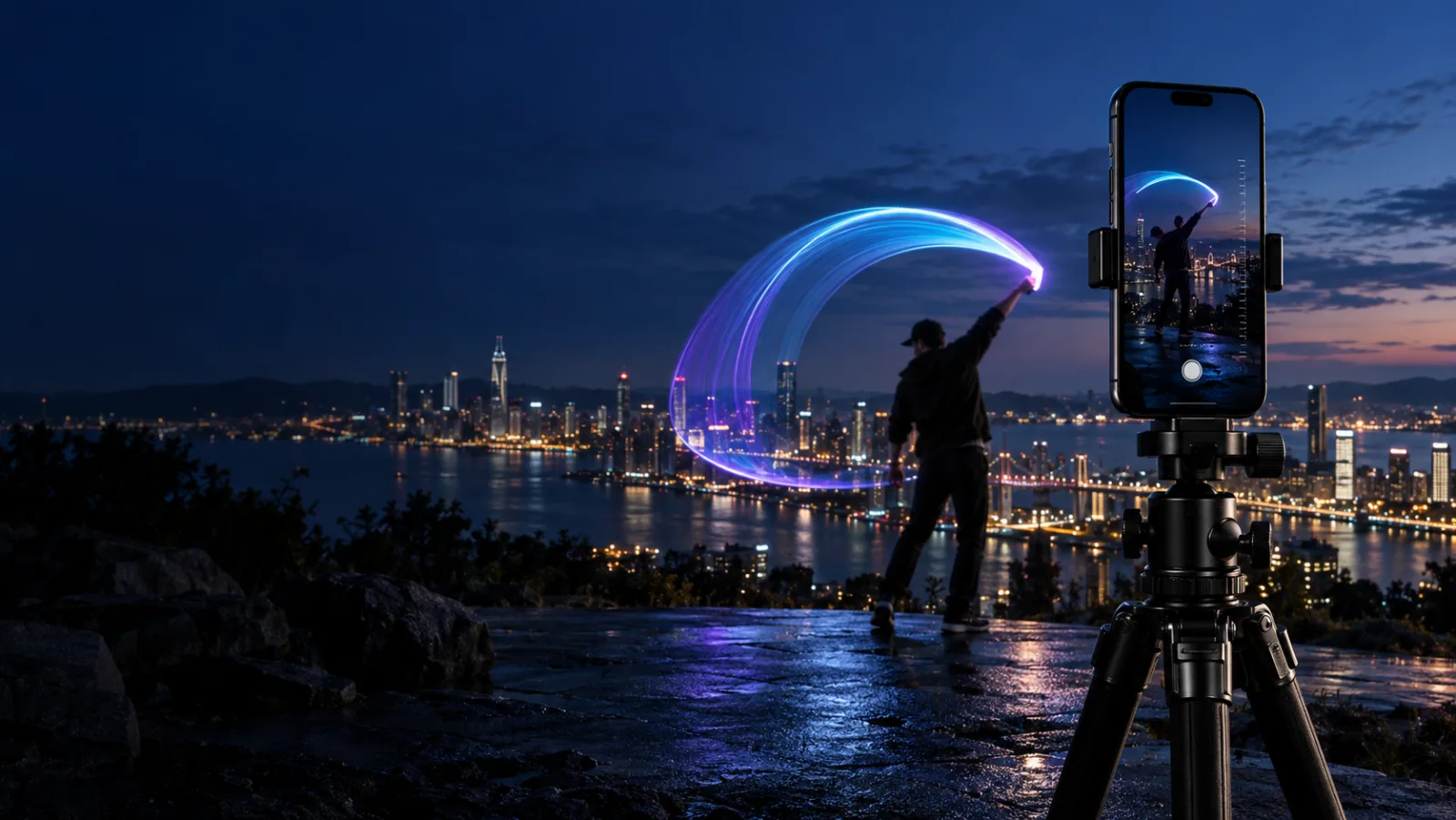
A tripod-mounted iPhone photographing vivid cyan, magenta, and violet light trails at night
LightPaint

LightPaint camera controls

Easy when you want it. Total control when you need it.

Light painting asks more from a camera than ordinary photography. LightPaint keeps the essential controls close, makes each adjustment readable, and still gives experienced artists direct command of exposure, blending, trails, and reusable profiles.

Histogram-driven Auto TuneManual shutter and ISOCustom digital EV

0.1–600s

Frame Blender timing range

Live

exposure and highlight feedback

Profiles

save a setup and return to it

01 · Auto Tune, explained

The camera measures the scene while you watch.

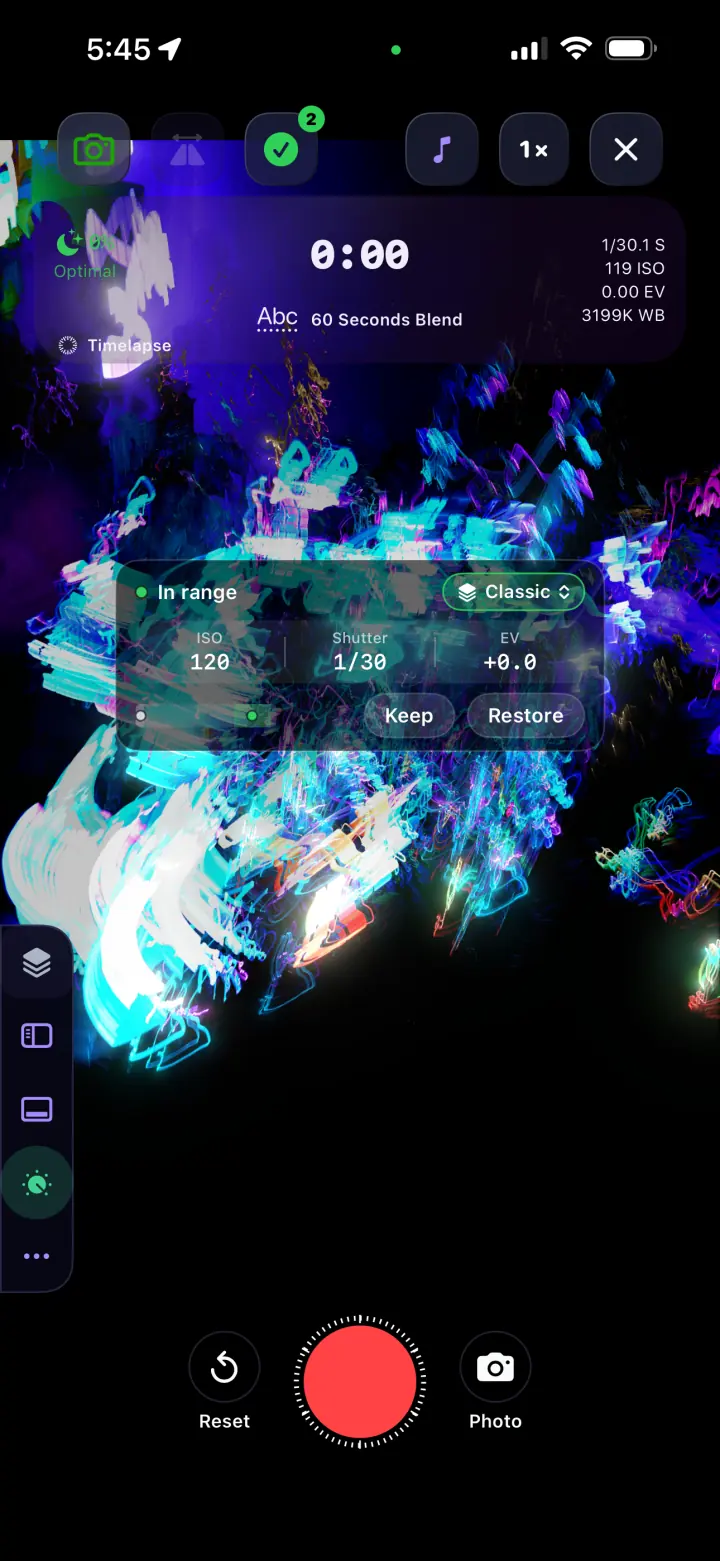
Auto Tune samples the live histogram twice per second and balances ISO first, then shutter, inside the limits you choose. Start it, let the scene settle into range, and either keep the tuned exposure or restore the exact settings you had before.

  • Protect and Auto Tune take control of exposure intentionally
  • During recording, Auto Tune only lowers exposure to protect highlights
  • Keep commits the result; Restore returns ISO, shutter, EV, and prior modes
02 · Manual exposure without the mystery

Choose the shutter. Choose the ISO. See the result live.

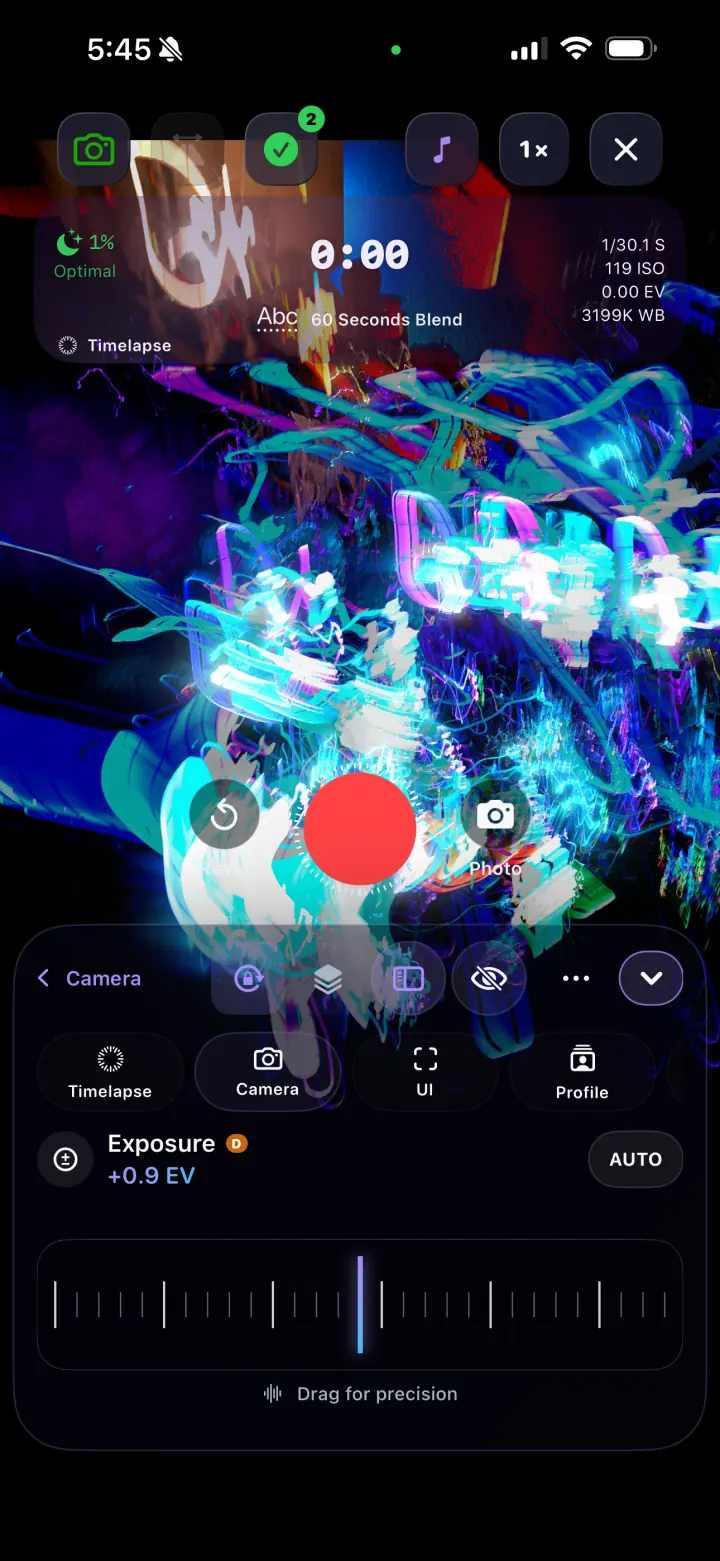
Manual shutter follows the real limits of the selected iPhone camera, including long values when the hardware supports them. ISO uses that device’s actual range. Large, precise controls keep both adjustments understandable in the dark.

  • Long shutter values let each frame collect more of the gesture
  • Lower ISO can preserve cleaner blacks and saturated light color
  • Save proven combinations as profiles for the next location

03 · Digital EV built for long-shutter work

Shape the rendered brightness without giving up the shutter you chose.

When manual ISO and shutter leave no sensor compensation available, LightPaint routes EV through a deliberately restrained digital adjustment. That makes the rendered blend brighter or darker while preserving the long-shutter choice that defines the motion.

  • Useful when ambient conditions change around a fixed shutter
  • A narrower range helps avoid banding and extreme processing
  • Digital EV cannot restore clipped highlights or detail the sensor never captured

04 · Frame Blender

Decide how light becomes motion.

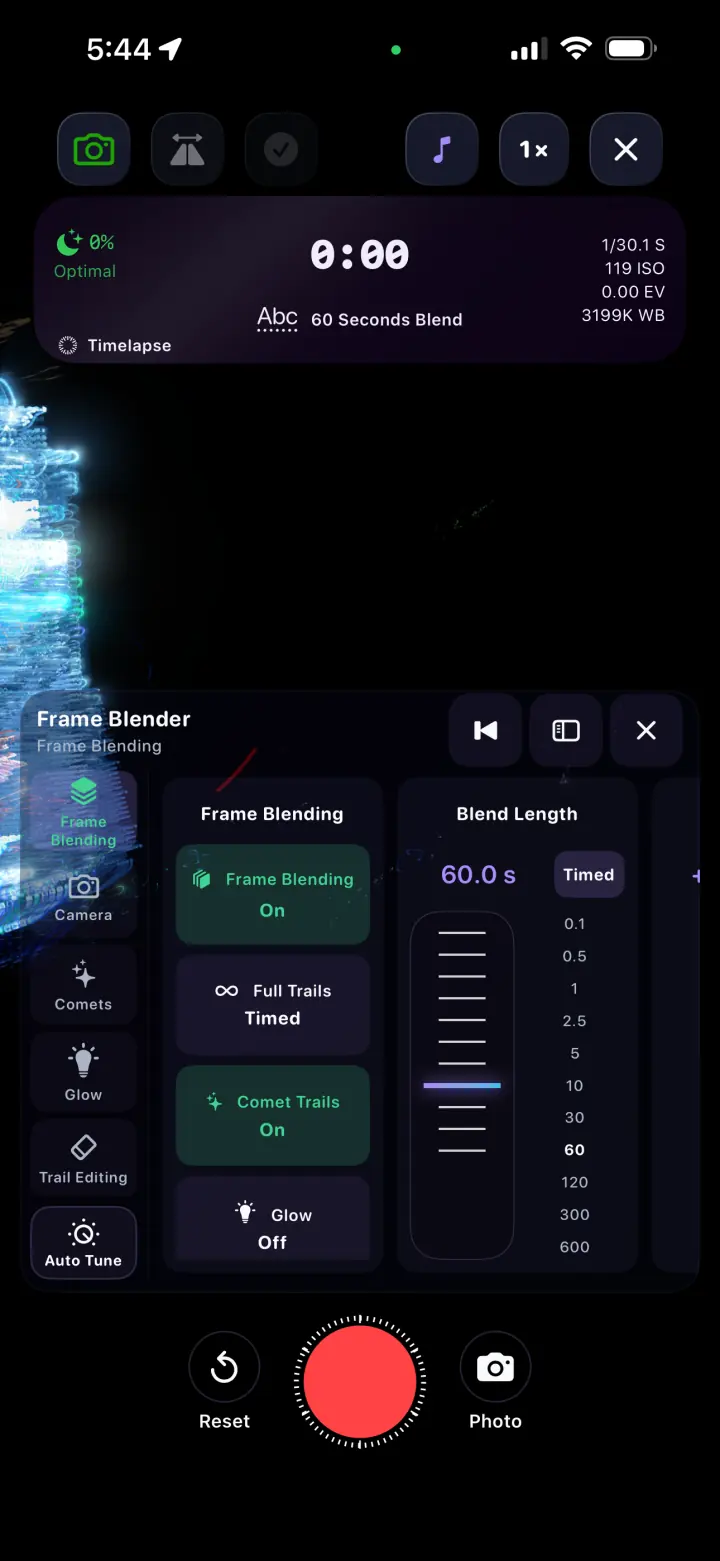
Choose blend timing from a tenth of a second through ten minutes, then shape the character of the trail with full trails, comet trails, glow, and trail editing. The effect remains visible while you work.

  • Timed blends from 0.1 to 600 seconds
  • Full and comet-style trail treatments
  • Fast photo capture without abandoning the session

Inside the app

Controls you can read at a glance.

Real screens, optimized for a fast page and arranged as a compact swipeable rail on phones.

LightPaint Auto Tune showing ISO, shutter, EV, and Keep and Restore controls
01Auto Tune with a clear keep-or-restore decision
LightPaint precision exposure control at plus 0.9 EV
02Large controls built for precise adjustment
LightPaint Frame Blender set to a sixty second blend
03Blend length, trails, comets, and glow in one panel
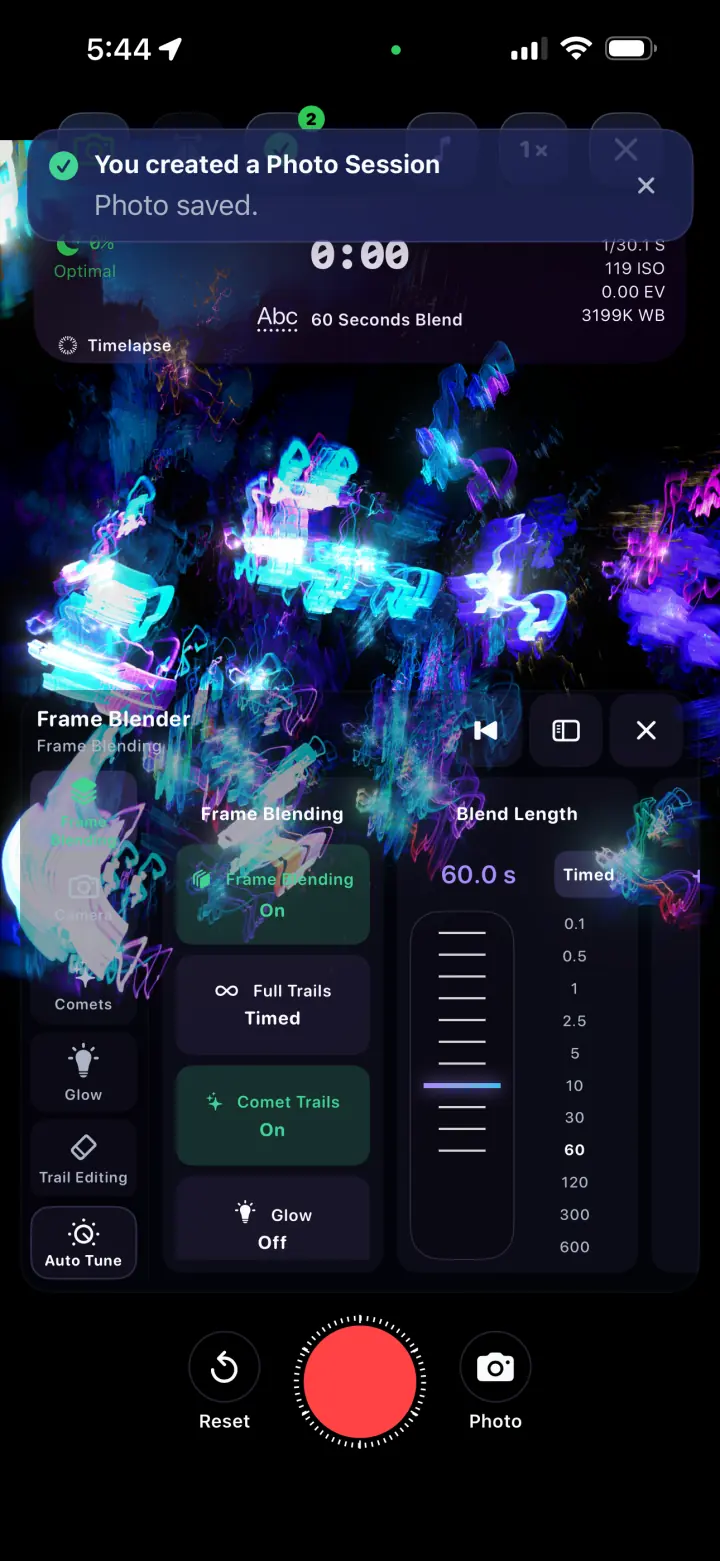
LightPaint confirming a completed photo session
04The finished capture stays organized as a session

The workflow

A control path that works for a first capture and the hundredth.

01

Pick a profile

Start from a familiar setup or open the controls directly for a new scene.

02

Auto Tune or set exposure

Let the histogram find a working range, or dial shutter, ISO, and EV manually.

03

Shape the blend

Set duration and choose the trail, comet, glow, and editing behavior.

04

Save what worked

Keep the tuned result and store the complete setup as a profile for another shoot.

Questions

The important details, plainly answered.

Is Auto Tune an AI filter?+

No. Auto Tune is a live, histogram-driven camera control. It measures the incoming image and adjusts ISO and shutter inside the configured preferences and hardware limits.

What happens if Auto Tune is active during recording?+

During a recording, Auto Tune only moves exposure downward when needed to protect highlights. It does not brighten mid-take and unexpectedly change the established look.

How is digital EV different from ISO or shutter?+

ISO and shutter change sensor capture. Digital EV changes the brightness of the rendered result when sensor compensation is unavailable under manual control. It cannot recover clipped or uncaptured detail.

Can I save a camera setup?+

Yes. Profiles preserve a proven configuration so you can return to it instead of rebuilding the camera and Frame Blender settings at every location.