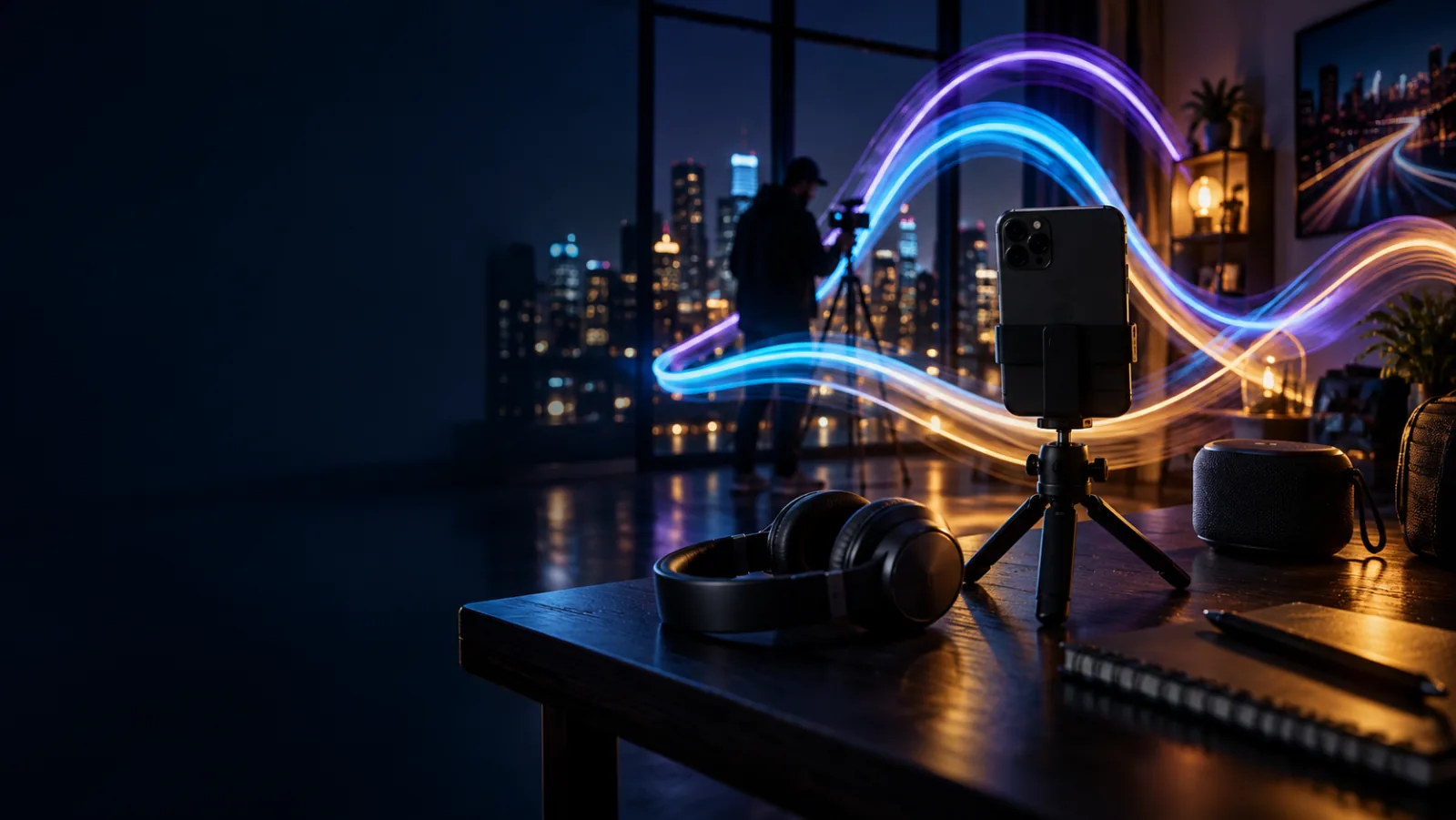
A cinematic music listening room with headphones, waveform light, and a phone displaying album art
LightPaint

LightPaint Music

Paint to the beat. Export with the right music.

Music can pace the movement in front of the camera and finish the edit afterward. LightPaint brings both jobs together with in-camera playback, a full listening library, and a growing ShutterSpeed catalog cleared for the videos you make in the app.

400+ tracks and growingCleared for app-made videosApple Music for listening

400+

original tracks and growing

0

added royalty or credit cost

2 apps

one shared LightPaint and TimeLapsed catalog

01 · A real listening experience

Browse by feeling, then make the track yours.

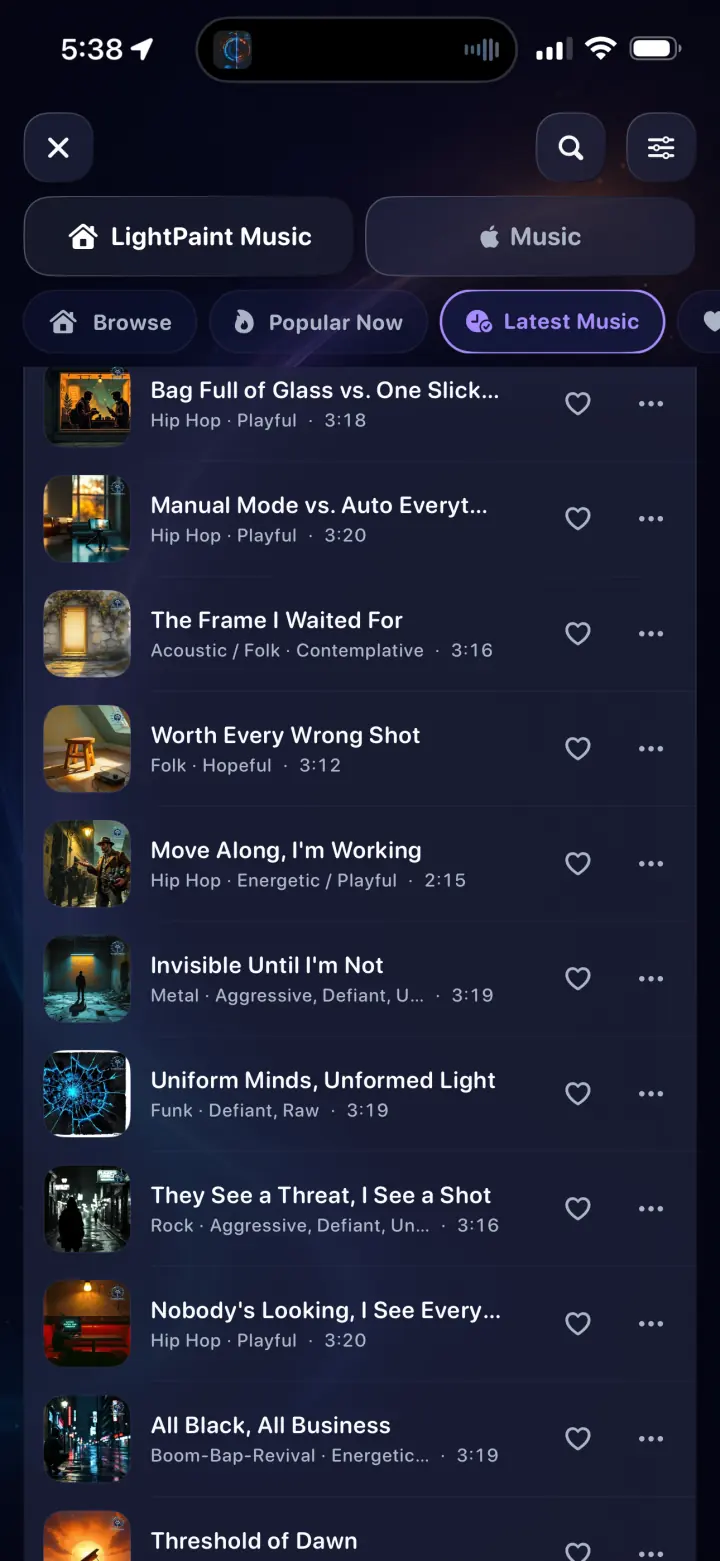
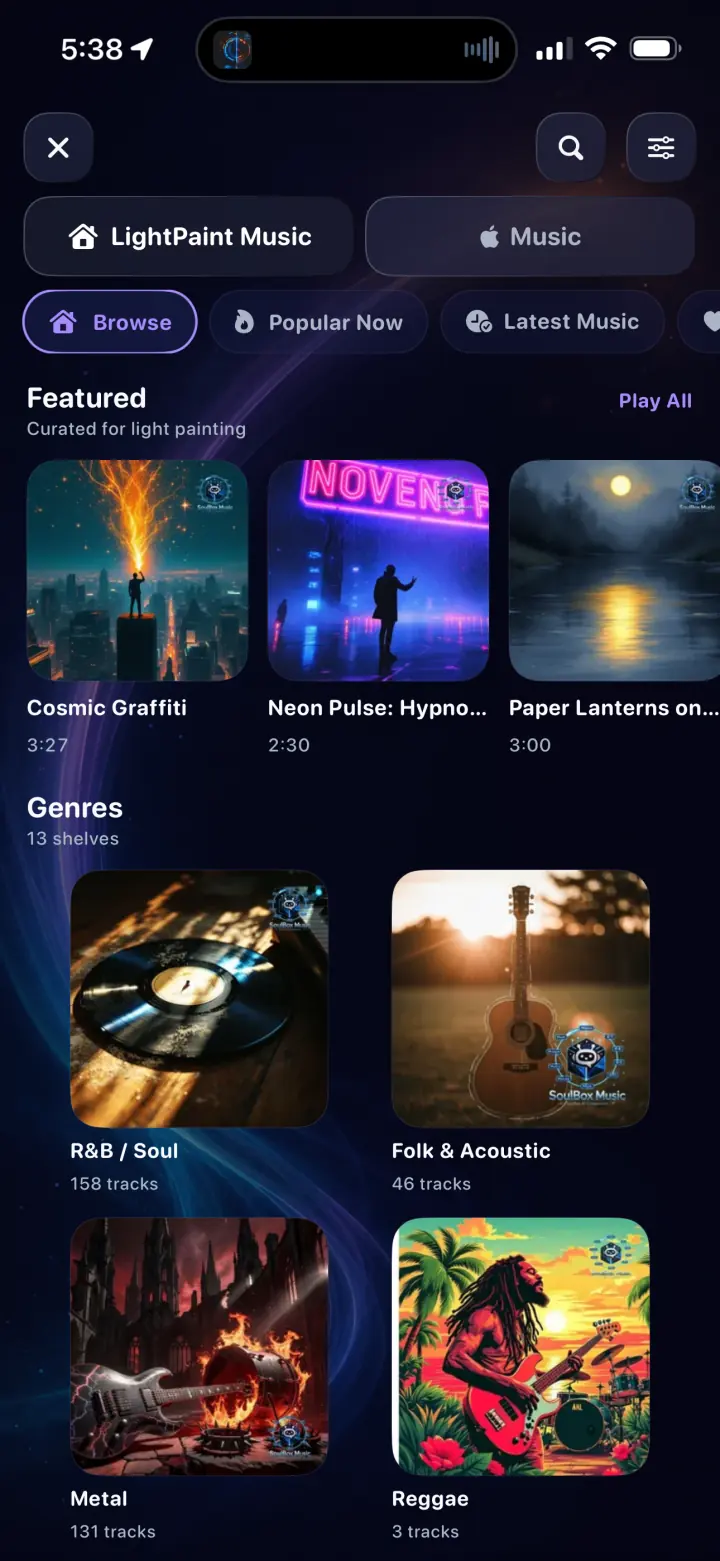
Search, filter, and explore featured music, popular releases, the latest catalog, and genre shelves. Favorite tracks, organize playlists, manage the queue, and inspect genre, mood, BPM, key, and duration before choosing.

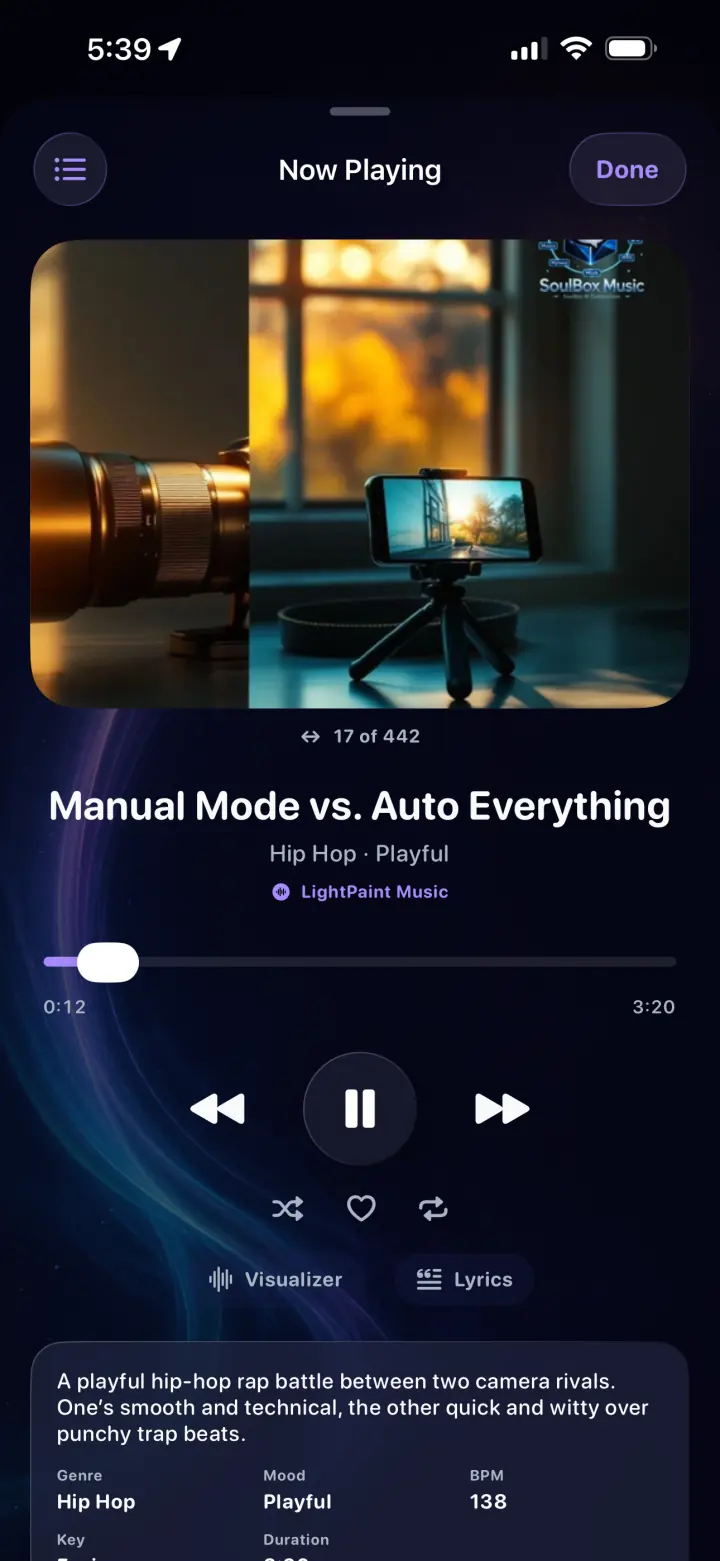
  • Now Playing with queue, shuffle, repeat, and favorites
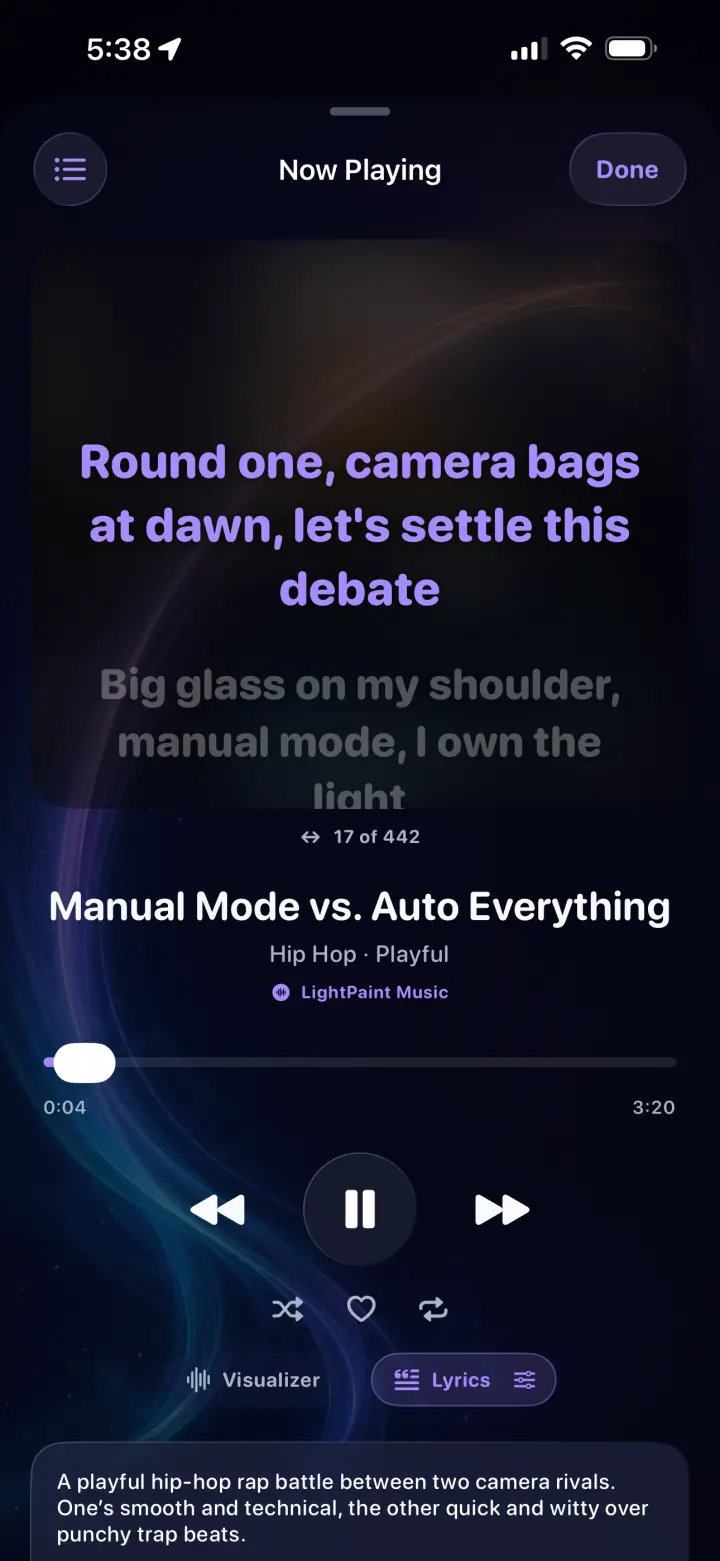
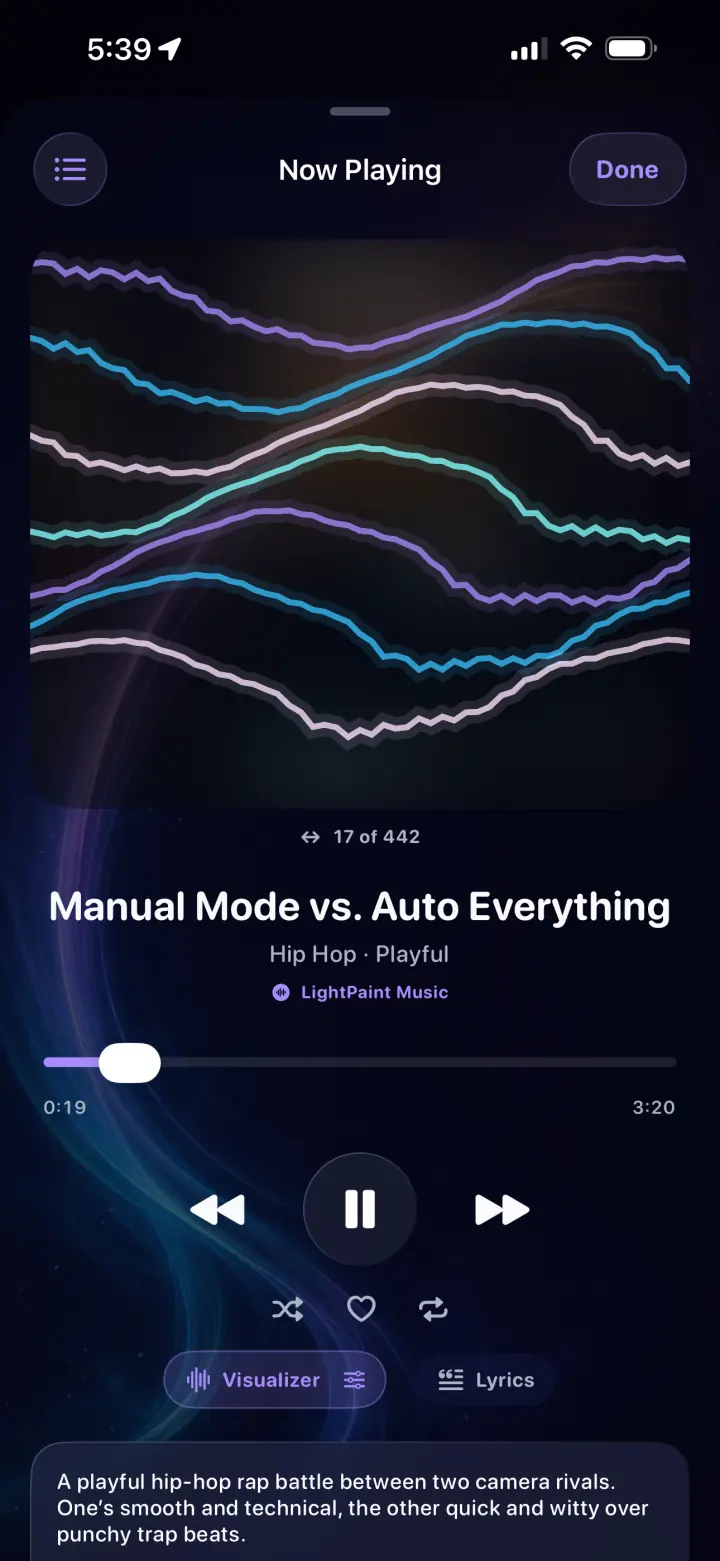
  • Synchronized lyrics and animated visualizer views
  • External-device playback for a room, rehearsal, or shoot
02 · Built into the camera

Keep the rhythm without leaving the exposure.

Start music from the camera, set the playback speed, and keep the track available while the light painting develops. It is a creative cue for the person moving the light—not a second app interrupting the capture.

  • In-camera playback controls
  • Now Playing remains available across the workflow
  • Play through a connected speaker or external device

03 · Two libraries, two clear purposes

Listen with Apple Music. Edit with ShutterSpeed music.

Connect an Apple Music subscription for personal listening. For an exported video, choose the ShutterSpeed catalog: those tracks are owned, curated, and cleared for LightPaint and TimeLapsed projects.

  • Apple Music authorization begins only when you enter Music
  • Protected Apple Music tracks never appear as exportable editor audio
  • ShutterSpeed tracks may be used in public and social app-made videos

Inside the app

Controls you can read at a glance.

Real screens, optimized for a fast page and arranged as a compact swipeable rail on phones.

LightPaint Music browse page with featured tracks and genre shelves
01Featured music and genre shelves
LightPaint Music latest releases list with favorite controls
02Latest releases, metadata, favorites, and more
LightPaint Now Playing screen with album artwork and playback controls
03A complete Now Playing experience
LightPaint Now Playing synchronized lyrics view
04Lyrics when the track supports them
LightPaint Now Playing animated waveform visualizer
05A visualizer made for the catalog

The workflow

One soundtrack from rehearsal through the final cut.

01

Find the tone

Browse a genre or use mood, BPM, and descriptive metadata to choose a direction.

02

Build a set

Favorite tracks, add them to playlists, and arrange the playback queue.

03

Play while painting

Keep the track in the camera and send it to an external playback device when needed.

04

Add export-safe audio

Open the ShutterSpeed catalog from the video editor and finish the cut with cleared music.

Questions

The important details, plainly answered.

Can I use ShutterSpeed music in LightPaint videos I post publicly?+

Yes. The ShutterSpeed catalog is cleared for use in LightPaint and TimeLapsed videos, including public posts, social media, and YouTube, at no added royalty or credit cost. The audio itself may not be redistributed, resold, or released as your own music.

Can Apple Music tracks be added to a video project?+

No. Apple Music is available for personal listening and playback, but subscription tracks are copy-protected and are not licensed for video export. Choose a track from the ShutterSpeed catalog inside the editor instead.

Does the music player work while the camera is open?+

Yes. LightPaint supports in-camera playback so a shoot can follow the energy and timing of a track without leaving the capture workflow.