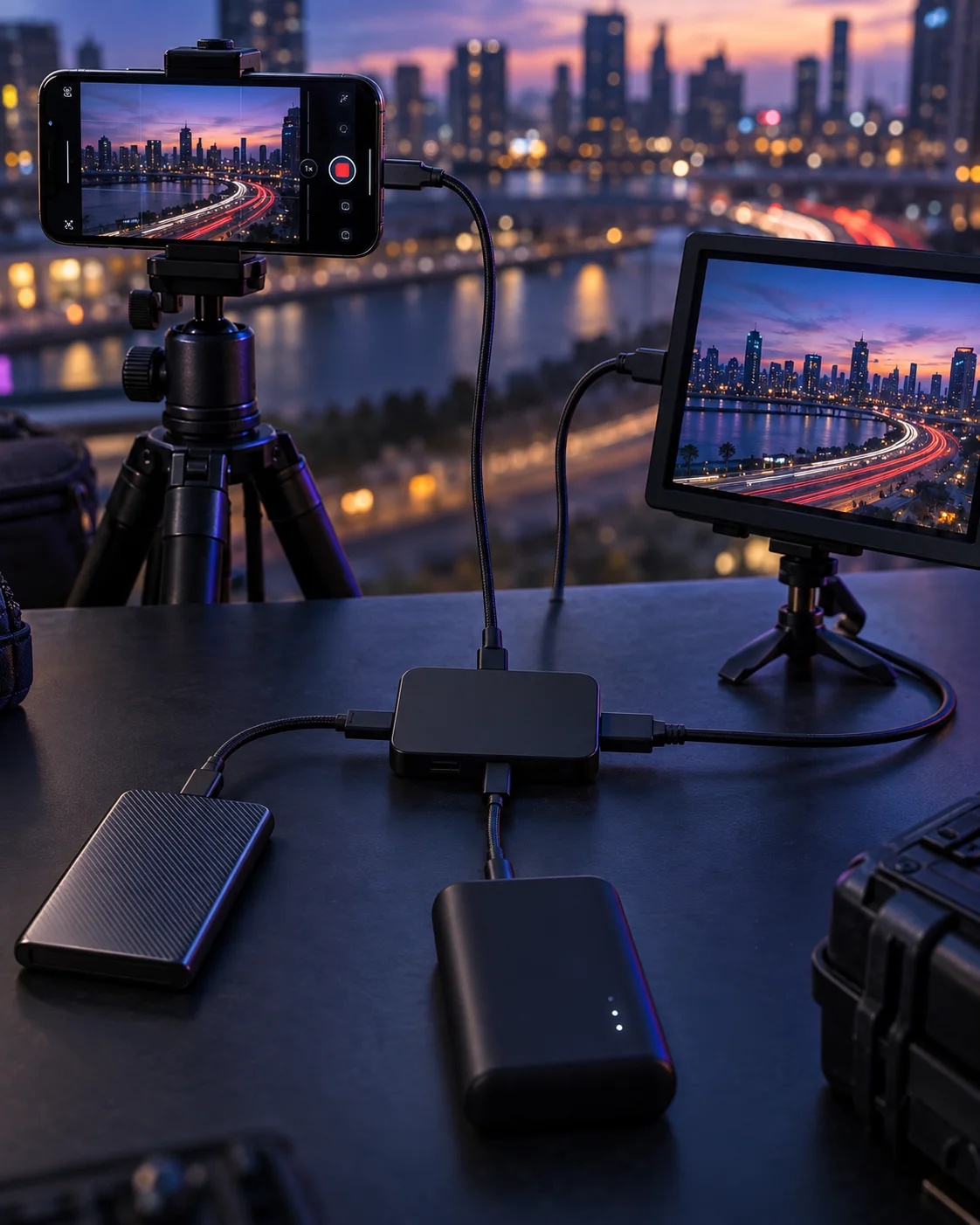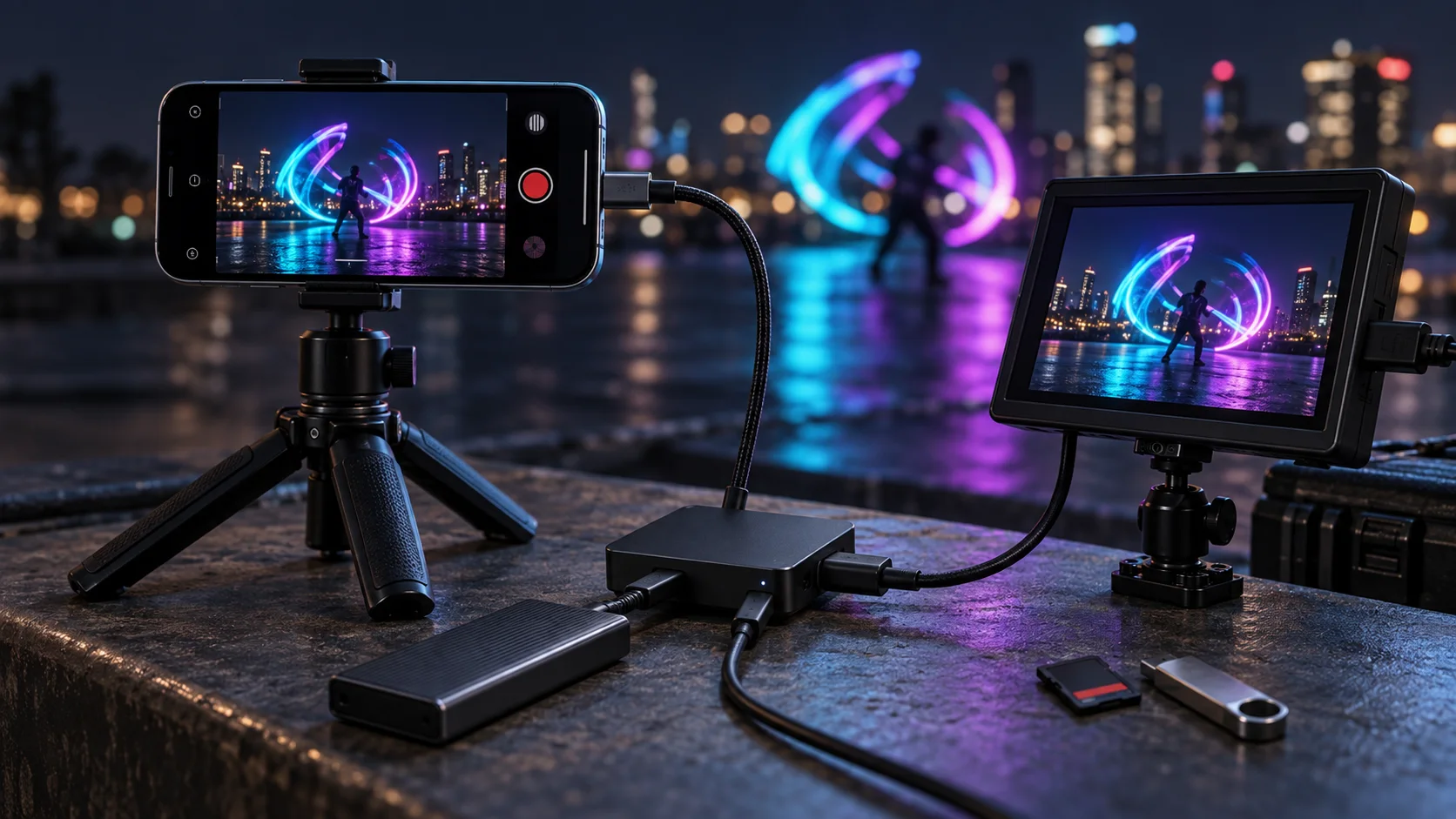

An iPhone light painting rig connected to a USB-C hub, external storage, power, and an HDMI field monitor
LightPaint

LightPaint Pro external storage

Keep painting. Write the session where it belongs.

Long light-painting sessions should not stop because the phone is running short on space. LightPaint Pro can write app media to a selected compatible external destination—directly over USB-C or through a powered hub that keeps storage and a large HDMI view working together.

USB-C drives and readersMemory cards, SSDs, and hard drivesPowered storage + HDMI

USB-C

direct connection for compatible storage

PD

power delivery for longer connected sessions

HDMI

simultaneous external display through a hub

01 · Direct when the setup is simple

Connect one destination and keep the rig lean.

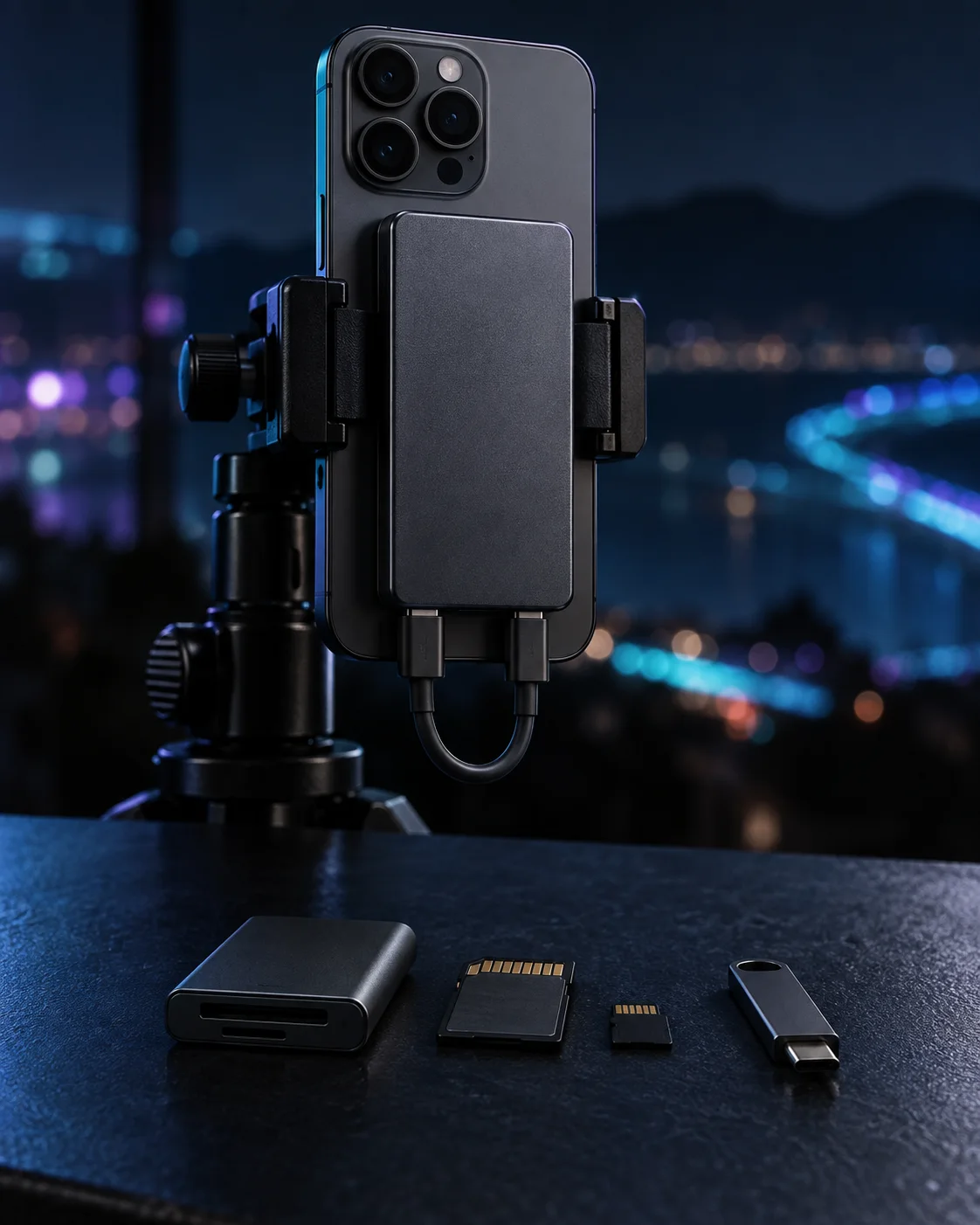
Attach a compatible USB-C flash drive, portable SSD, or card reader, choose it as the storage destination, and keep the camera focused on the capture. The direct path is ideal when the phone only needs one accessory.

  • USB flash storage and portable SSD support
  • SD and microSD through a compatible reader
  • A short cable keeps tripod rigs compact
02 · Storage sized for the session

Use the media your workflow already depends on.

LightPaint Pro supports the common removable destinations used on set: USB drives, memory cards, portable SSDs, and compatible external hard drives. Choose the capacity and physical setup that fits the length of the shoot.

  • Move removable media into an existing post-production workflow
  • Keep large captures off internal device storage
  • Use powered accessories when the drive requires more energy

03 · One powered hub, two live outputs

Write the files and show the shot at the same time.

A compatible USB-C PD powered hub can connect storage, accept power, and drive an HDMI monitor together. The camera can remain mounted while the operator records externally and the artist, client, or crew watches the live output on a larger display.

  • Power delivery helps sustain longer field sessions
  • Storage and HDMI can remain connected together
  • Use a monitor, television, or projector as the external view

Connected workflows

Direct storage or a complete powered rig.

Original, brand-free hardware scenes show the two practical setups: one compact storage connection or a powered hub carrying storage and HDMI together.

A tripod-mounted iPhone connected directly to a slim external SSD beside a USB-C card reader and memory cards
01A compact direct-connect storage setup
An iPhone camera rig connected through a black powered USB-C hub to external storage and an HDMI monitor
02A powered hub running storage and HDMI together
A complete night light-painting rig with iPhone, powered hub, SSD, power, memory card, USB storage, and HDMI monitor
03The complete Pro field workflow

The workflow

A storage path that stays understandable in the dark.

01

Connect the device

Attach compatible storage directly, or use a powered USB-C hub for a larger rig.

02

Choose the destination

Select the connected storage location for the media produced by the session.

03

Power the long run

Add USB-C power delivery when the phone, hub, or attached drive needs it.

04

Add the large view

Connect HDMI through the same hub when the shoot also needs an external display.

Questions

The important details, plainly answered.

Is external storage included with LightPaint Pro?+

Yes. Writing app media to a selected external storage destination is a LightPaint Pro feature.

Which kinds of external storage can I use?+

Use a compatible USB flash drive, portable SSD, external hard drive, or an SD or microSD memory card through a compatible USB-C reader or hub.

Can I use external storage and HDMI output at the same time?+

Yes. A compatible USB-C PD powered hub can keep the setup powered while connecting external storage and an HDMI display at the same time.

Do I need a hub for external storage?+

Not for a single compatible direct-connect USB-C storage device or reader. A hub is useful when the setup also needs power delivery, more than one accessory, or simultaneous HDMI output.