A cinematic wall of light painting photos and videos arranged as a modern media gallery
LightPaint

LightPaint media gallery

Every trail, take, frame, and finished story—together.

Light painting produces more than a final photo. The gallery keeps live recordings, finished frames, alternates, and projects in one visual library, then gives each item a useful next action instead of leaving it in a camera roll.

Photos + videos + projectsFrame grabs and bookmarksAutomatic Moment movies

3 views

Main, Albums, and Projects

1 tap

capture a still from video

HDMI

present on a larger display

01 · A library built around the work

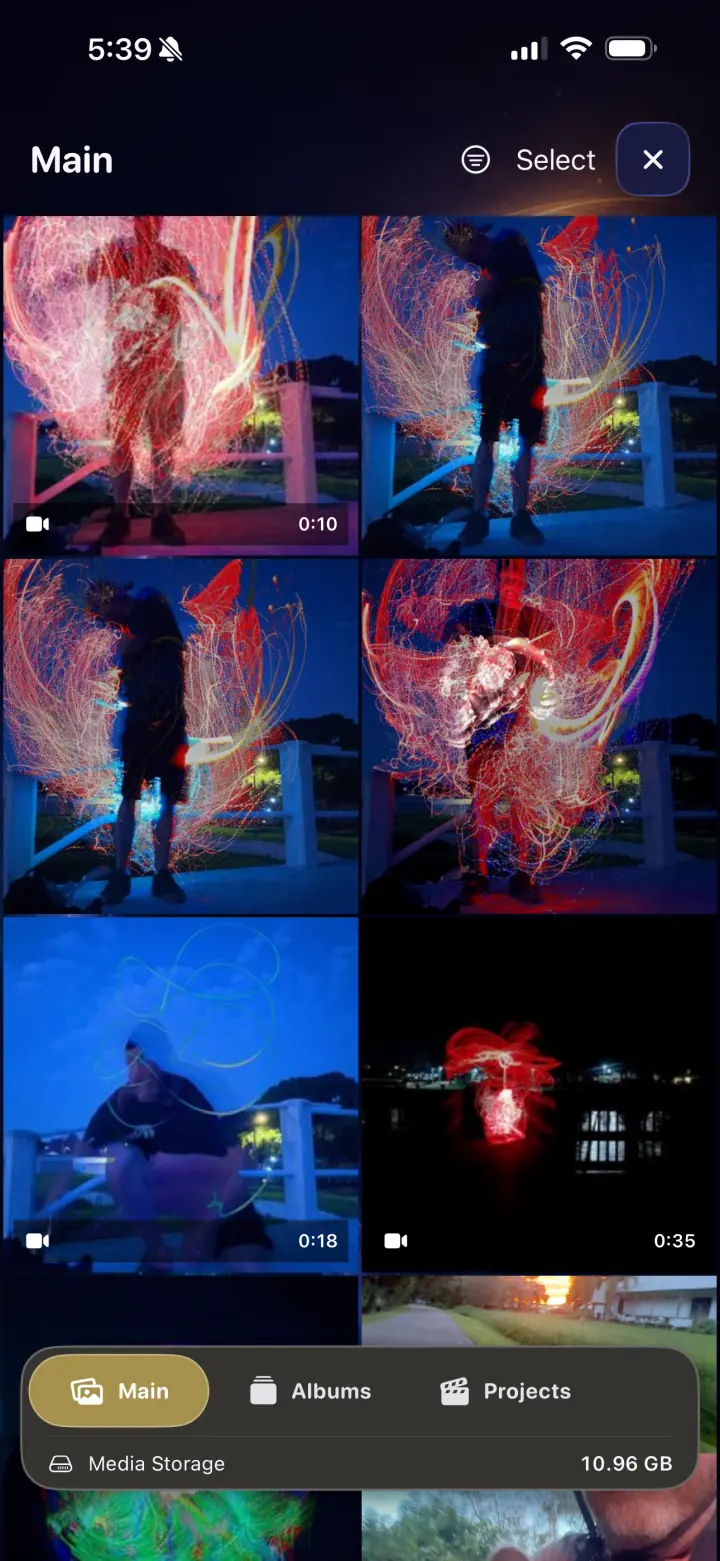
Scan the whole session or organize it your way.

The Main view mixes photos and videos in a visual grid, while Albums and Projects turn selections into useful collections. Storage stays visible so a large light-painting library never becomes an invisible burden.

  • Mixed photo and video browsing
  • Albums, projects, selection tools, and media storage
  • Favorites and bookmarks for two different kinds of recall
02 · The viewer is part of the workflow

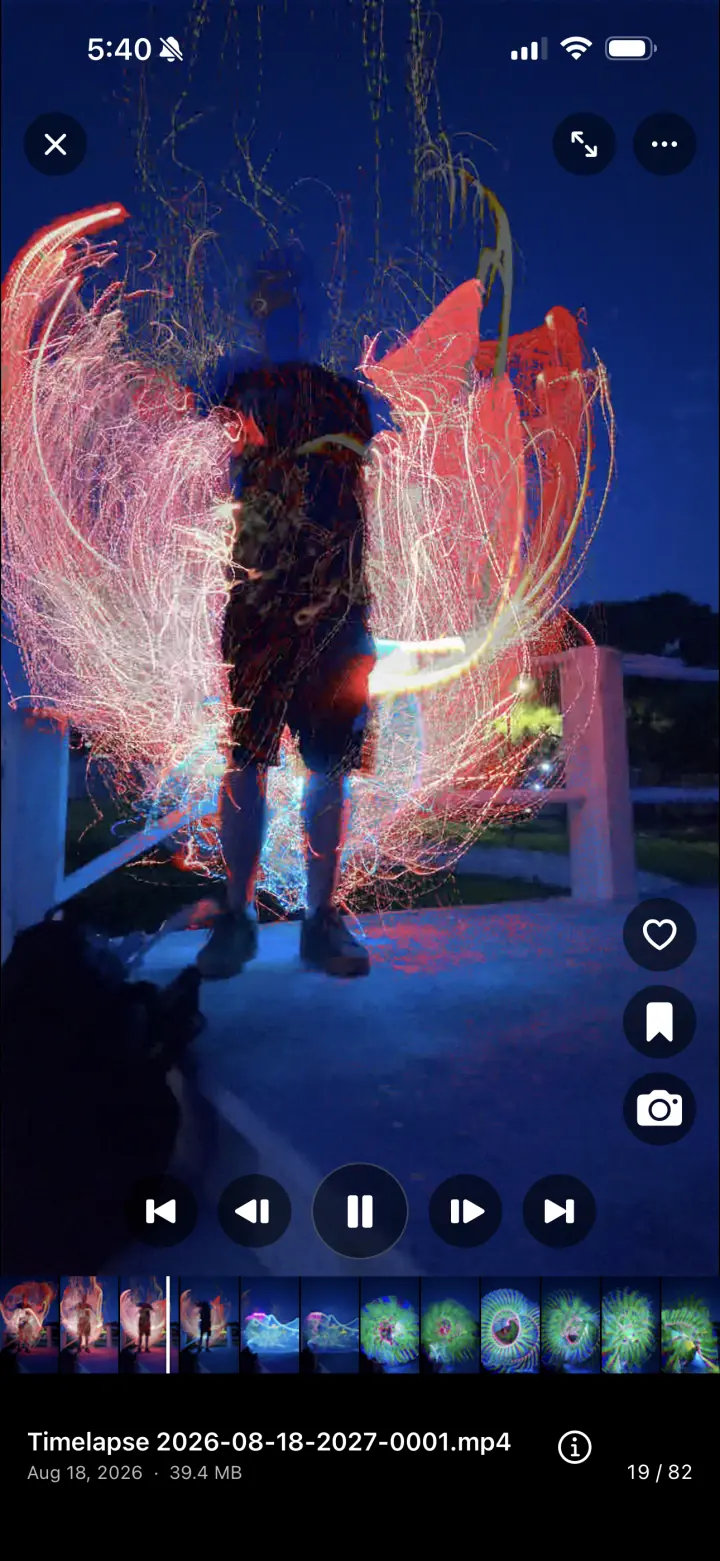
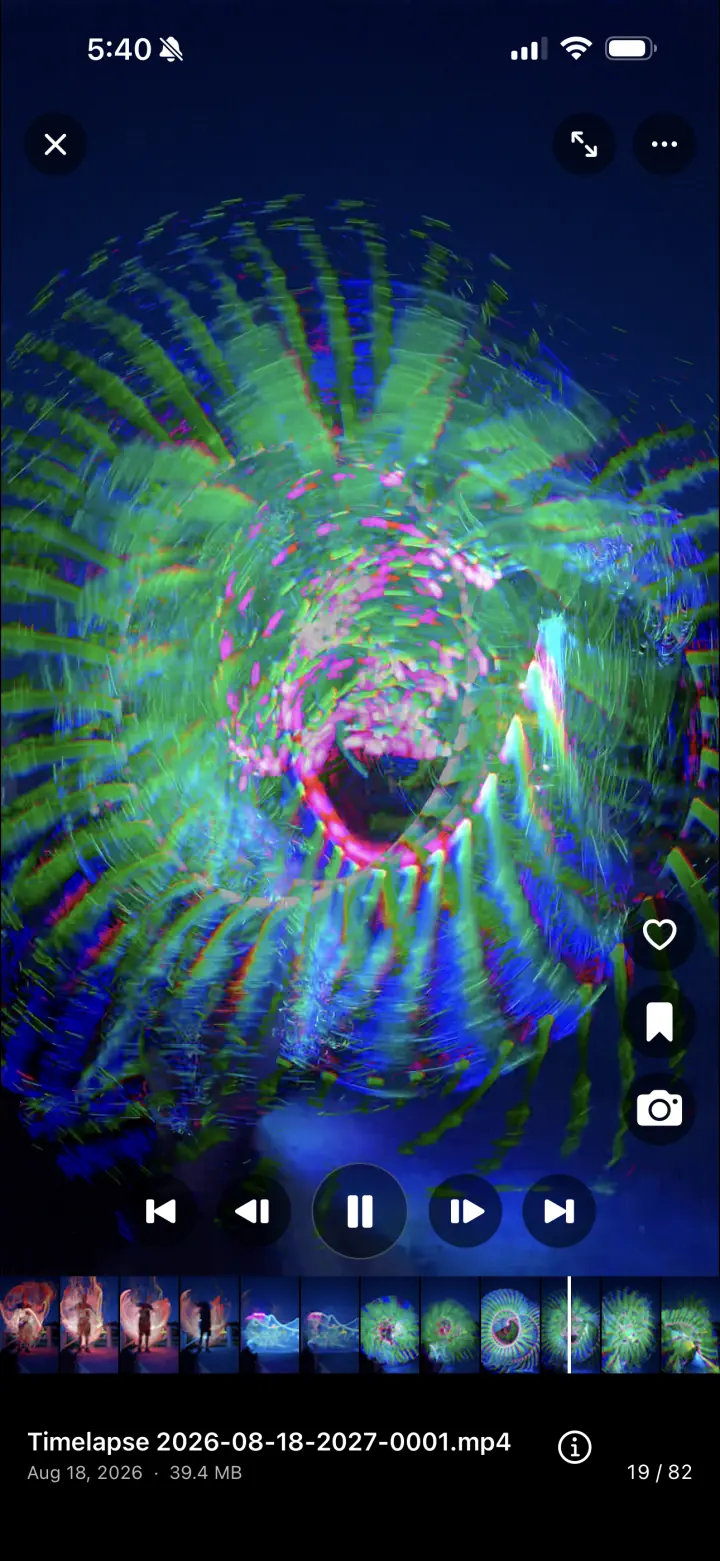
Scrub the motion. Save the exact frame.

Open a video into a full-screen viewer with transport controls and a frame filmstrip. Pause on the instant that matters, capture it as a photo, inspect details, or send the media back into an editor or Frame Blender workflow.

  • Frame-level filmstrip and playback controls
  • Capture a still without leaving the viewer
  • Share, favorite, bookmark, inspect, or add to a project

03 · Moments make the recap

Mark what matters and let the gallery build the highlight.

Add selected media to Moments and the app can assemble a finished Moment video with a theme, background music, and transitions. It is a fast path from scattered favorites to a story worth replaying.

  • Combine chosen photos and videos
  • Automatic themes, music, and transitions
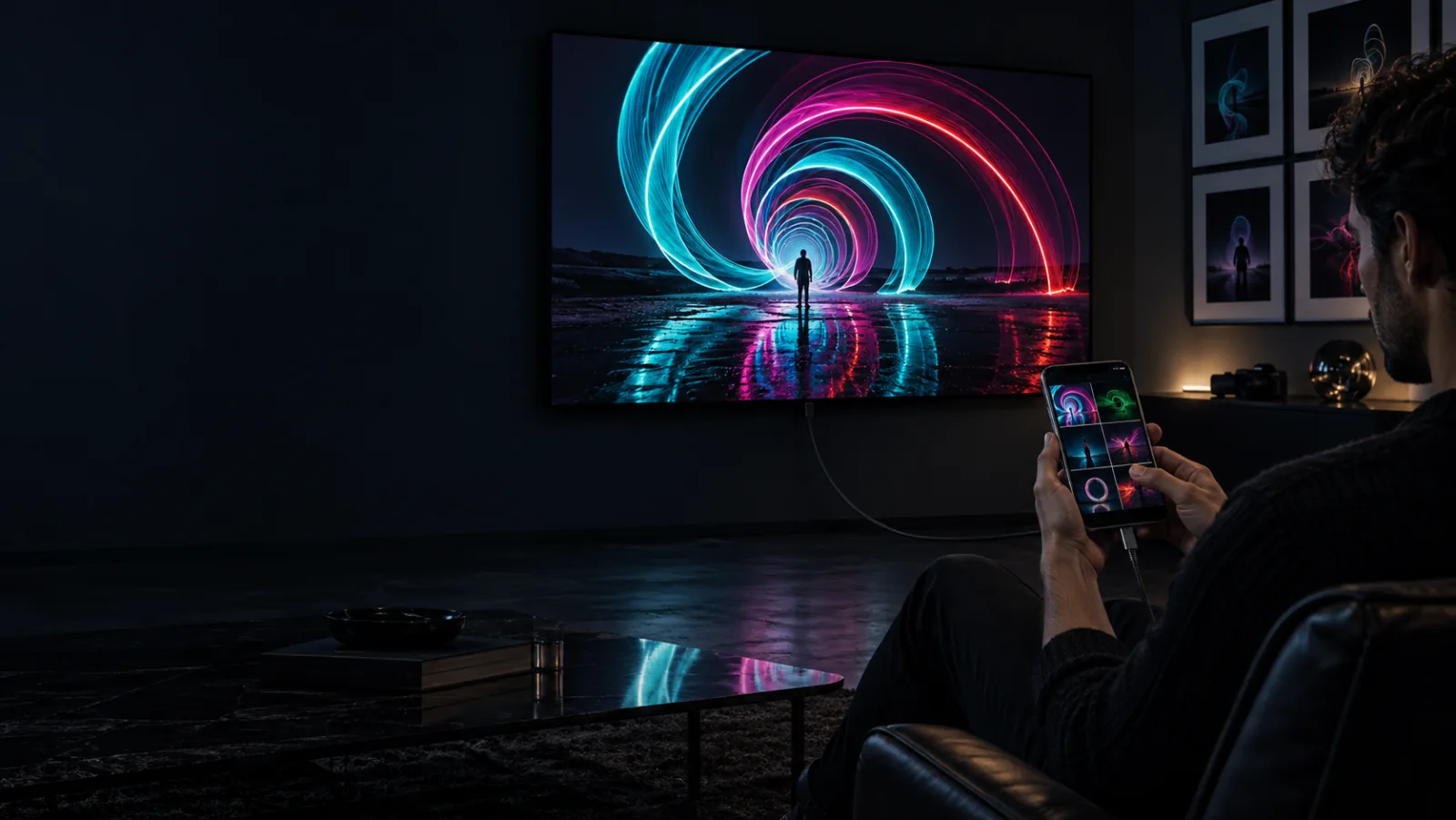
  • Present the gallery or finished movie over USB-C to HDMI

Inside the app

Controls you can read at a glance.

Real screens, optimized for a fast page and arranged as a compact swipeable rail on phones.

LightPaint media gallery showing a mixed grid of light painting photos and videos
01A visual Main library for every capture
LightPaint full-screen video viewer with favorites, bookmarks, and frame capture
02Favorite, bookmark, inspect, and capture a frame
LightPaint video playback with a frame filmstrip and transport controls
03Scrub to the precise instant you want

The workflow

Keep the full experience, not only the final frame.

01

Browse everything

See photos, videos, sessions, and projects in one gallery designed around visual work.

02

Mark the keepers

Favorite, bookmark, collect into an album, or add media directly to a project.

03

Pull out a moment

Scrub any recording and capture the strongest frame as a separate photo.

04

Build or present

Generate a themed Moment movie or put the library on a larger external display.

Questions

The important details, plainly answered.

Can I save a still photo from a video?+

Yes. Pause or scrub to the frame you want and use the camera action to capture it as a photo without leaving the gallery viewer.

What is a Moment?+

A Moment is media you mark as meaningful. The app can gather those selections into a finished highlight video with a theme, music, and transitions.

Can I show my LightPaint gallery on a television or projector?+

Yes. Connect a compatible iPhone or iPad to an external display, including a USB-C to HDMI setup, to present photos and videos on a larger screen.