LightPaint · Android · Camera Controls
Camera Controls
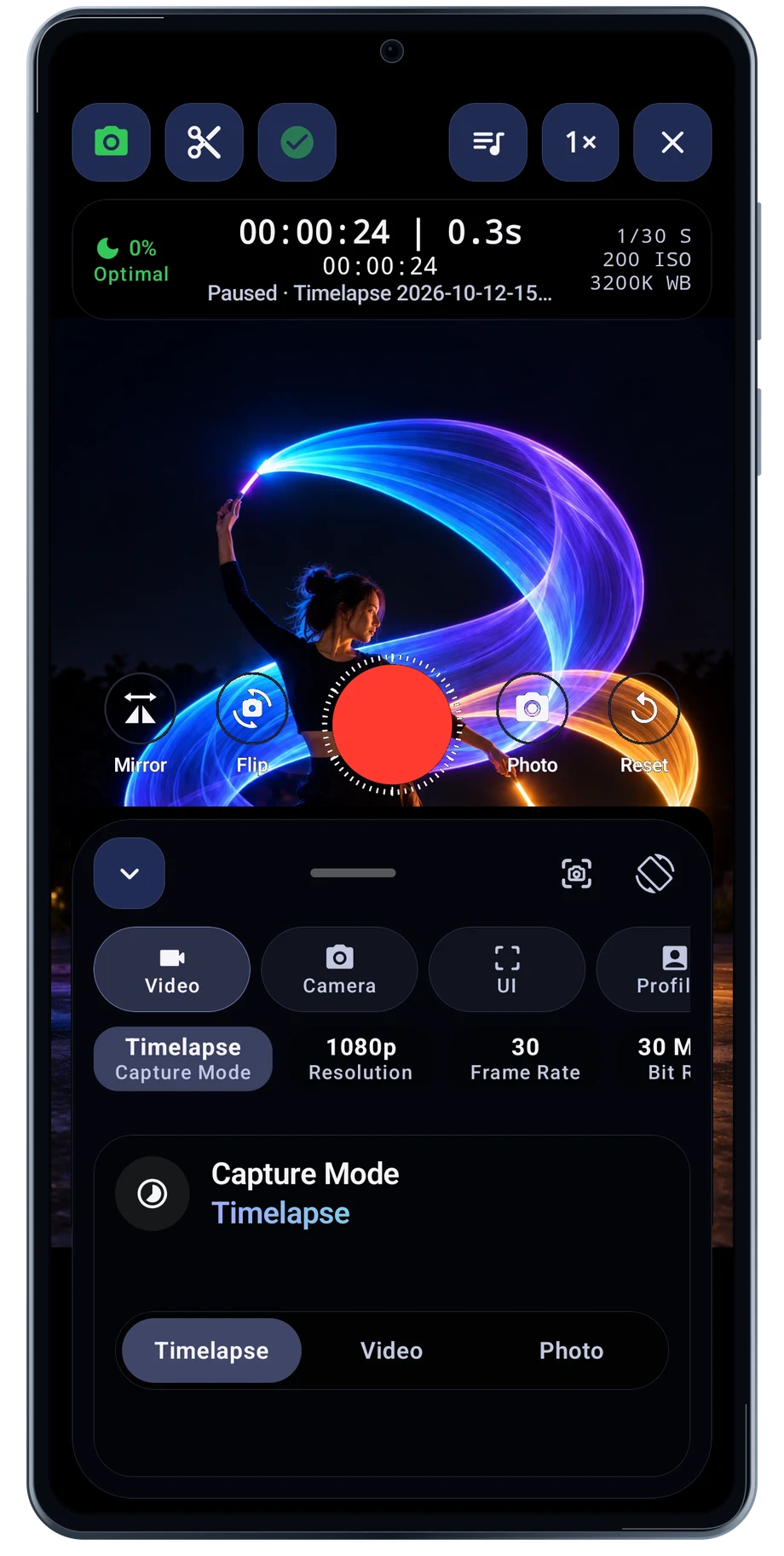
Light painting asks the camera to handle bright moving lights in a dark scene. Open the controls and set the exposure around the brightest part of the movement. Shutter, ISO and white balance affect the source image before trail processing shapes it.
Captured Android interface. Illustrated scenes in camera views.
Camera Controls, on Android
Put the camera settings where you need them.
The lens row lets you compare the camera choices exposed by the phone. Choose the framing before the performance and keep enough room for the light to travel. Overlays such as grids and crosshairs help you repeat the arrangement without changing the captured subject.
Android camera controls vary by phone and lens. The app needs access to manual settings, and live processing needs a capable GPU and processor. The captured controls are from a Galaxy S23 FE; they are not a promise that every Android camera exposes the same choices.
Before the full take
- Choose a lens and frame the space.
- Set the exposure for the light.
- Check the overlays and test a short movement.
Questions about the Android app
Is LightPaint available for Android?
Android is awaiting Google’s review. Apply for the beta through Contact. We’ll be adding beta testers every few days.
Will my Android phone expose every camera setting?
Manual camera controls depend on the phone and lens. Live frame processing also needs a capable GPU and processor. Available controls and performance depend on your device.
Are these captured Android screens?
Yes. The interface comes from the Android app running on a Galaxy S23 FE. Blank camera views have illustrated scenes beneath the original controls; other screens show the captured app content.
Android is awaiting Google’s review. Apply for the beta through Contact.
LightPaint is built for Android phones that expose manual camera settings and have the GPU and processor capacity for sustained live image processing. Available controls vary by phone and lens. Available controls and performance depend on your device.
English + 11 more languages. Camera scenes are illustrated beneath the captured Android interface.
LightPaint for Android.
We’re awaiting Google’s review. Apply for the beta test through Contact.