LightPaint · Android · Guides & Learning
Guides & Learning
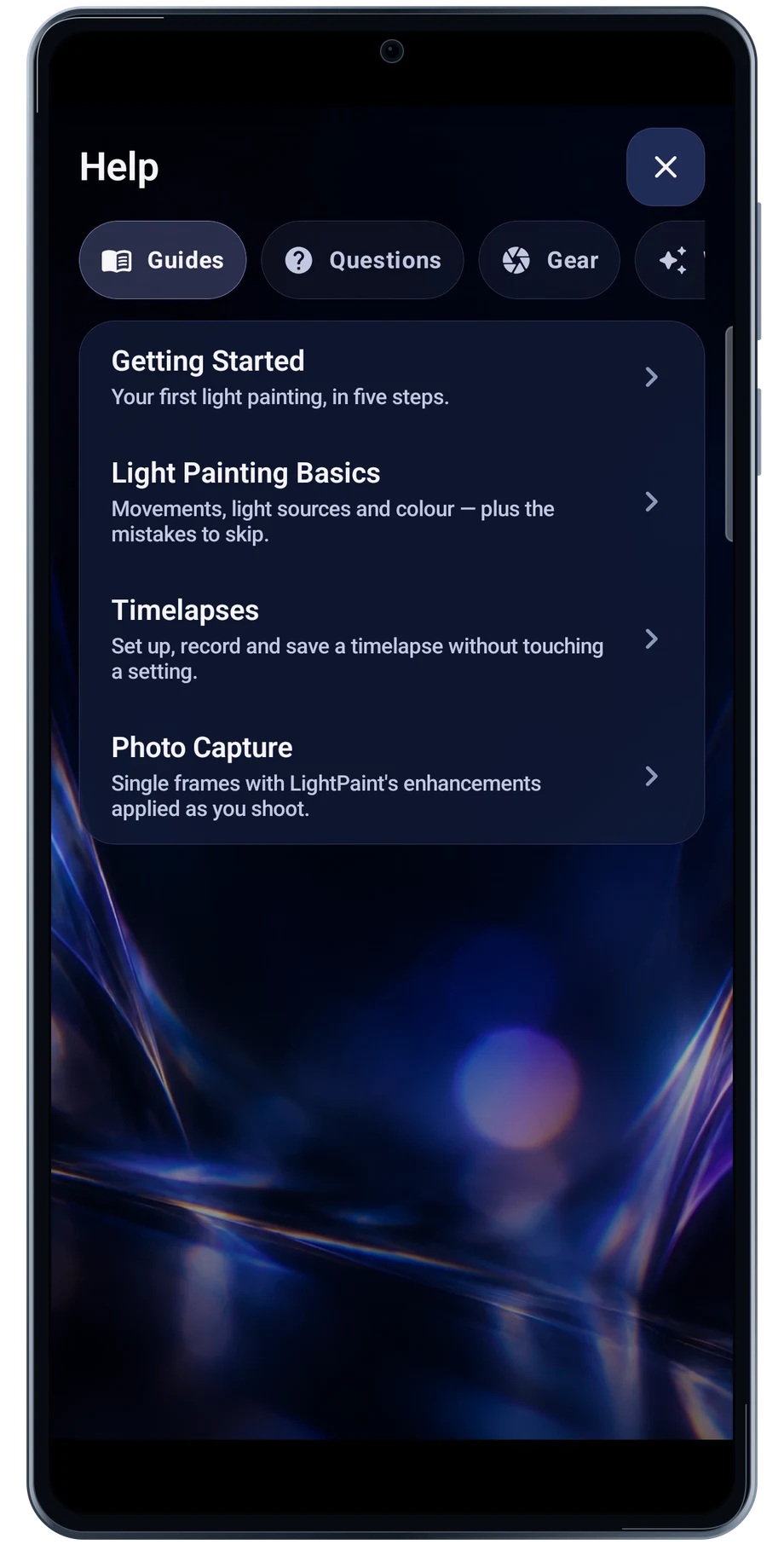
The guides begin with the camera and the first capture. Choose the subject closest to the work you are trying, then bring the instructions beside a short test.
Captured Android interface. Illustrated scenes in camera views.
Guides & Learning, on Android
Keep the guide beside the next attempt.
The Help screen includes getting started, light-painting basics, timelapses and photo capture. The About screen explains the capture modes and how the developing picture behaves.
Read the guide for the app in your hand. Android and iOS share the idea of the workflow, but hardware controls and some platform features differ. Use the actual Android camera choices when setting up the test.
Before the full take
- Choose a guide in Help.
- Read the first steps before opening the camera.
- Try a short capture and return to the guide.
Questions about the Android app
Is LightPaint available for Android?
Android is awaiting Google’s review. Apply for the beta through Contact. We’ll be adding beta testers every few days.
Will my Android phone expose every camera setting?
Manual camera controls depend on the phone and lens. Live frame processing also needs a capable GPU and processor. Available controls and performance depend on your device.
Are these captured Android screens?
Yes. The interface comes from the Android app running on a Galaxy S23 FE. Blank camera views have illustrated scenes beneath the original controls; other screens show the captured app content.
Android is awaiting Google’s review. Apply for the beta through Contact.
LightPaint is built for Android phones that expose manual camera settings and have the GPU and processor capacity for sustained live image processing. Available controls vary by phone and lens. Available controls and performance depend on your device.
English + 11 more languages. Camera scenes are illustrated beneath the captured Android interface.
LightPaint for Android.
We’re awaiting Google’s review. Apply for the beta test through Contact.