LightPaint · Android · Camera Choreography
Camera Choreography
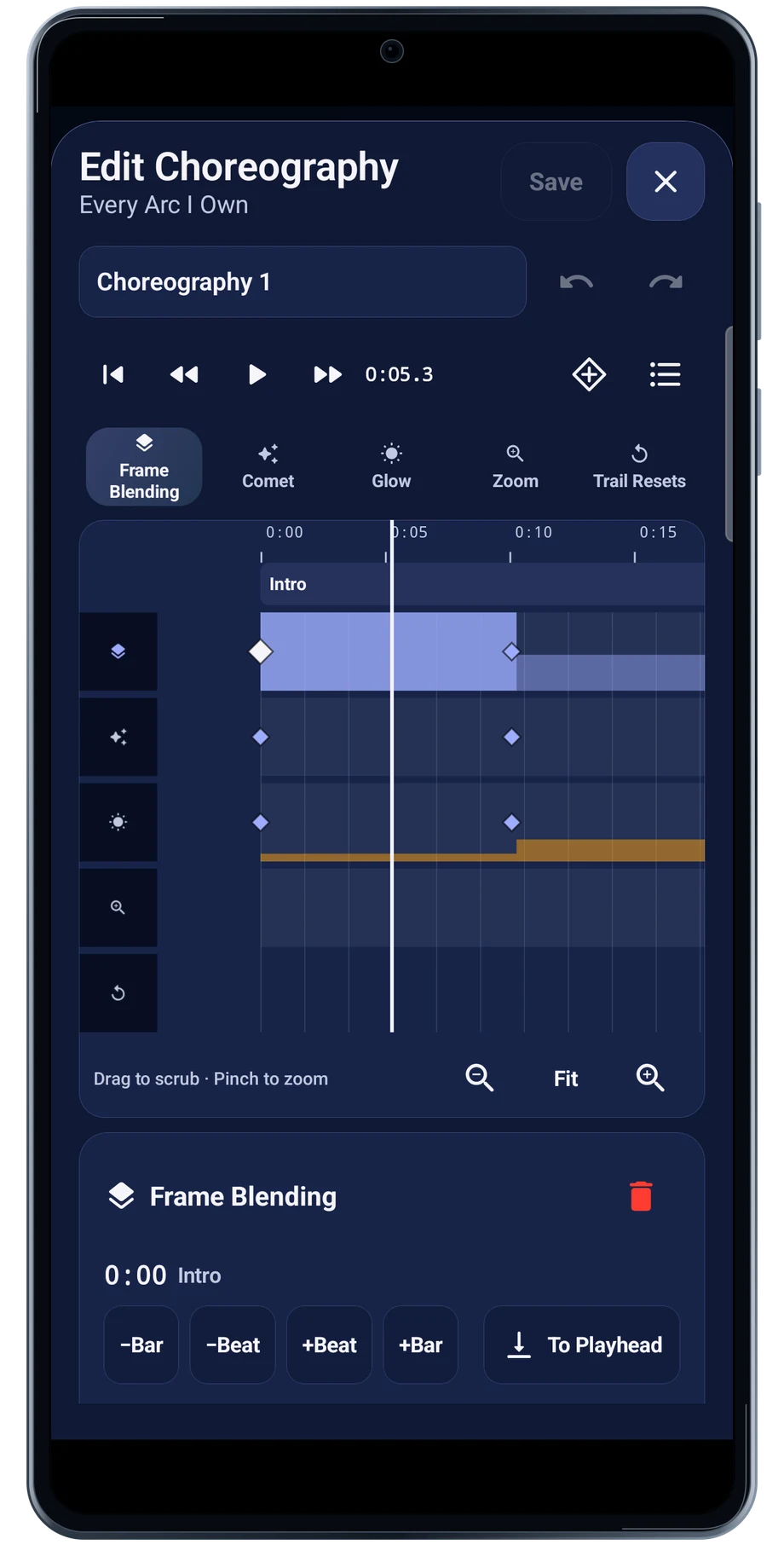
The choreography editor puts camera changes on lanes beside the track. Choose the lane you want to work with, then inspect where each change belongs in the performance.
Captured Android interface. Illustrated scenes in camera views.
Camera Choreography, on Android
Write the camera changes into the music.
Frame blending, comet behavior, glow, zoom and trail resets have different jobs. A reset can separate two parts of a performance; a change to trail history can let an earlier shape fade. Keep the changes purposeful so the timing remains easy to follow.
Play the section again after each edit. A change that looks tidy on the timeline may arrive too early or too late for the movement. Rehearse with the camera before treating the choreography as finished.
Before the full take
- Choose the track and a choreography.
- Edit one lane at a time.
- Rehearse the section before performing it.
Questions about the Android app
Is LightPaint available for Android?
Android is awaiting Google’s review. Apply for the beta through Contact. We’ll be adding beta testers every few days.
Will my Android phone expose every camera setting?
Manual camera controls depend on the phone and lens. Live frame processing also needs a capable GPU and processor. Available controls and performance depend on your device.
Are these captured Android screens?
Yes. The interface comes from the Android app running on a Galaxy S23 FE. Blank camera views have illustrated scenes beneath the original controls; other screens show the captured app content.
Android is awaiting Google’s review. Apply for the beta through Contact.
LightPaint is built for Android phones that expose manual camera settings and have the GPU and processor capacity for sustained live image processing. Available controls vary by phone and lens. Available controls and performance depend on your device.
English + 11 more languages. Camera scenes are illustrated beneath the captured Android interface.
LightPaint for Android.
We’re awaiting Google’s review. Apply for the beta test through Contact.