TimeLapsed · Android · Manual Camera Controls
Manual Camera Controls
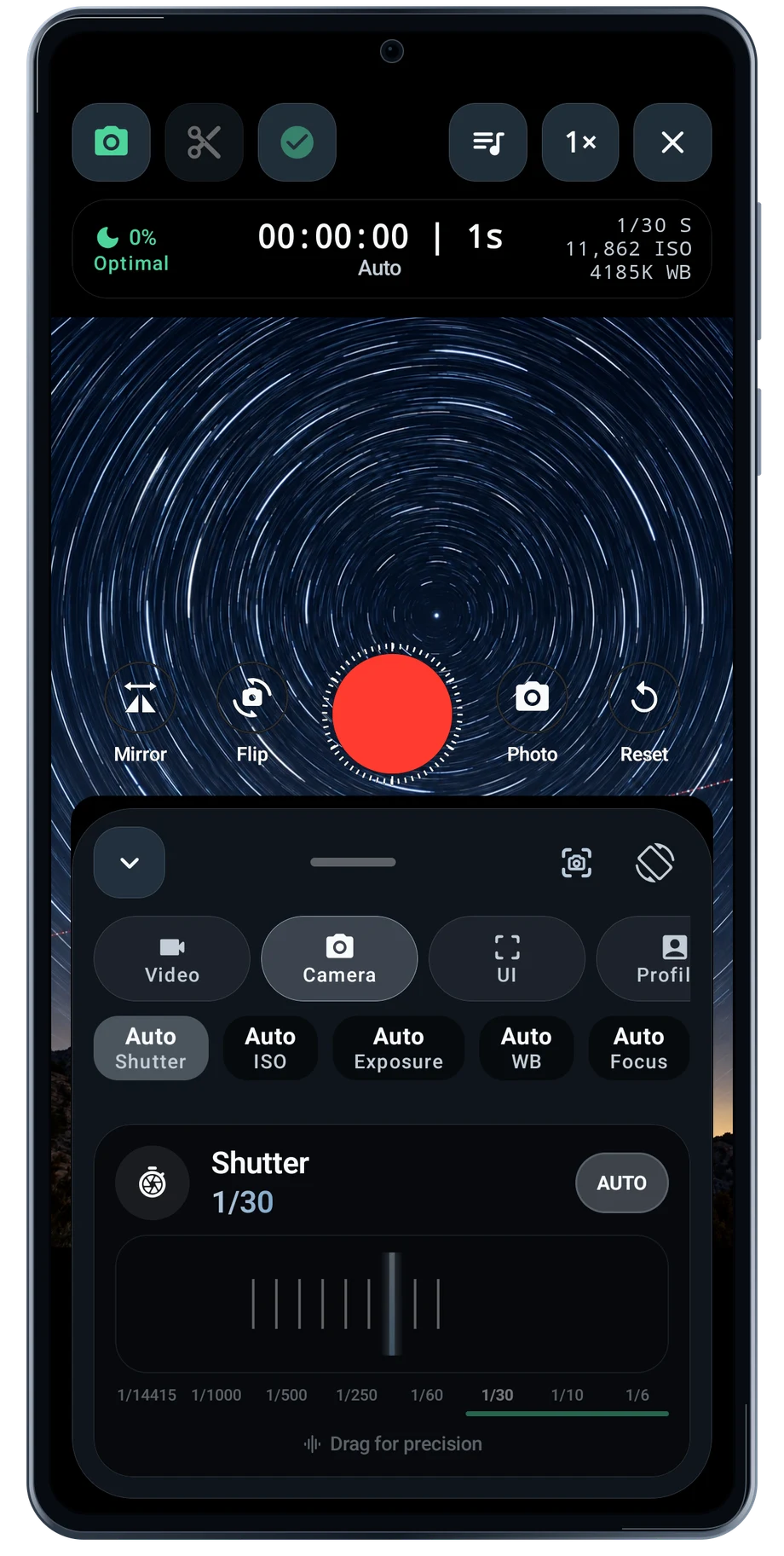
Open the camera controls when an automatic exposure is not giving you the shot you want. Shutter speed changes how much movement each frame records. ISO changes sensitivity. White balance changes how the light reads. Set one control at a time and watch the scene instead of chasing a number.
Captured Android interface. Illustrated scenes in camera views.
Manual Camera Controls, on Android
Set the exposure for the light in front of you.
Focus matters most when the phone cannot see enough contrast to settle reliably. Use the available focus controls and check the distant subject before a night take. The lens row lets you compare the cameras exposed by the phone, then refine the framing with the zoom control.
Manual control is a hardware capability. Some cameras expose fewer settings than others, even on the same phone. TimeLapsed uses the controls available through Android. iPhone aperture and side Camera Control features belong to the iOS version and are not advertised here as Android hardware features.
Before the full take
- Choose a camera and lens.
- Set shutter, ISO, focus and white balance.
- Check the brightest part of the frame before recording.
Questions about the Android app
Is TimeLapsed available for Android?
Android is awaiting Google’s review. Apply for the beta through Contact. We’ll be adding beta testers every few days.
Will my Android phone expose every camera setting?
Manual camera controls depend on the phone and lens. Live frame processing also needs a capable GPU and processor. Available controls and performance depend on your device.
Are these captured Android screens?
Yes. The interface comes from the Android app running on a Galaxy S23 FE. Blank camera views have illustrated scenes beneath the original controls; other screens show the captured app content.
Android is awaiting Google’s review. Apply for the beta through Contact.
TimeLapsed is built for Android phones that expose manual camera settings and have the GPU and processor capacity for sustained live image processing. Available controls vary by phone and lens. Available controls and performance depend on your device.
English + 11 more languages. Camera scenes are illustrated beneath the captured Android interface.
TimeLapsed for Android.
We’re awaiting Google’s review. Apply for the beta test through Contact.