TimeLapsed · Android · Video Editor
Video Editor
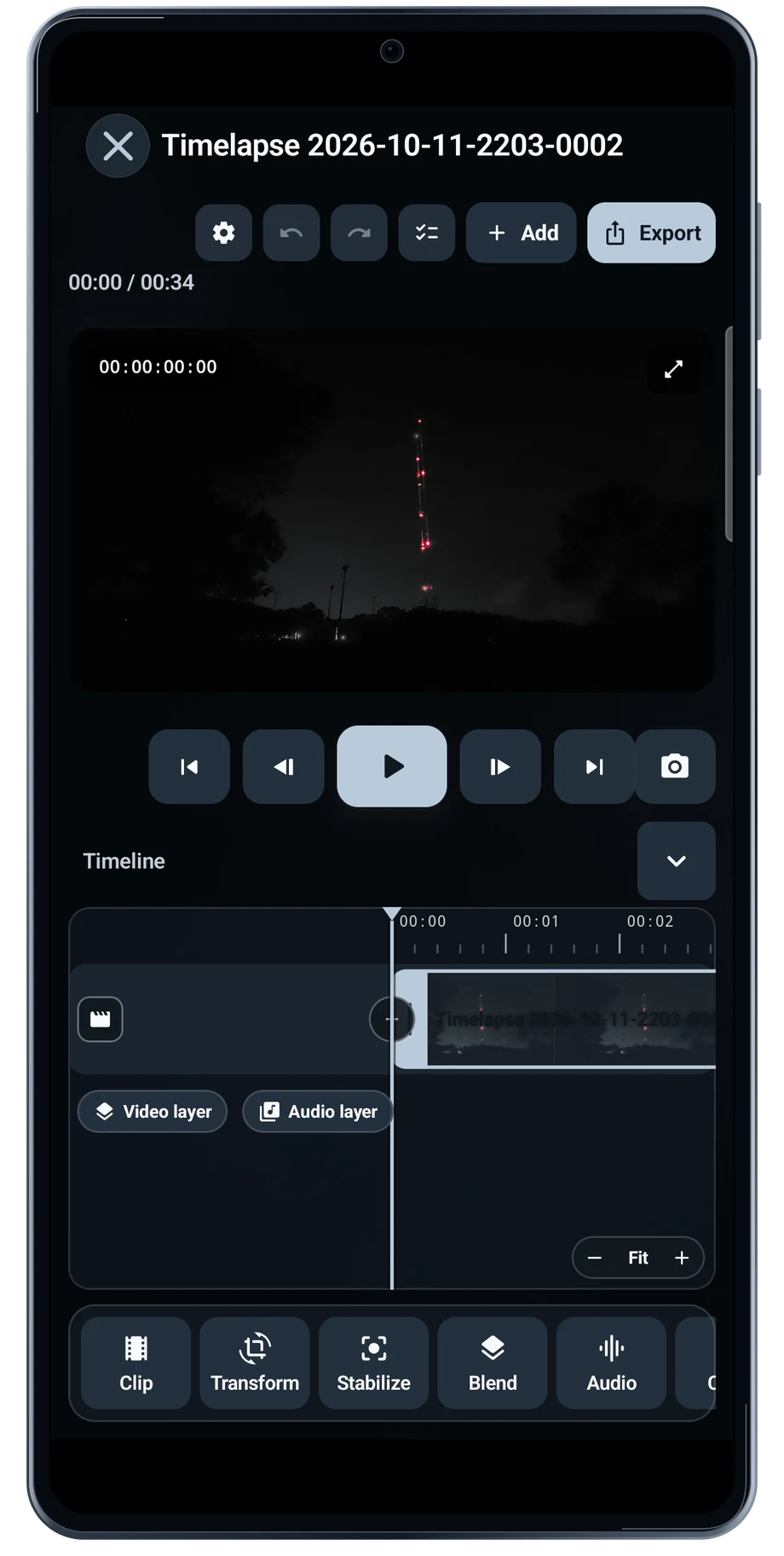
Open a recording in the editor to bring the preview and timeline together. Scrub through the take before changing the treatment. The opening, the main transition and the ending all need to work as one film.
Captured Android interface. Illustrated scenes in camera views.
Video Editor, on Android
Bring the take onto a timeline.
Blend and Color have their own panels beside the preview. Compare the image before and after an adjustment, especially in the bright aircraft lights and the darker sky. A change that helps one moment can hide detail elsewhere in the clip.
Use a short section while deciding on a look, then review the complete film before saving the result. Keep the source recording available so you can return to it when a different blend or color treatment suits the next edit.
Before the full take
- Open a recording and scrub through the timeline.
- Compare Blend and Color adjustments in the preview.
- Review the beginning and ending before saving.
Questions about the Android app
Is TimeLapsed available for Android?
Android is awaiting Google’s review. Apply for the beta through Contact. We’ll be adding beta testers every few days.
Will my Android phone expose every camera setting?
Manual camera controls depend on the phone and lens. Live frame processing also needs a capable GPU and processor. Available controls and performance depend on your device.
Are these captured Android screens?
Yes. The interface comes from the Android app running on a Galaxy S23 FE. Blank camera views have illustrated scenes beneath the original controls; other screens show the captured app content.
Android is awaiting Google’s review. Apply for the beta through Contact.
TimeLapsed is built for Android phones that expose manual camera settings and have the GPU and processor capacity for sustained live image processing. Available controls vary by phone and lens. Available controls and performance depend on your device.
English + 11 more languages. Camera scenes are illustrated beneath the captured Android interface.
TimeLapsed for Android.
We’re awaiting Google’s review. Apply for the beta test through Contact.