TimeLapsed · Android · Timelapse Camera
Timelapse Camera
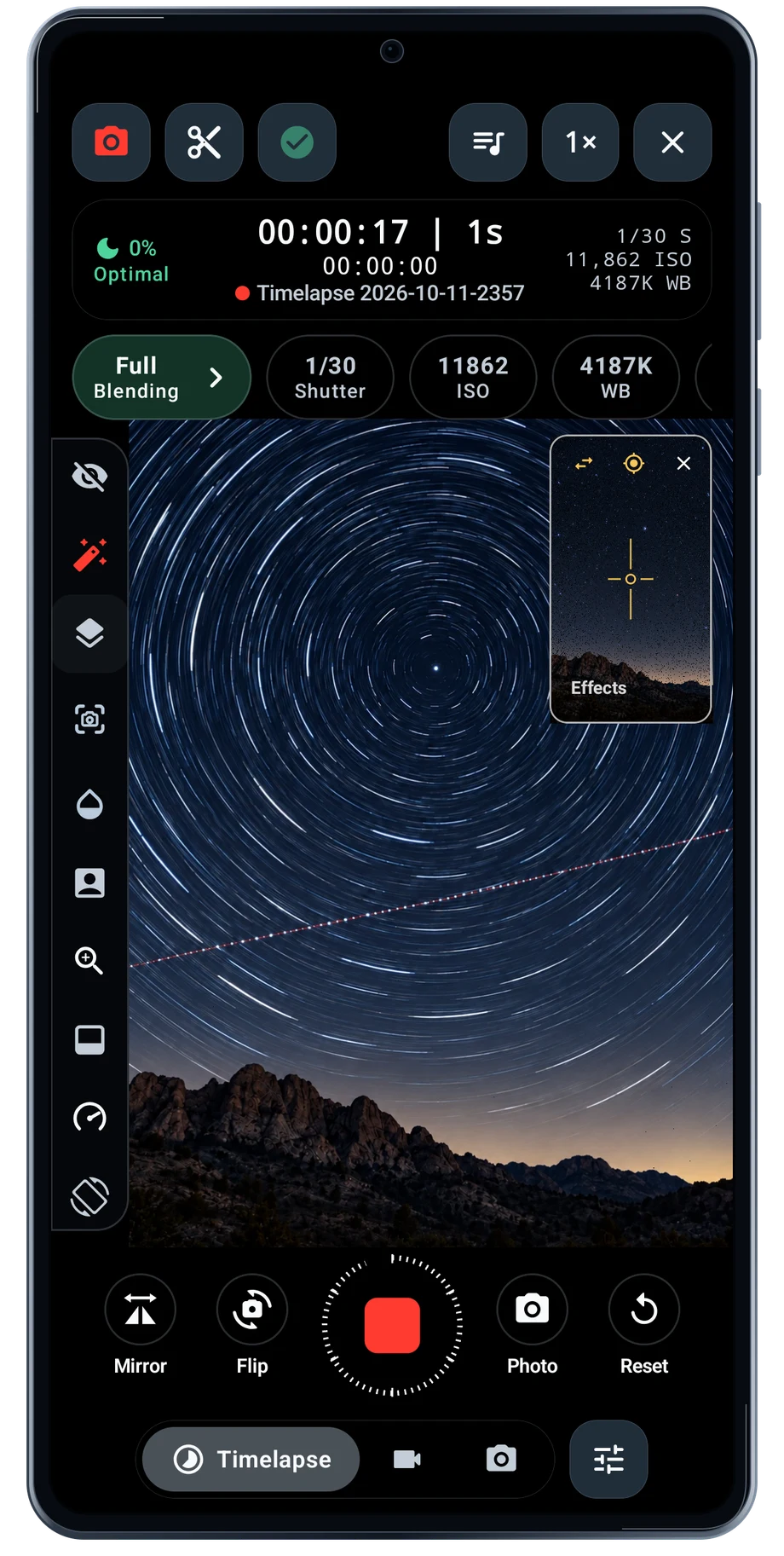
Set up the phone before the light starts changing. Choose a lens, settle the framing and set the capture interval for the subject. A slow-moving sky and a busy street need different pacing. The camera keeps the interval and elapsed recording time beside the view, so you can check the take without opening another screen.
Captured Android interface. Illustrated scenes in camera views.
Timelapse Camera, on Android
Let the scene run. Keep the controls close.
Use a stable mount for a long session. Keep an eye on battery, storage and heat, especially when live blending is running too. The pause control lets you stop the take briefly while the camera stays ready. Review the framing and settings again before continuing.
Timelapse Defaults give the next session a starting point: interval, countdown, maximum frames and the battery stop level. A saved profile holds a more specific setup. The controls your phone exposes still depend on its camera hardware and Android camera support.
Before the full take
- Choose the lens and interval.
- Mount the phone and start the take.
- Watch the timer, then pause or finish.
Questions about the Android app
Is TimeLapsed available for Android?
Android is awaiting Google’s review. Apply for the beta through Contact. We’ll be adding beta testers every few days.
Will my Android phone expose every camera setting?
Manual camera controls depend on the phone and lens. Live frame processing also needs a capable GPU and processor. Available controls and performance depend on your device.
Are these captured Android screens?
Yes. The interface comes from the Android app running on a Galaxy S23 FE. Blank camera views have illustrated scenes beneath the original controls; other screens show the captured app content.
Android is awaiting Google’s review. Apply for the beta through Contact.
TimeLapsed is built for Android phones that expose manual camera settings and have the GPU and processor capacity for sustained live image processing. Available controls vary by phone and lens. Available controls and performance depend on your device.
English + 11 more languages. Camera scenes are illustrated beneath the captured Android interface.
TimeLapsed for Android.
We’re awaiting Google’s review. Apply for the beta test through Contact.