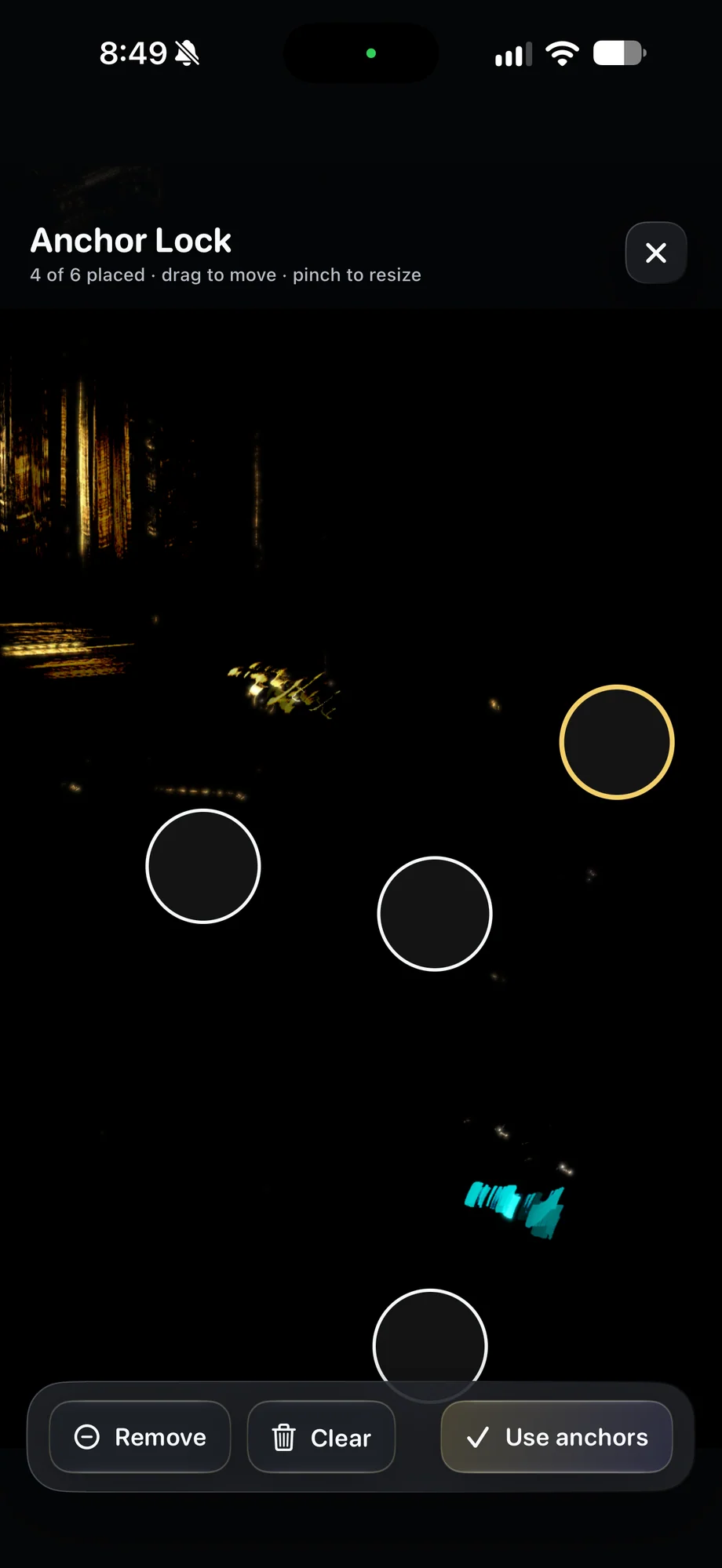
01 · Anchor Lock & Position Recall
Start with a mount that can hold the shot.
Stabilize the phone before enabling tools that help maintain framing. Secure the clamp, route accessory cables so they do not pull on the device and check the camera view after touching the controls. Anchor Lock is useful support for a mounted setup. It is not a substitute for a firm tripod or a way to recover every kind of movement.
Start with a mount that can hold the shot.
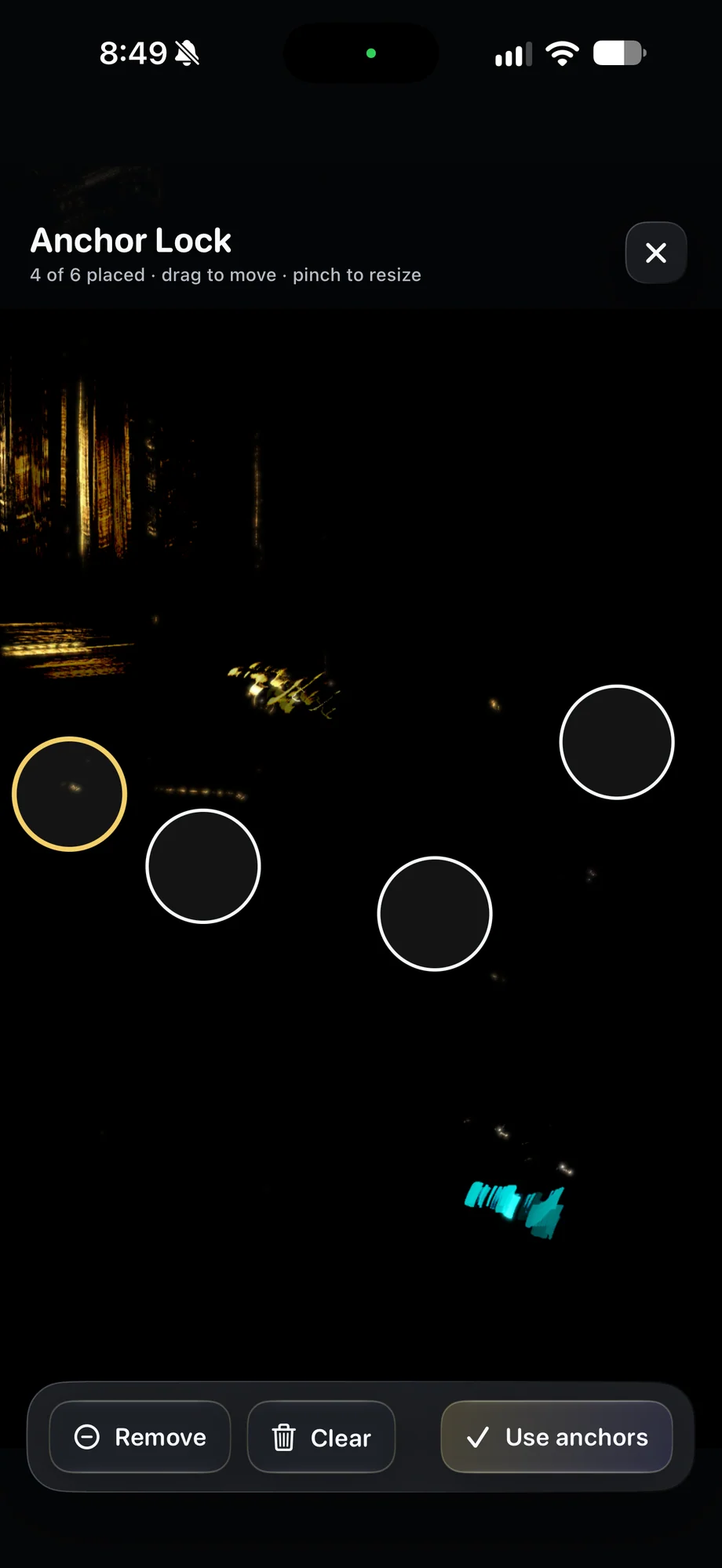
02 · Anchor Lock & Position Recall
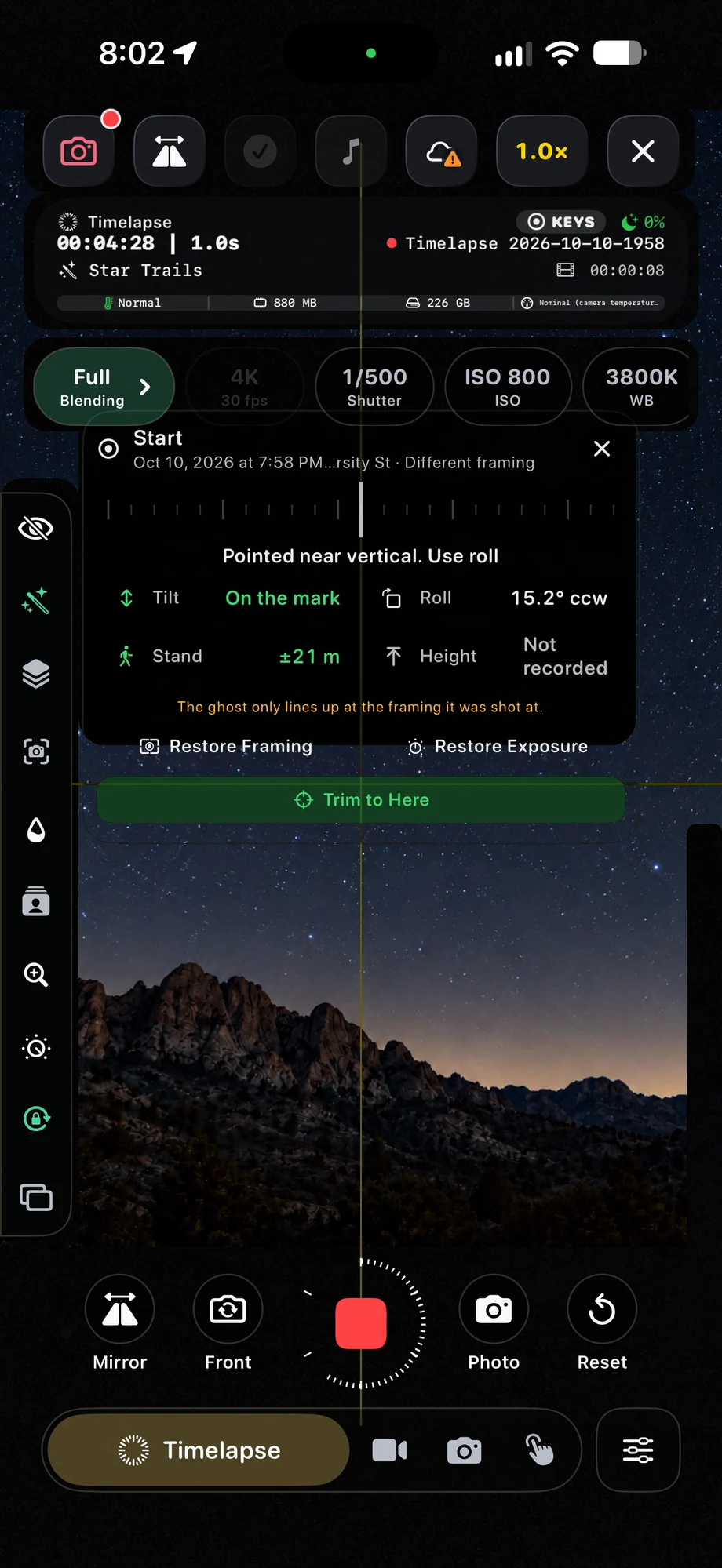
Keep a reference for the picture you want.
Saved-position guidance helps you bring the camera back toward a reference framing. That is useful when you need to check a lens, adjust an accessory or return to a previous view. Match the scene carefully before resuming work, paying attention to the foreground as well as the sky. A small change can become obvious in a long composite.
Keep a reference for the picture you want.
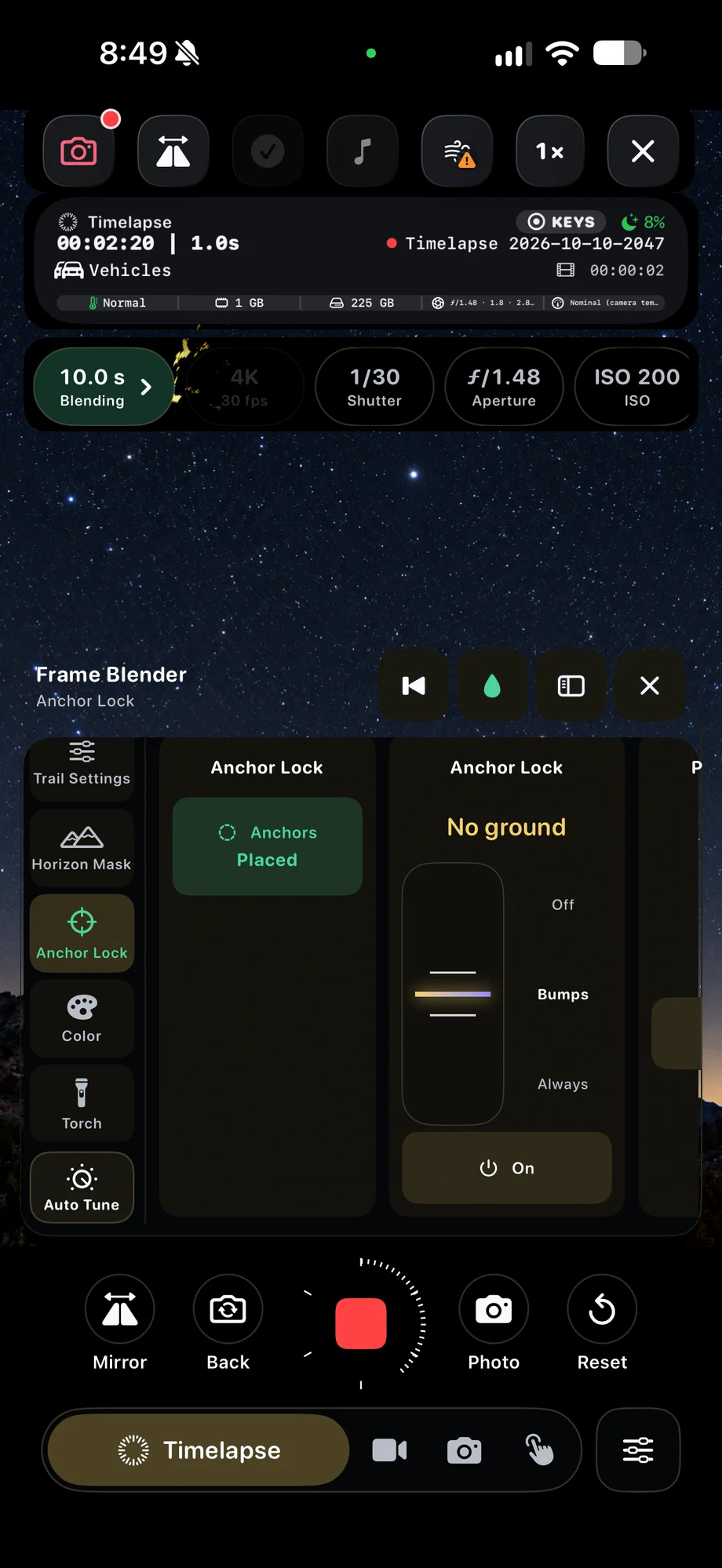
03 · Anchor Lock & Position Recall
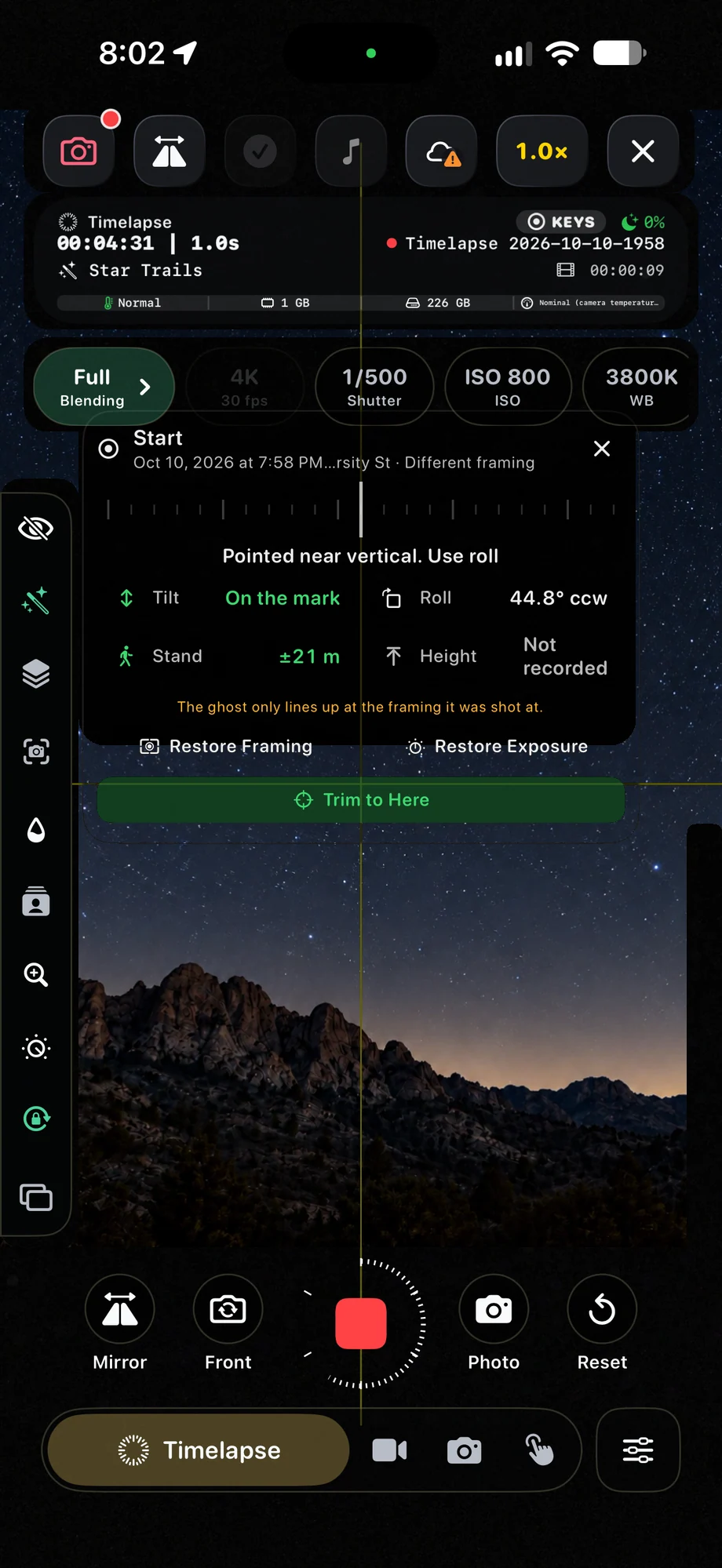
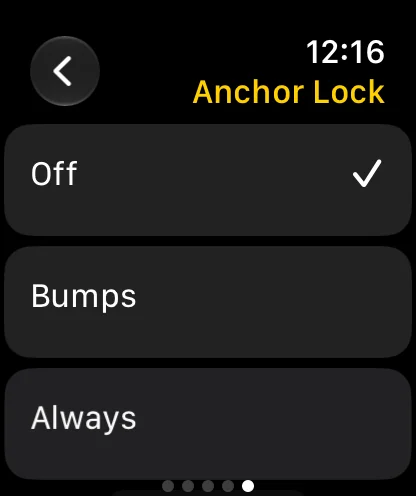
Separate framing from exposure and processing.
Camera profiles preserve settings, Horizon Mask manages the sky and foreground treatment, and position guidance helps with aim. Check all three after a disturbance rather than treating one tool as the whole setup. If the shot has moved too far, take time to reframe and review the accumulated result before continuing the capture.
Separate framing from exposure and processing.
A Practical Workflow
- 01
Secure the camera
Mount the phone and check that cables and controls will not shift it.
- 02
Save the framing
Keep a position reference and use Anchor Lock for supported bump correction.
- 03
Recheck after a change
Review alignment, mask position and exposure before the take continues.
Inside the App
Tap a Screen for a Closer Look
Questions About Anchor Lock & Position Recall
Will Anchor Lock replace a tripod?
No. It helps correct bumps in a mounted-camera setup. A secure mount is still the starting point for a long recording.
Does a camera profile restore where the phone is pointing?
A profile stores camera settings. Saved-position guidance is the tool for bringing the physical framing back toward a reference view.