01 · Weather, Radar & Rain Alerts
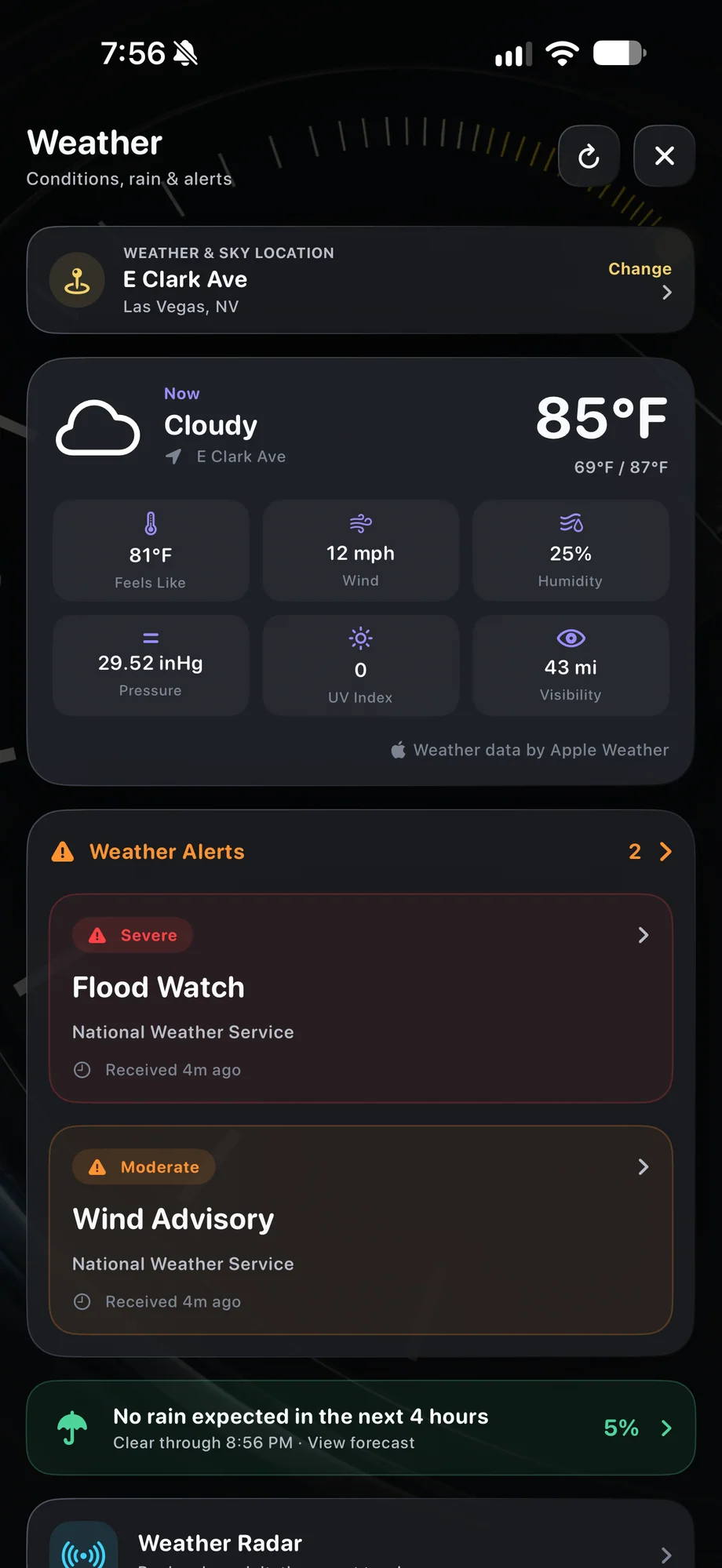
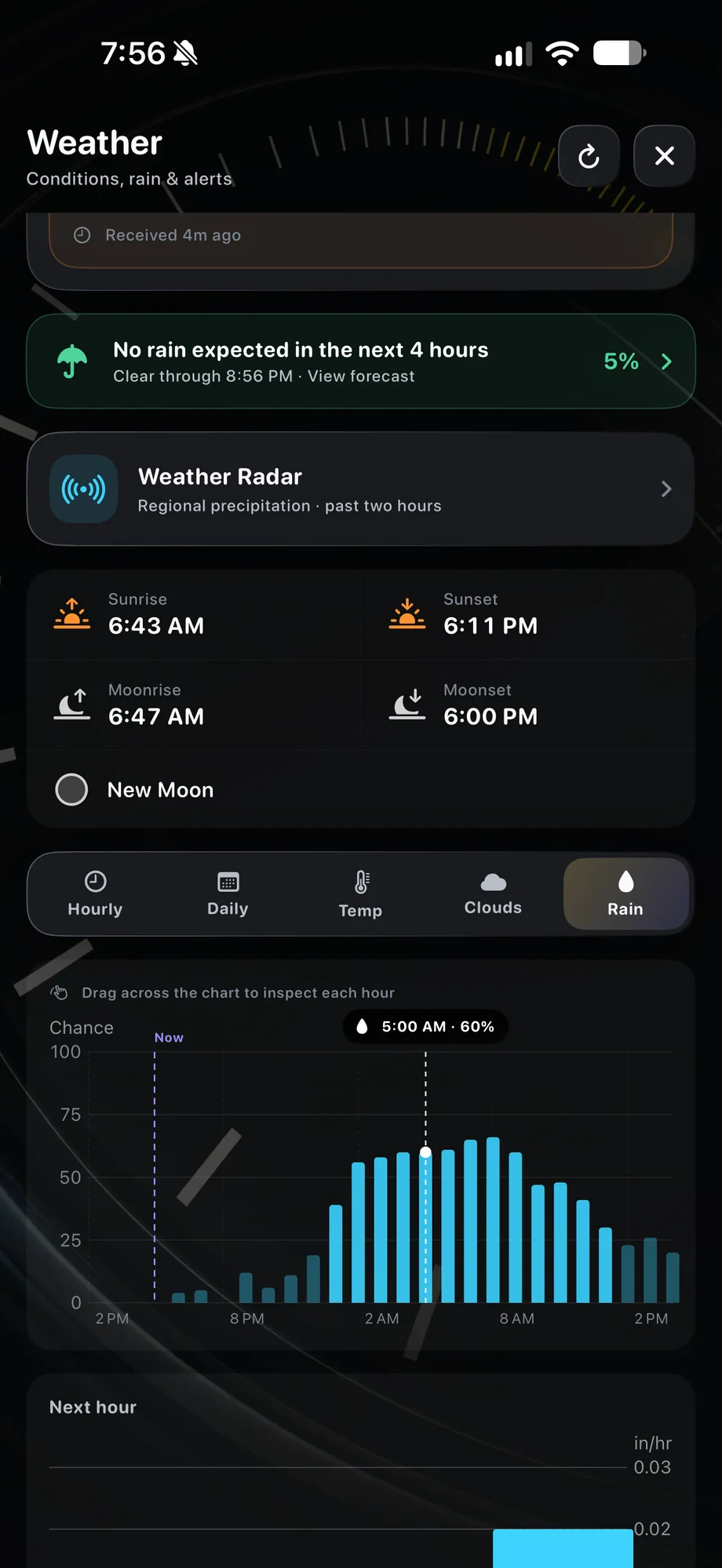
Check the location where the camera will be.
Review the forecast for the actual shoot location, especially when it differs from where you are planning. Cloud cover matters for stars, while rain and changing conditions affect the whole rig. Compare the forecast with your planned capture duration. A clear opening hour does not say much about the rest of an overnight session.
Check the location where the camera will be.
02 · Weather, Radar & Rain Alerts
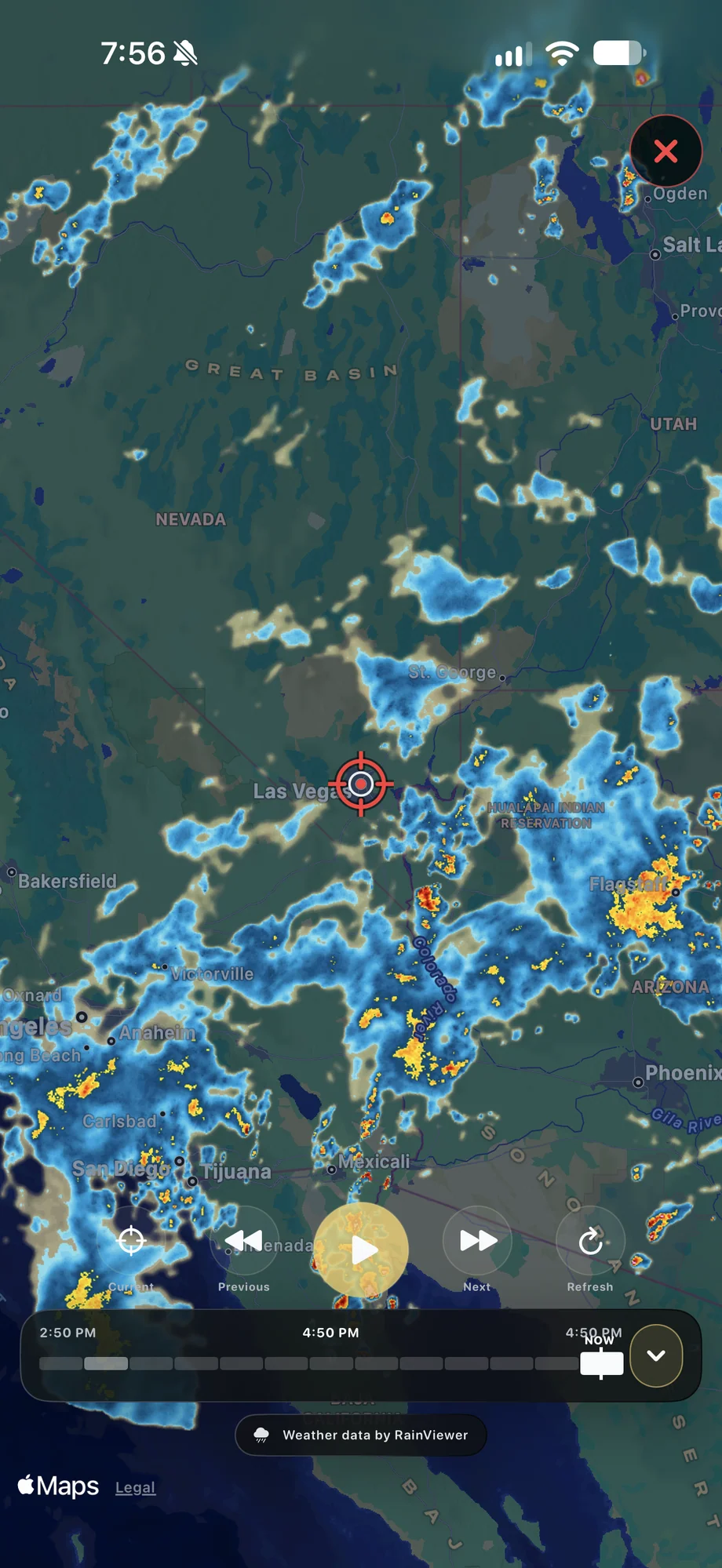
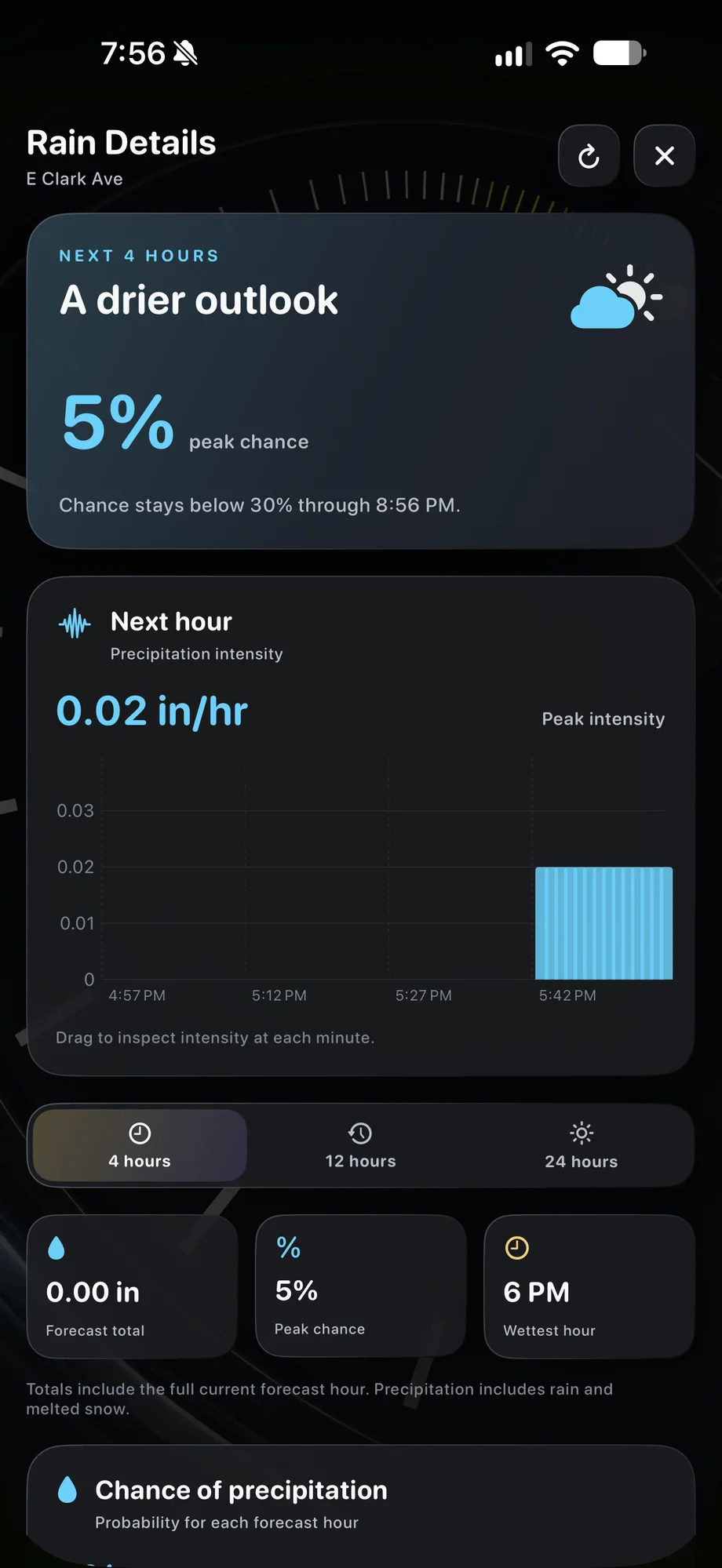
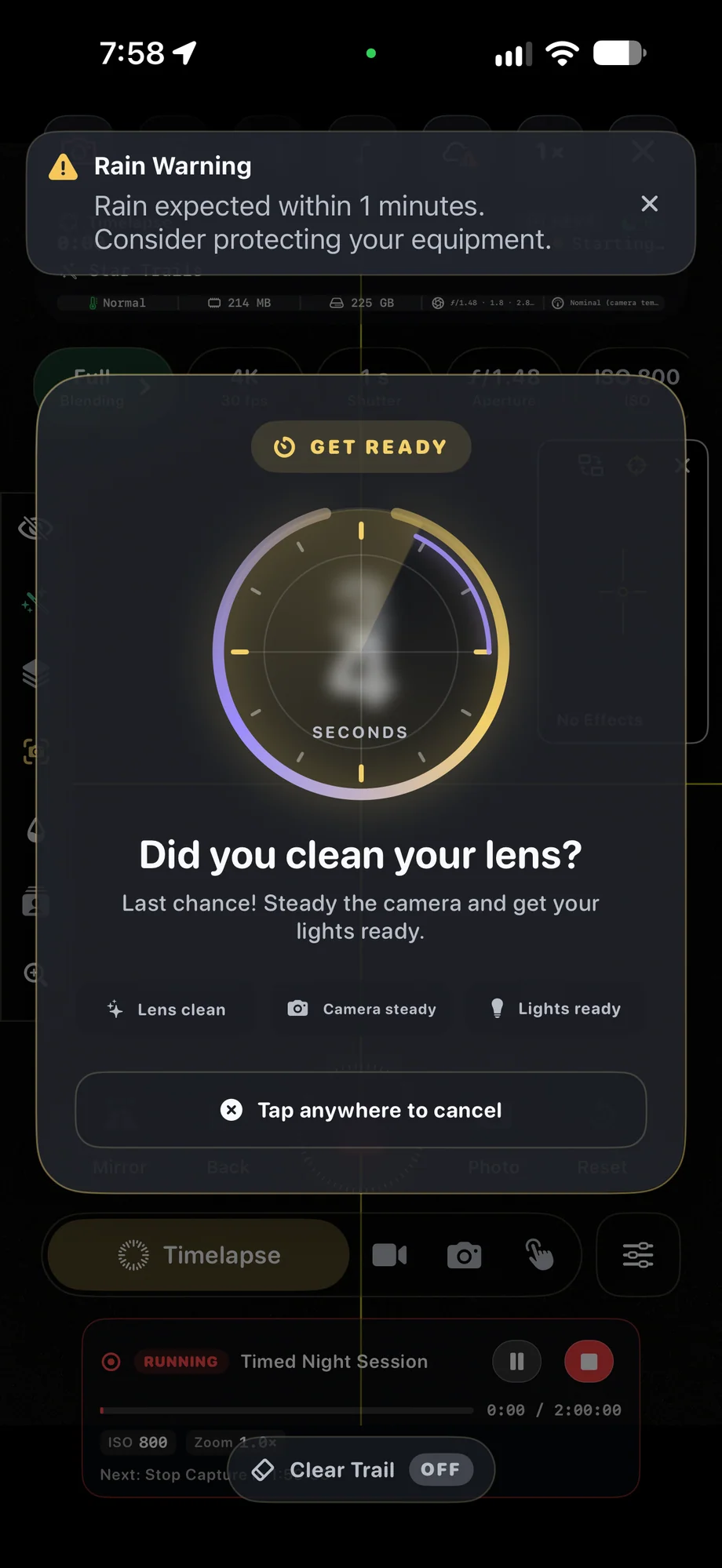
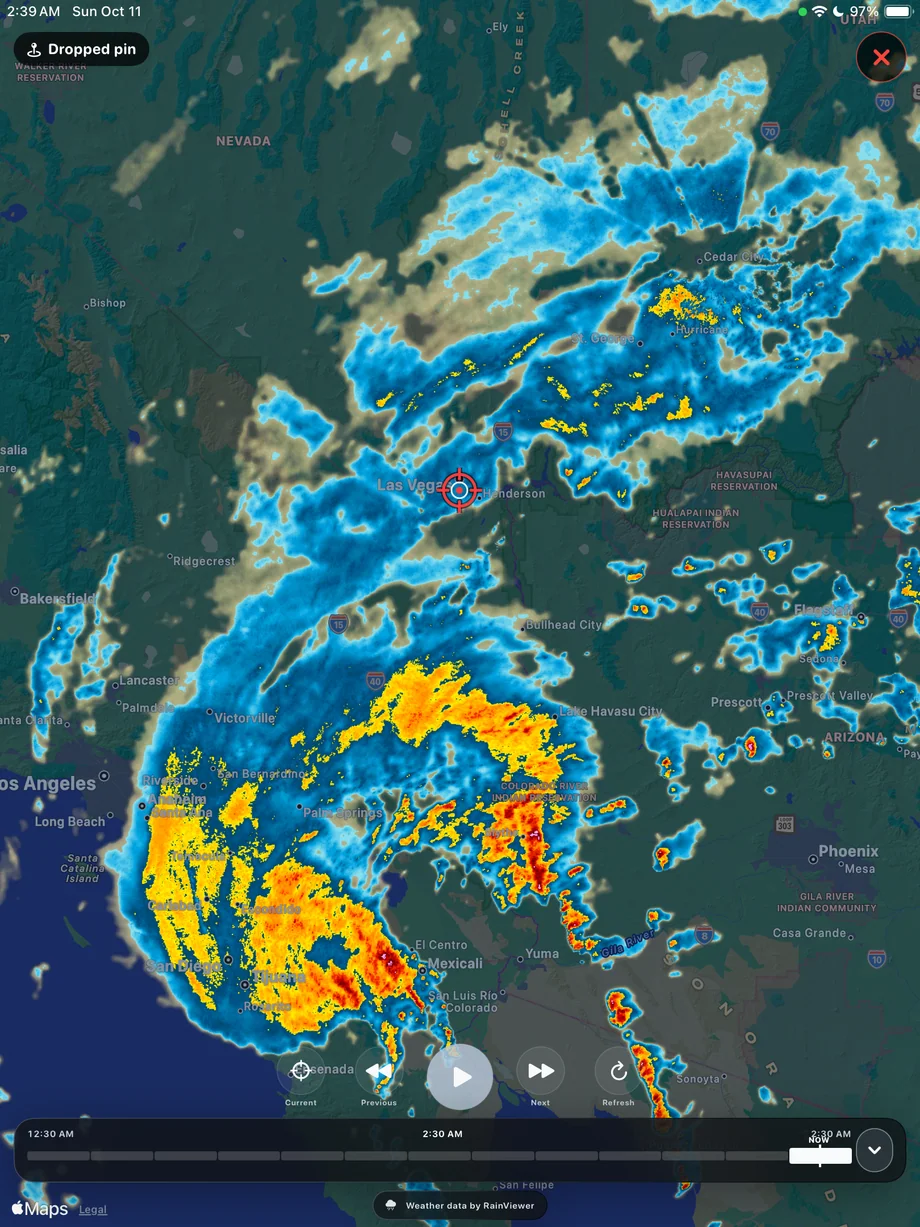
Keep radar and alerts in the capture workflow.
Weather radar gives you another way to inspect approaching conditions while recording. Forecast-based rain alerts can draw attention to a change worth reviewing. They are a prompt to check the setup, not a promise that equipment is protected. Keep the phone and accessories in conditions their manufacturers support and remain able to reach the camera.
Keep radar and alerts in the capture workflow.
03 · Weather, Radar & Rain Alerts
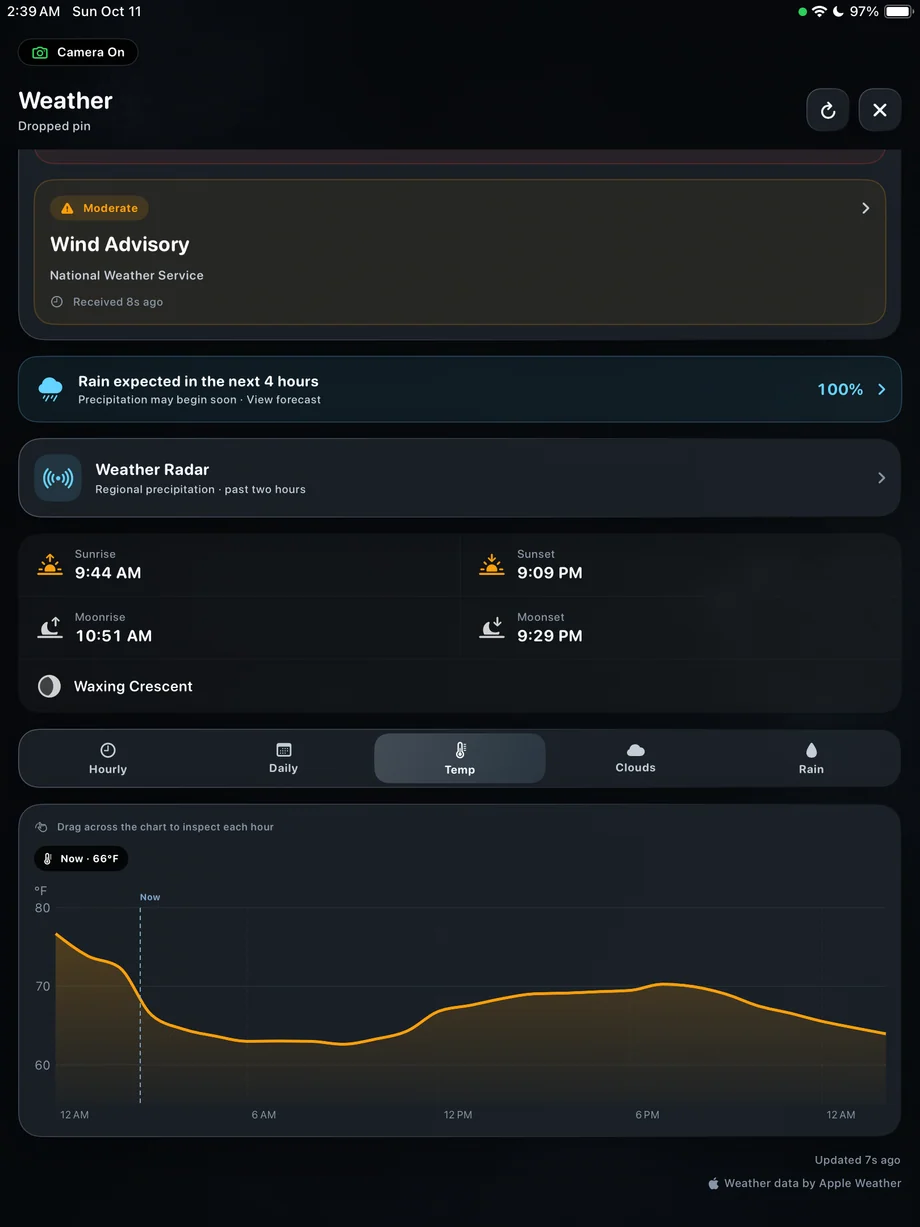
Use weather alongside the sky plan.
Dark Hours and Sky Planner can identify an appealing astronomical window, but cloud cover can make that window impractical. Review both before a trip and again closer to capture. Afterward, session statistics can include weather context alongside exposure and device information, helping you understand why a session differed from the one you expected.
Use weather alongside the sky plan.
A Practical Workflow
- 01
Review the forecast
Choose the shooting location and compare conditions with the recording duration.
- 02
Monitor during capture
Check radar and forecast-based alerts as the scene changes.
- 03
Adjust the plan
Pause the outdoor session or protect the setup when actual conditions require it.
Inside the App
Tap a Screen for a Closer Look
Questions About Weather, Radar & Rain Alerts
Are rain alerts based on a sensor in the phone?
No. They are forecast-based alerts. Inspect the actual conditions around your camera when deciding what to do.
Can I check weather for a planned destination?
Yes. Review weather for the selected location as part of the planning workflow.