01 · TimeLapsed Community
Discover work with a path back to the camera.
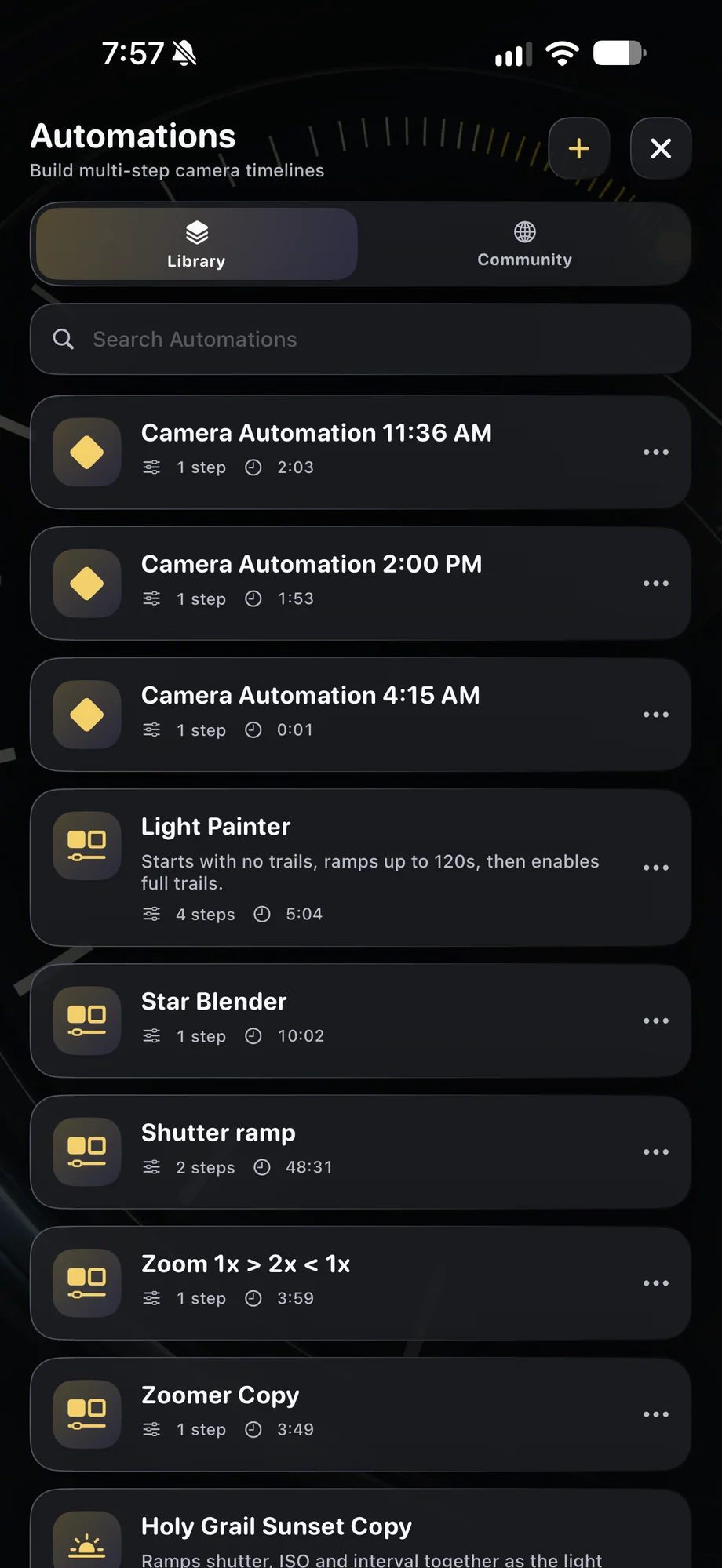
A shared profile can be more useful than a photograph alone when you want to try the technique. Review the camera settings and adjust them for your device, light and location. An automation can show how a take was designed to evolve. Treat shared setups as starting points, then use the preview to judge what works in your actual scene.
Discover work with a path back to the camera.
02 · TimeLapsed Community
Show the useful parts of your own experiment.
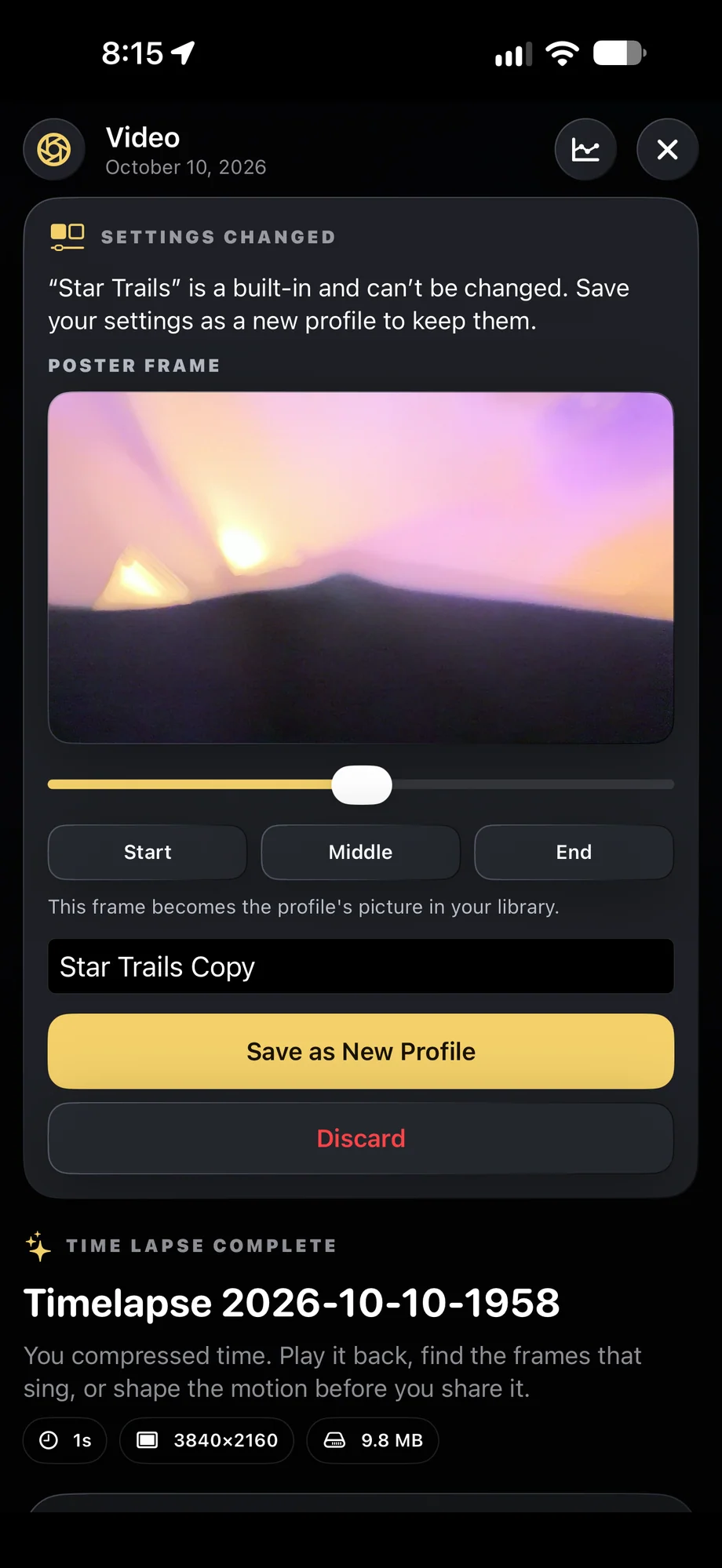
Share a video or image when the result is ready. A profile or automation can help explain the approach behind it. Name the setup clearly and give enough context for someone else to understand the subject and conditions. Different cameras and locations will need adjustments, so a useful shared setup leaves room for another photographer’s decisions.
Show the useful parts of your own experiment.
03 · TimeLapsed Community
Keep community discovery connected to your library.
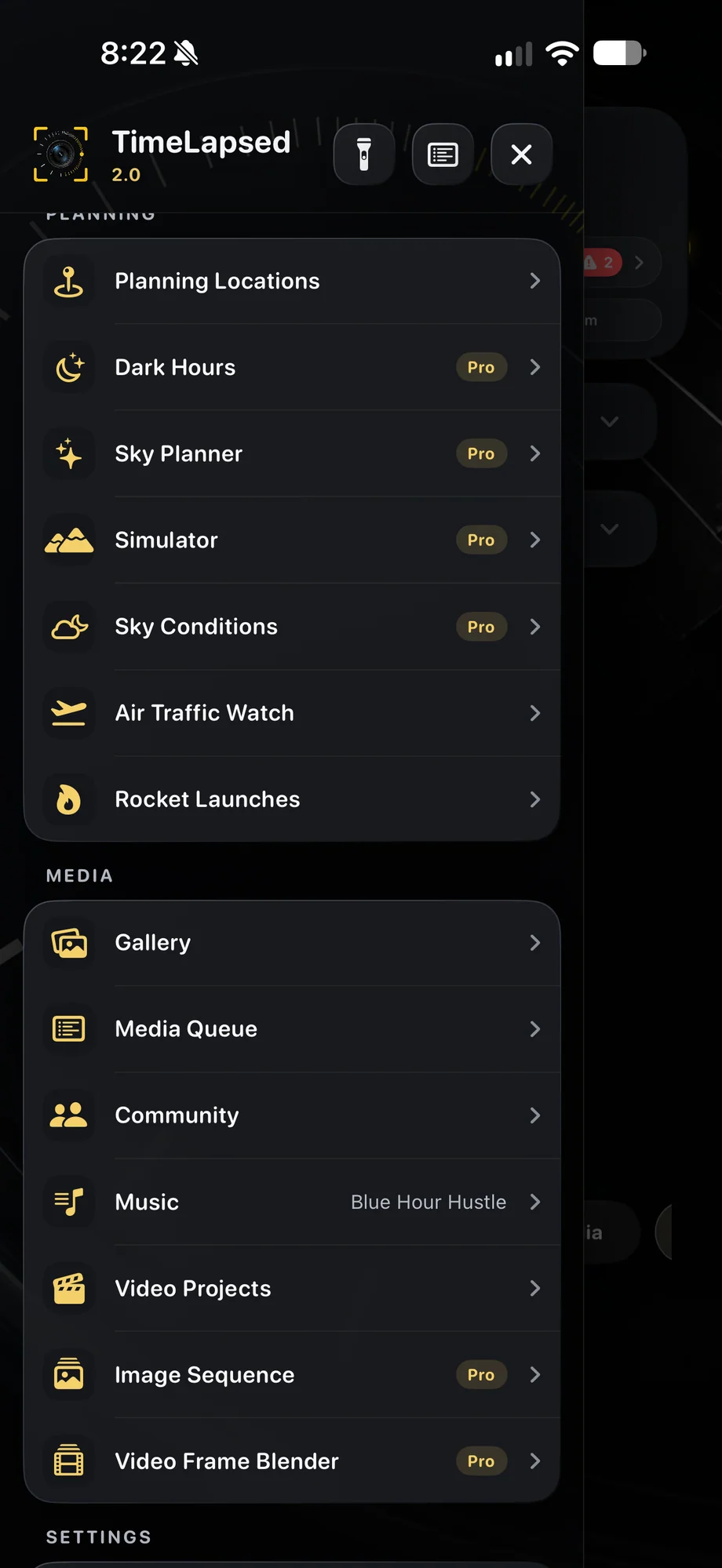
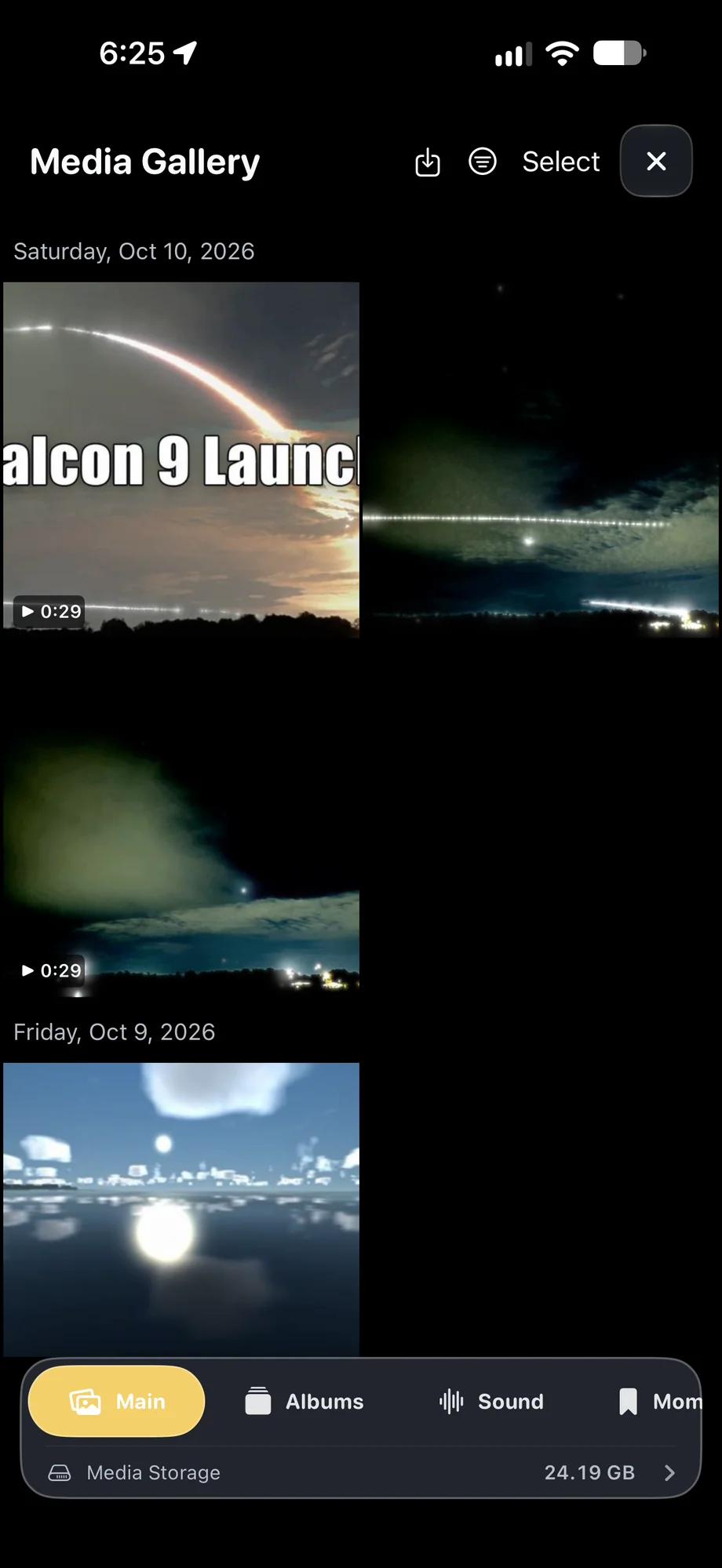
The media gallery is where you review captures and choose what to keep. The editor helps turn a recording into a finished film before sharing. Community adds discovery and exchange to that workflow rather than replacing it. You can still use the free core camera without making community participation part of every session.
Keep community discovery connected to your library.
A Practical Workflow
- 01
Find an idea
Browse shared images, videos, profiles and automations.
- 02
Adapt the setup
Review the settings and tune them for your device and scene.
- 03
Share your result
Choose a finished capture and contribute a useful setup when appropriate.
Inside the App
Tap a Screen for a Closer Look
Questions About TimeLapsed Community
What can I share in TimeLapsed Community?
The Community supports videos, images, camera profiles and automations.
Will a shared profile work unchanged everywhere?
No. Exposure, lens support and light vary. Review the setup in your own camera preview and adjust it before recording.