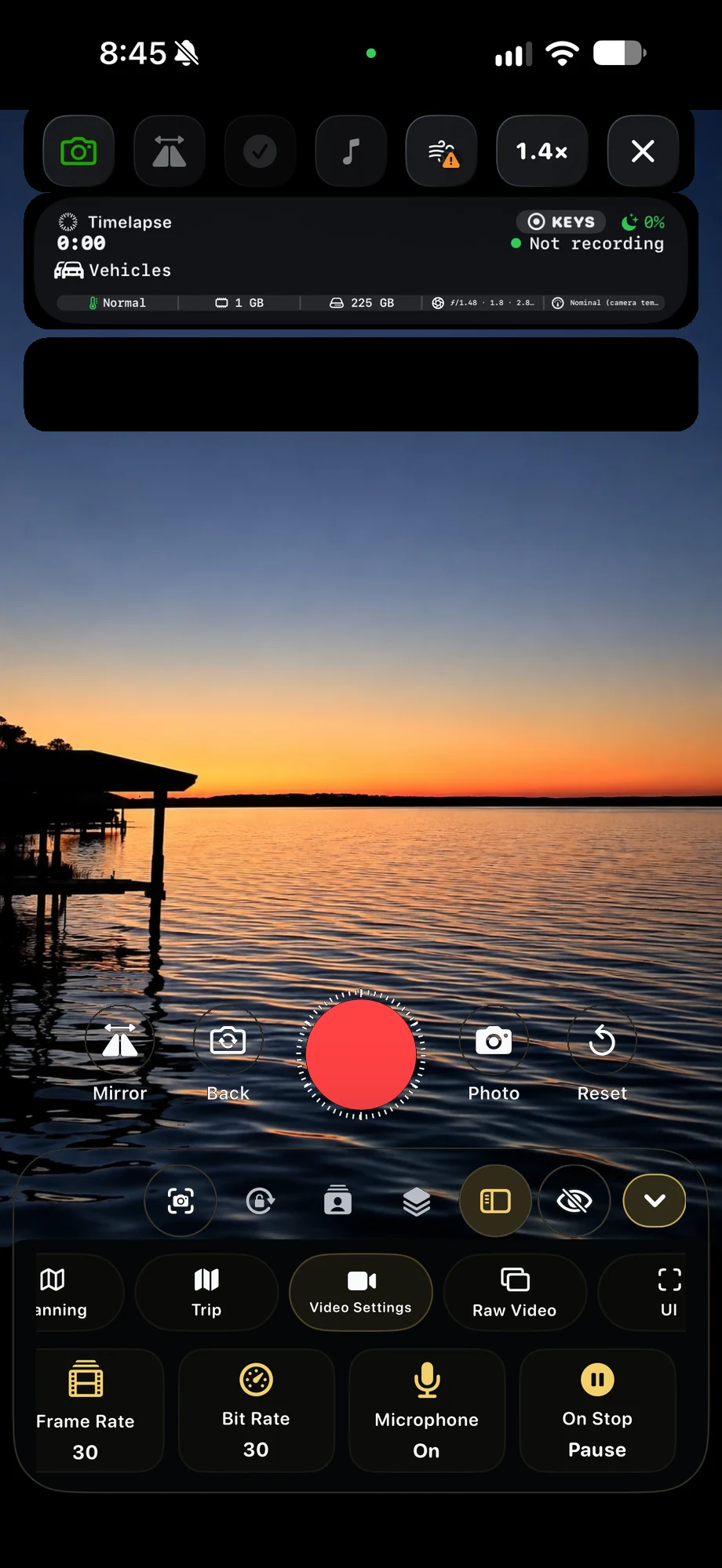
01 · Effects-Free Companion Recording
Make the source part of the capture plan.
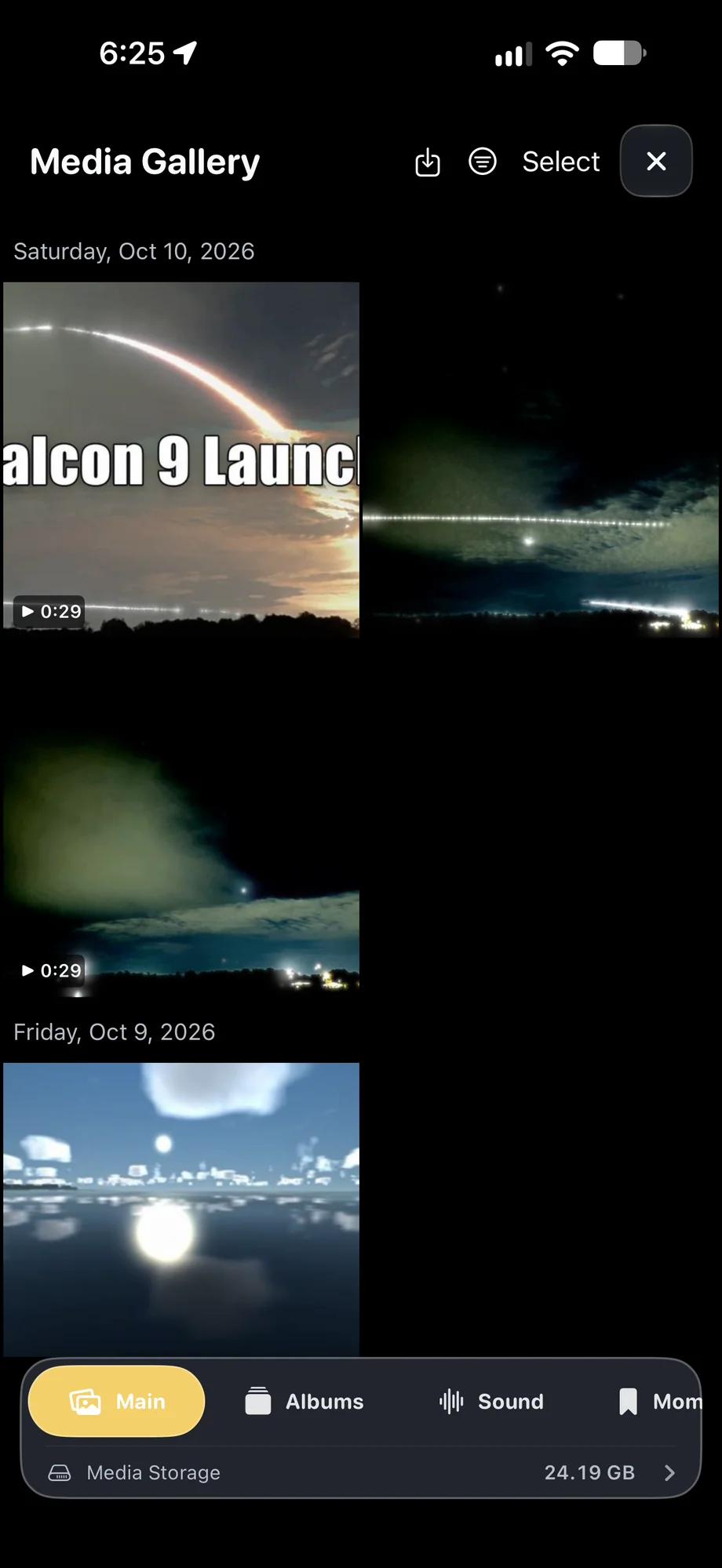
Enable companion recording before starting the take. Check storage and power for the duration you intend to record, especially when you are keeping more than one output. The processed capture retains the creative treatment, while the companion movie preserves a view you can take back into the editor for another blend.
Make the source part of the capture plan.
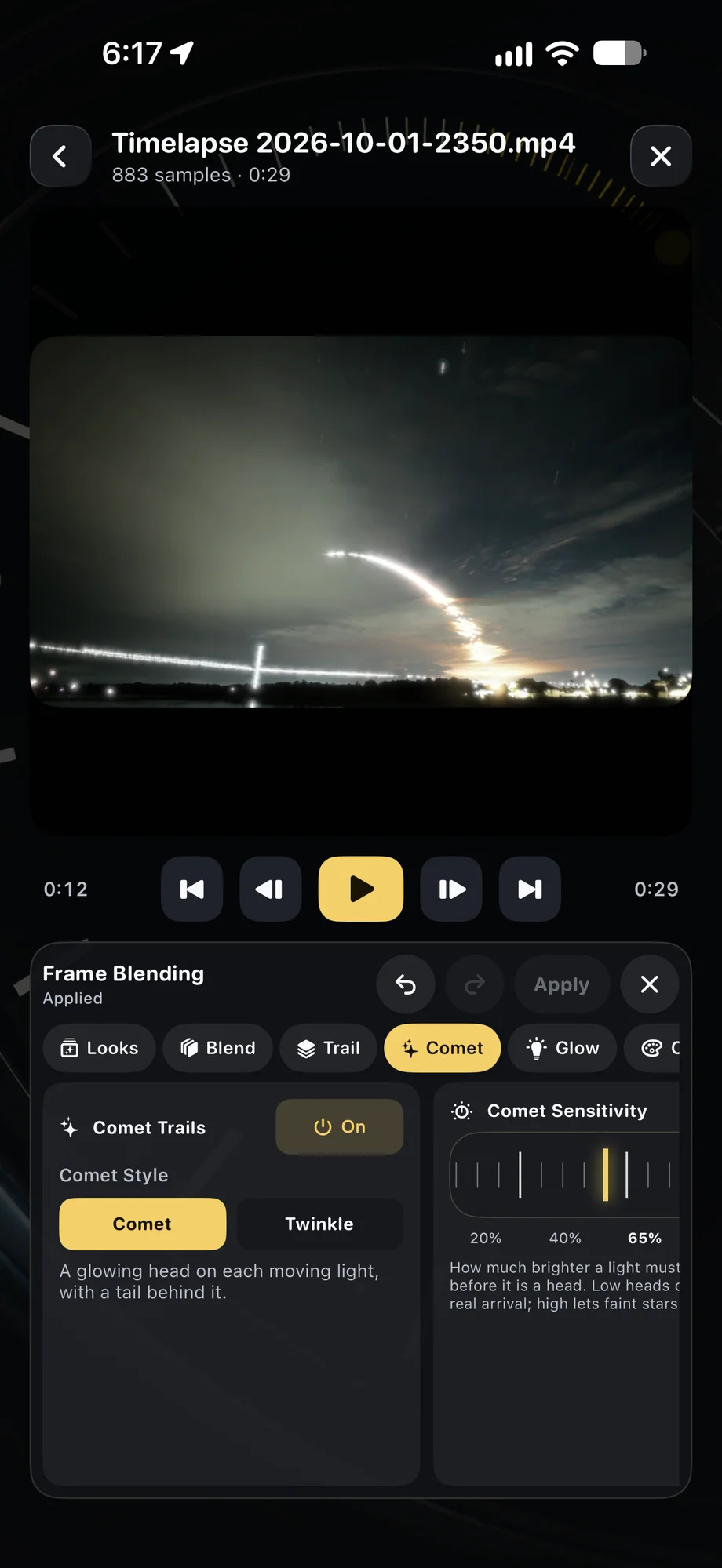
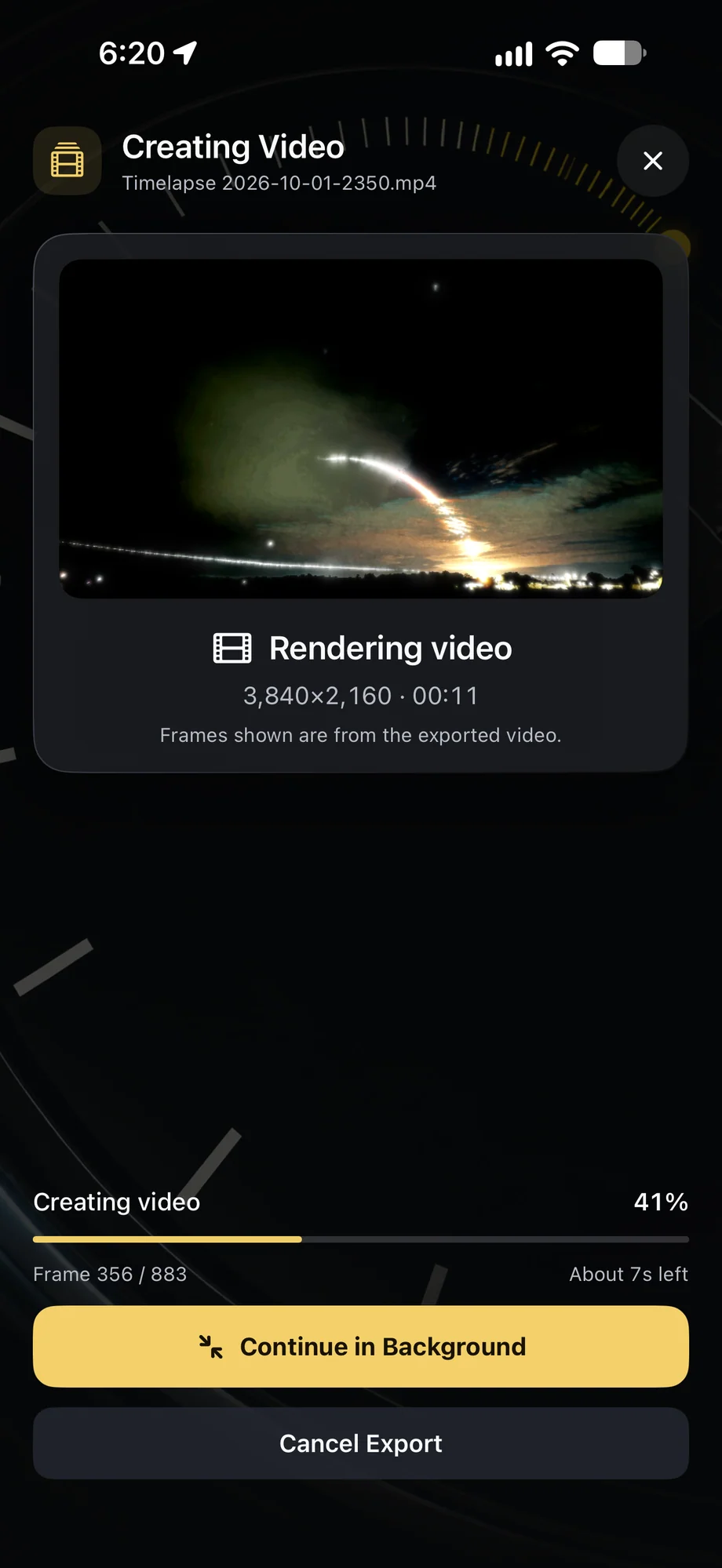
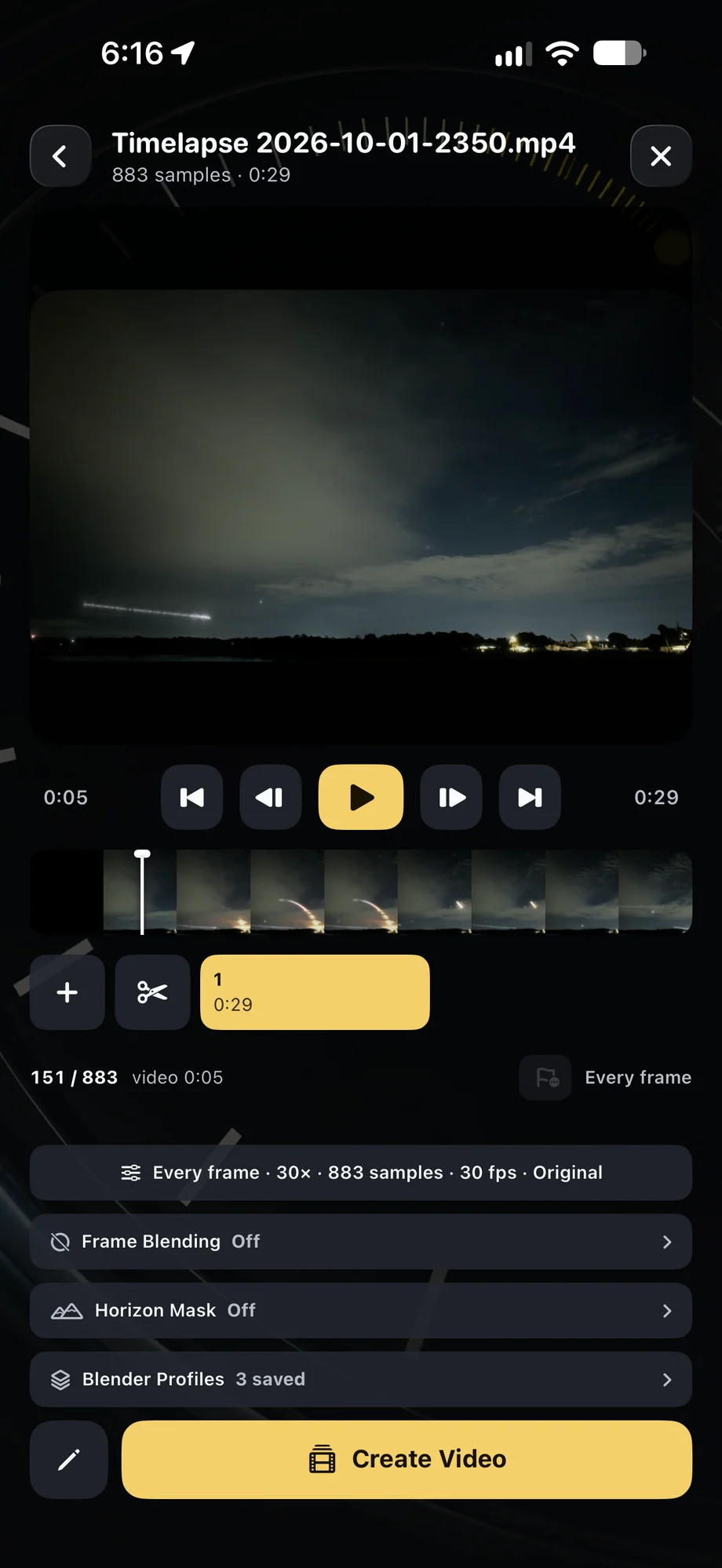
02 · Effects-Free Companion Recording
Change the treatment after the moment has passed.
Open the source movie in Video Frame Blender, preview a new trail history and adjust the effect before rendering. A short rolling trail can tell a different story from a long accumulated composite. Keep both finished versions if they serve different uses, such as a quiet landscape film and a brighter demonstration of aircraft movement.
Change the treatment after the moment has passed.
03 · Effects-Free Companion Recording
Understand what the companion file contains.
Companion video is effects-free video, not sensor RAW. It provides a source movie for the app’s editing and blending workflow, with the limits of recorded footage. A clipped highlight or missing detail is still missing in that source. Set the exposure carefully during capture rather than expecting a later blend to rebuild information the camera never recorded.
Understand what the companion file contains.
A Practical Workflow
- 01
Enable the companion movie
Choose to keep effects-free footage before starting the processed capture.
- 02
Record the scene
Monitor the live result and leave enough storage for the intended take.
- 03
Revisit the source
Open the companion in Video Frame Blender and preview another treatment.
Inside the App
Tap a Screen for a Closer Look
Questions About Effects-Free Companion Recording
Is companion recording RAW video?
No. It is effects-free companion video, not sensor RAW.
Do I lose the original live blend?
No. The companion movie is saved alongside the processed capture, so you can keep the live result and work from the source later.