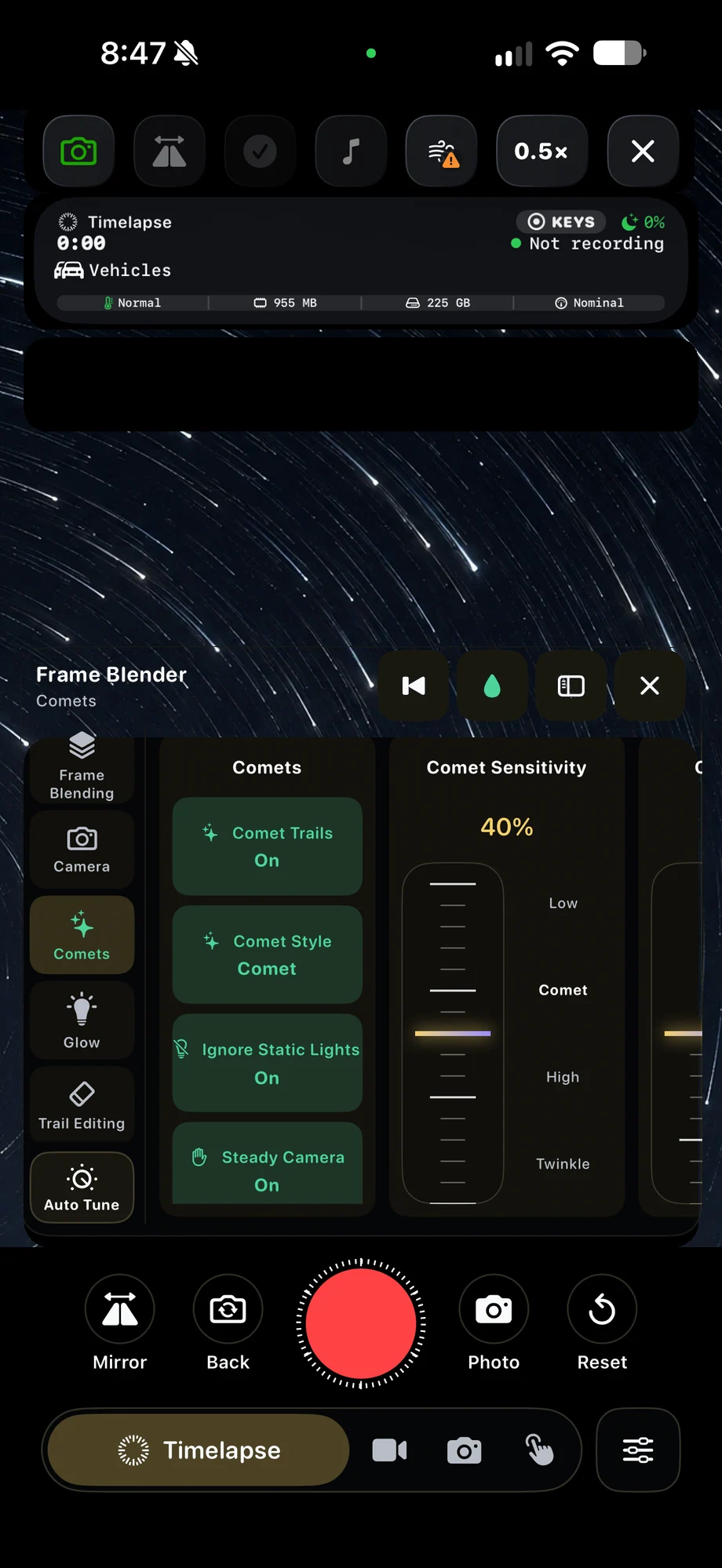
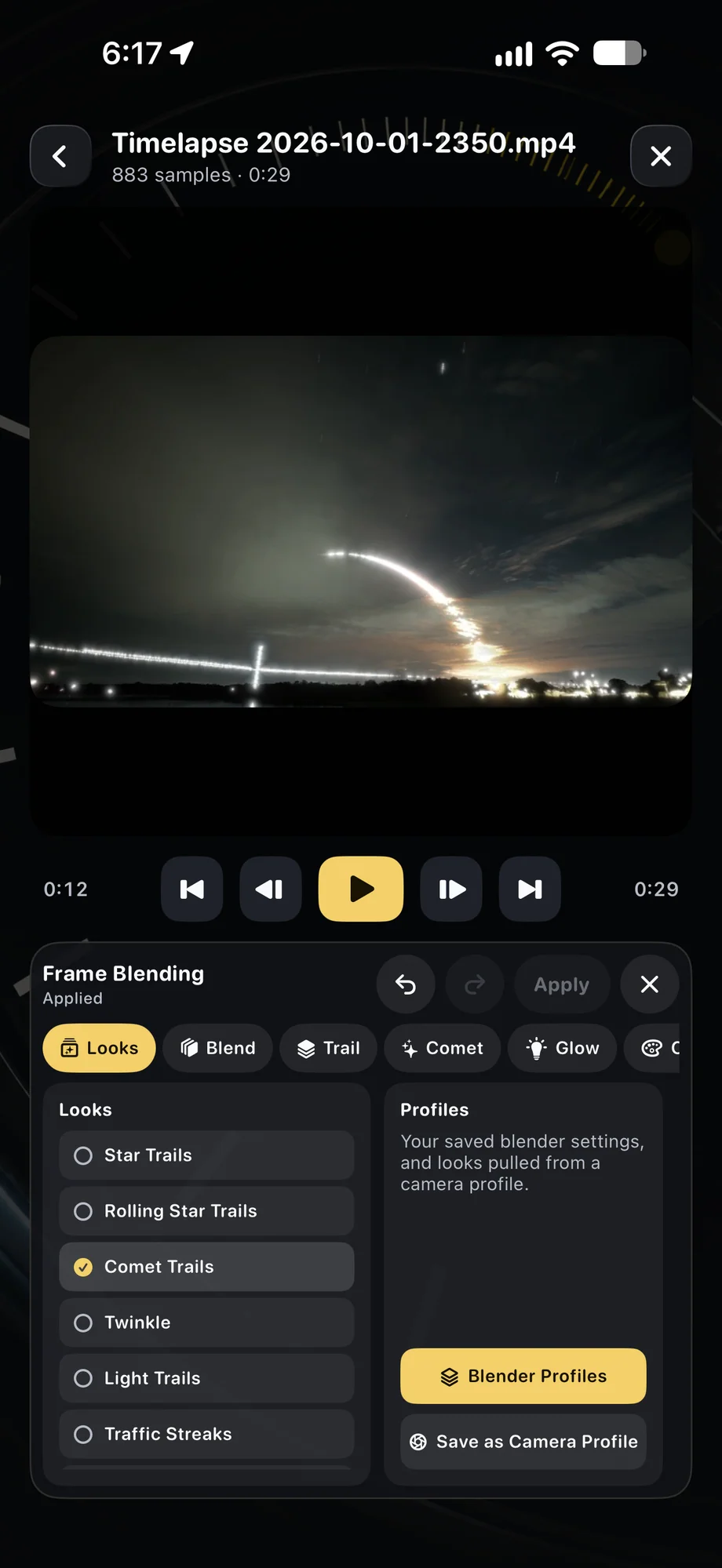
01 · Live Frame Blending
Give moving light time to leave a trail.
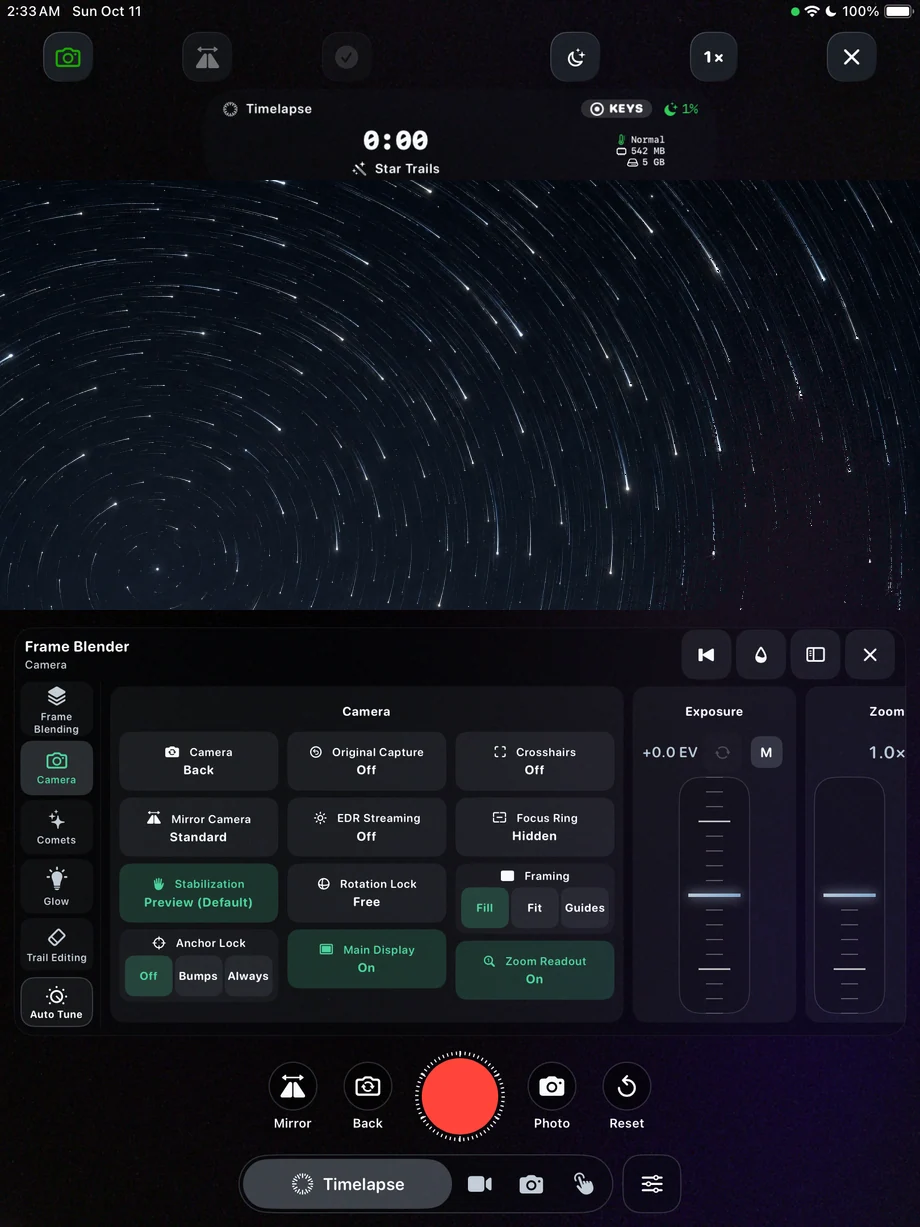
Frame blending combines incoming frames with the accumulated picture. The history and trail controls decide how much of that movement remains visible. A longer history can build a dense star trail; a shorter one can keep passing traffic readable. Choose the exposure first, then tune the blending around the brightness and pace of the subject.
Give moving light time to leave a trail.
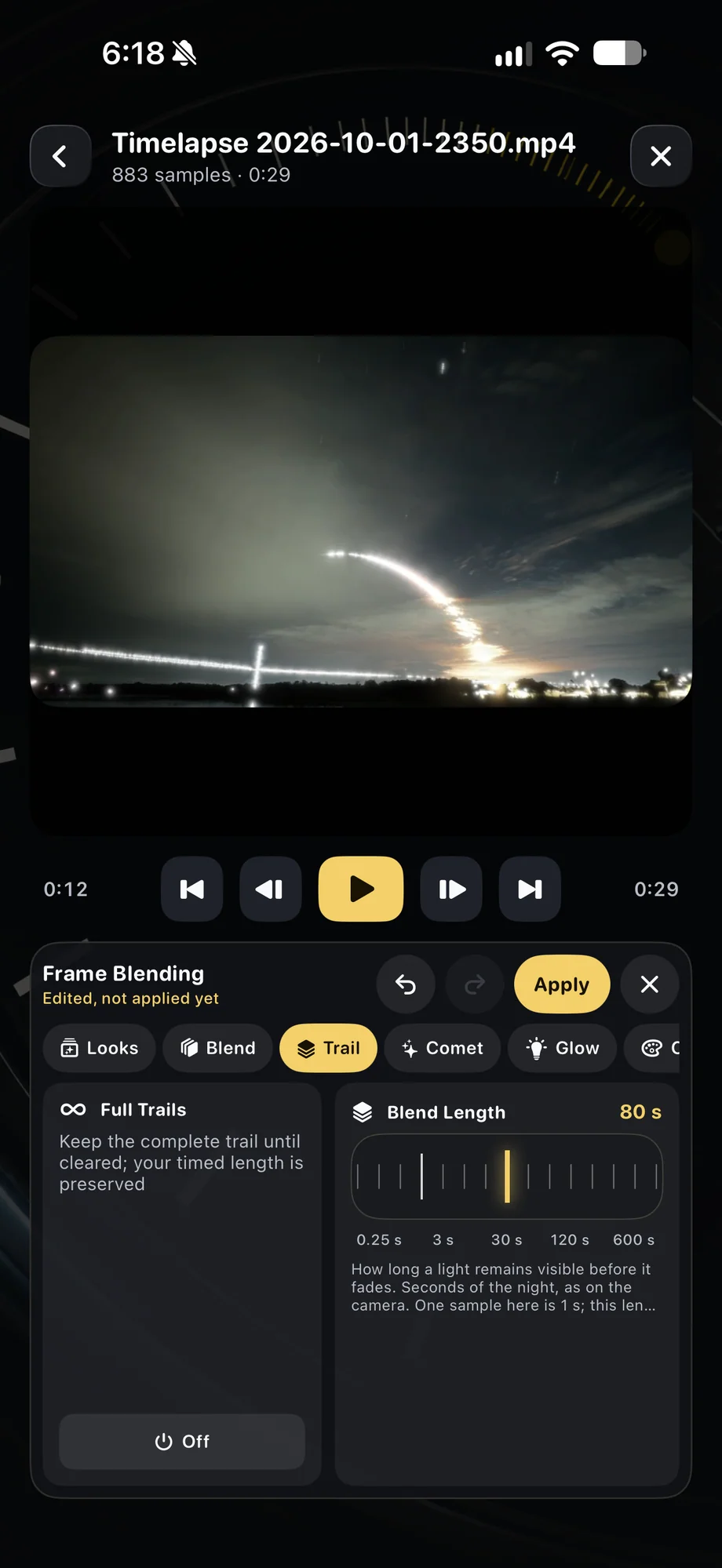
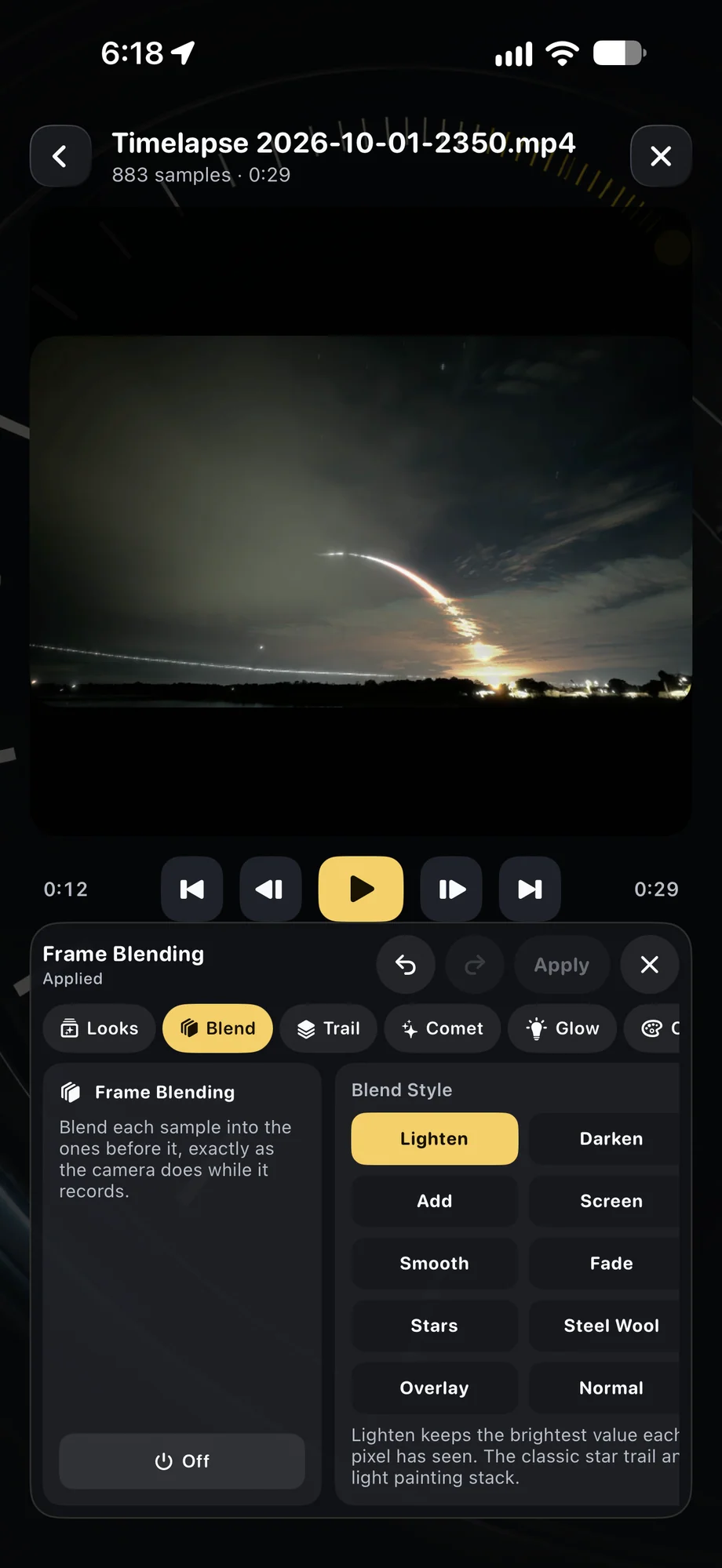
02 · Live Frame Blending
Shape the composite while the camera runs.
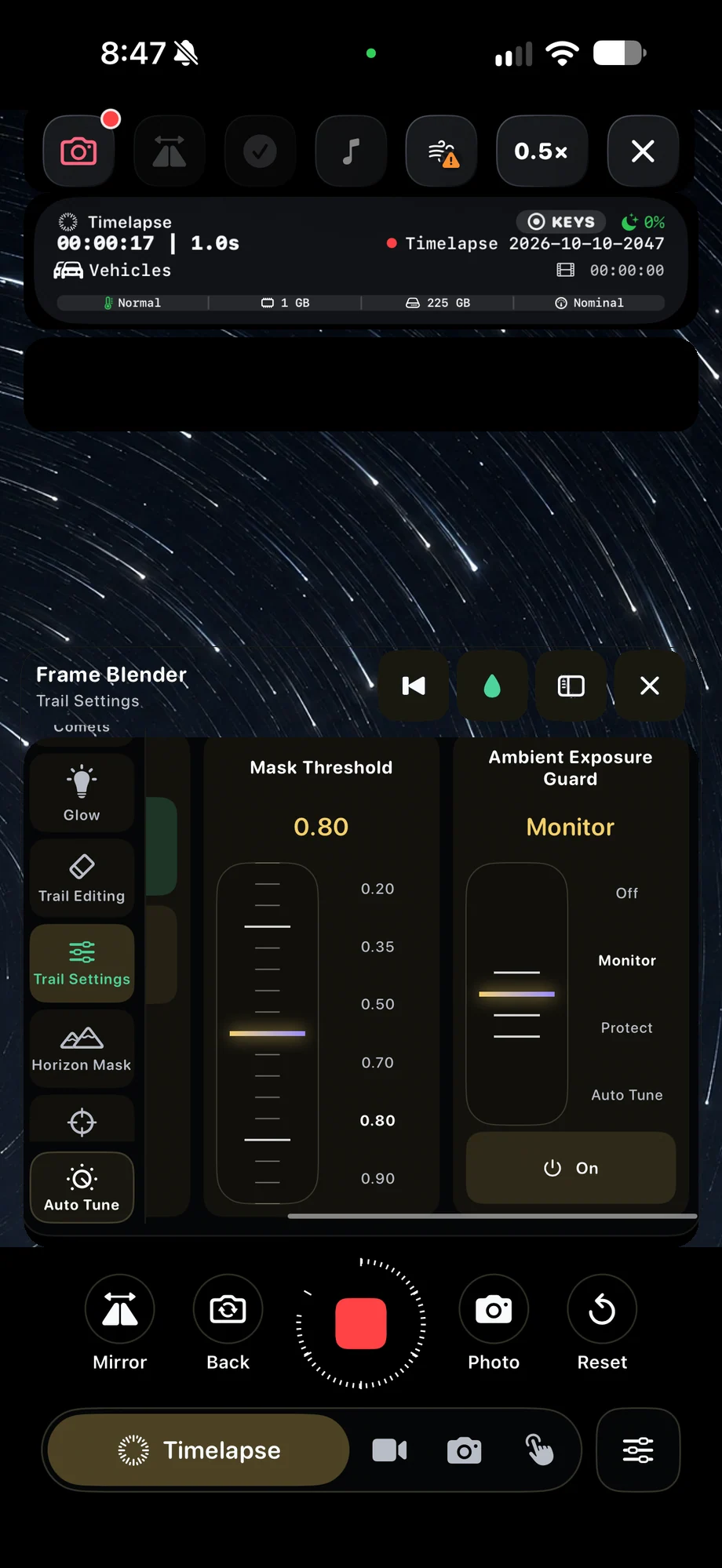
Blend modes, thresholds, masks, glow and color affect how the accumulated image looks. Watch for lights becoming too bright or the background building up more than you intended. Horizon Mask can limit sky processing near the foreground, while restore and erase tools help manage the developing composite without waiting for the entire recording to end.
Shape the composite while the camera runs.
03 · Live Frame Blending
Keep a second chance at the effect.
Enable effects-free companion recording when you want a source movie alongside the processed capture. The Video Frame Blender can use that movie later with different trail settings. This is useful when the live result is worth keeping but you also want to experiment with a slower fade, a different glow or a shorter trail history.
Keep a second chance at the effect.
A Practical Workflow
- 01
Mount and expose
Stabilize the phone and check how the brightest moving lights look.
- 02
Build the composite
Enable blending and tune history, thresholds and trail effects in the preview.
- 03
Keep the source
Use companion recording if you want to revisit the blend after capture.
Inside the App
Tap a Screen for a Closer Look
Questions About Live Frame Blending
Do I need to wait for a render to see the trails?
No. Live frame blending shows the developing result during capture. Imported footage uses the separate Video Frame Blender workflow.
Can I create trails from a video I already have?
Yes. Open footage in the editor and use Video Frame Blender to preview, tune and render a new result.