TimeLapsed 2.0 · From Take to Finished Film

Bring the takes from a whole trip into one film.

A trip rarely fits into one recording. There is the road, the overlook, the changing sky and the small scene you did not plan. TimeLapsed gives those takes a place in a larger film. Gather the footage, mark Moments worth keeping and use the editor to decide how the journey should play.

iPhone · iPad · Apple Watch · English + 11 Languages

Trips & Moments

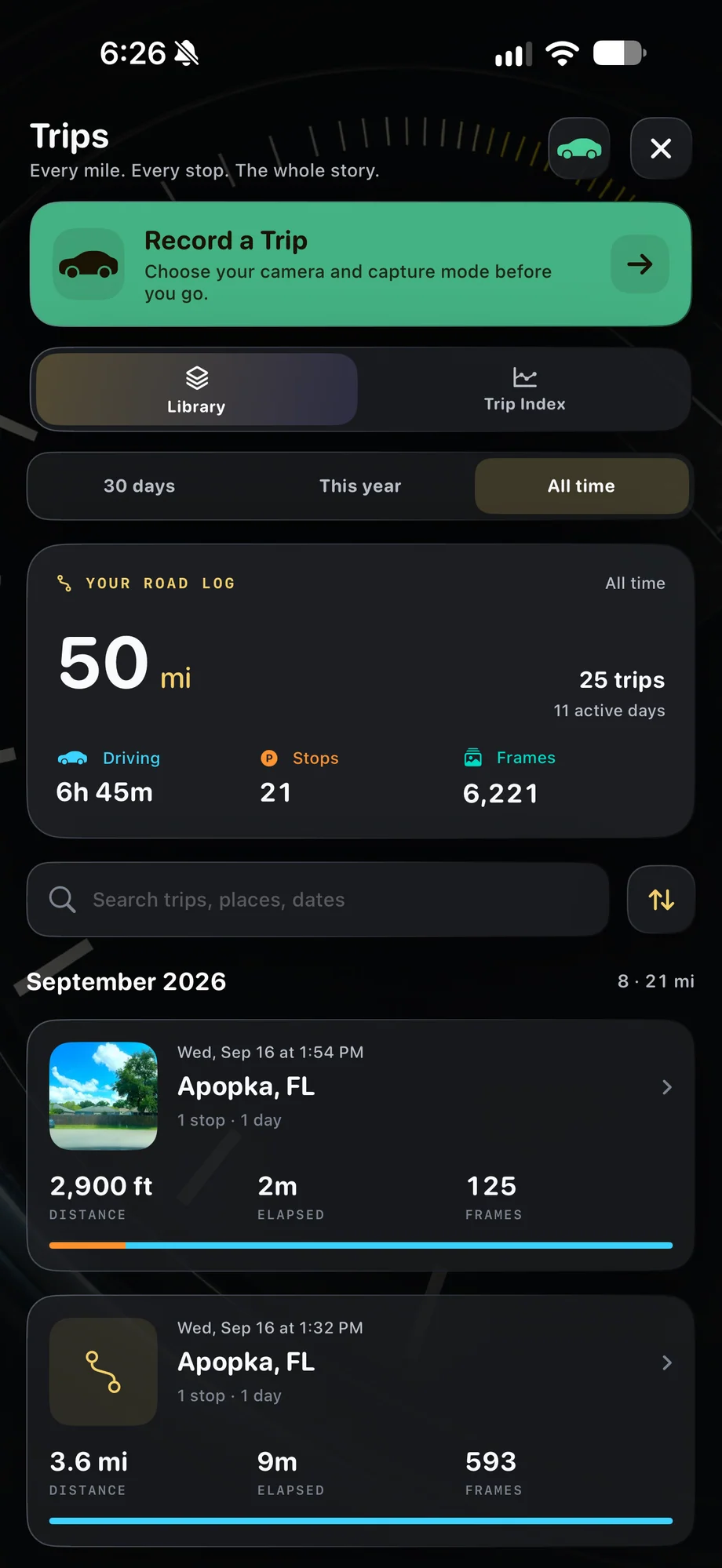
TimeLapsed Trip history and recorded journeys
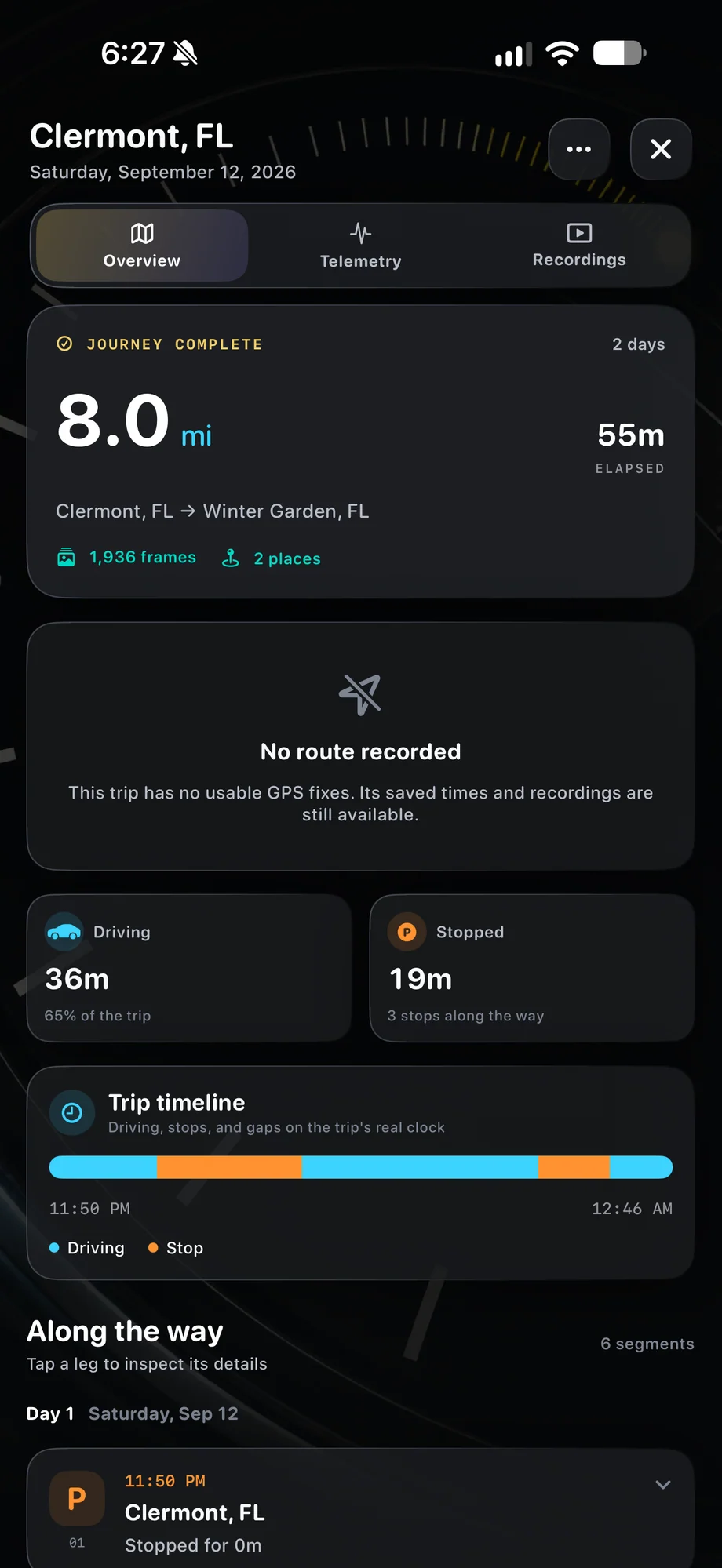
TimeLapsed Distance, timeline and places from a trip
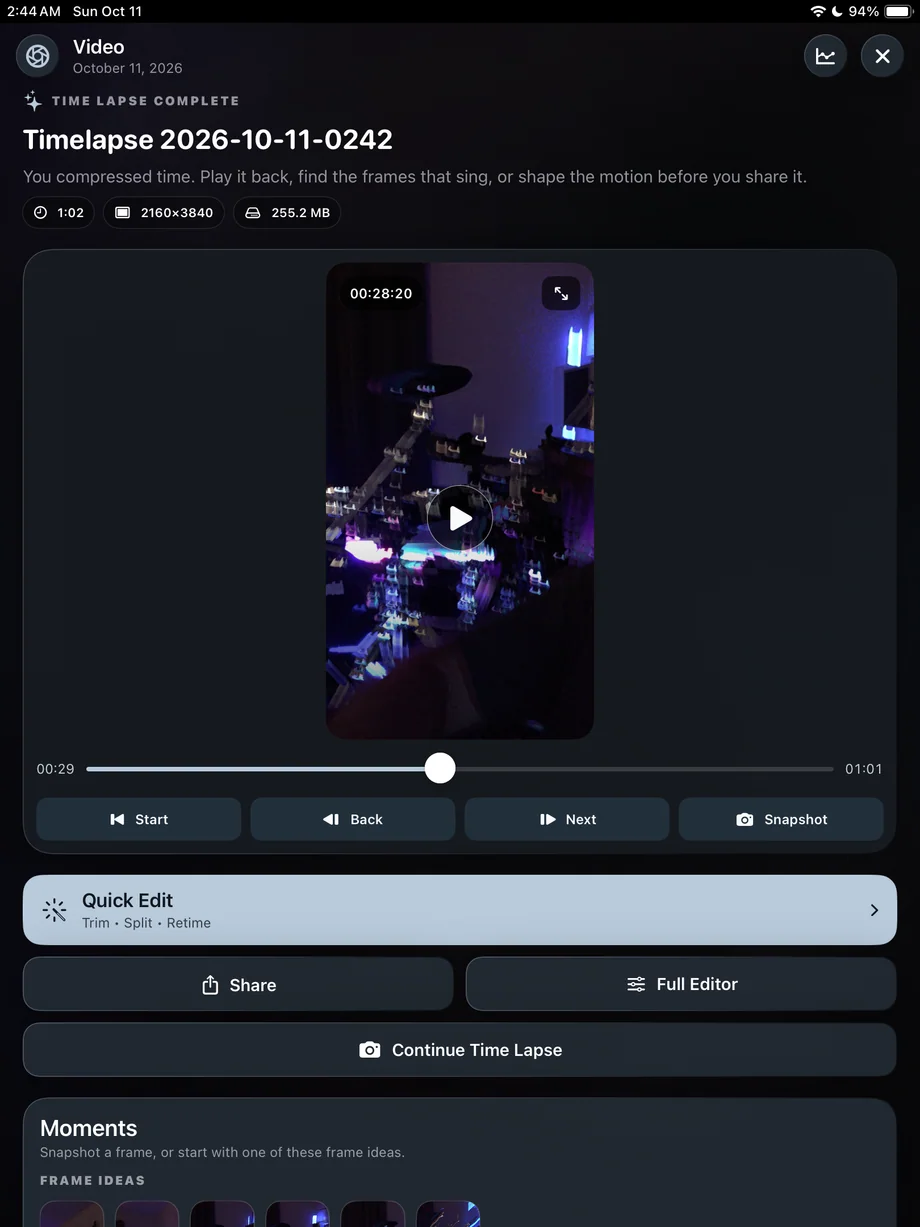
TimeLapsed Review and export the trip movie
Trip history and recorded journeysDistance, timeline and places from a trip

01 · Trips & Moments

Keep the scene changes instead of recording everything.

Use individual takes for the parts of the trip that have a clear subject. Pause and resume video where appropriate, then review the recordings in the gallery. Mark Moments to help keep the useful parts. A still frame from a video can become part of the story too, especially when one composition deserves time on screen.

Keep the scene changes instead of recording everything.
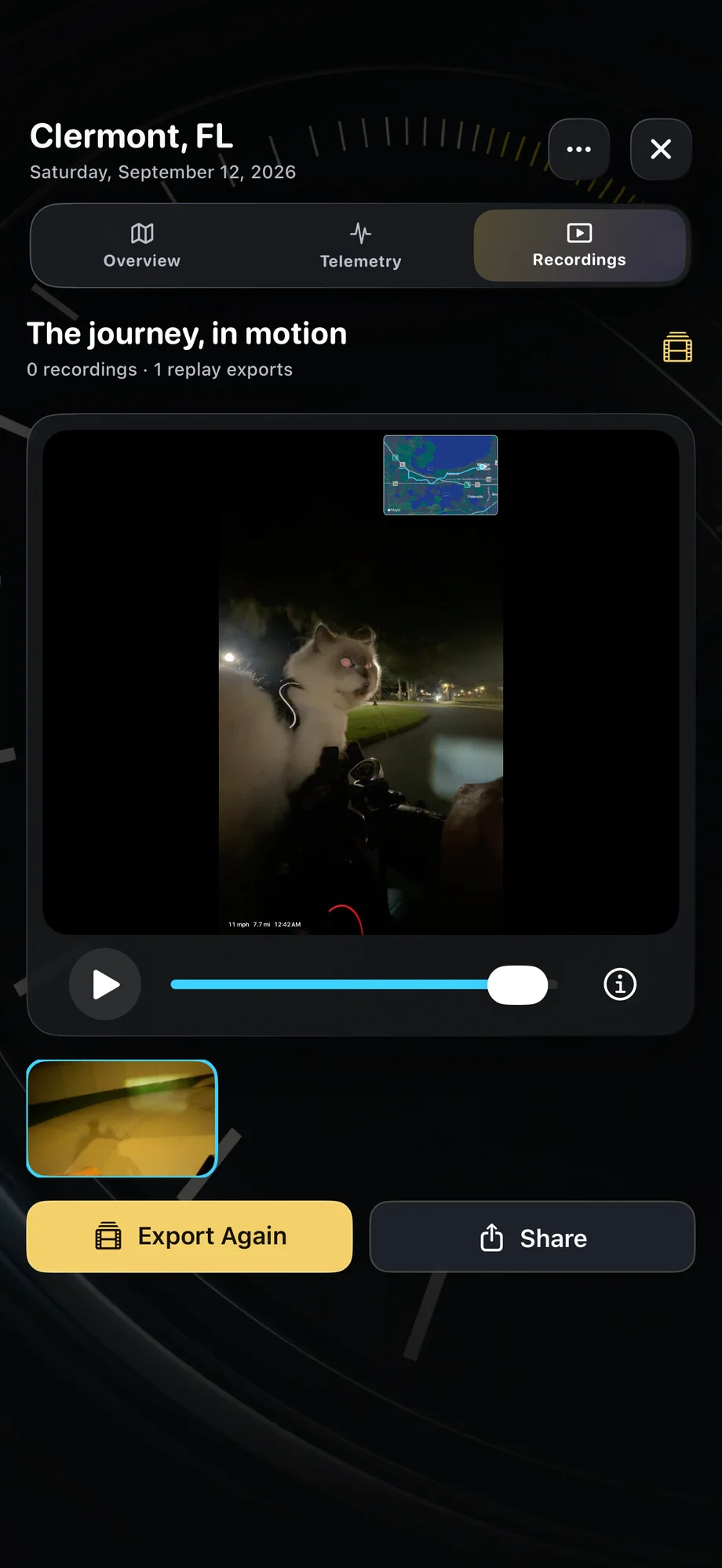
TimeLapsed Review and export the trip movie
TimeLapsed Mark Moments in a recorded take
Review and export the trip movieMark Moments in a recorded take

02 · Trips & Moments

Give each take its own pace.

A fast road sequence and a quiet night sky need different treatment. Split clips, trim the beginning and end, and adjust speed so the film spends time where you want the viewer to look. Review transitions between takes instead of judging every clip separately. Choose portrait or widescreen framing for the finished project before refining the edit.

Give each take its own pace.
TimeLapsed Mark Moments in a recorded take
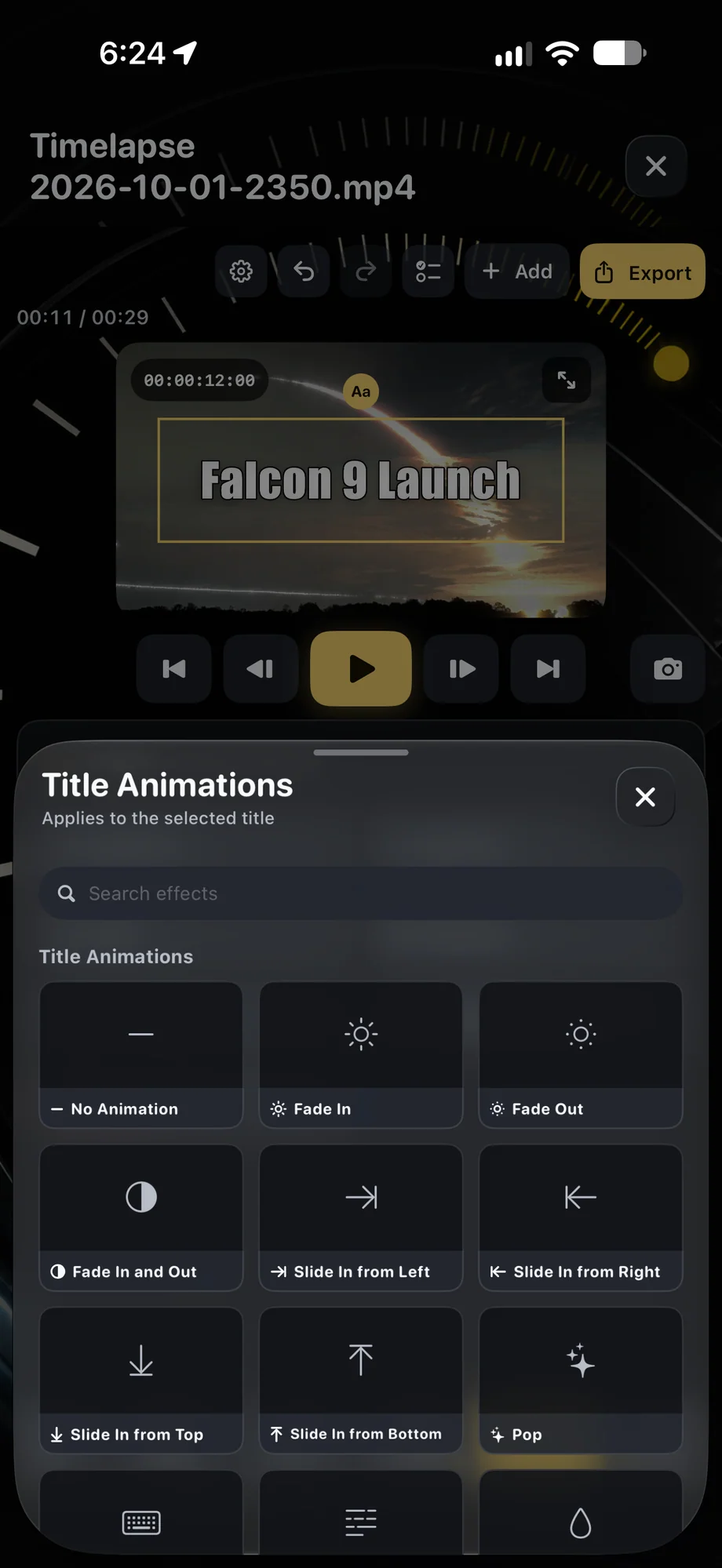
TimeLapsed Add title animation to a film
Mark Moments in a recorded takeAdd title animation to a film

03 · Trips & Moments

Finish with sound and context.

Add titles that identify a place or a change in the journey, and choose audio that suits the footage. The integrated music catalog can provide a soundtrack inside the editing workflow. Watch the finished sequence from beginning to end before exporting. Keep the project if you expect to make a shorter version or return to the trip later.

Finish with sound and context.

TimeLapsed Mark Moments in a recorded take
TimeLapsed Add title animation to a film
Mark Moments in a recorded takeAdd title animation to a film

A Practical Workflow

  1. 01

    Collect the takes

    Capture separate scenes and review the footage in the media gallery.

  2. 02

    Choose the keepers

    Mark Moments, trim clips and arrange the journey in a project.

  3. 03

    Finish the film

    Set pace, framing, titles and music, then review the complete edit.

Inside the App

Tap a Screen for a Closer Look

Trip history and recorded journeys
Distance, timeline and places from a trip
Review and export the trip movie
Mark Moments in a recorded take
Add title animation to a film

Trip history and recorded journeys

TimeLapsed Trip history and recorded journeys

Questions About Trips & Moments

Can a trip include more than timelapses?

Yes. Use videos and stills alongside timelapse footage when building the story in the editor.

Can I save a picture from a recorded video?

Yes. Find the frame in the gallery viewer and save it as a still photo.

Browse All 33 TimeLapsed Features

English + 11 More Languages

TimeLapsed 2.0 supports 12 languages across the iPhone, iPad and Apple Watch experiences. Use the camera and tools in the language that works for you.

  • English
  • Spanish
  • French
  • German
  • Italian
  • Brazilian Portuguese
  • Japanese
  • Korean
  • Simplified Chinese
  • Hindi
  • Russian
  • Turkish

Take the app with you

Download TimeLapsed.

Capture on iPhone, iPad or a compatible Android phone. Apple Watch controls are available with the iOS app.

Download on the App Store

TimeLapsed for Android

Awaiting Google’s review

We’re awaiting Google’s review. Check back soon, or apply for the beta test by sending us the email address you use on Google Play. We’ll be adding testers every few days.

Apply for the beta test

Android review is in progress. Beta requests are open.

QR code to download TimeLapsed on the App Store

Scan With an iPhone or iPad to Open the App Store.