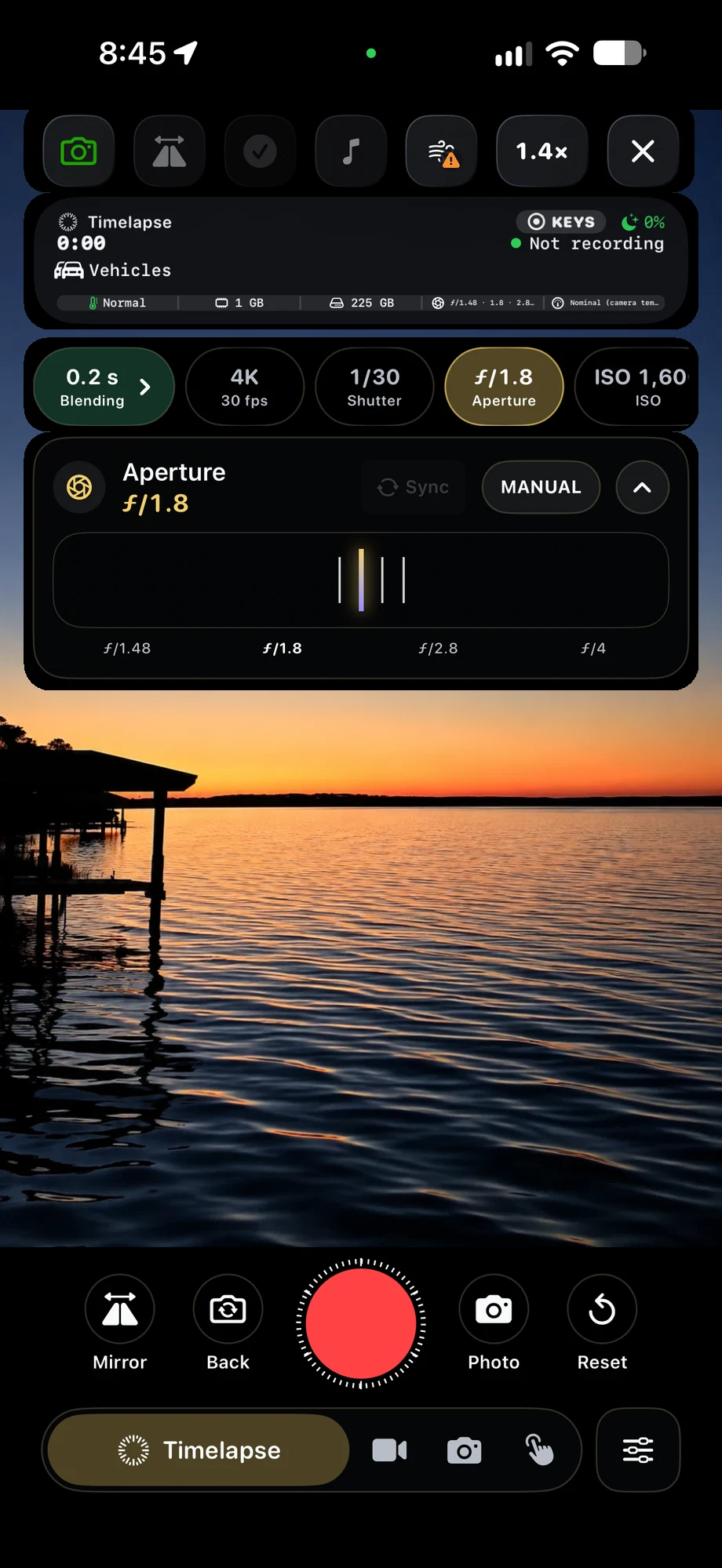
01 · Manual Camera Controls
Give changing light a consistent starting point.
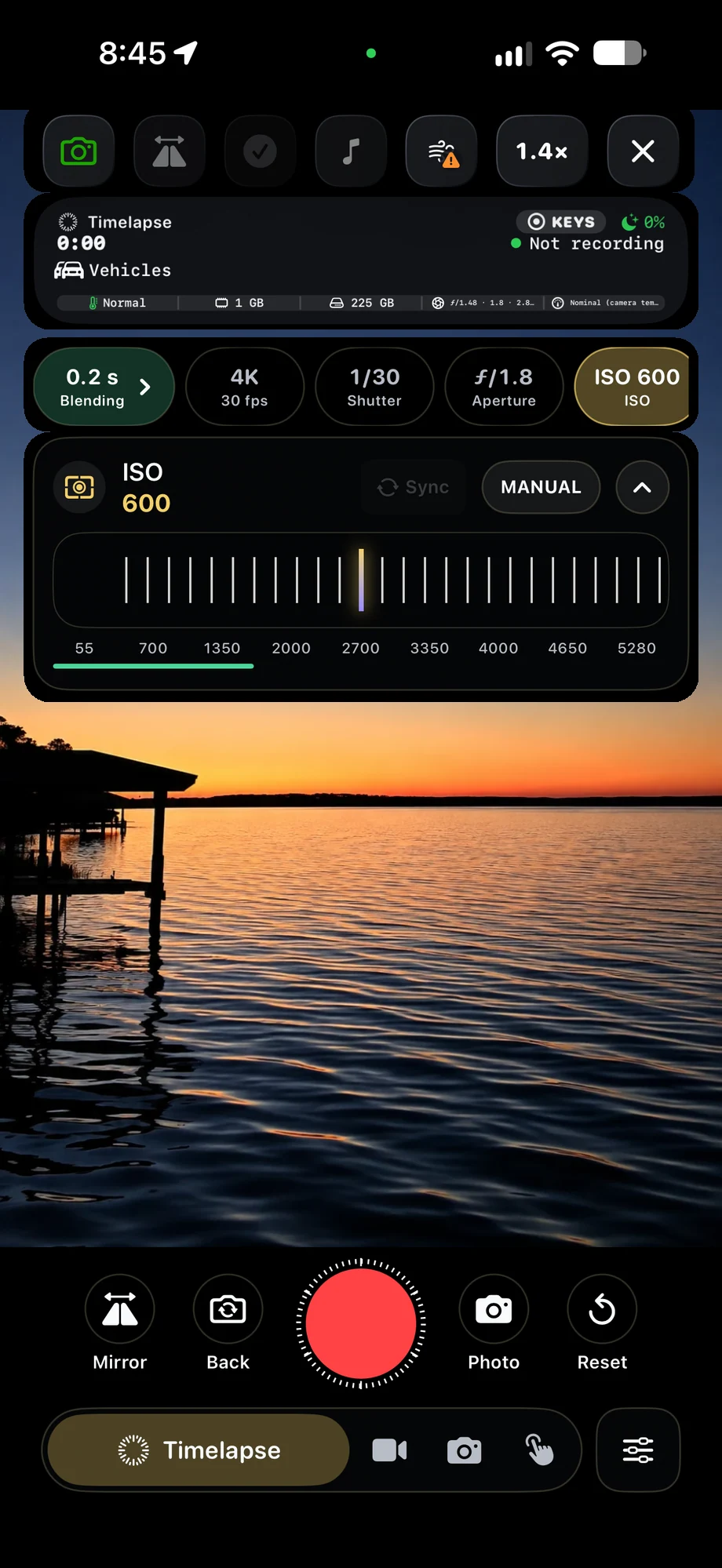
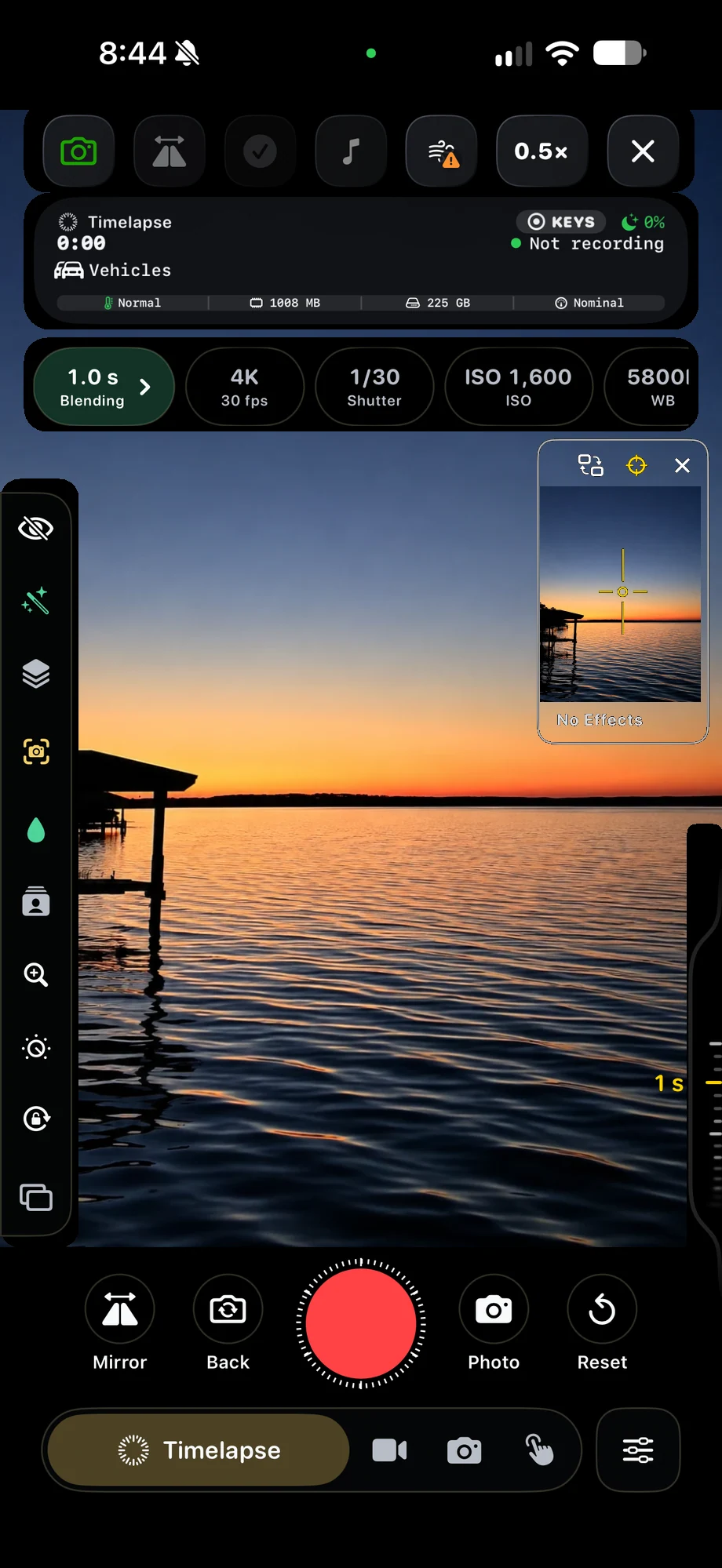
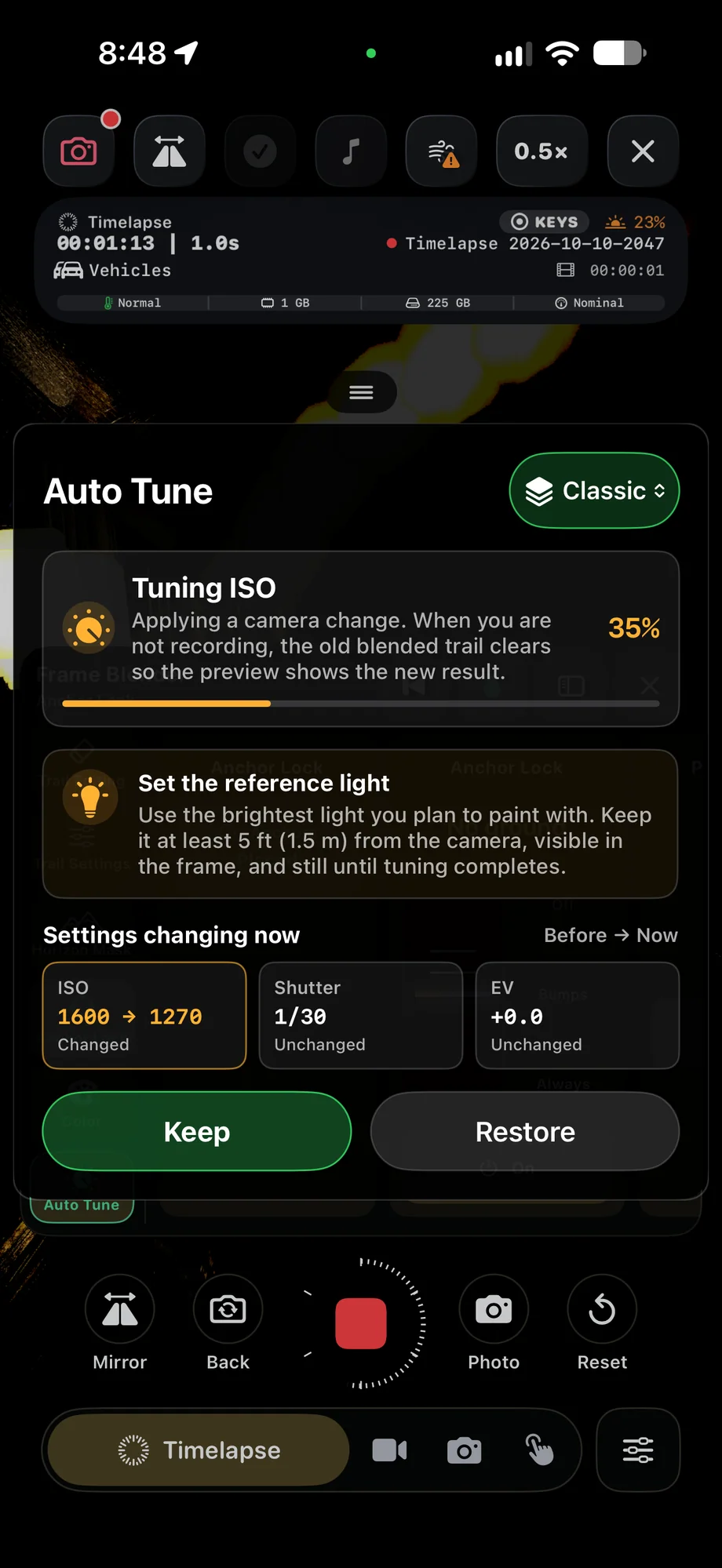
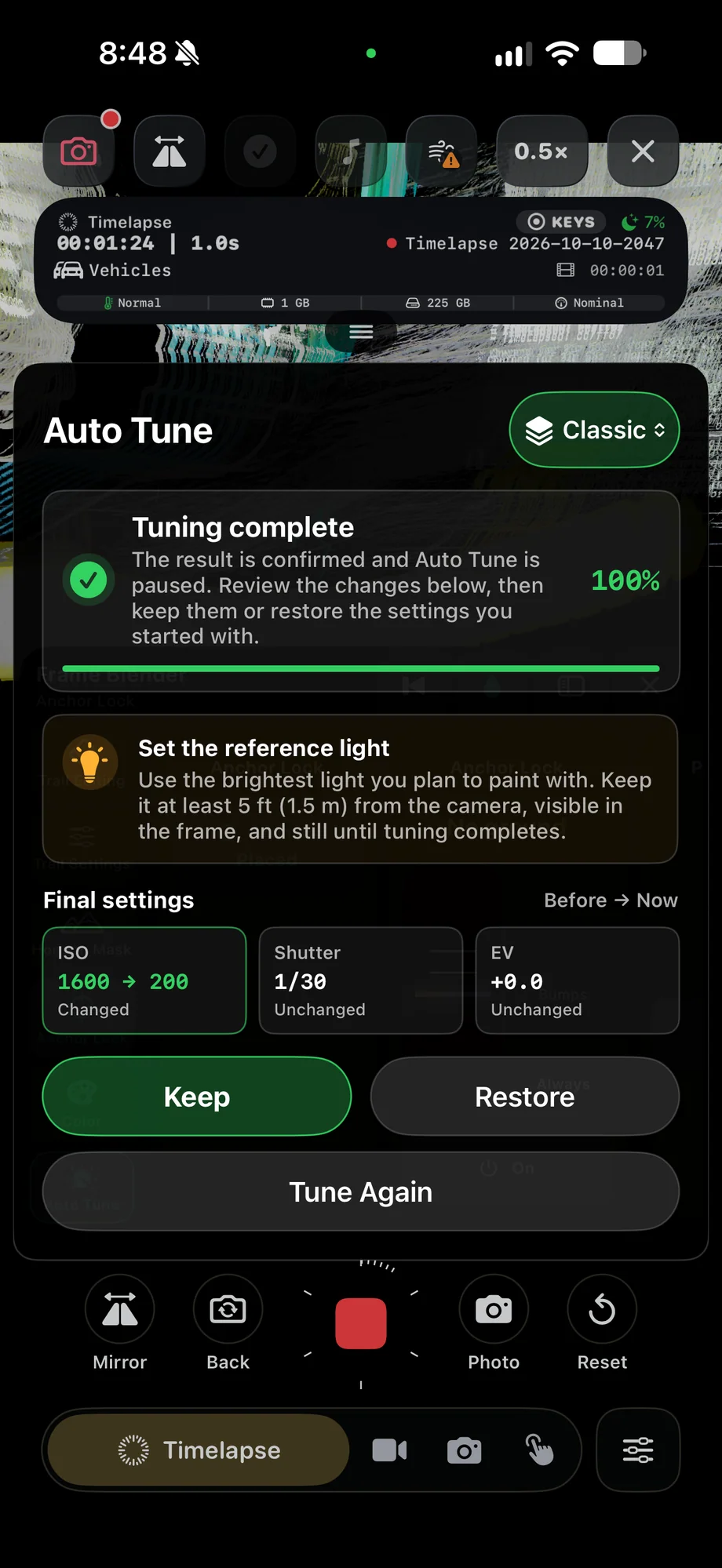
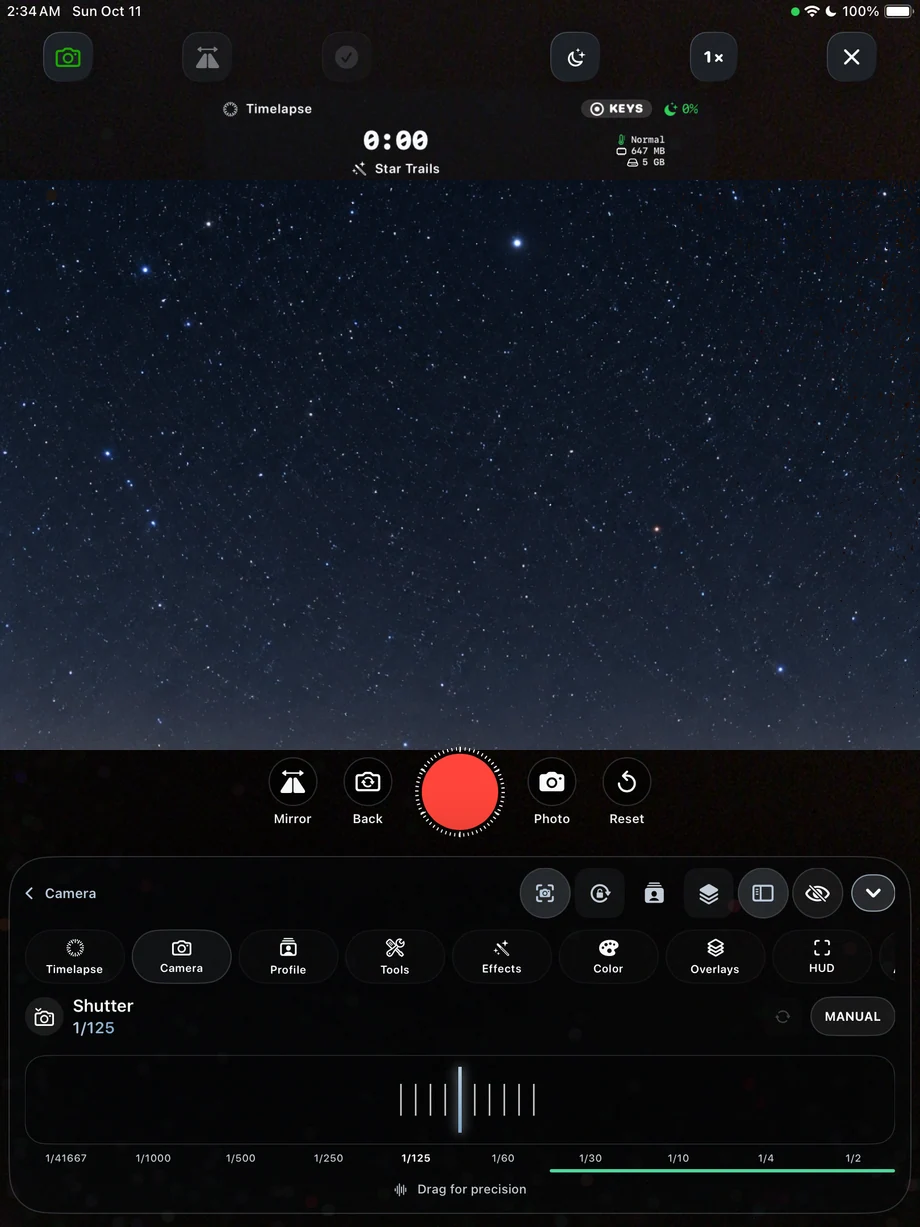
A sunset, a bright aircraft against a dark sky and a desk drawing all need different exposures. Choose the camera and lens first, then set shutter and ISO for that scene. Set focus for the subject and choose white balance to keep the color consistent. The HUD keeps exposure, recording time and device status visible during the capture.
- Shutter, ISO and exposure compensation
- Focus, white balance and zoom
- Recording and device information in the HUD
Give changing light a consistent starting point.
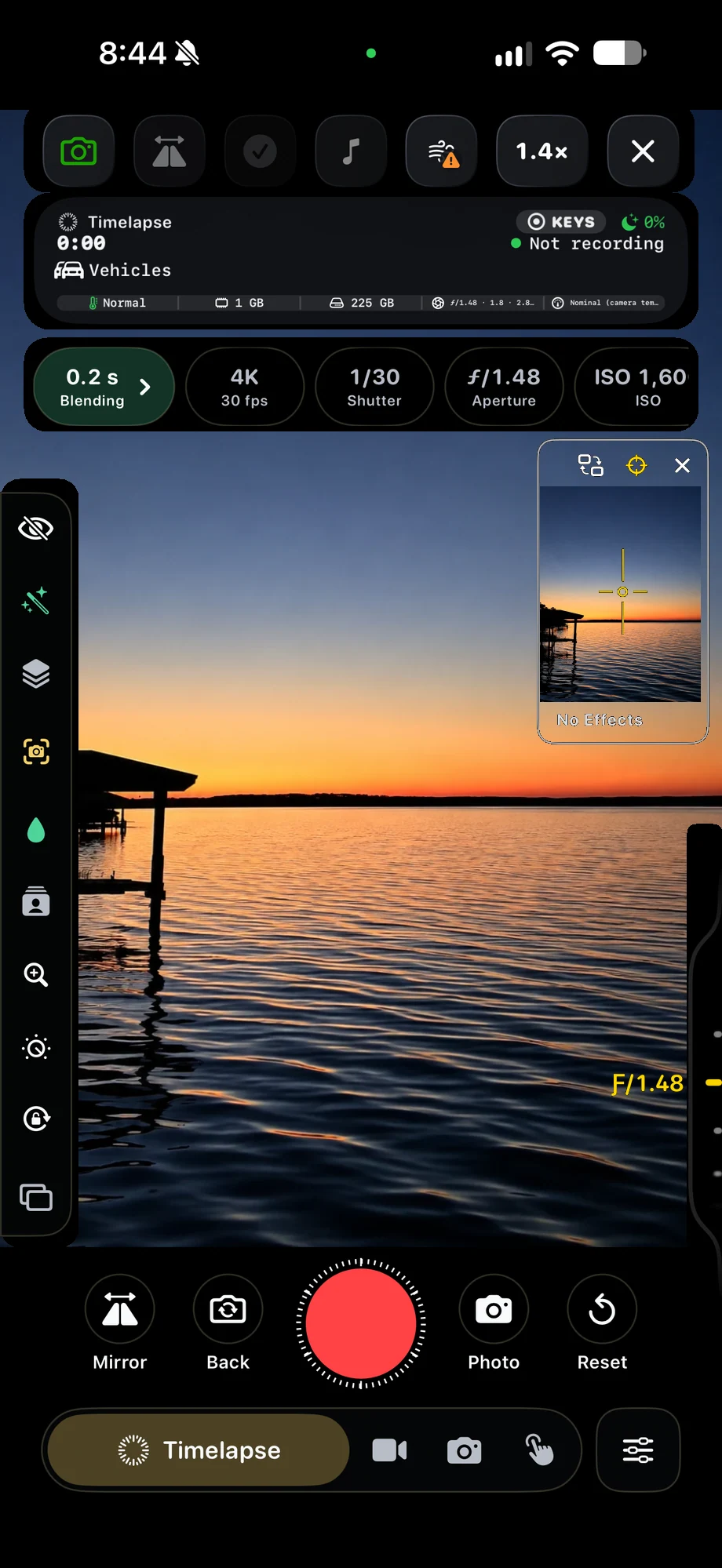
02 · Manual Camera Controls
Use the controls your hardware supports.
TimeLapsed 2.0 adds iOS 27 support, Camera Control integration on compatible iPhones and aperture controls on supported iPhone 18 Pro and Pro Max lenses. Camera capabilities vary by device and lens. Pick the hardware control you need before framing the shot, then check the preview instead of assuming every lens offers the same range.
Use the controls your hardware supports.
03 · Manual Camera Controls
Keep a setup you can recognize next time.
Save the camera state as a profile once exposure, framing and processing are working together. A named profile makes returning to a familiar scene faster. If the light will change while you record, use Camera Actions to build timed adjustments from that starting state rather than rebuilding the setup during the take.
Keep a setup you can recognize next time.
A Practical Workflow
- 01
Select the lens
Frame the subject with the camera you intend to use for the entire take.
- 02
Set the exposure
Balance shutter and ISO, then check focus and white balance in the preview.
- 03
Save the setup
Keep a profile and review the HUD before starting your recording.
Inside the App
Tap a Screen for a Closer Look
Questions About Manual Camera Controls
Does every iPhone have aperture controls?
No. Aperture controls require supported iPhone 18 Pro or Pro Max lenses. Other controls follow the capabilities of the selected camera.
Can settings change automatically during a timelapse?
Yes. Camera Actions can schedule exact changes and smooth ramps for supported camera, capture, color and trail controls.