01 · External Storage
Send the session to storage built for its scale.
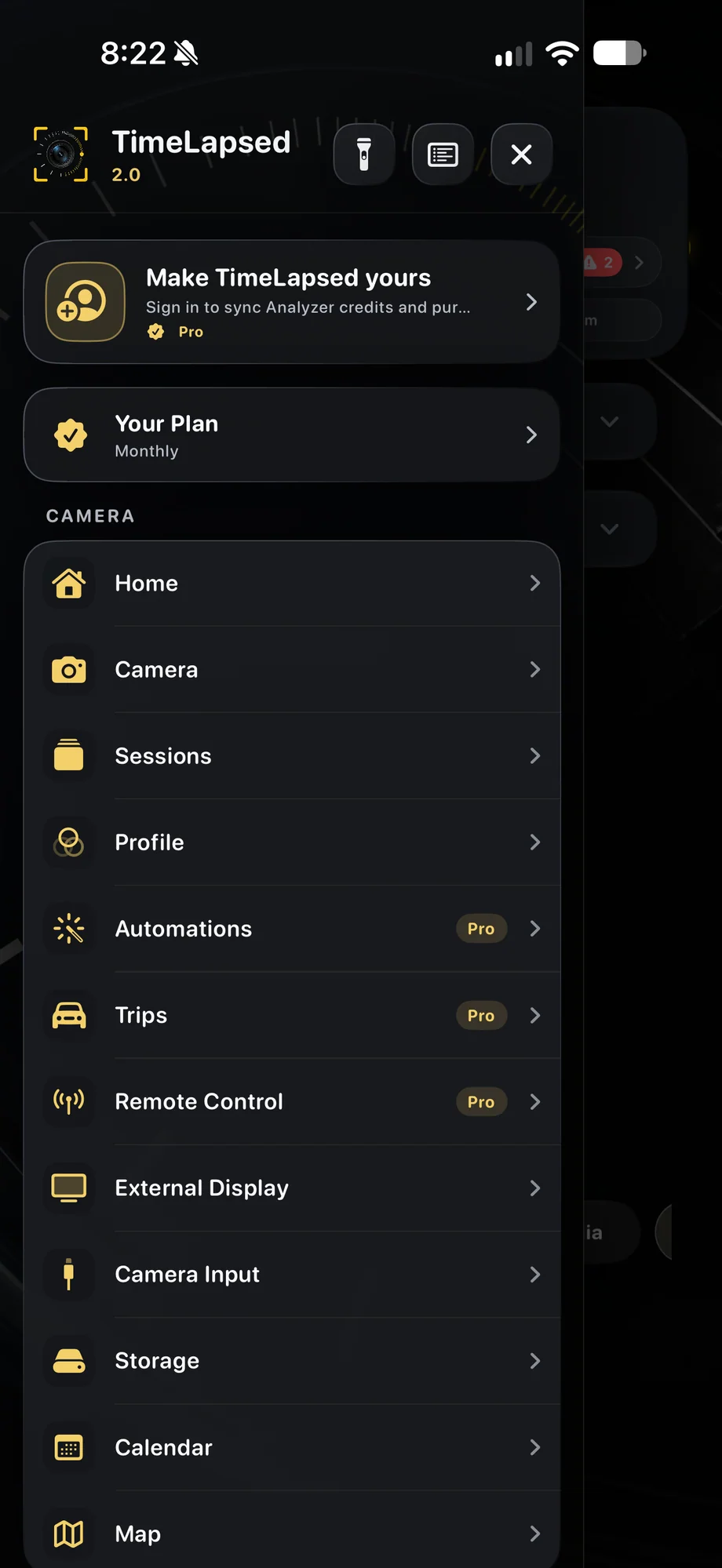
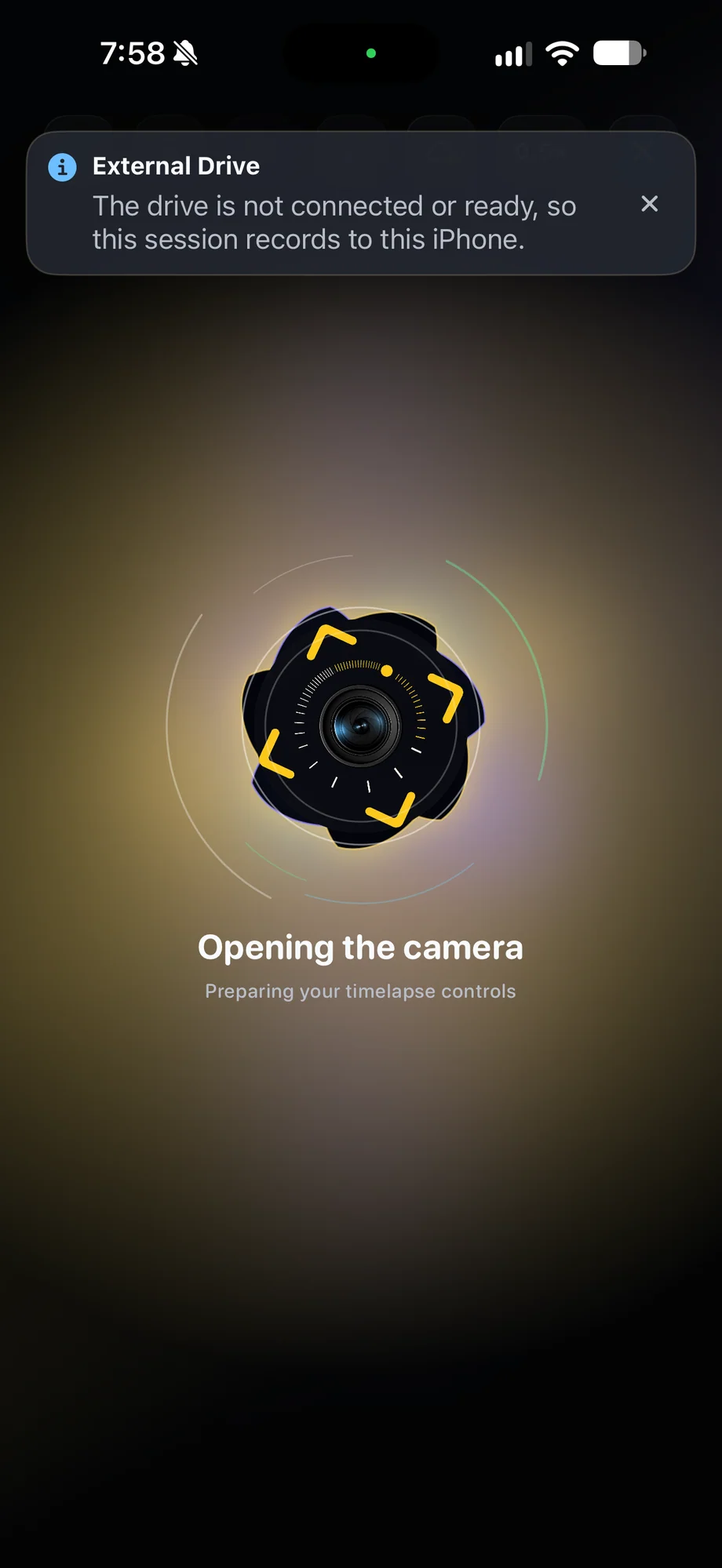
Connect a compatible USB-C drive, portable SSD, or memory-card reader and select it as the storage destination. The phone stays on the tripod while the capture writes to the external device you chose.
- Useful for long sessions and high frame counts
- USB flash storage and portable SSD support
- SD and microSD through a compatible USB-C reader
Send the session to storage built for its scale.
02 · External Storage
Use removable media, fast solid-state storage, or a larger drive.
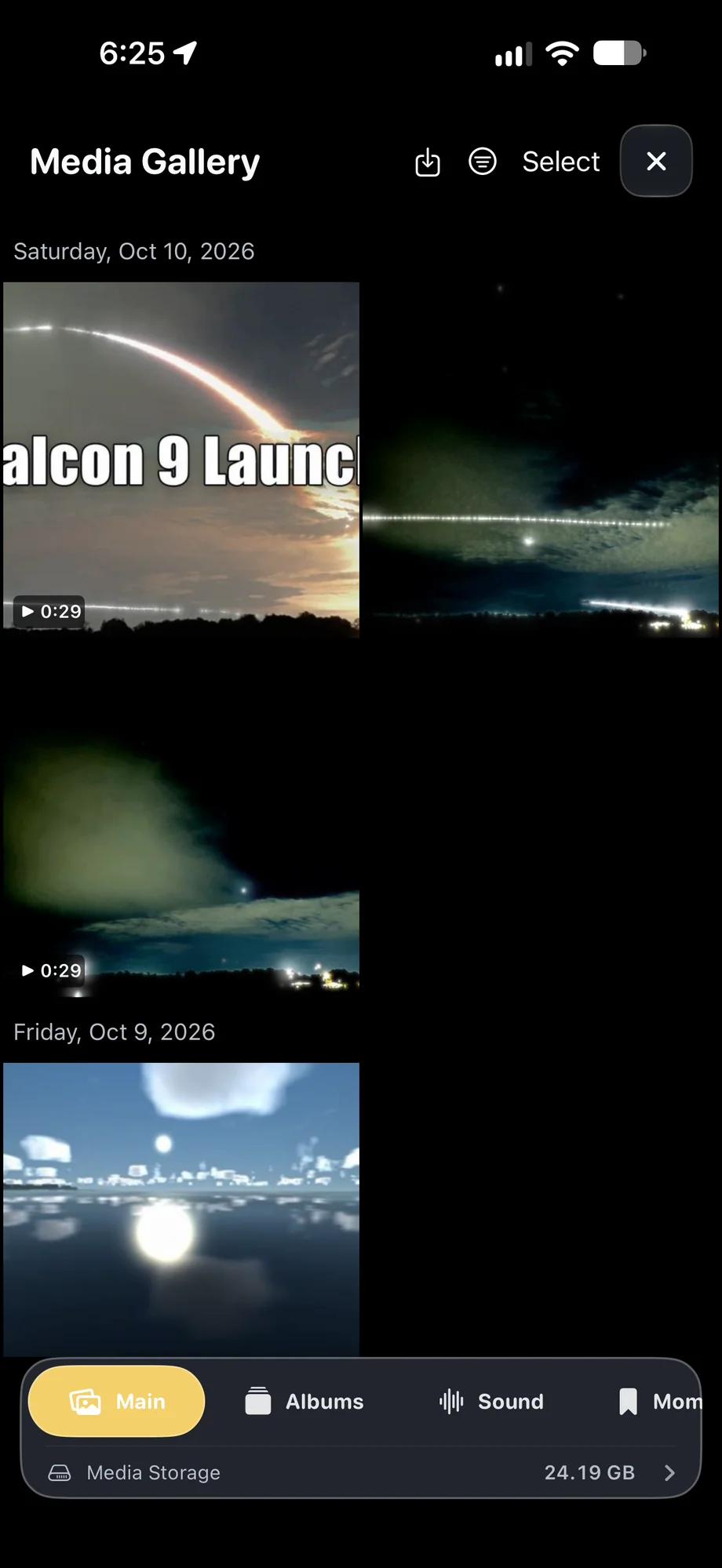
TimeLapsed Pro supports compatible USB drives, memory cards, portable SSDs, and external hard drives. That makes it easier to choose a portable field setup or a higher-capacity destination for a fixed installation.
- Keep internal phone space available
- Move removable media into the next production step
- Use external power for accessories that need it
Use removable media, fast solid-state storage, or a larger drive.
03 · External Storage
Power, record, and monitor through one hub.
A compatible USB-C PD powered hub can carry external storage and HDMI while supplying power to the setup. Monitor the running timelapse on a television, field display, or projector without giving up the external recording destination.
- USB-C power delivery for extended operation
- Storage and HDMI active at the same time
- A single hub keeps the mounted-camera workflow organized
Power, record, and monitor through one hub.
A Practical Workflow
- 01
Choose the topology
Use a direct USB-C device for a compact setup or a powered hub for several connections.
- 02
Select the storage
Point the session at the compatible external destination prepared for the shoot.
- 03
Supply power
Use the hub’s USB-C PD input for the phone and connected accessories during long runs.
- 04
Monitor over HDMI
Add a television, monitor, or projector without disconnecting external storage.
Inside the App
Tap a Screen for a Closer Look
Questions About External Storage
Is external storage included with TimeLapsed Pro?
Yes. Writing app media to a selected external storage destination is a TimeLapsed Pro feature.
Which kinds of external storage can I use?
Use a compatible USB flash drive, portable SSD, external hard drive, or an SD or microSD memory card through a compatible USB-C reader or hub.
Can I use external storage and HDMI output at the same time?
Yes. A compatible USB-C PD powered hub can keep the setup powered while connecting external storage and an HDMI display at the same time.
Do I need a hub for external storage?
Not for a single compatible direct-connect USB-C storage device or reader. A hub is useful when the setup also needs power delivery, more than one accessory, or simultaneous HDMI output.