01 · Music
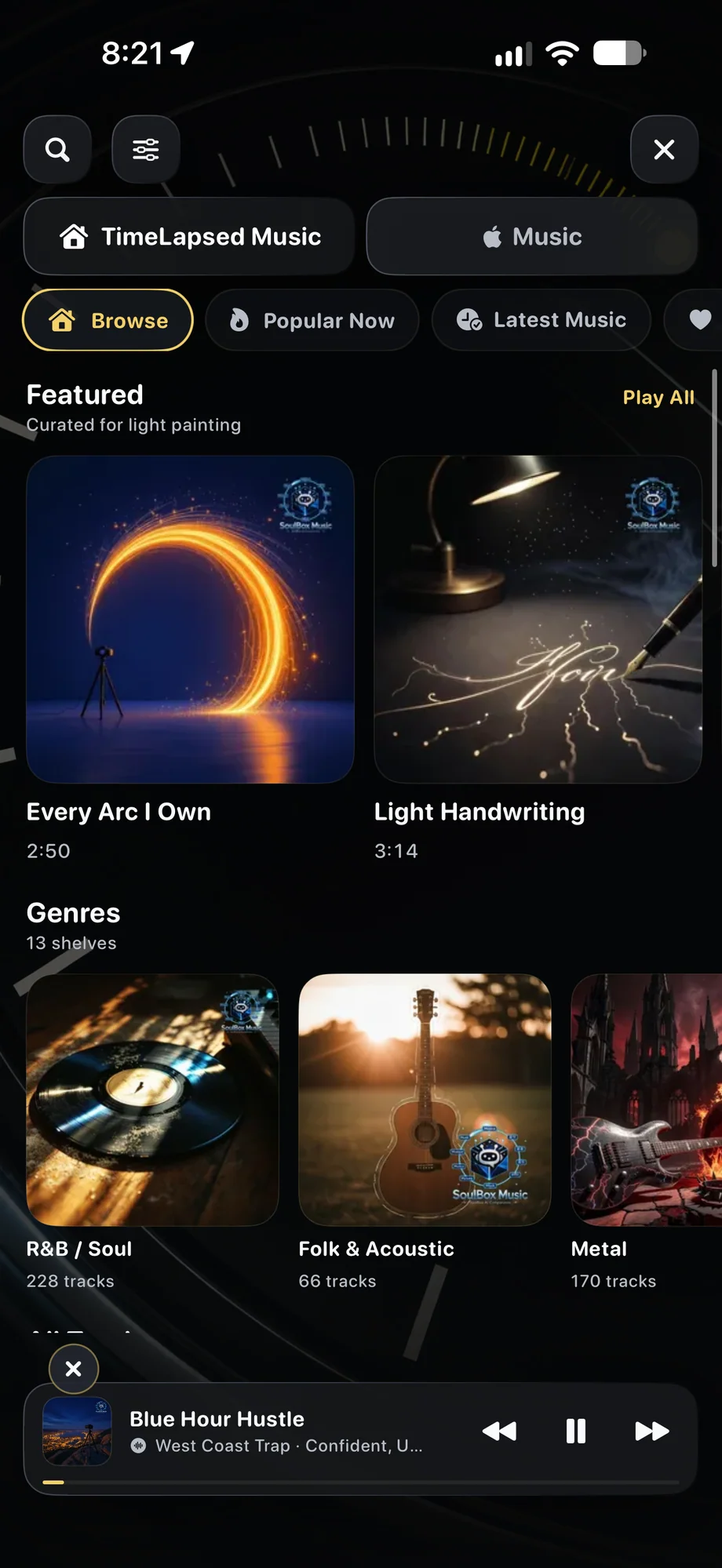
Search the catalog by the way the sequence should feel.
Move through featured selections, current favorites, new music, and genre shelves. Track-level mood, BPM, key, duration, and descriptions make it easier to imagine how a long recording will cut down.
- Search and filters across a growing catalog
- Favorites, playlists, queue, shuffle, and repeat
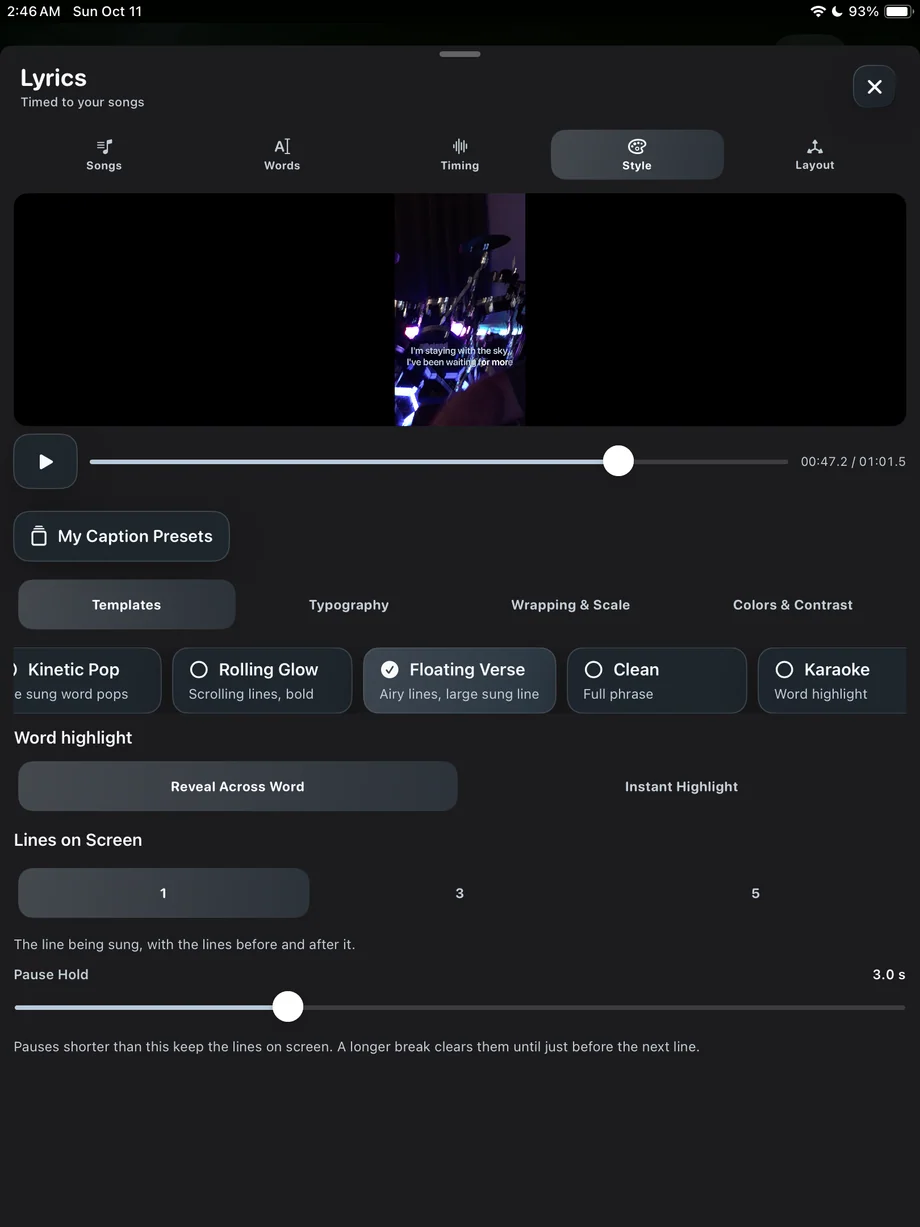
- Lyrics and animated visualizers for supported tracks
Search the catalog by the way the sequence should feel.
02 · Music
Listen while the timelapse camera keeps working.
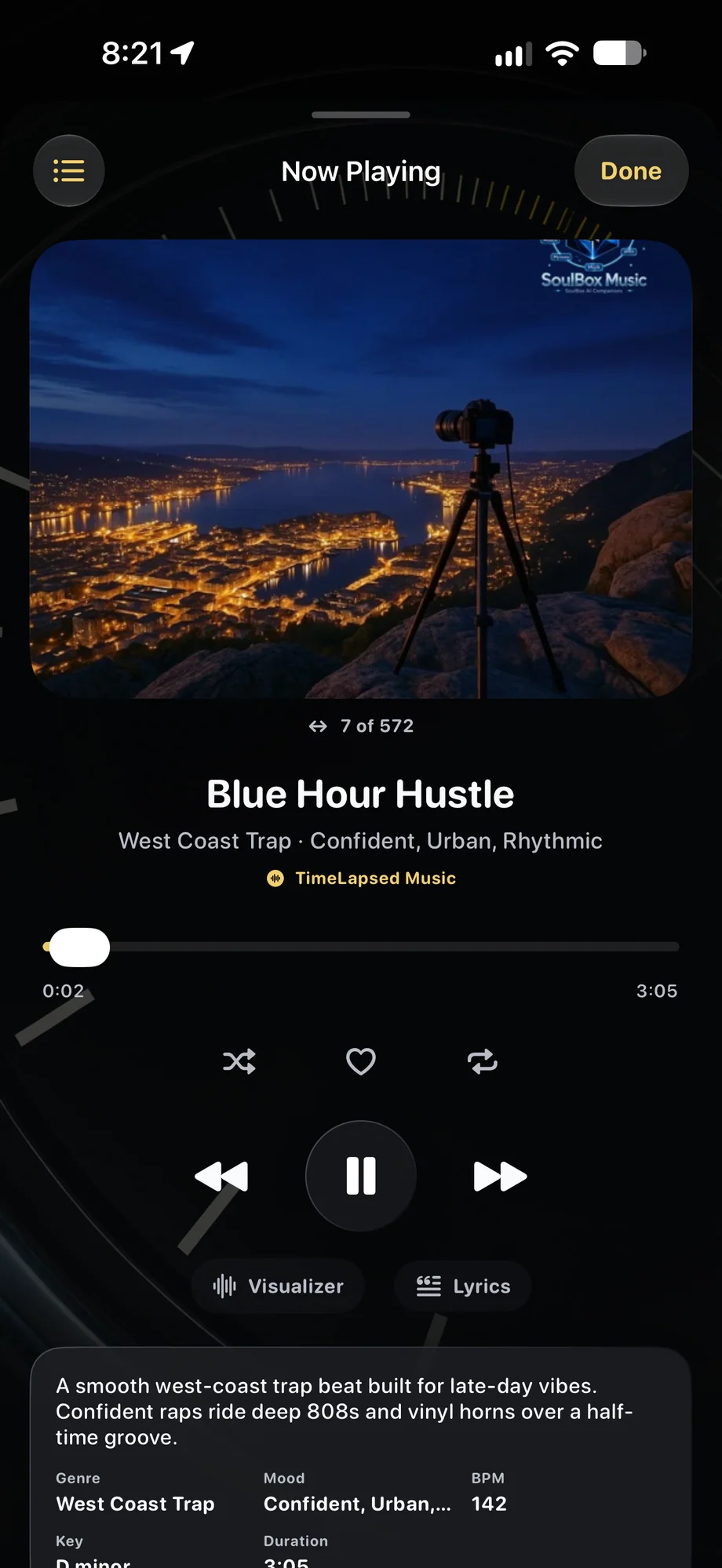
Keep music available during capture and route playback to an external device. The camera remains the center of the workflow while the soundtrack helps set pace and atmosphere on location.
- In-camera music access
- External-device playback
- Persistent Now Playing controls
Listen while the timelapse camera keeps working.
03 · Music
Apple Music is for listening. ShutterSpeed Music is for the cut.
Connect Apple Music when you want your own subscription library during a shoot. When it is time to add audio to the timeline, the editor uses ShutterSpeed’s cleared catalog instead.
- Apple Music is never treated as exportable media
- Catalog tracks are cleared for TimeLapsed and LightPaint videos
- Public, social, and YouTube use carries no added royalty or credit fee
Apple Music is for listening. ShutterSpeed Music is for the cut.
A Practical Workflow
- 01
Browse the mood
Use genre, mood, tempo, and descriptive metadata to find a musical direction.
- 02
Save the candidates
Favorite tracks or collect them in a playlist while the project takes shape.
- 03
Listen on location
Play from the camera and route audio to the external device that suits the shoot.
- 04
Finish in the editor
Add an export-safe ShutterSpeed track to the final timeline and share the result.
Inside the App
Tap a Screen for a Closer Look
Questions About Music
Can I use ShutterSpeed music in TimeLapsed videos I post publicly?
Yes. The ShutterSpeed catalog is cleared for use in LightPaint and TimeLapsed videos, including public posts, social media, and YouTube, at no added royalty or credit cost. The audio itself may not be redistributed, resold, or released as your own music.
Can Apple Music tracks be added to a video project?
No. Apple Music is available for personal listening and playback, but subscription tracks are copy-protected and are not licensed for video export. Choose a track from the ShutterSpeed catalog inside the editor instead.
Does the music player work while the camera is open?
Yes. TimeLapsed supports in-camera playback so a shoot can follow the energy and timing of a track without leaving the capture workflow.